
tutorial · 2026-05-16
Build a Talking Shop Merchant NPC in Unreal Engine 5: A Blacksmith That Greets, Thanks and Bids Farewell
Wire context-aware voice barks to a shop's open, buy and close events using a DataTable-driven blacksmith dialogue pack.
The Problem: A Shop That Trades in Silence
The fastest way to make a fantasy town feel dead is a merchant who never speaks. You open the shop UI, swap gold for a sword, close the panel, and the blacksmith standing two metres away stares through you the whole time. Building an Unreal Engine shop merchant NPC dialogue system that actually reacts to the player is what turns a vending machine into a character, and the work is almost entirely about wiring, not recording.
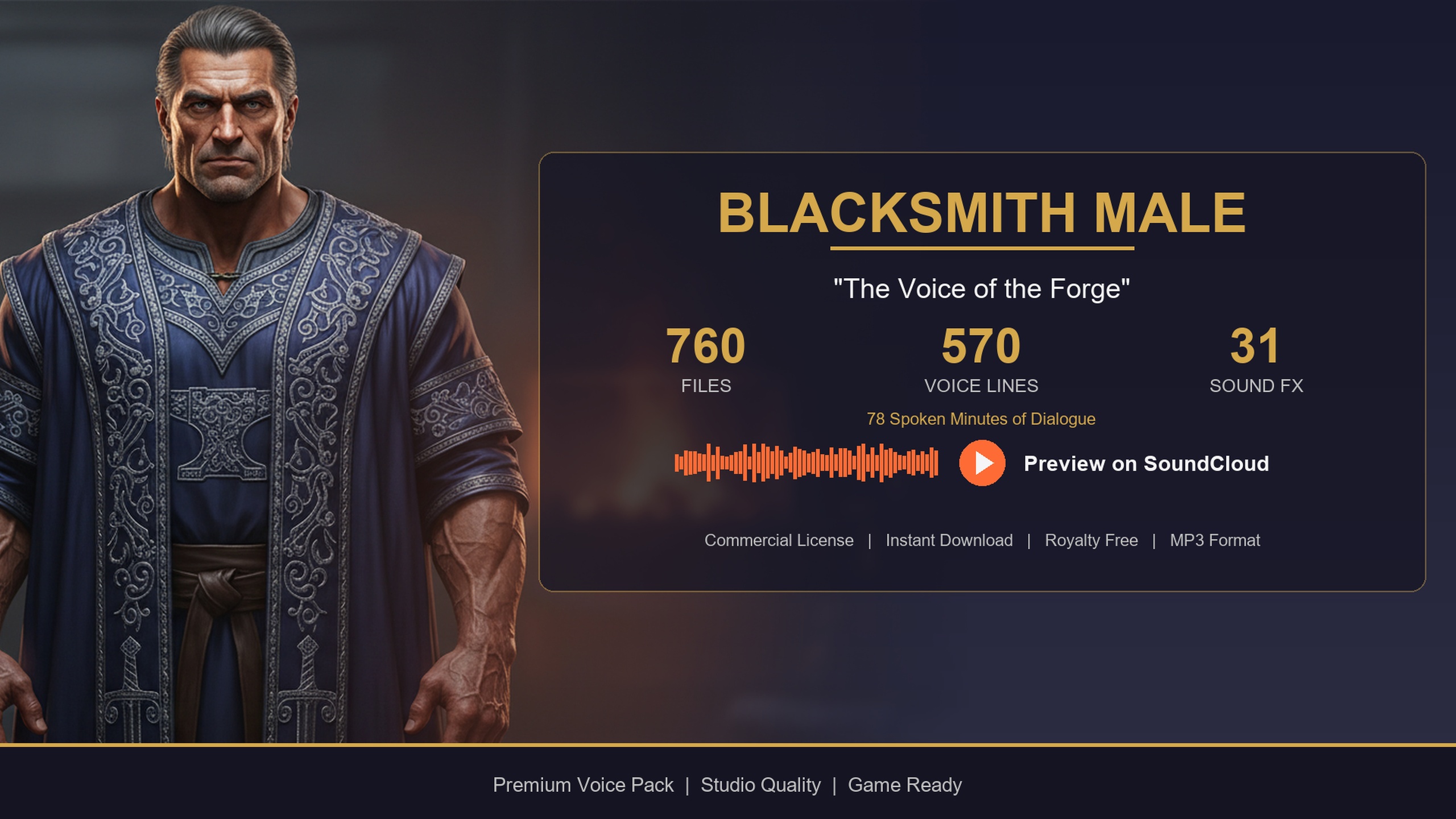
This tutorial shows you how to drive a talking blacksmith from voice lines you already have. We use the Blacksmith Dialogue Pack, a drop-in UE5 content pack that ships a gravelly, forge-warm baritone performance designed for exactly this role: a town smith or weapon-shop merchant. It contains 570 voice lines, roughly 78 minutes of audio, delivered through the same DataTable-driven dialogue layer used across the wider Lore Pack collection.
The plan is simple and entirely event-driven. When the shop opens, the smith greets you. When you buy or get gear repaired, he reacts. When you close the shop, he sends you off. Every one of those barks is a row already sitting in a DataTable, waiting to be filtered by its context tag and played.
How the Dialogue Data Is Organised
Before wiring anything, understand the shape of the data. The pack migrates as a self-contained content folder holding five DataTables: DT_Dialogue, DT_CharacterProfile, DT_Equipment, DT_Quests and DT_WrittenContent. For a talking merchant you care almost entirely about DT_Dialogue.
Each row in DT_Dialogue carries the fields you need to make decisions at runtime: a 'ResponseText' string you can show as a subtitle, a 'CharacterName', an 'EmotionalTone', and crucially a 'ContextTags' string and a 'VoiceAudio' reference. The 'VoiceAudio' field is a TSoftObjectPtr to a USoundWave, which matters for performance: the audio is not loaded into memory until you explicitly load and play it, so the whole pack sitting in your project costs you almost nothing until a line actually fires.
The selection logic hangs entirely off 'ContextTags'. Lines are tagged in a hierarchical category/subcategory/size form, and the pack covers social categories such as greetings, farewells and thanks, plus response and commentary lines. To pick a line for a situation you simply scan the table and keep rows whose 'ContextTags' contains the substring you want, exactly the pattern the pack documentation recommends. A greeting is any row tagged under social/greeting; a sign-off is anything under social/farewell.
A Reusable 'Speak a Tagged Line' Function
Rather than copy the same selection logic into every shop event, build one helper you call everywhere. Create a Blueprint function, name it 'Speak Context Line', and give it a single string input called 'Context'. Every greeting, thanks and farewell will route through this one node, which keeps the wiring honest and makes a future fix a one-place change.
1. In your blacksmith actor, add a variable holding a reference to DT_Dialogue and cache it once in 'BeginPlay' so you are not resolving the asset on every interaction.
2. Inside 'Speak Context Line', call 'Get Data Table Row Names' on the cached table, then 'For Each Loop' over the names and 'Get Data Table Row' for each one.
3. For every row, test whether its 'ContextTags' string 'Contains' the 'Context' input. Add the rows that pass into a local array of matching rows.
4. After the loop, feed that array into 'Random Integer in Range' (zero to length minus one) and index the array to pick one matching row at random, so the smith does not repeat himself.
5. Take the chosen row's 'VoiceAudio' soft reference, call 'Load Asset' (or 'Load Synchronous' in C++) to resolve the USoundWave, then 'Play Sound 2D' for a UI-style bark or 'Play Sound at Location' on the NPC for a diegetic one.
6. Pass the same row's 'ResponseText' out of the function so the caller can show it as a subtitle, which we cover below.
With that function in place, every shop event becomes a single call. For the C++ inclined, the equivalent is GetAllRows of your dialogue row struct, filter on Row->ContextTags.Contains(Context), pick a random survivor, and LoadSynchronous its VoiceAudio before playing.
Wiring Greeting on Open and Farewell on Close
Now hang that helper off the shop's lifecycle. Most merchant setups open the trade UI from an interaction: a sphere overlap, an 'E' to interact prompt, or a direct call when the player clicks the smith. Wherever your shop actually opens, that is your greeting hook.
On the event that opens the shop, before or just as the trade widget appears, call 'Speak Context Line' with the context string 'social/greeting'. The smith now welcomes the player the moment the shop is available. Mirror it precisely on the close path: whatever event tears down the trade UI, follow it with a call passing 'social/farewell'.
Two small touches stop this feeling robotic. First, guard the greeting so it does not re-fire if the player rapidly reopens the same shop within a few seconds; a simple boolean or timestamp check is enough. Second, because each call picks a random matching row, the smith naturally varies his welcome and his sign-off across visits without any extra work from you. That variety is the whole reason to filter-and-randomise rather than play one fixed clip.
Reacting to Purchases and Repairs
A greeting and a farewell already lift the scene, but the moment that sells a merchant is a reaction at the point of sale. When a transaction succeeds, the smith should acknowledge it. The pack's social/thanks lines are written for this, and you can lean on its response and commentary categories for follow-up flavour.
Hook your existing purchase-confirmed event, the same place you deduct gold and grant the item, and on success call 'Speak Context Line' with 'social/thanks'. For a forge or repair station, where the player upgrades or mends gear rather than buying outright, the same call works as a confirmation bark; this is precisely the crafting and forge-station flavour the pack was built to cover. If you want the smith to differentiate, route repairs to a forge-related or commentary context and keep plain thanks for outright sales.
Keep the reactions short and let them interrupt cleanly. If the player buys three items in quick succession you do not want three full lines stacking on top of each other, so stop any currently playing bark before starting the next, or only react on the first purchase in a burst. A single, well-timed grunt of thanks reads better than a pile-up of overlapping audio.
Showing Subtitles and a Native-Dialogue Alternative
Voice alone is good; voice with a subtitle is accessible and reads in a noisy room. Because 'Speak Context Line' already returns the chosen row's 'ResponseText', wiring subtitles is trivial: pass that string to a UMG text block on a small dialogue widget, show it when the line plays, and hide it after a short delay or when the next line begins. The text is authored alongside the audio in the same row, so it always matches what the smith just said.
If you would rather route everything through Unreal's built-in dialogue system instead of playing SoundWaves directly, the pack ships a DialogueVoice (DV) asset for the blacksmith. Assign that DV asset as the speaker in a UDialogueWave or your native dialogue flow, and UE handles playback and subtitle surfacing through its own pipeline. Pick one approach and stay consistent; mixing both for the same NPC just doubles the places a bug can hide.
From here the smith is alive: he greets you on open, thanks you on every sale, and bids you farewell on close, all from tagged rows you filter at runtime. The next useful step is to fold the pack's DT_WrittenContent rows, its smithing notes and recipes, into a readable craftable-recipe book on the shop UI, so the forge has lore as well as a voice. Migrate the blacksmith content folder into your project, point your cached DataTable reference at its DT_Dialogue, and the wiring above runs unchanged.
Dialogue packs for a fantasy merchant cast
| Pack | Archetype | Voice lines | Audio runtime | Engine | Price (USD) |
|---|---|---|---|---|---|
| Blacksmith Dialogue Pack | Forge-warm baritone smith / merchant | 570 | ~78 min | UE 5.3 - 5.7 | 14.99 |
| Bard Dialogue Pack | Theatrical, story-heavy bard | 570 | ~112 min | UE 5.3 - 5.7 | 3.99 |
| Assassin Dialogue Lore Pack | Stealth / rogue | 570 | ~72 min | UE 5.3 - 5.7 | Free |
| Fantasy NPC Voices (Complete) | 21 archetypes in one bundle | 12,111 dialogue lines | ~33 hours voiced | UE 5.3 - 5.7 | 99.99 |
Line and runtime figures are each pack's authoritative User Guide totals. Every pack shares the same DT_Dialogue schema and ContextTags filtering, so one query helper drives all of them.
FAQ
How do I make an Unreal Engine shop merchant NPC dialogue system react to the player?
Hang voice barks off your shop's existing events. Cache the pack's DT_Dialogue, then on shop-open filter rows whose ContextTags contain social/greeting and play a random one; on a successful purchase or repair filter social/thanks; on shop-close filter social/farewell. Each event is a single call to one reusable function that scans the table, keeps matching rows, picks one at random, loads its VoiceAudio and plays it.
How does the pack decide which line to play for a given situation?
Every row in DT_Dialogue is tagged with a hierarchical ContextTags string in category/subcategory/size form. You select lines by keeping rows whose ContextTags contains the substring for your situation, such as social/greeting or social/farewell, then picking a random survivor so the merchant varies his lines.
Will keeping the whole pack in my project hurt memory or load times?
No. The VoiceAudio field is a TSoftObjectPtr to a USoundWave, so individual clips are not loaded until you explicitly load and play them. Cache the DataTable reference once and pre-filter by category at level load if you query in a hot path; otherwise the unused audio sits on disk costing you nothing at runtime.
Can I use Unreal's built-in dialogue system instead of playing SoundWaves myself?
Yes. The pack includes a DialogueVoice (DV) asset for the blacksmith. Assign it as the speaker in UE's native dialogue pipeline and the engine handles playback and subtitles. Choose either the direct DataTable-and-PlaySound approach or the native DialogueVoice route for a given NPC, but do not mix both on the same character.
Can one code path drive other merchant or NPC voices too?
Yes. The Blacksmith, Bard and Assassin packs share the same DT_Dialogue schema and ContextTags convention, and all are archetypes within the Fantasy NPC Voices Complete bundle. Write the filter-and-play helper once and point its cached DataTable reference at whichever character's DT_Dialogue you want to voice.
Blacksmith Dialogue Pack
Forge banter, shop greetings and crafting flavour — 78 minutes of characterful blacksmith dialogue for fantasy and medieval games. Ready-to-use cues for any UE5 project.


