article · 2026-03-03
Free Fantasy Weapon Assets for Unreal Engine 5 and How to Use Them
A working guide to dropping a free necromancer's staff into UE5 as either an equipped weapon or set dressing, and scaling it to your characters.
Equipped weapons versus set-dressing props
If you are hunting for free fantasy weapon assets for Unreal Engine 5, you usually have one of two jobs in front of you: you need something a character can actually hold, or you need a believable prop to fill a scene. Both jobs are solved by the same kind of asset, but the workflow differs sharply, so decide the role first because it changes how you treat the mesh.
An equipped weapon has to follow a character's hand, so it needs a parent to attach to, a socket to attach at, and a sensible pivot. A set-dressing weapon just has to sit somewhere in the world and catch the light, so you can drop it straight into a level and forget about it. A caster's staff pulls double duty across both roles, which is exactly why a free drop-in mesh is a sensible first download before you commit budget to a larger pack.
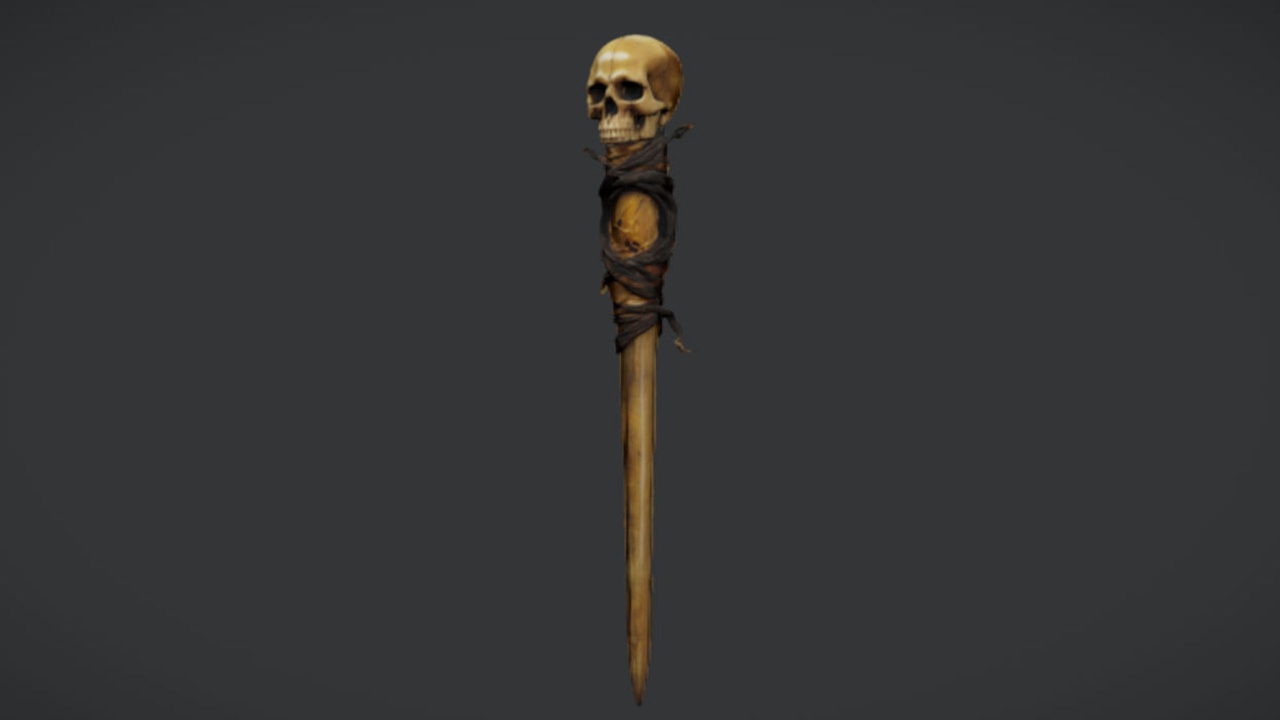
This guide uses one concrete example throughout: The Necromancer's Staff, a free UE5 prop that ships as a single static mesh with 2K PBR textures. As an equipped weapon you parent that mesh to a skeletal mesh socket; as set dressing you place it directly in the level. One honesty check first: this free asset is a static mesh, not a skeletal or animated weapon, and it ships no VFX, FX sockets, or attachment Blueprint. None of that stops you equipping it, but the socket and attachment wiring is work you set up yourself.
Importing the free necromancer's staff
Getting the asset into your project is the easy part. The staff is offered free under the Fab Standard licence, which covers both personal and commercial use, and it is built to drop straight into Unreal Engine 5.
1. Download The Necromancer's Staff from Fab and add it to your project, either through the Fab plugin in the editor or by downloading and importing the source mesh.
2. The staff imports as a static mesh with its 2K PBR material already wired up, so the base colour, metallic, normal and roughness maps come through together. You do not need to rebuild the material from scratch.
3. Drag the mesh into your level to confirm it looks right, then open the static mesh asset to check the pivot and bounds before you commit to using it as an equipped weapon. Note that Nanite and automatic collision are not file-verified for this free release, so open the asset and confirm those settings if your project relies on either.
Attaching the staff to a character
To turn the staff from a prop into a held weapon, you attach the static mesh to a socket on your character's skeleton. The pattern below is the standard UE5 approach and works the same whether your character is the Mannequin or a custom rig.
1. Open your character's Skeleton asset, right-click the bone you want the weapon to follow, usually a hand bone such as 'hand_r', and choose 'Add Socket'. Give it a clear name like 'WeaponSocket'.
2. With the socket selected, right-click it and choose 'Add Preview Asset', then pick the staff mesh. The preview lets you nudge the socket's position and rotation until the staff sits naturally in the hand.
3. In your character Blueprint, add a 'Static Mesh' component as a child and set its mesh to the staff. Then drag the 'Mesh' (your skeletal mesh) into the graph and call 'Attach Component To Component', wiring the staff component as the target and supplying your socket name in the 'Socket Name' field.
4. Set the attachment rule so the staff snaps to the socket transform, then compile and play. The staff will now follow the hand bone through any animation that moves it.
Because the asset is a plain static mesh, this socket-attachment workflow is exactly what the free release expects of you. If you would rather encapsulate it, wrap the same logic in a small weapon Blueprint so any character can equip the staff by spawning and attaching one actor.
Scaling to character proportions and building the scene
A weapon mesh is authored at its own real-world size, and that will not always match your character's proportions, especially with stylised or non-human rigs. Attach the staff to the hand socket first, then play an idle or walk animation and judge the length against the character's height and grip. If it reads too long or too short, adjust the scale on the staff component, not the whole character, then reuse that same value everywhere the staff is equipped so it never looks different between characters.
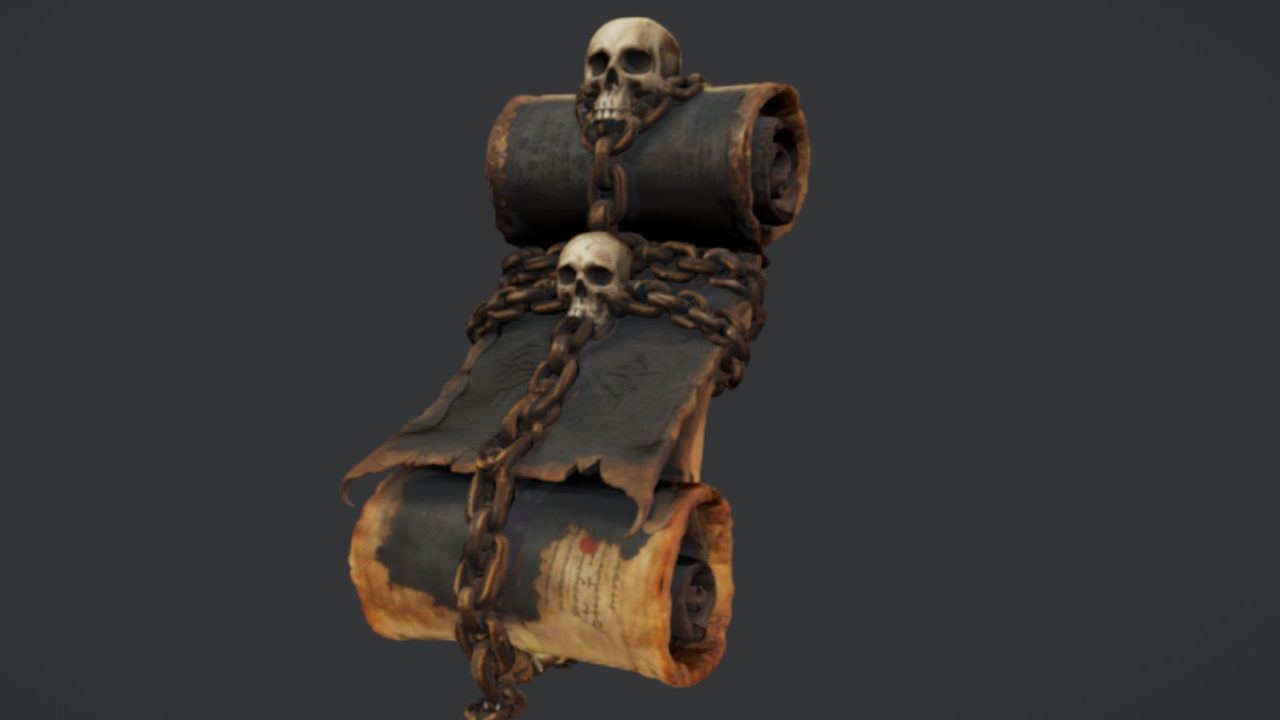
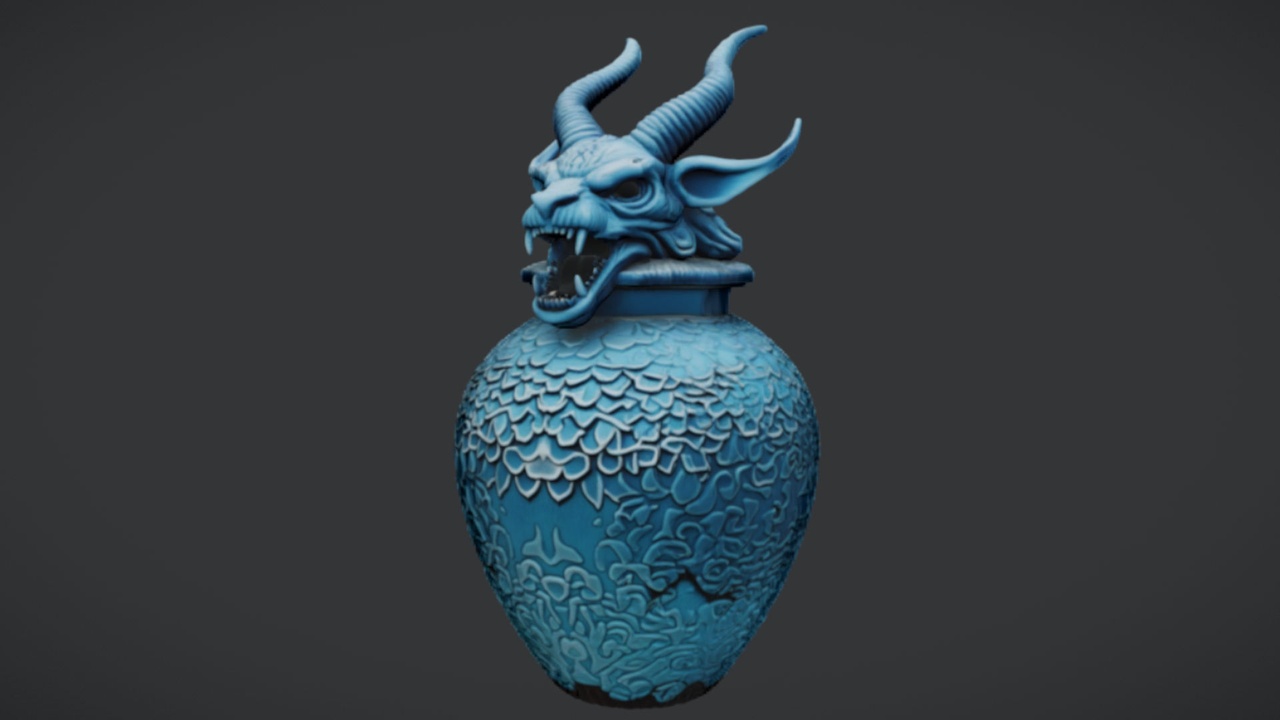
A necromancer's weapon rarely stands alone. Two free companion props turn a single asset into a believable ritual scene: The Binding Scrolls add an arcane bound-parchment mesh for the ritual table, and The Azure Gargoyle Urn brings a gothic funerary vessel for an altar or plinth, both drop-in UE5 static meshes with the same 2K PBR treatment.
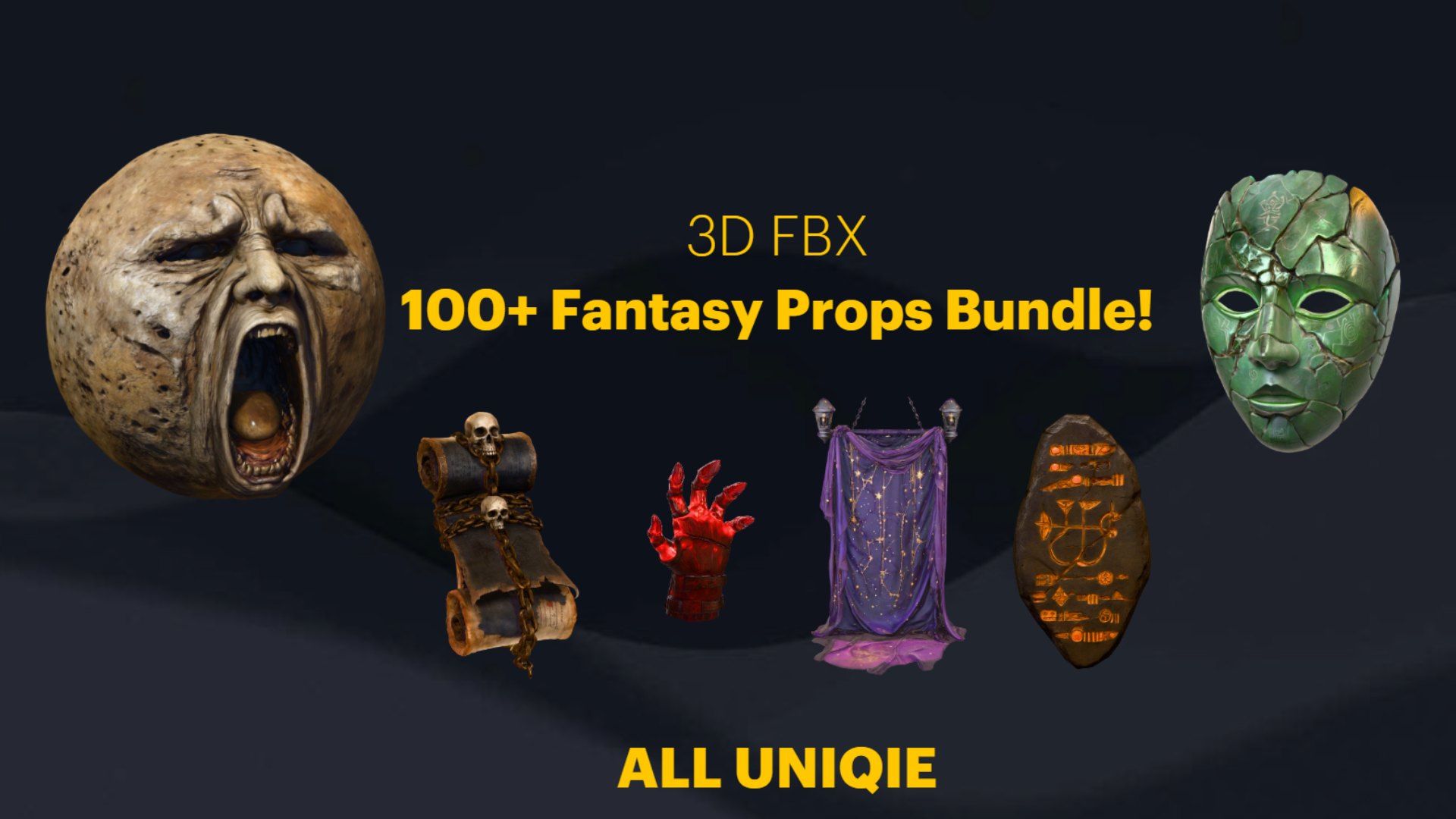
When set dressing by hand stops scaling, reach for a pack. The Dark Fantasy Props Bundle ships as a complete UE5.6 content project with 100+ unique gothic static meshes, including thrones, tomes, lanterns, obelisks, altars and cauldrons, each with its own material and Nanite enabled. The practical next step: equip the free staff using the socket workflow above, drop the free scrolls and urn around it to test the mood, and only graduate to the paid bundle once you know the scene needs that much breadth.
Equipped weapon versus set dressing
| Consideration | Equipped weapon | Set dressing |
|---|---|---|
| Setup effort | Socket plus attachment wiring | Drag into level |
| Parent | Character skeleton socket | None, placed in world |
| Scale | Match to character grip and height | Keep close to equipped scale |
| Best for | Caster or melee hero, NPC, boss | Altar, ritual table, lootable prop |
Two roles for the same free static mesh, and what each needs from you.
FAQ
Where can I find free fantasy weapon assets for Unreal Engine 5?
Fab hosts free, drop-in UE5 meshes such as The Necromancer's Staff, a single static-mesh caster or melee weapon with 2K PBR textures under the Fab Standard licence, which covers personal and commercial use.
Can I use the free necromancer's staff as a weapon a character holds?
Yes. It is a static mesh, so add a socket to your character skeleton, usually on a hand bone, then attach the staff mesh to that socket in your character Blueprint with 'Attach Component To Component'. There is no animated rig or attachment Blueprint included, so you set the socket workflow up yourself.
Does the staff come with collision, Nanite or visual effects?
It ships as a single static mesh with 2K PBR textures. Nanite and automatic collision are not file-verified for the free release, and no VFX or FX sockets are included, so open the asset and confirm those settings yourself if your project depends on them.
What if I need more than one prop for a full scene?
Pair the staff with the free Binding Scrolls and Azure Gargoyle Urn for a small ritual setup. For a whole crypt or throne room, the paid Dark Fantasy Props Bundle is a UE5.6 content project with 100+ gothic meshes, each with its own material and Nanite enabled.
The Necromancer's Staff
A free necromancer's staff — a sinister melee and caster prop for dark-fantasy characters and set dressing. Drop-in ready for Unreal Engine 5.