tutorial · 2026-03-30
How to Make Creeping Ground-Hugging Black Mist in UE5 (Niagara)
Turn an ordinary garden into a cursed one with slow, ground-hugging dark smoke that drifts outward across the floor.
What makes smoke read as 'cursed' rather than just foggy
If you want a UE5 Niagara dark smoke ground mist curse effect, the hardest part is not the particles themselves. It is the read. A plain grey fog volume looks like weather. A slow, low, blackened smoke that clings to the floor and creeps outward looks like something is wrong with the ground. That difference between weather and wrongness is the whole effect, and it comes down to three deliberate choices: colour, height and motion.
Colour is the obvious one. Cursed smoke trends dark and desaturated, sitting close to black at the core with only a faint lift at the edges so the silhouette still reads against a low-key scene. The moment the smoke goes light grey or picks up a warm tint it stops feeling like corruption and starts feeling like a campfire or morning haze.
Height and motion are what most people get wrong. Friendly atmospheric fog tends to drift gently in any direction and sit at a comfortable mid-height. Cursed smoke does the opposite: it stays pinned to the ground, barely rising, and it spreads outward in a slow creep rather than billowing up. That ground-hugging, outward-creeping behaviour is exactly what the BlackMist family in Dark Garden VFX is built to produce, and it is the behaviour we will lean on throughout this guide.
Ground-hugging versus rising smoke behaviour
Smoke in games generally does one of two things. Rising smoke is buoyant: particles spawn and accelerate upward, thin out, and dissipate at height. It signals heat, fire, chimneys, life. Ground-hugging smoke is the inverse: particles spawn low, gain almost no vertical velocity, and instead spread laterally so the effect pools and widens at floor level. It signals something settled, heavy and unnatural, which is precisely the tone a curse needs.
Mechanically, you get a ground-hugging look by keeping vertical velocity near zero and giving particles a small outward horizontal velocity from the spawn point, so the cloud expands across the floor instead of climbing. Long particle lifetimes and large, soft sprites keep the layer continuous rather than wispy, and a low spawn position keeps the whole thing pinned to the ground plane.
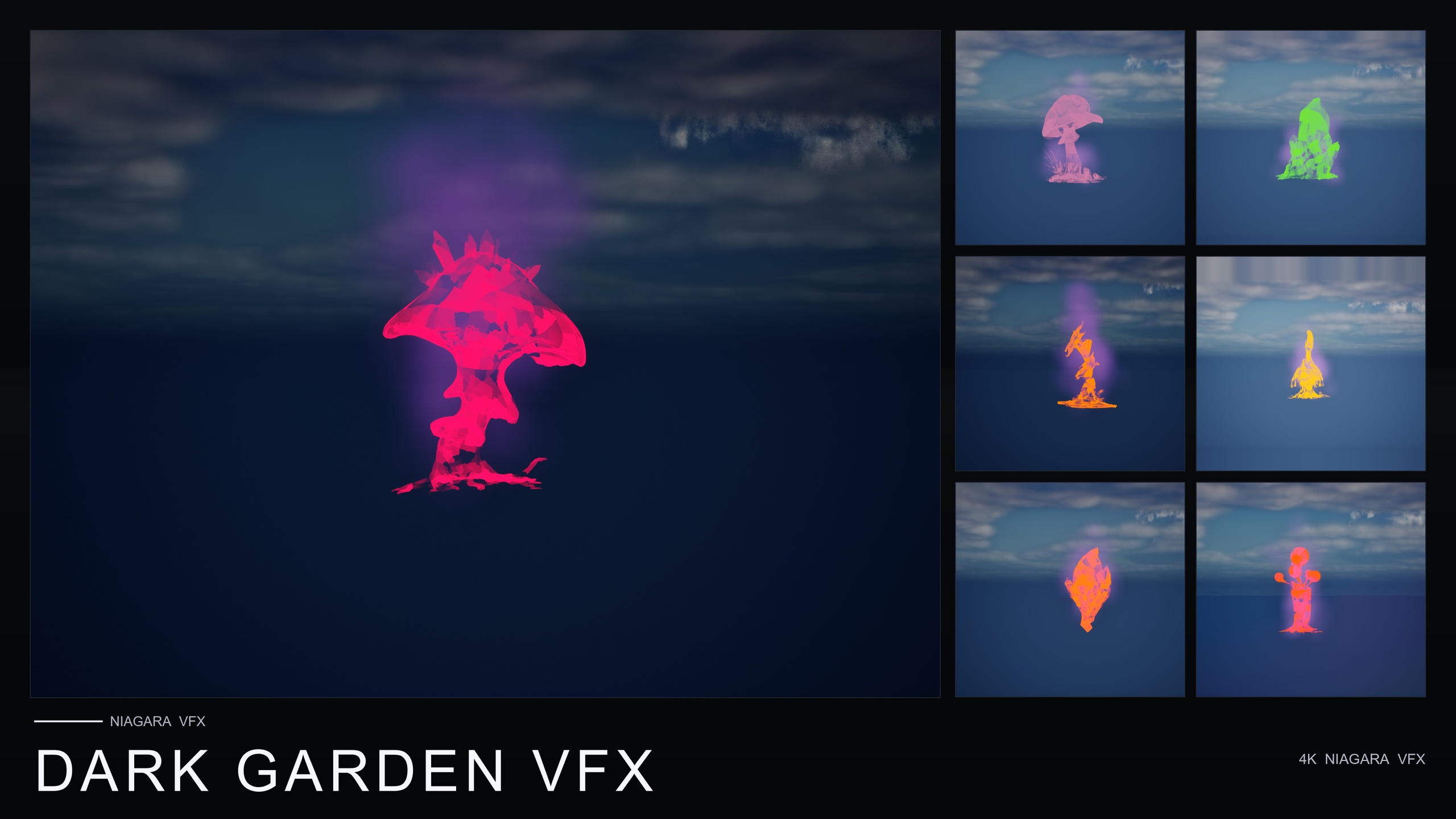
Dark Garden VFX is a content-only Niagara pack, so its 50 BlackMist NiagaraSystems already encode this ground-hugging, slowly-outward-drifting behaviour for you. The honest, time-saving move for most projects is to start from a finished BlackMist system rather than rebuild the motion from a blank emitter, then tune lighting and placement around it. The sections below cover both: how the creep is meant to behave, and how to drop a system in and light it.
Reading the slow creep and outward drift
The feeling of a curse spreading comes from pace. Fast smoke reads as an explosion or a release; slow smoke reads as something seeping in. BlackMist is tuned as slow-creeping, ground-hugging dark smoke that drifts outward across the ground, and that slowness is doing the dramatic work. The eye should be able to follow the edge of the smoke as it advances, the way you would watch rot spread, rather than have it simply appear.
Outward drift is the second half of the read. Instead of a static puff sitting on a single flower, the smoke should push gently away from its origin so it eventually laps over neighbouring meshes and ground geometry. That is what sells the idea that the corruption is spreading from a source rather than belonging to one prop, and it is why placing a BlackMist system on a single 'patient zero' flower in a clean garden is so effective for a plot beat.
Because the pack is content-only and drop-in, you do not author this drift from scratch. Note that the exact spawn rate and drift speed live inside the binary NiagaraSystem assets and are not parameters this guide can quote; if you need to retune them, open a BlackMist system in the Niagara editor and adjust velocity and lifetime modules to taste. For most scenes the shipped behaviour is the point: you place it and it creeps.
Dropping in a BlackMist NiagaraSystem
Here is the fast path to cursing a scene with Dark Garden VFX. It is content-only, with no C++, no Blueprints and no plugin dependencies, so there is nothing to compile.
1. Add the pack to your project, then in the Content Browser open the DarkGardenVFX/Niagara folder to see the BlackMist NiagaraSystems.
2. To curse a single prop, drag a BlackMist system from the Content Browser straight onto a flower mesh or any actor in the viewport, or place it as a Niagara Actor at the spot you want corrupted. The smoke begins creeping along the ground from that point.
3. For the strongest 'designed-for-dark' read, apply BlackMist to one of the seven hero meshes the demo level is built around: BloodLotus, EbonBloom, EnchantedNightshade, SpiderToadstool, CrimsonCapToadstool, DrippingCapMushroom or MysteriousFungus.
4. To corrupt an existing scene, drop BlackMist over flowers you already have placed. The pack ships BlackMist across all 51 meshes, and because it is cross-pack compatible you can apply it to flowers that came from other Fantasy Flower packs too, so any bloom in the scene can be cursed instantly.
5. To preview the intended look before committing, open the single included demo map, which lays out the dark hero meshes under lighting tuned for moody, low-key reads.
Because the systems are drop-in and compile-clean on UE 5.4, this whole process is placement, not engineering. The craft that remains is lighting, which is what actually makes the black smoke legible on screen.
Lighting it for a moody, low-key read
Black smoke has an obvious problem: it is dark, and on a dark scene it disappears. The fix is contrast, not brightness. The demo level in Dark Garden VFX is tuned with dynamic lighting for moody, low-key reads, and the principle to copy is to keep the overall scene low-key while giving the smoke a single grazing or rim light so its silhouette and rolling edges catch just enough illumination to be read against the background.
Practically, that means resisting the urge to raise ambient or sky light to 'see' the effect. Lift one key direction instead and let the rest fall into shadow, so the eye is drawn to the lit edge of the creeping smoke. The pack uses a dynamic, deferred lighting setup with movable lights rather than baked lightmaps, which is convenient here because cursed scenes are usually built for night, interiors or storm conditions where you want to art-direct light in real time.
Colour grading finishes the read. A cool, desaturated grade with crushed blacks pushes the smoke toward menace, while warm scene lights placed deliberately can imply a surviving source of life that the corruption is closing in on. Keep the smoke itself near-black; let the contrast and grade do the talking. Once it is lit, the slow outward creep across the floor does the rest, and an ordinary garden reads as a cursed one.
Where Dark Garden VFX fits in the Fantasy Flower line
Dark Garden VFX is the line's villain pack: one BlackMist family wrapped around the full 51-mesh roster to give you 50 ready-to-use NiagaraSystems for curse, corruption, necromancy, plague and blight reads, with no setup beyond placement. If your scene needs ominous ground smoke for a boss arena, a haunted grove or a 'this looks normal but it's cursed' plot beat, this is the pack built for it.
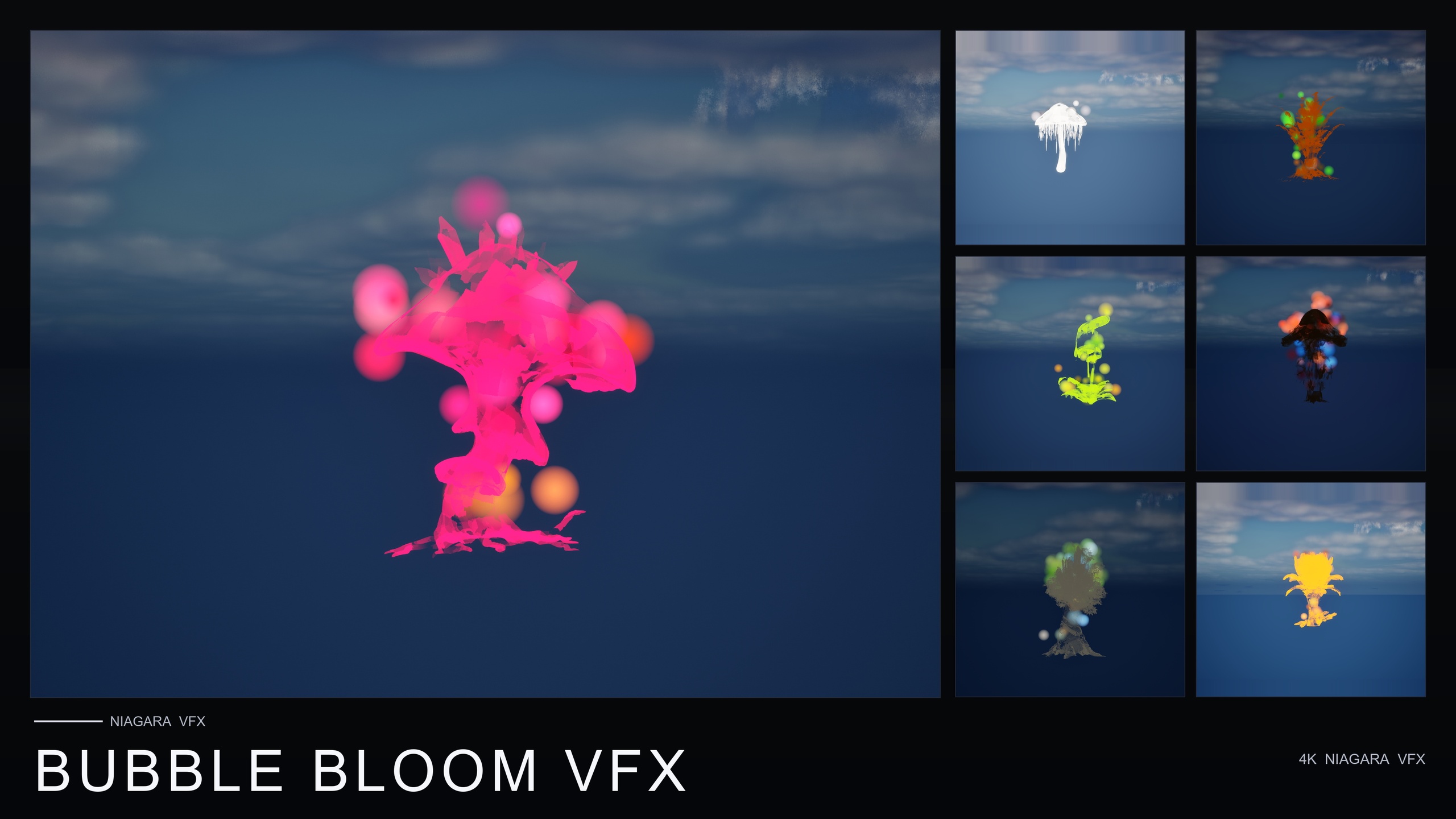
If you instead want the opposite mood, the sibling packs cover it. Ambient Garden VFX provides naturalistic atmosphere across three families, including a low-lying Mist that hugs the plant base for swamps and morning gardens rather than for menace. Bubble Bloom VFX adds whimsical rainbow soap-film bubbles for fairy-magic and alchemy scenes, and Cosmic Bloom VFX wraps each flower in celestial Constellation and LumenLight effects for astral and divine looks. They share the same content-only, drop-in approach, so mixing a corrupted patch into an otherwise serene garden is straightforward.
FAQ
How do I make a UE5 Niagara dark smoke ground mist curse effect without authoring Niagara from scratch?
Use a content-only pack like Dark Garden VFX. Its BlackMist family ships 50 NiagaraSystems that are already tuned as slow-creeping, ground-hugging dark smoke. You drag a system onto a flower or actor in the viewport and it begins creeping along the ground immediately, so the only work left is placement and lighting.
Why does my black smoke read as plain fog instead of a curse?
Usually it is too light, too tall, or too uniformly drifting. Cursed smoke stays near-black, pins to the ground with almost no vertical velocity, and spreads slowly outward from a source so the edge can be watched advancing. Keep the scene low-key and rim-light the smoke so its silhouette reads, rather than raising ambient light to brighten it.
Can I apply BlackMist to flowers from other packs?
Yes. Dark Garden VFX ships BlackMist across all 51 meshes and is cross-pack compatible, so you can drop a BlackMist system over flowers that came from other Fantasy Flower packs to curse them instantly.
Which meshes give the strongest cursed look?
The demo level focuses on seven designed-for-dark hero meshes: BloodLotus, EbonBloom, EnchantedNightshade, SpiderToadstool, CrimsonCapToadstool, DrippingCapMushroom and MysteriousFungus. They are laid out under lighting tuned for moody, low-key reads, which is the best place to preview the intended effect.
Does Dark Garden VFX need any plugins or C++?
No. It is a content-only Niagara pack with no C++, no Blueprints and no plugin dependencies, using CPU emitters and a dynamic deferred lighting setup. It is drop-in and compile-clean on UE 5.4.
Dark Garden VFX
50 ready-to-use Niagara systems — black mist, cursed blooms and creeping plague smoke — across 51 stylised flower meshes and 131 material instances. CPU-simulated for Windows, Mac and Linux, with a demo level included. Content-only: no C++, no Blueprints, no plugin dependencies.