article · 2026-02-19
Make Any Object Look Corrupted or Cursed in UE5 — Fast
Drop one creeping-smoke Niagara system over a plant and a clean fae garden reads as cursed in seconds — no custom VFX work required.
The 'looks normal, but it's cursed' beat
There's a particular story moment a lot of fantasy and horror projects need: a garden, grove or shrine that looks perfectly ordinary, until the player learns it isn't. The plants are still there, the layout is unchanged, but something underneath has gone wrong. Selling that beat in UE5 usually means either re-skinning meshes, layering decals, or hand-authoring a corruption effect in Niagara from scratch — all of which take time you'd rather spend elsewhere.
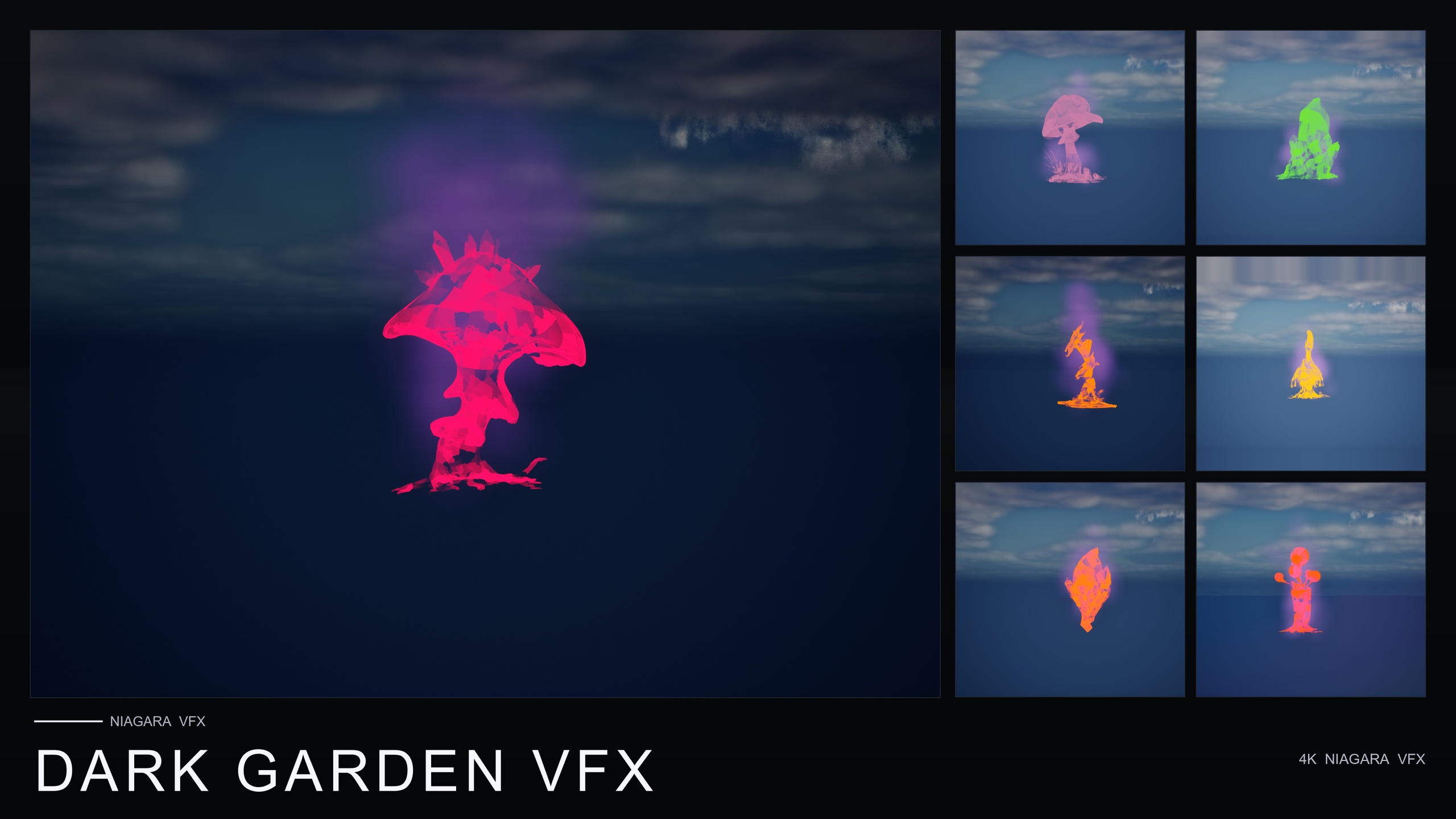
If you want to make an object look corrupted or cursed in UE5 with a quick VFX pass, the trick is to leave the geometry alone and change the read on top of it. A slow, ground-hugging dark smoke creeping outward from the base of a plant does almost all the narrative work on its own. The flower is untouched; the atmosphere around it tells the player it's blighted. That's exactly the use case the Dark Garden VFX pack is built around — its own listing pitches the 'this looks normal but it's cursed' plot beat directly.
Dark Garden VFX is a content-only Niagara pack: no C++, no Blueprints, no plugin dependencies. It ships 50 BlackMist NiagaraSystems — one creeping-smoke variant per flower mesh — so you can corrupt a scene by dragging in an asset rather than building one.
Applying BlackMist over flowers from any pack
The workflow is deliberately blunt, because that's the point. Once the pack is in your project, here's the fastest path to a cursed prop.
1. Add Dark Garden VFX to your project and open the DarkGardenVFX/Niagara folder in the Content Browser.
2. Find the BlackMist system you want. The pack covers all 51 meshes, so there's a creeping-smoke variant ready for every flower in the line.
3. Drag the BlackMist NiagaraSystem straight onto the flower or actor in your level, or parent it to the prop you want to corrupt. It plays immediately with no parameter tuning.
4. Reposition slightly if needed so the smoke reads as rising from the base. Because it's CPU Niagara with dynamic lightmaps, there's no bake step and nothing to compile.
The detail that makes this genuinely useful across a real project is cross-pack compatibility: BlackMist can be applied over any flower from any other Fantasy Flower pack. So if you already dressed a scene with ambient pollen or firefly effects from another pack and the script later calls for that same garden to turn, you don't rebuild it — you drop BlackMist over the existing flowers and the clean garden becomes the cursed one. Same layout, inverted mood.
When subtle corruption beats heavy
Not every cursed read wants the same intensity, and the same single BlackMist effect serves both ends of the dial depending on where and how thickly you place it. A thin wisp around the base of one otherwise-pristine bloom is the quiet, unsettling version — the player clocks that something is off before they can name it, which is ideal for a slow-burn reveal or a clue the level wants you to notice rather than be hit over the head with.
Crank the same effect up — denser placement, several flowers fogged at once, the smoke pooling across the ground — and you get the overt version for boss arenas, villain lairs and full plague or necromancy biomes. The pack's smoke is built to drift outward across the ground for curse, corruption, necromancy, plague and blight reads, so heavier coverage leans into environmental storytelling rather than a single accent.
If you want the strongest standalone read, the included demo level highlights seven 'designed-for-dark' hero meshes — BloodLotus, EbonBloom, EnchantedNightshade, SpiderToadstool, CrimsonCapToadstool, DrippingCapMushroom and MysteriousFungus — lit for moody, low-key scenes. Those meshes already carry an ominous silhouette, so BlackMist over them reads as cursed with the least effort. Over a bright, friendly flower, the contrast does the work instead: that's where the 'looks normal but it's cursed' inversion lands hardest.
Where to take it next
If a single corruption mood is all your project needs, Dark Garden VFX is the focused, self-contained choice at $29.99 and covers the whole flower roster. If you also want the clean 'before' state to corrupt, Ambient Garden VFX gives you drifting pollen, firefly swarms and low ground mist across the same 51 meshes — dress the garden tranquil, then drop BlackMist over it for the turn.
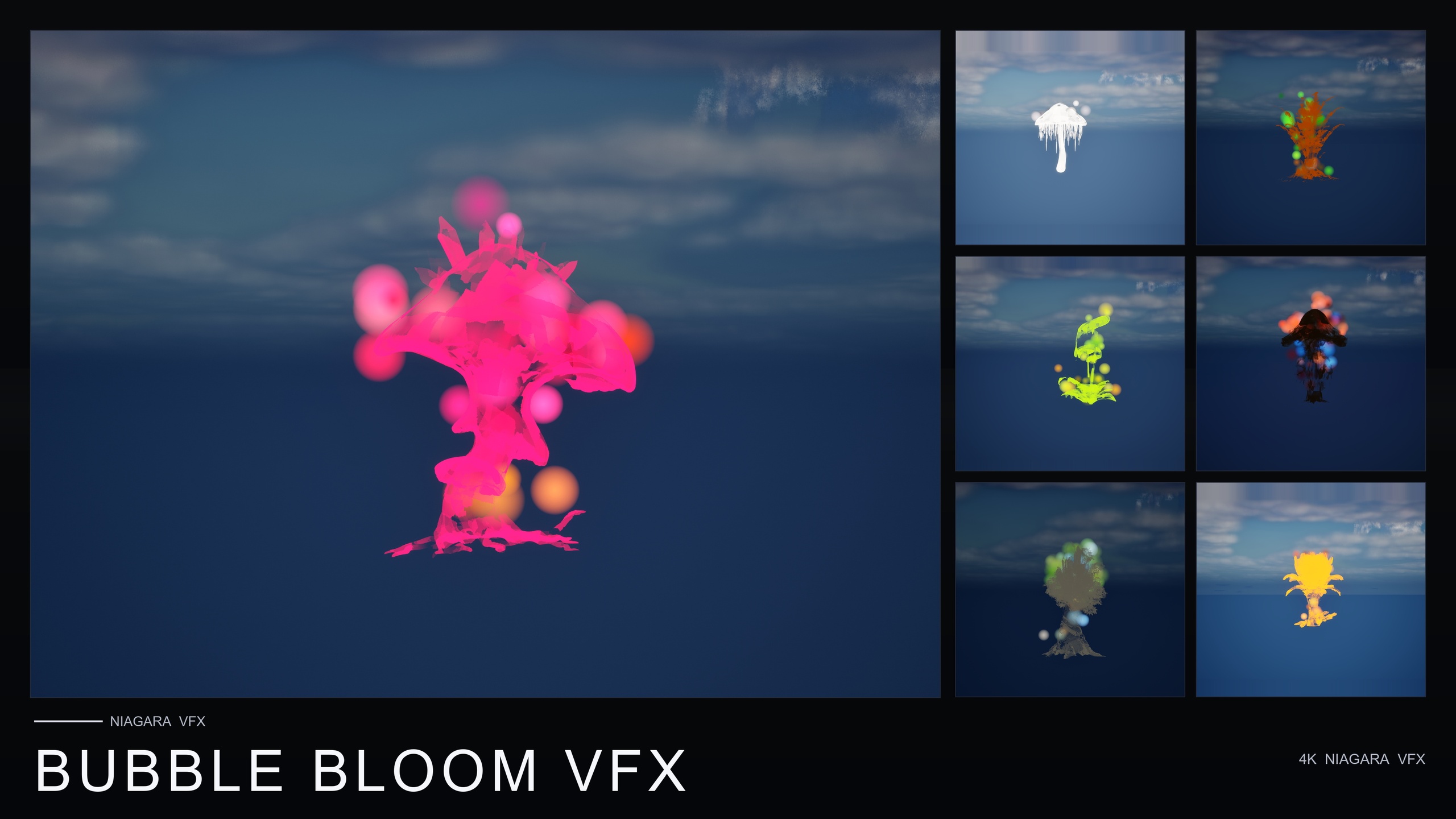
For projects that want many moods rather than one, the Fantasy Flower Mega Bundle pairs all 51 meshes with all 15 effect families (750 NiagaraSystems), including BlackMist, and its listing suggests layering BlackMist with ProjectedGlyph for a cursed-summoning read. For a gentle, non-threatening magical read instead of a sinister one, Bubble Bloom VFX is the whimsical counterpart. Pick the narrowest pack that covers your scene's range, and let the smoke do the talking.
FAQ
How do I make an object look corrupted or cursed in UE5 quickly?
Leave the mesh alone and change the atmosphere on top of it. Drag a BlackMist NiagaraSystem from Dark Garden VFX onto the flower or actor and the slow, ground-hugging dark smoke makes it read as cursed immediately — no re-skinning, no baking, no custom Niagara authoring.
Can I apply the corruption effect to flowers from other packs?
Yes. BlackMist is cross-pack compatible and can be applied over any flower from any other Fantasy Flower pack, so you can corrupt a scene you already dressed with a different pack rather than rebuilding it.
Does Dark Garden VFX need any plugins or C++?
No. It is a content-only Niagara pack with no C++, no Blueprints and no plugin dependencies. You add the pack, drag a system in, and it plays.
Which meshes give the strongest cursed read?
The demo level highlights seven 'designed-for-dark' hero meshes — BloodLotus, EbonBloom, EnchantedNightshade, SpiderToadstool, CrimsonCapToadstool, DrippingCapMushroom and MysteriousFungus — lit for moody, low-key scenes. They read as cursed with the least effort, while a bright flower gives you the stark 'looks normal but it's cursed' contrast.
What engine version does it support?
The product listing covers UE 5.4 and up; it is compile-clean on UE 5.4. Niagara runs on CPU emitters with dynamic lightmaps, so there's no bake step required.
Dark Garden VFX
50 ready-to-use Niagara systems — black mist, cursed blooms and creeping plague smoke — across 51 stylised flower meshes and 131 material instances. CPU-simulated for Windows, Mac and Linux, with a demo level included. Content-only: no C++, no Blueprints, no plugin dependencies.