article · 2026-01-31
Nanite Props in UE5: Do Nanite Meshes Need LODs in Unreal Engine 5?
Where Nanite quietly retires your LOD chains for static set dressing, and the handful of cases where you still build them by hand.
The short answer for static set dressing
If you have spent any time importing high-poly art into Unreal Engine 5, you have asked the obvious question: do Nanite meshes need LODs in Unreal Engine 5, or has Nanite made the whole LOD chain redundant? For opaque static props, the practical answer is that you no longer author traditional discrete LODs yourself. Nanite streams and decimates geometry on the fly, drawing only the cluster detail a given pixel coverage actually needs, so a fully detailed mesh and a distant speck on the horizon are both handled by the same asset without you maintaining LOD0 through LOD4.
That is a genuine workflow change, not marketing. The old loop of importing a mesh, generating or sculpting reduced LODs, tuning screen-size thresholds, and re-checking every time the art changed simply disappears for the assets that qualify. You enable Nanite on the static mesh, place it, and move on. The engine takes over the job that used to eat an afternoon per hero prop.
The catch is the word qualify. Nanite is brilliant at opaque, rigid, static geometry, which is exactly what most set dressing is, and exactly what a prop pack is. It is far more conditional for translucency, for things that bend, and for very small repeated foliage. So the honest answer is: for the thrones, tomes, lanterns and obelisks that fill a scene, you can stop building LODs. For a few other categories, keep them in your toolkit. The rest of this article draws that line precisely.
What Nanite actually changes for props
Think of a Nanite mesh as a single asset that already contains every level of detail it will ever need, organised into hierarchical clusters of triangles. At runtime the renderer picks the right cluster granularity per view, so the silhouette stays crisp up close and collapses cleanly into the distance without a visible LOD pop. There is no manual screen-size table to balance and nothing to re-author when you swap one prop for a more detailed version.
For set dressing this matters because density is the whole point. A dungeon or a throne room is not one hero asset, it is dozens of overlapping props, and the per-instance budgeting of traditional meshes is what used to make those scenes expensive to assemble. With Nanite-enabled meshes you can place a high-detail altar, three lanterns, a pile of tomes and a cluster of crystals in the same corner and let the engine sort out how much of each to actually draw.
It also changes how you treat incoming art. A sculpted, photogrammetry-grade or simply dense mesh that you would previously have had to retopologise and decimate before it was usable can go in close to raw. That is precisely why a Nanite prop pack saves so much prep time: the geometry is already enabled for Nanite, so the asset arrives in the state your level wants it, rather than as a project you have to optimise first.
When you still need LODs
Nanite does not cover everything, and pretending it does will burn you. The clearest exception is translucency. Nanite renders opaque and masked surfaces extremely well, but materials that rely on true translucency, such as glass, thick smoke cards or layered transparent effects, are still best served by conventional meshes with hand-authored or generated LODs. If a prop's defining feature is a sheet of see-through glass, do not assume Nanite will carry it; test it, and keep a traditional LOD path as a fallback.
Foliage is the other grey area worth respecting. Small, extremely numerous, overlapping cards and fronds, painted in their thousands, can behave differently under Nanite than a handful of solid props, and many teams still mix approaches: Nanite for the chunky, geometry-rich plants and traditional billboards or LODs for vast fields of tiny scatter. If you are about to paint an entire forest floor, prototype both and measure rather than assuming the answer.
Skeletal meshes and anything that deforms are a separate story again and outside the scope of static set dressing. The takeaway is simple: for rigid opaque props you can retire LODs with confidence; for translucent surfaces, dense small foliage and deforming geometry, keep the LOD muscle memory and verify per case rather than per rule.
How a Nanite prop pack removes the prep step entirely
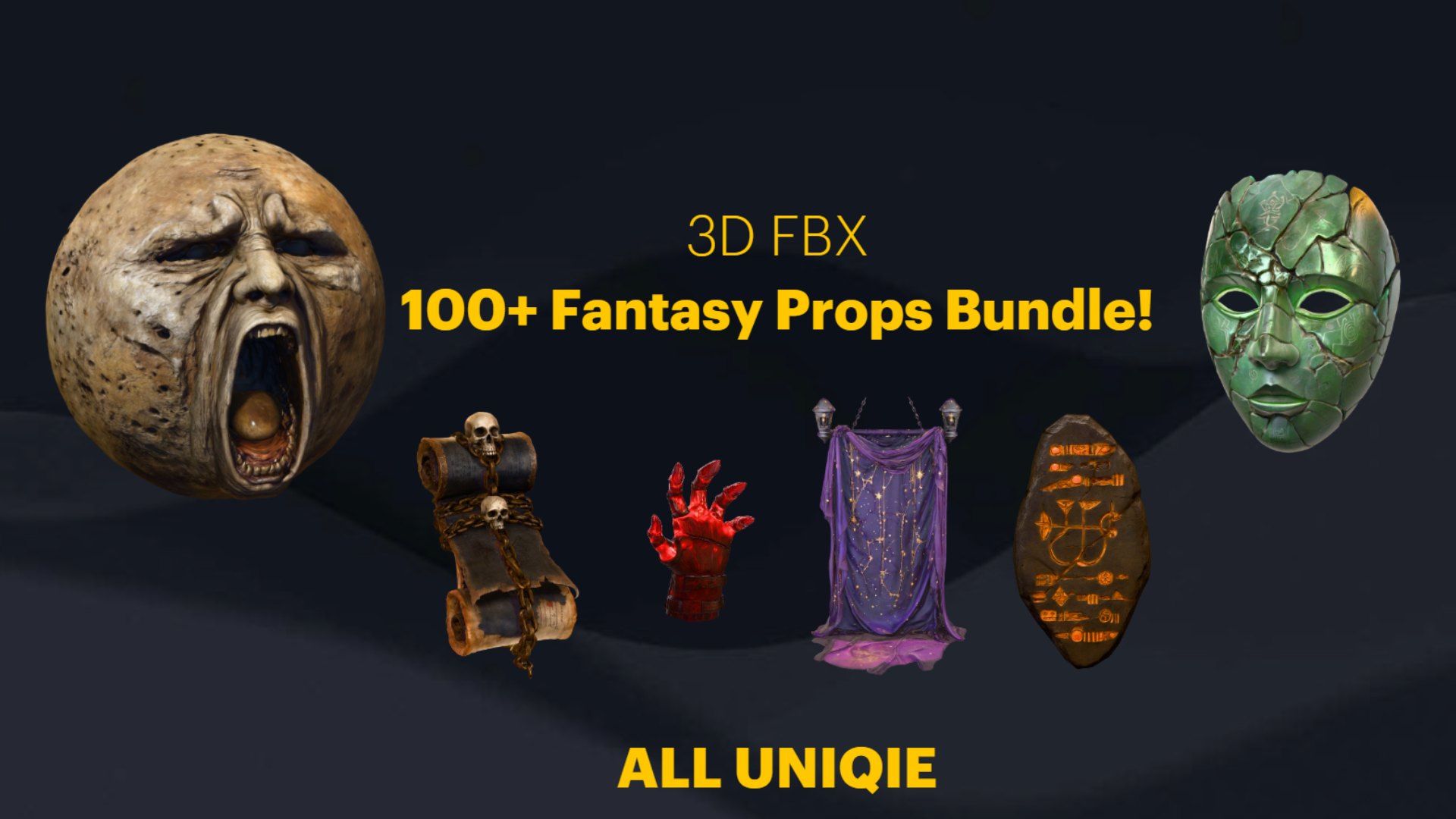
This is where a ready-made pack earns its place. The Dark Fantasy Props Bundle ships as a complete Unreal Engine 5.6 content project containing 100+ unique gothic and dark-fantasy static meshes, with 105 SM_ assets in the Meshes folder covering thrones, tomes and books, lanterns, obelisks, masks, crystals, altars, cauldrons, scrolls and statues. Every mesh has Nanite enabled, so the entire LOD question is answered before you even open the editor.
Each mesh also arrives with its own bespoke material, one M_ material per mesh, so there is no orphaned-geometry shuffle either. You are not importing 105 grey shells and assigning shaders by hand; you drag SM_EbonyThrone or SM_CursedSkullLantern or SM_BloodTome straight from the Meshes folder into the level and it is finished. The textures are 2048x2048 PBR sets covering base colour, metallic, normal and roughness, so the surfaces read correctly at the distances Nanite will draw them.
Because the pack ships as a UE 5.6 project with a Demo.umap showcase scene, the fastest path is to open DarkFantasyPropPack.uproject directly and walk the demo to see how the props are arranged. To bring them into an existing 5.6 or newer project, right-click the DarkFantasyPropsBundle100ArtefactsAndOddities content folder and choose 'Asset Actions' then 'Migrate'. From that point every prop is a Nanite, fully-materialled drop-in: no retopology, no decimation, no LOD authoring, no screen-size tuning.
How to confirm a mesh actually has Nanite enabled
Before you trust any prop, paid or your own, it is worth a ten-second check that Nanite is genuinely on, because an opaque mesh without it will silently fall back to whatever LODs it does or does not have. Here is the quick verification in the editor.
1. Double-click the static mesh in the Content Browser to open it in the 'Static Mesh Editor'.
2. In the 'Details' panel, scroll to the 'Nanite Settings' category and confirm 'Enable Nanite Support' is ticked. For the meshes in this bundle, the Nanite settings are present in the SM_ uasset, so this box is already checked.
3. In the viewport, open the 'Show' menu and look for the Nanite visualisation options, or use the console command to switch the view mode to a Nanite overview; a Nanite mesh will be flagged distinctly from a fallback mesh.
4. At project level, open 'Project Settings' and confirm 'Use Hardware Ray Tracing' and rendering prerequisites match your platform, then verify your target hardware and RHI support Nanite, since the feature has platform requirements you should validate for your shipping target rather than assume.
If the box is ticked and the visualiser confirms it, you are done: that prop needs no LODs from you. If you are bulk-checking an imported folder, you can also select multiple meshes and enable Nanite together from the right-click context menu, then re-run the visualiser to confirm the change took across the whole selection.
Where to go from here
If your goal is to dress a crypt, throne room or wizard's study fast, the practical next step is to start from a pack where the Nanite decision is already made for you, then spend your time on lighting and composition instead of mesh prep. The Dark Fantasy Props Bundle gives you 100+ Nanite props and a demo scene to plunder for layout ideas, all in one UE 5.6 project.
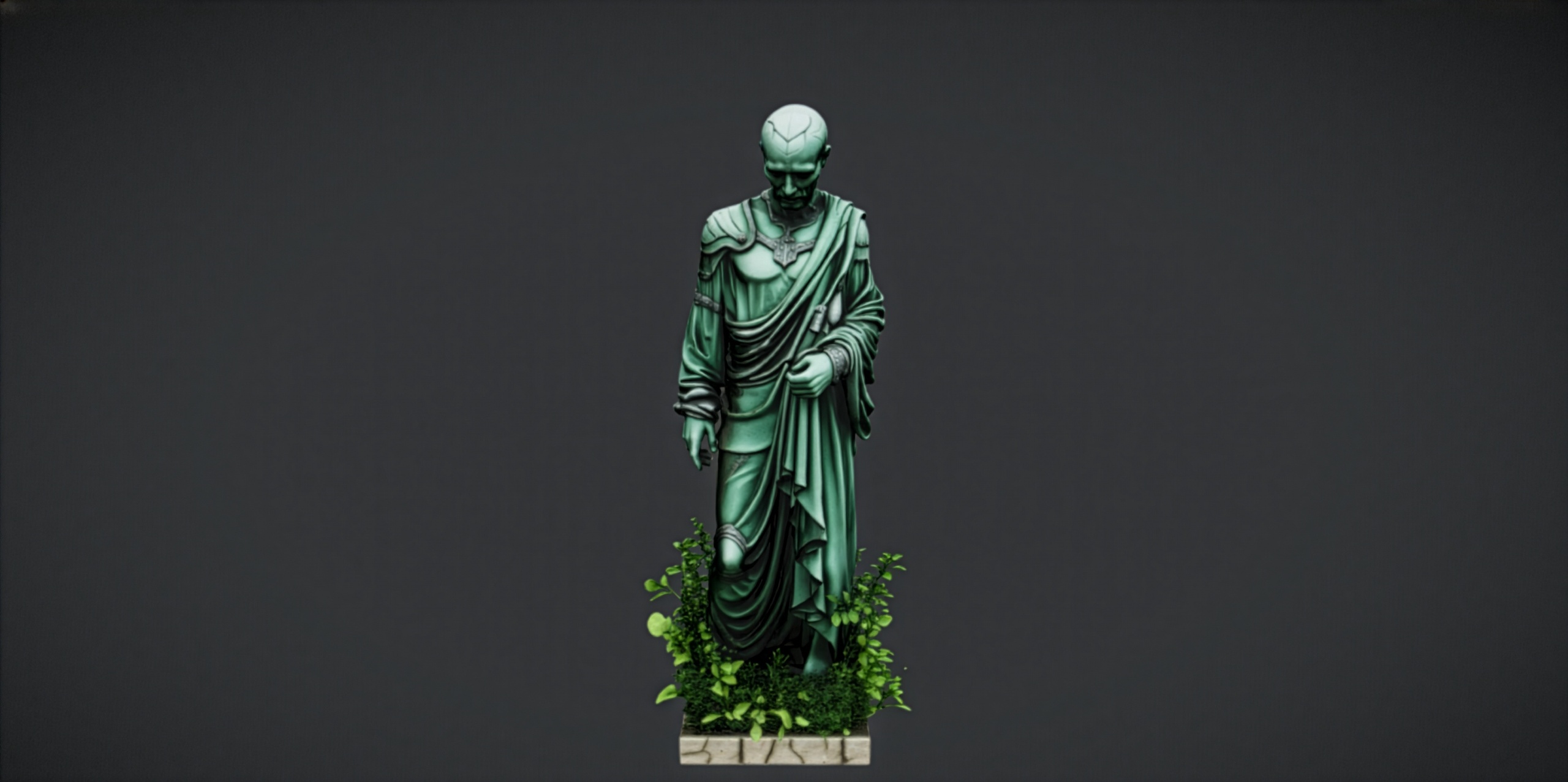
For more specific scenes, the sibling packs follow the same Nanite-first approach. The Fantasy Statue Bundle adds 18 weathered marble statues across a Nature and a Tormented Souls series as Nanite meshes with automatic collision, ideal for graveyards, shrines and cathedral rows. The Fantasy Flower Pack brings 51 unique Nanite-ready fantasy and gothic plants for ground detail, though note these are static meshes with no built-in wind animation, so treat them as scatter rather than animated foliage. And if you just want to test the art style first, the free Fantasy Nature Statue is a single drop-in prop to try before you commit.
Whichever you reach for, the principle is the same one this article opened with: for opaque static set dressing, let Nanite own the detail and stop hand-building LODs. Reserve that effort for the translucent, the tiny-and-numerous, and the deforming, and verify per case. Everything else, you can simply drop in and light.
Nanite vs traditional LODs for static set dressing
| Concern | Traditional LOD workflow | Nanite static prop |
|---|---|---|
| Detail reduction | Author LOD0..LODn by hand or auto-generate | Handled per-pixel by the renderer |
| Screen-size tuning | Manual thresholds per mesh | None to set |
| Re-work when art changes | Re-generate every LOD | Re-import the mesh, done |
| LOD popping | Visible transitions to manage | Continuous, no discrete pop |
| Best fit | Translucency, tiny dense foliage, deforming meshes | Opaque rigid props and set dressing |
| Prep time per hero prop | High | Effectively zero when Nanite is pre-enabled |
Practical guidance for opaque rigid props such as those in the Dark Fantasy Props Bundle. Translucent, deforming and very dense small foliage cases should always be measured per project.
FAQ
Do Nanite meshes need LODs in Unreal Engine 5?
For opaque, rigid, static props the answer is no: Nanite produces the right level of detail per view automatically, so you do not author discrete LODs. Keep traditional LODs in mind only for translucent surfaces, deforming or skeletal meshes, and very dense small foliage, where you should test per case rather than assume.
Are the meshes in the Dark Fantasy Props Bundle Nanite-enabled?
Yes. Every static mesh in the bundle has Nanite enabled, with the Nanite settings present in the SM_ uasset files, so none of the 100+ props require you to build LODs by hand.
How do I check a mesh has Nanite turned on?
Open the mesh in the Static Mesh Editor, find the Nanite Settings category in the Details panel, and confirm Enable Nanite Support is ticked. You can also use the Nanite visualiser view mode in the viewport to confirm the engine is treating it as a Nanite mesh rather than a fallback.
Will Nanite props run on my target platform?
Nanite has hardware and RHI requirements, so validate it against your specific shipping target rather than assuming. The bundle is delivered as a Windows UE 5.6 project; confirm your platform supports Nanite before committing it to a release build.
Can I migrate the props into my own project?
Yes. Right-click the bundle content folder, choose Asset Actions then Migrate, and point it at your own UE 5.6 or newer project. Each prop carries its assigned material and Nanite settings across, so it drops in ready to place.
Dark Fantasy Props Bundle
A comprehensive collection of gothic and dark-fantasy props — artefacts, oddities and set dressing for horror, RPG and dungeon environments. Game-ready, atmospheric, and built to fill a scene fast.