comparison · 2026-02-10
Niagara System or Static Mesh? Choosing How to Put Symbols in Your UE5 Scene
Both ship in the same bundle for every glyph. Here is how to decide which one belongs in each shot, and when to use both.

The same glyph, two assets — so which do you reach for?
Put a written symbol into a scene — a rune over a doorway, a summoning circle, code falling behind a hacker terminal — and you hit the same fork. Do you build it as geometry you place once and light, or as a particle effect that spawns and reacts? Choosing a Niagara particle system vs a static mesh for UI symbols in UE5 is not academic: it decides your simulation cost, how the symbol animates, and how it reads on screen.
The Niagara Alphabet and Symbols Bundle removes the need to commit. Every glyph ships twice — a spawnable Niagara System and a matching static mesh baked from the same font, 687 systems and 688 meshes across 25 themed writing systems. So the question becomes 'which suits this shot', and you can change your mind without re-authoring anything.
Reach for the static mesh when the symbol lives in the world
The static mesh version of each glyph is geometry — an extruded letterform you drag into the level once. The bundle's matching meshes (SM_Glyph_*) are intended for carving inscriptions into walls, embossing props, and lighting them with emissive materials so they read as part of the architecture.
This is the right call whenever the symbol is permanent and physical: a cartouche cut into a tomb wall, a circuit trace across a bulkhead, a Phoenician manifest on a scroll. Because it is just a mesh, it costs nothing to simulate, behaves predictably under lighting and reflections, and casts shadows like the surface around it. And with a matching mesh per glyph, you spell genuine inscriptions letter by letter rather than reusing one stock prop.
Reach for the Niagara system when the symbol needs to do something
The Niagara System version is built to spawn, animate and react — what you want when the symbol is an event: a rune that materialises mid-air during a spell, a hieroglyph that flares as a torch passes, code rain that reorganises into a name.
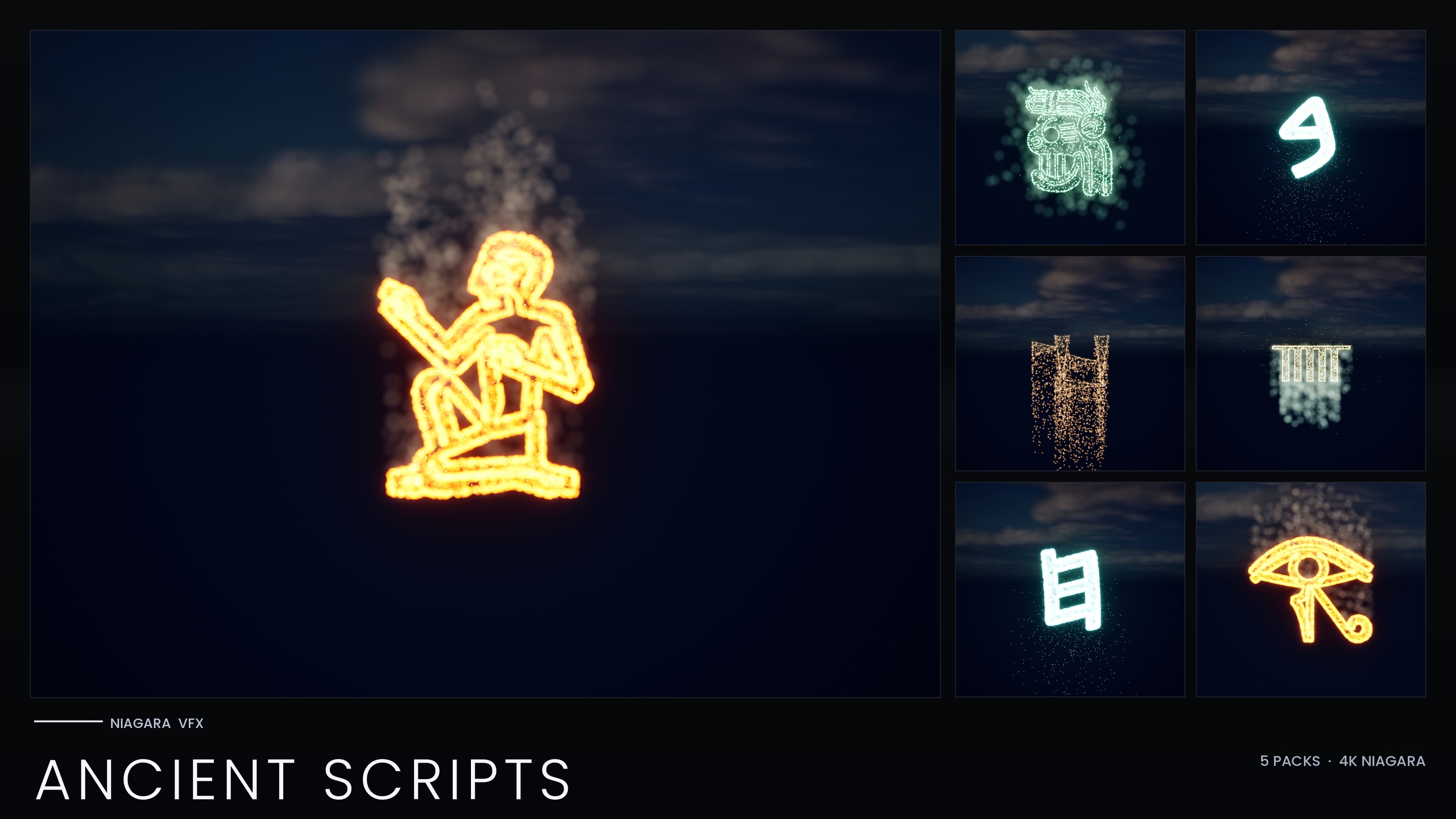
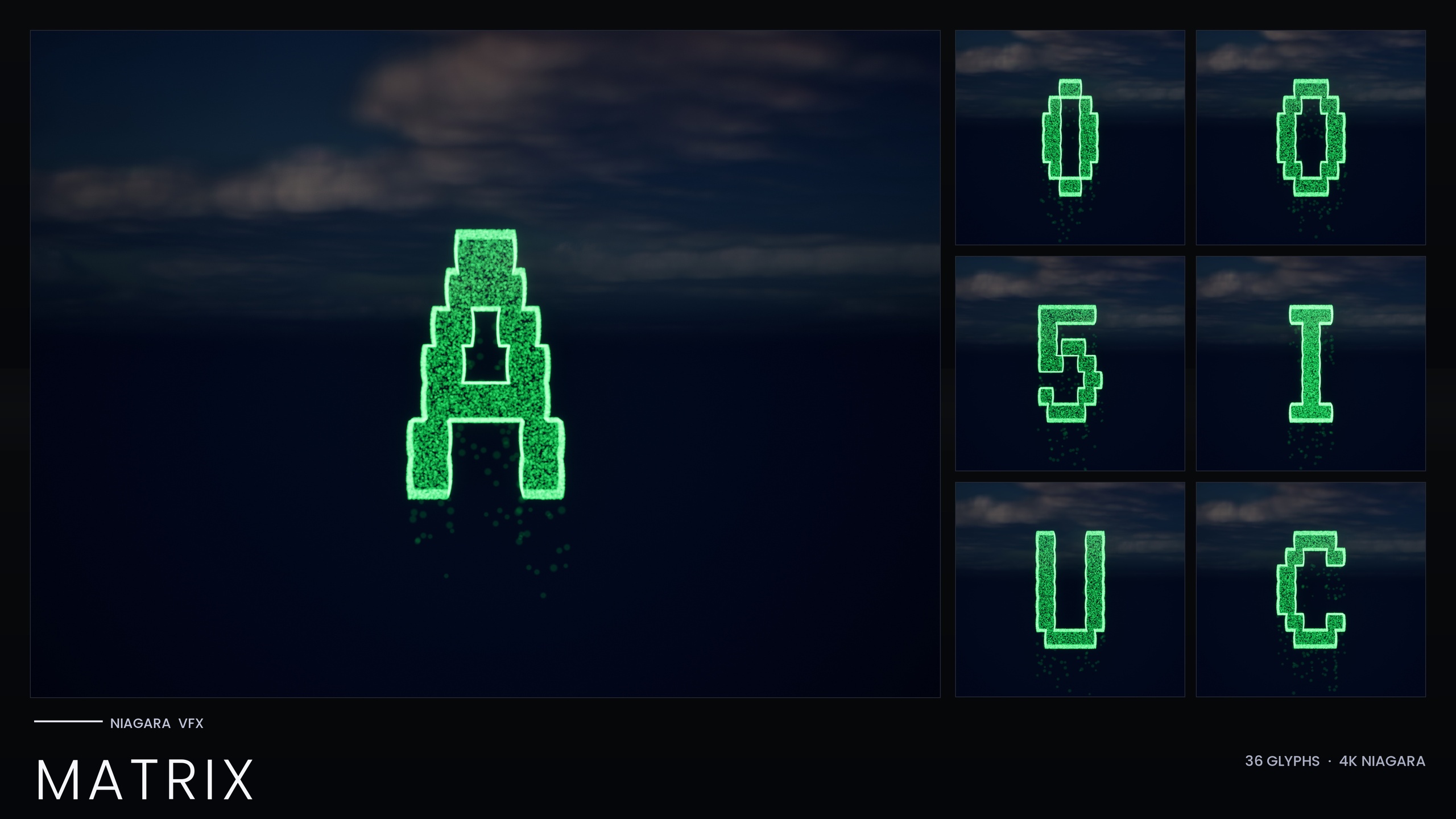
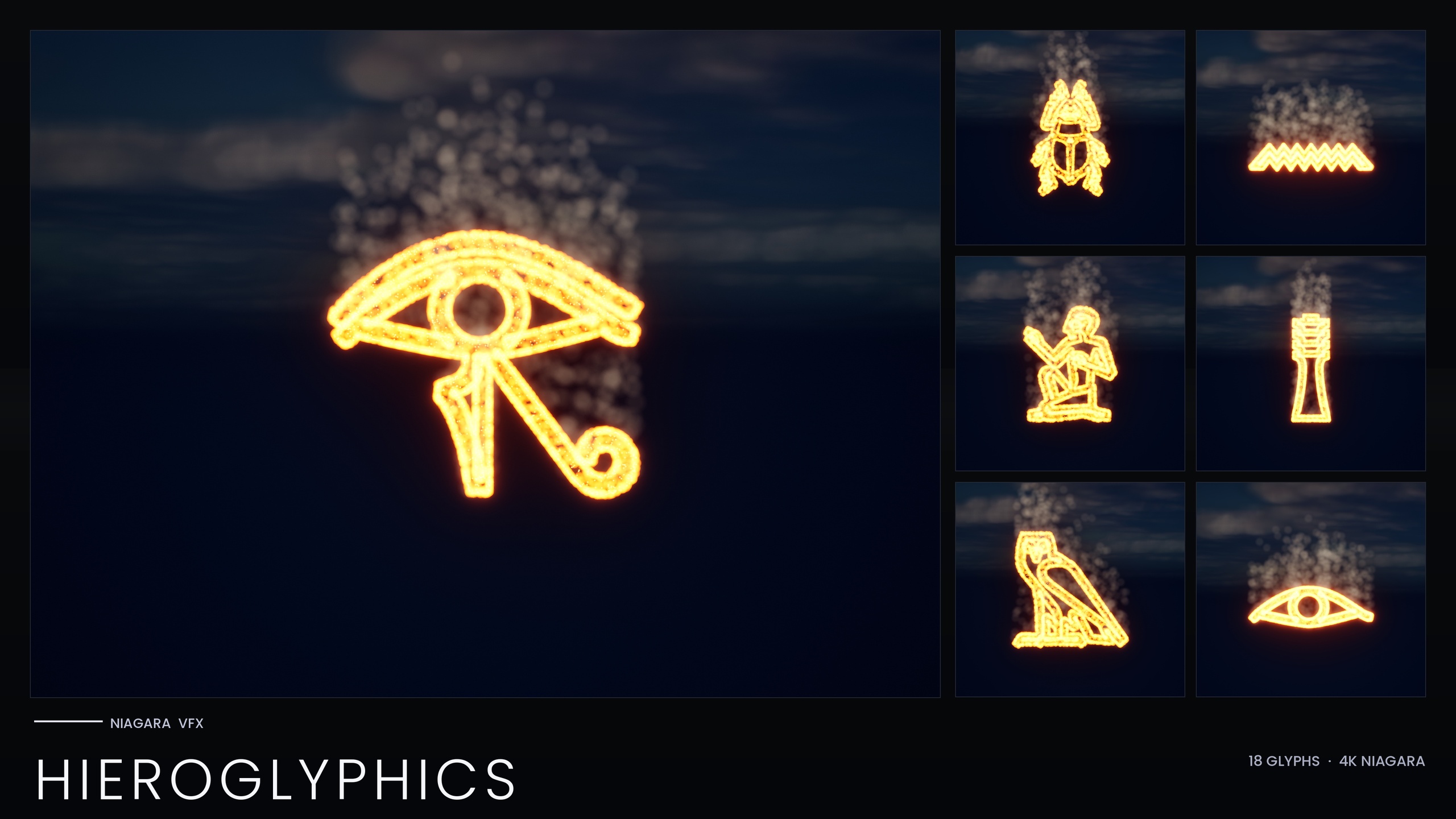
Each system gets its identity from how its emitters sample the glyph. The Hieroglyphics set uses three CPU emitters — a hot ember core, a red-orange glow halo and a slow upward smoke column — so the symbol breathes. The Matrix set uses two: a bright Spark flicker and a dim Rain falling straight down, so characters read as cascading code rather than solid silhouettes. You spawn any of them from Blueprint with 'Spawn System at Location' or 'Spawn System Attached' to bring a symbol into being on cue — exactly what a static mesh cannot do.
Many themed sets are also tuned from one asset: the bundle ships per-theme Niagara Parameter Collections (four in total, such as NPC_HieroglyphicsStyle), so editing one recolours and re-times a whole writing system at once. This does not apply everywhere — the standalone Matrix set bakes its style as inline constants and is recoloured per system.
The trade-offs that should drive the decision
The honest summary: the static mesh is cheap and inert, the Niagara system expressive but with a running cost. Every glyph simulates on the CPU and the systems stack per instance, so a scene full of live glyphs does real per-frame work a wall of carved meshes does not. The bundle's own guidance is to spawn a manageable number of systems per scene.
The look differs too. The systems glow because HDR sprite colour drives Unreal's bloom post-process — brightness, not a texture, makes them shine — so the effect needs bloom enabled and a resolution where the small particles read. The static meshes carry no such dependency. For both forms, the whole bundle uses only Unreal's default materials (/Engine/BasicShapes/BasicShapeMaterial) with zero custom materials, instances or textures, keeping the footprint tiny. The table below sets the two side by side.
Combining both in one shot
The most convincing scenes layer the two: place the static mesh as the permanent inscription, then spawn the matching Niagara system on top at the moment of activation. Picture a tomb wall whose hieroglyphs are carved as SM_Glyph_* meshes lit with a dim emissive; when the player's torch comes close, the matching NS_ systems ignite at the same positions and the wall comes alive. Because both forms are baked from the same font, geometry and particles align glyph for glyph.
1. Place the static meshes first to build the readable, always-on inscription, lit with an emissive material.
2. Author the trigger — a torch overlap, a Blueprint event, a cutscene beat — that should bring the symbol to life.
3. On that trigger, spawn the matching NS_ systems with 'Spawn System at Location' or 'Spawn System Attached' at the mesh positions.
4. Tune the look from the theme's Niagara Parameter Collection where one exists — for example NPC_HieroglyphicsStyle — and keep bloom enabled so the HDR colour reads as a glow.
Used this way the mesh carries legibility and zero-cost persistence while the system carries the drama. Because every glyph ships in both forms, you can build this pattern for any of the 25 writing systems without sourcing a second asset.
Niagara system vs static mesh for symbols in UE5
| Consideration | Niagara System | Static Mesh |
|---|---|---|
| Best for | Symbols that spawn, animate and react to events | Permanent inscriptions carved, embossed or lit in the world |
| Simulation cost | CPU-simulated, ticks every frame, stacks per instance | None beyond ordinary static geometry |
| How it glows | HDR sprite colour driving bloom (needs bloom enabled) | Whatever emissive or other material you apply |
| Animation | Yes — emitter-driven motion, flicker, smoke, decay | No — it is inert geometry |
| Spawn from Blueprint | Yes, via Spawn System at Location / Attached | Placed as an actor; no per-frame spawning |
| Lighting and reflections | Reads as particles, less predictable in reflections | Behaves like normal geometry — shadows, reflections |
Both forms ship for every glyph in the bundle; pick per shot.
FAQ
Should I use a Niagara particle system or a static mesh for UI symbols in UE5?
Use the static mesh when the symbol is permanent and physical — carved into a wall, embossed on a prop, or lit with an emissive — because it costs nothing to simulate and behaves predictably under lighting. Use the Niagara system when the symbol needs to spawn on cue, animate or react to an event. In this bundle every glyph ships in both forms, so you can choose per shot.
Do I have to pick one form when I buy the bundle?
No. Every glyph in the Niagara Alphabet and Symbols Bundle ships twice — 687 Niagara Systems and 688 matching static meshes baked from the same fonts. You can place the mesh in one scene and spawn the particle system in another, or layer both, without re-authoring anything.
Why do the Niagara glyphs look flat in my scene?
The systems get their glow from HDR sprite colour driving Unreal's bloom post-process, so the effect depends on having bloom enabled and on rendering at a quality where the small particles read. If bloom is off or the resolution is low, the particles can look dull. The static meshes have no such dependency because their look comes from their material.
Can I run lots of these symbols at once?
The static meshes scale freely since they are just geometry. The Niagara systems are CPU-simulated and stack per instance, so the bundle's own guidance is to spawn a manageable number of systems per scene. For dense inscriptions, lean on the meshes and reserve live systems for the symbols that actually need to animate.
How do I recolour a whole writing system at once?
Many themed sets ship a Niagara Parameter Collection (the bundle includes four, such as NPC_HieroglyphicsStyle) so editing one collection recolours and re-times the entire script. This does not apply to every set — the standalone Matrix set uses inline constants and is recoloured per system instead.
Niagara Alphabet & Symbols Bundle
The complete glyph VFX bundle — 687 Niagara systems built from 26 alphabets and symbol sets (Alchemy, Cyberpunk, Matrix, Hieroglyphics, Runes, Zodiac, Tarot and more), with per-theme Parameter Collections and two demo maps. All CPU-simulated for broad device support.