tutorial · 2026-03-08
UE5 Procedural NPC Random Voice Variety in a Roguelike
Assign an archetype at spawn, pull a context-appropriate line from one shared DataTable schema, and keep memory flat with soft references.

The problem: procedural spawns, but every NPC sounds the same
In a roguelike you do not author the cast by hand. The level generator decides, at run time, that this room holds a wandering bard, that corridor holds a rogue, and the next vault holds a wizard. The moment those actors spawn you need them to speak, react to combat, greet the player and mutter to themselves, and you need them to do it with enough variety that the player does not hear the same three barks for the whole run. Recording that yourself is a voice budget you do not have.
The pattern below solves ue5 procedural npc random voice variety with a single code path. You assign each spawned NPC an archetype, point it at that archetype's dialogue DataTable, and at the relevant moment pull a random line that matches the current context. Because the data layer is uniform across every archetype, the same Blueprint or C++ function voices a paladin, a goblin or a necromancer without branching.
The grounding for this guide is the Fantasy NPC Voices Complete Pack: 21 fully voiced archetypes consolidated into one UE5.3 project, roughly 33 hours of recorded dialogue and voice FX, and a unified DataTable-driven dialogue layer. The reason it suits procedural spawning is that all 21 characters share the same five row schemas, so one query helper covers your entire cast.
Step 1 - assign an archetype at spawn
Decide on a per-NPC handle for the archetype. The pack ships 21 distinct archetypes spanning heroic and noble, arcane and mystical, divine, dark and villainous, and common-folk roles, so a simple enum or a Name that maps to a character folder is enough to address any of them.
1. Give your spawned NPC actor or controller a variable for the archetype, for example an enum 'EVoiceArchetype' or an 'FName ArchetypeId' that matches the character's content folder.
2. In your spawner, after 'Spawn Actor from Class', set that variable. Drive the choice from your generation rules - a weighted random per room type, the dungeon tier, or a faction table - so the same logic that places the NPC also decides who it is.
3. Resolve the archetype to its dialogue table. The cleanest approach is a small data-driven map (an enum-to-table lookup, or an 'FName' that you append to a known content path) that returns the correct 'DT_Dialogue' and the matching 'DV_' DialogueVoice asset for that character.
Because each character folder under the pack's content root is self-contained, you can cherry-pick exactly the archetypes your generator can spawn via right-click Migrate, rather than shipping all 21 if your roguelike only uses a handful.
Step 2 - select the right DT_Dialogue and DV per archetype
The pack carries 105 DataTables, five per character: 'DT_Dialogue', 'DT_CharacterProfile', 'DT_Equipment', 'DT_Quests' and 'DT_WrittenContent'. For voice playback you care about 'DT_Dialogue'. Critically, all 21 packs use byte-identical row schemas - the same five shared UScriptStructs - which is what lets one function query any character.
Each 'DT_Dialogue' row exposes the fields Name, DialogueName, ResponseText, CharacterName, EmotionalTone, ContextTags, NPCType and VoiceAudio. The 'VoiceAudio' field is a TSoftObjectPtr to a USoundWave - that soft reference is the key to memory control, and we return to it in the final step.
Alongside the table, each character has one 'DV_' DialogueVoice asset. If you route audio through Unreal's built-in dialogue system, assign the spawned NPC's 'DV_' asset as the speaker so the engine handles the voice routing; if you prefer to play sounds directly, you can skip the DialogueVoice and use the SoundWave from the row. Either way, your archetype-to-asset map from Step 1 should hand back both the table and the DialogueVoice so the rest of the pipeline never has to know which character it is talking to.
Step 3 - randomise lines within a context
Lines are tagged in a hierarchical 'ContextTags' string of the form category/subcategory/size, covering combat, social, story, discovery, emotion, self, response and environmental contexts, plus voice FX. To pick a fitting line you filter the table by a context substring and choose a random survivor.
1. Reference the spawned NPC's 'DT_Dialogue' (from your map). Call 'Get Data Table Row Names', then 'ForEach' with 'Get Data Table Row' to read each row.
2. Keep only rows whose 'ContextTags' contains the situation you want - for example pass 'social/greeting' on first sight, 'combat' when aggroed, or 'self' for idle mutters. Filtering on a substring lets you match a whole category or drill down to a subcategory.
3. From the filtered set, use 'Pick Random Item from Array' to choose a row. In C++ the equivalent is 'GetAllRows<FDialogueRow>()' then filter on 'Row->ContextTags.Contains(Context)' and index a random element.
4. Play the chosen line and, if you show subtitles, surface its 'ResponseText'. Tie the trigger to a gameplay event - an overlap for greetings, an aggro change for combat barks, a timer for idle self lines - so each spawned NPC speaks in character without any per-character code.
Because the schema is shared, this single filter-and-random routine produces voice variety across every archetype your generator can spawn. A run that throws a bard, a rogue and a smith into the same floor will give each one its own combat barks and greetings from the exact same function.
Step 4 - keep memory low with soft references
The reason this scales to many simultaneous NPCs is that 'VoiceAudio' is a TSoftObjectPtr to the USoundWave, not a hard reference. Nothing in the audio is loaded into memory until you actually play a line, so spawning twenty NPCs does not pull twenty characters' worth of SoundWaves onto the heap up front.
Resolve the soft pointer only at the point of playback: call 'LoadSynchronous' on the row's 'VoiceAudio' and feed the result into 'Play Sound 2D' or 'Play Sound at Location'. The clip loads on first play and the engine manages it thereafter. For lines you know are imminent, you can warm them with an async load a moment ahead to avoid any hitch on the first synchronous resolve.
The DataTables themselves load synchronously, and for the row counts involved that is sub-100ms per table. In a hot loop - say you re-query every frame - that adds up, so cache the row pointers (or the pre-filtered arrays per context) at spawn or level load and reuse them rather than re-reading the table on every bark.
One honest expectation to set: the audio ships as mono PCM USoundWaves at 44.1 kHz, and cooked builds compress that per target platform, so your packaged roguelike will not carry the full uncompressed footprint of the source project. Plan your streaming and pre-cache around the cooked, compressed clips, not the editor-side asset sizes.
Scaling the cast: full bundle or single archetypes
If your generator can spawn a broad cast - paladins, vampires, witches, wizards, bards, goblins, necromancers, deities and more - the Complete Pack gives you all 21 archetypes under one content root with one query path, which is exactly what a many-archetype roguelike wants. The shared schema means adding a new archetype to your spawn table costs you a folder migration and a map entry, not new code.
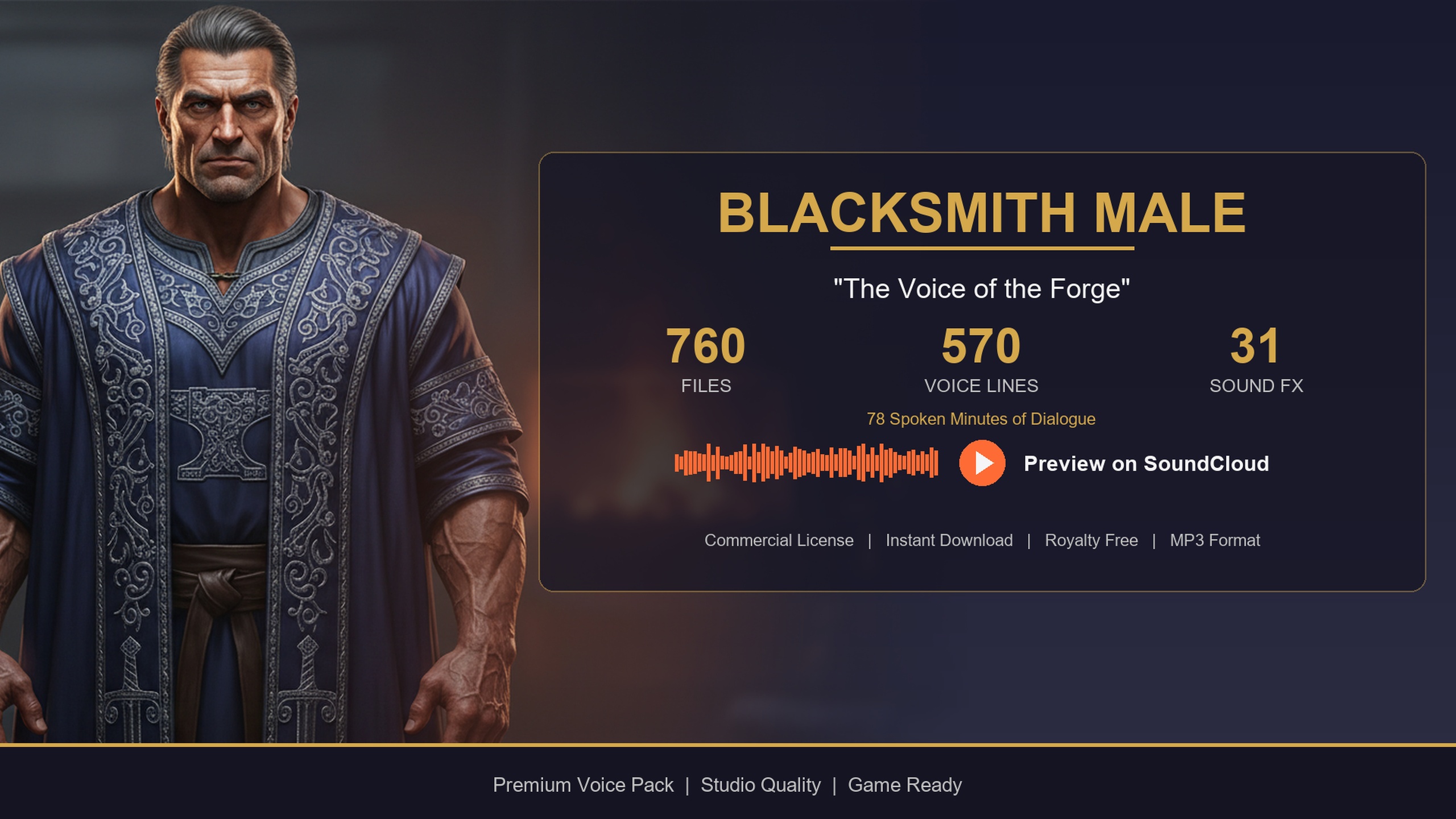
If you only need a few specific voices, the same characters are available as standalone single-archetype packs that use the identical DataTable layout, so the pipeline in this guide works unchanged. The free Assassin Dialogue Lore Pack is a sensible way to prototype the whole filter-and-random routine before committing - it ships the same five DataTables and the same 'TSoftObjectPtr<USoundWave>' VoiceAudio column. The Bard Dialogue Pack adds a story-heavy, theatrical quest-giver, and the Blacksmith Dialogue Pack a gravelly common-folk shopkeeper, both drop-in compatible with the code above.
Whichever route you pick, the architecture is the same: archetype at spawn, archetype-to-table map, context-filtered random line, soft-ref playback. Start by wiring it against one free archetype, confirm your barks fire on the right gameplay events, then scale the spawn table up to as many archetypes as your run needs.
Archetype packs for a procedural cast
| Pack | Archetype | Price (USD) | Audio | Best for |
|---|---|---|---|---|
| Fantasy NPC Voices Complete Pack | 21 archetypes in one root | $99.99 | ~33 hours voiced | Many-archetype roguelike with one query path |
| Assassin Dialogue Lore Pack | Male assassin / rogue | Free | 570 lines / ~72 min | Prototyping the filter-and-random routine for free |
| Bard Dialogue Pack | Male bard | $3.99 | 570 lines / ~112 min | Story-heavy quest-giver / minstrel barks |
| Blacksmith Dialogue Pack | Male blacksmith | $14.99 | 570 lines / ~78 min | Common-folk shopkeeper / forge flavour |
All share the same five DataTables and the TSoftObjectPtr VoiceAudio column, so the spawn pipeline in this guide is identical across them. Audio minutes are User Guide figures for the single packs; the Complete Pack figure is total voiced runtime.
FAQ
How do I get random voice variety on procedurally spawned NPCs in UE5?
Assign an archetype to each NPC at spawn, map that archetype to its DT_Dialogue table, filter the rows by a ContextTags substring for the current situation (greeting, combat, idle), pick a random matching row, and LoadSynchronous its VoiceAudio soft pointer before playing it. Because the pack's 21 archetypes share one row schema, the same function voices every spawn.
Does spawning many NPCs blow up my memory budget?
No. The VoiceAudio column is a TSoftObjectPtr to a USoundWave, so audio is not loaded until a line is first played. Spawning twenty NPCs does not load twenty characters of audio. Resolve the soft pointer with LoadSynchronous only at playback, and cache pre-filtered row arrays at spawn to avoid re-querying the table in hot loops.
Can one Blueprint function handle every archetype?
Yes. The five row structs (ST_DialogueRow and friends) are byte-identical across all 21 packs, so a single filter-by-ContextTags and pick-random routine works for a bard, a goblin or a necromancer with no per-character branching. You only swap which DT_Dialogue and DV_ asset you pass in.
Which contexts can I filter on for barks?
ContextTags use a category/subcategory/size form covering combat, social, story, discovery, emotion, self, response and environmental contexts, plus voice FX. Pass 'social/greeting' on first sight, 'combat' on aggro, or 'self' for idle mutters; matching on a substring lets you target a whole category or a specific subcategory.
Do I need the full 21-archetype bundle to start?
No. The free Assassin Dialogue Lore Pack ships the same five DataTables and the same soft-ref VoiceAudio column, so you can build and test the entire pipeline against one archetype for free, then scale up to the Complete Pack or add single packs like the Bard or Blacksmith - all drop-in compatible.
Fantasy NPC Voices
The complete fantasy voice megabundle: roughly 33 hours of dialogue across 13,668 voiced WAVs at 44.1 kHz — paladins, vampires, witches, wizards, bards, goblins, necromancers and more. One library to voice an entire RPG cast.