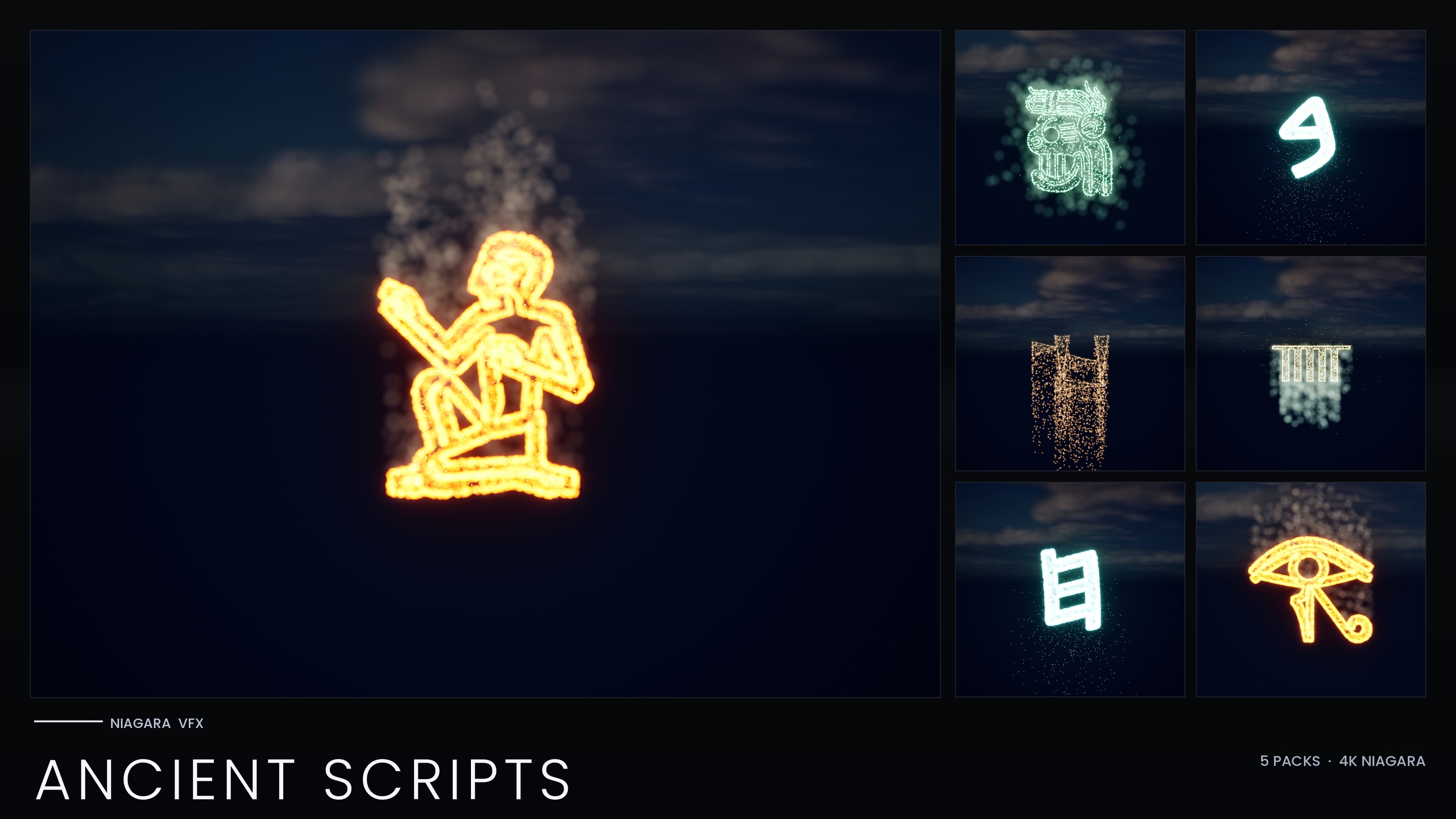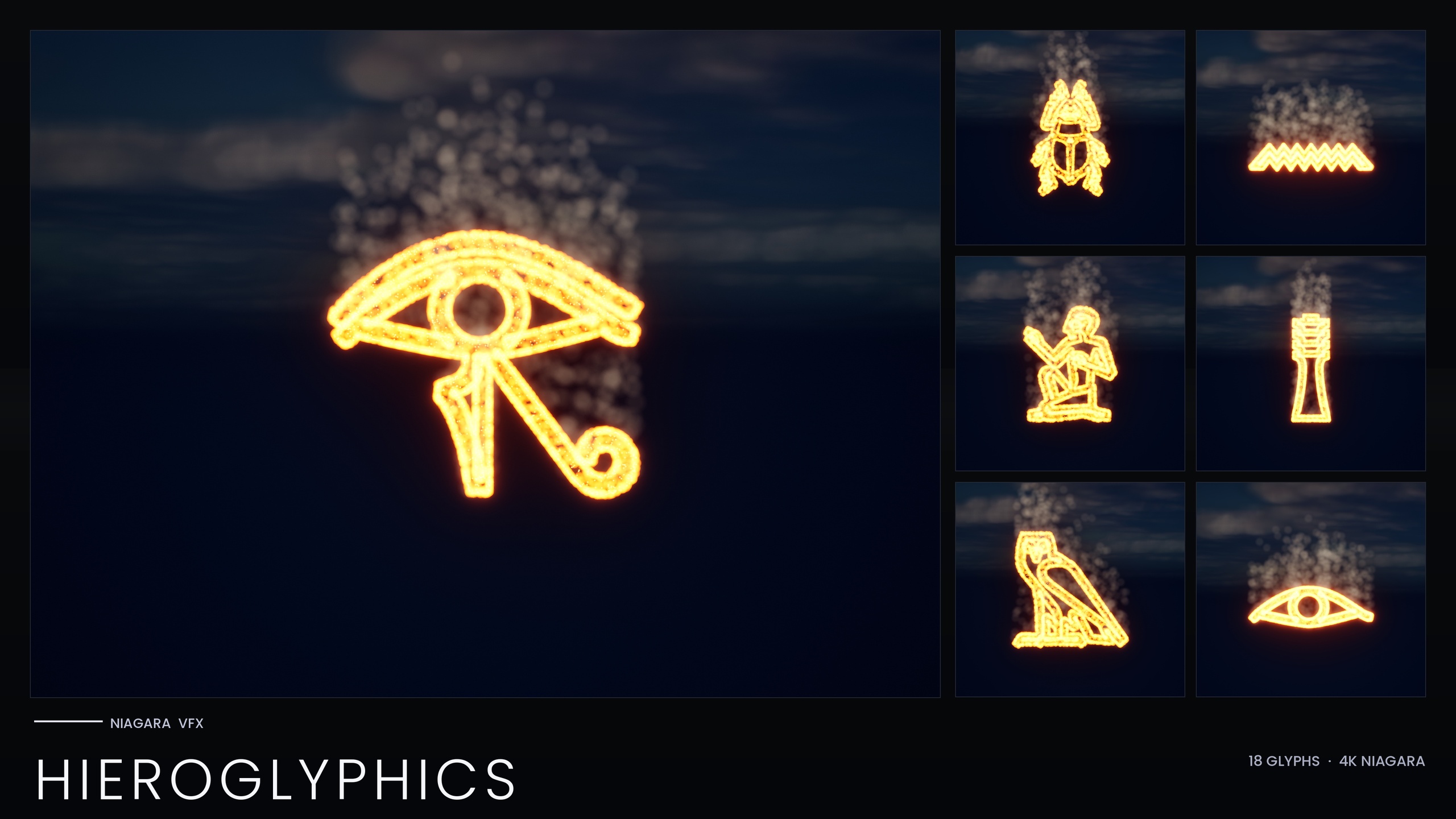
tutorial · 2026-04-28
Tarot Card Reveal Animation in Unreal Engine 5: Animating a Major Arcana Card
Spawn a glowing Major Arcana card as a Niagara system, sequence the reveal, and stage a fortune-teller scene that reads on camera.
The problem: a tarot reveal that reads on camera
A tarot card reveal is one of those beats that sounds trivial and turns out fiddly. You want a card to materialise out of nothing, the glyph to resolve into something legible, the edge to catch the light, and the whole thing to hold for a moment before the next card. Do it with a flat texture on a quad and it looks dead. Do it with hand-built particles and you spend a week tuning sprites that fight your bloom settings.
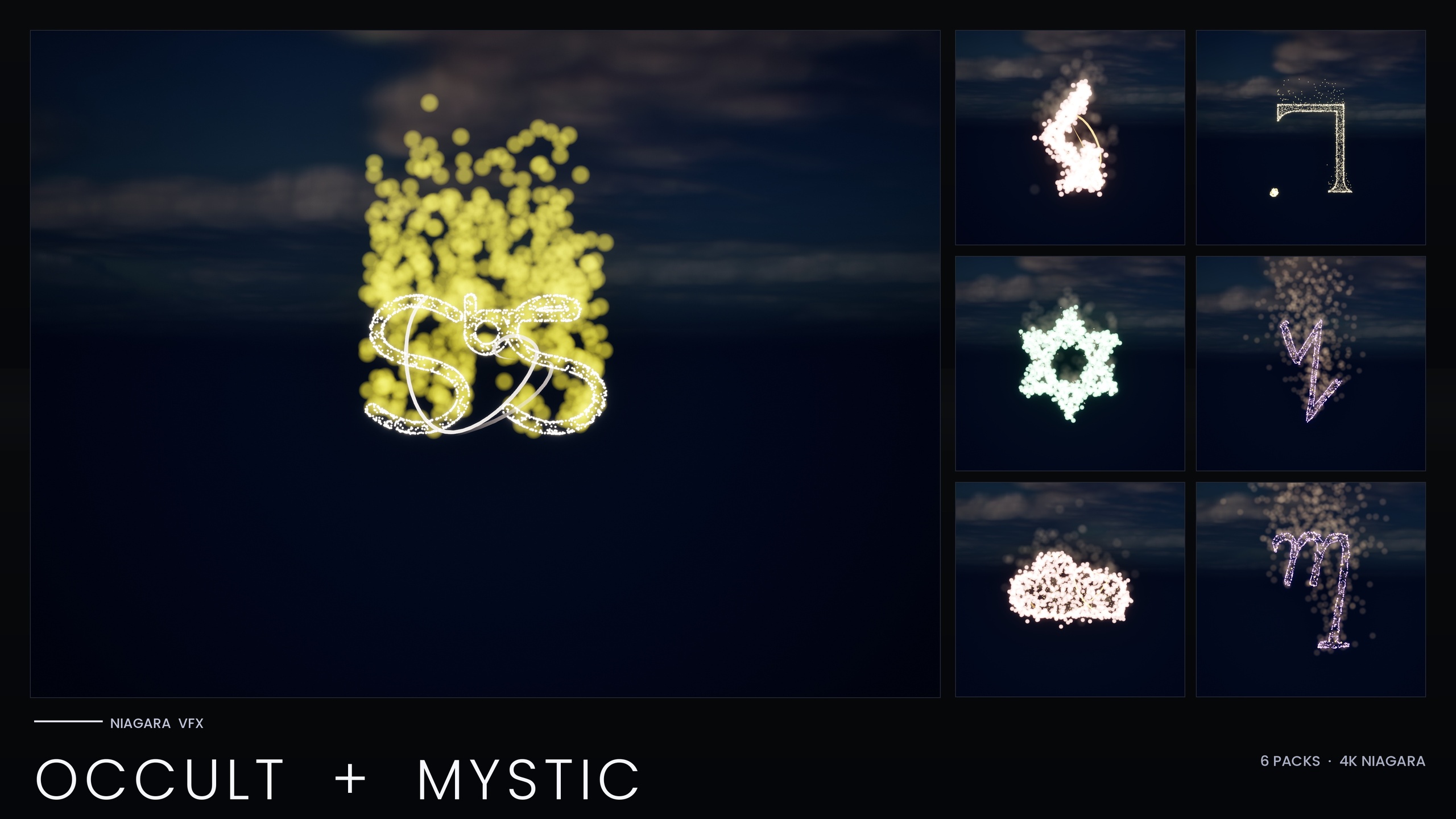
This guide builds a tarot card reveal animation in Unreal Engine using the Niagara Occult & Mystic Bundle, whose Arcana Tarot set is exactly the 22 Major Arcana symbols, each one an independently spawnable Niagara System. Because every card is already a self-contained effect with a dedicated OutlineSparkles emitter for crisp glyph definition, the work shifts from authoring particles to directing them: spawn, sequence, light, and stage. The bundle uses only Unreal's default materials and ships zero textures, so the glow comes entirely from HDR sprite colour driving the engine's bloom.
Everything below is grounded in how the bundle is actually built. It is a content pack, not a code plugin, so there is no module to compile and nothing to register; you drag systems into the level or spawn them from Blueprint.
Step 1: Spawn a card as a VFX
Install the content pack into your project's Content folder and open one of the bundle's 15 themed demo maps to preview the Arcana Tarot tradition without overloading the scene. Each demo map holds at most around ten systems, which keeps the editor responsive while you decide which card you want.
1. Locate the Arcana Tarot system for the card you need, named with the NS_ prefix, and drag it from the Content Browser into the level to place a single card effect where you want the reveal to happen.
2. To trigger it from gameplay instead of placing it statically, open your reveal Blueprint and add a 'Spawn System at Location' node (or 'Spawn System Attached' if the card should follow a hand, prop or socket), then set its 'System Template' to the Major Arcana system you chose.
3. Confirm bloom is enabled in your post-process volume or camera. The glyph's brightness comes from HDR sprite colour above 1.0 being recovered by the bloom pass; with bloom off, the card will look flat and the OutlineSparkles will not read as a glow.
Each Arcana Tarot card also ships as a matching static mesh. If you want a persistent, carve-able card face in addition to the live effect, you can place that mesh in the scene and let the Niagara system sit on top of it for the moment of the reveal.
Step 2: Sequence the reveal
A reveal is timing as much as it is particles. The cleanest approach in UE5 is to drive the moment from Sequencer or from your reveal Blueprint so you control exactly when the card appears, how long it holds, and when it clears.
1. Decide the trigger. For a cinematic, add the card actor to a Level Sequence and key its visibility or its spawn so the system activates on the frame you want. For interactive play, fire the 'Spawn System at Location' node from the gameplay event that turns the card over.
2. Stagger multiple cards. For a three-card spread, spawn each card a short delay apart rather than all at once, so the eye follows one reveal at a time. A 'Delay' node between three spawn calls, or three keyframes spaced along the Sequencer track, gives you that beat-by-beat rhythm.
3. Hold and clear. Let the system run long enough for the glyph and its sparkles to fully resolve before you deactivate it or cut away. If you spawned it from Blueprint, keep a reference to the returned Niagara component so you can deactivate it cleanly when the spread ends.
Because every Major Arcana card is its own system, you can sequence different cards independently without any of them sharing state, which makes a multi-card spread far easier to choreograph than a single monolithic effect would be.
Step 3: Tune glow and sparkle with OutlineSparkles
The signature of these cards is the OutlineSparkles emitter: bright HDR pinpoint sprites bound to the mesh surface that trace the edge of the glyph and give it crisp definition. This is what stops the card reading as a soft blob and is the emitter you will spend most of your tuning time on.
Each tradition shares one Niagara backbone driven by its Parameter Collection, so the most efficient way to recolour or re-time the whole Arcana Tarot set is to edit that NPC rather than touching cards one at a time. Edit the collection once and every Major Arcana card picks up the new colour and timing; pin an individual card with a per-system override only when you want it to differ from the rest.
Keep the glow honest to your bloom. The bundle's V2 boosts HDR sprite colour so that bloom recovers the glow, which means the look is a partnership between the sprite colour and your post-process settings. If the sparkles blow out, pull bloom intensity down before you start dimming the sprites, or you will lose the pinpoint definition that makes the outline read.
If you are reusing the bundle across platforms, note that it ships per-system scalability overrides for Low, Medium and High. On a Low preset the spawn count is roughly halved and a distance cull of about 25 metres is added, so test your reveal on Low before shipping to confirm the card still resolves at the camera distance you actually use.
Step 4: Stage the fortune-teller scene
Once a single card reveals cleanly, the scene around it does the rest of the storytelling. The bundle lists fortune-teller cinematics and tarot reveal animations among its real use cases, and it gives you more than just the 22 tarot cards to build that world: the same pack carries Sigils of the Zodiac (18 systems) for an astrology wheel on the table or wall, plus Alchemy, Seals of Solomon, Theban and Enochian for the wider occult dressing.
Compose the table read first. Place your chosen Major Arcana card where the reader turns it over, then arrange a small zodiac wheel from the Sigils of the Zodiac systems behind or beneath it so the frame reads as a fortune-teller's setting rather than a single floating glyph.
Respect the bundle's own pre-ship checklist before you fill the frame. The pack was re-authored to a performance-optimised V2 after a Fab reviewer hit a UE5.4 renderer crash when many per-particle-light systems were placed together; the team's guidance is to spawn five to ten systems at once and confirm your frame time stays stable. Stage your scene the same way, building up the dressing system by system rather than dropping everything in at once.
Keep the staging deliberate. The bundle splits its demo content across 15 maps precisely to keep per-map load reviewer-friendly, so treat a single reveal moment as a handful of hero systems plus restrained background dressing rather than a wall of simultaneous effects.
Traditions in the Niagara Occult & Mystic Bundle
| Tradition | Systems | Useful for |
|---|---|---|
| Arcana Tarot (Major Arcana) | 22 | Tarot card reveals and fortune-teller cinematics |
| Alchemy | 26 | Transmutation labs, wall inscriptions |
| Enochian | 21 | Angelic ritual chants and scripts |
| Theban | 21 | Witch-craft and spellcasting scenes |
| Sigils of the Zodiac | 18 | Astrology rooms and zodiac wheels |
| Seals of Solomon | 7 | Goetic summoning circles |
Per-tradition system counts; counts sum to the bundle's 115 Niagara Systems.
FAQ
How do I make a tarot card reveal animation in Unreal Engine?
Spawn a Major Arcana card as a Niagara System, either by dragging its NS_ system into the level or with a 'Spawn System at Location' node in Blueprint, then drive its timing from Sequencer or a gameplay event. The Niagara Occult & Mystic Bundle's Arcana Tarot set gives you all 22 Major Arcana cards as ready-made spawnable systems, so you direct the reveal rather than author the particles. Keep bloom enabled so the HDR glow and OutlineSparkles read.
Are all 22 Major Arcana cards included?
Yes. The bundle's Arcana Tarot set is the 22 Major Arcana symbols, and each one is an independently spawnable Niagara System with a matching static mesh, so you can reveal any card and carve any card into a prop.
Why does my card look flat instead of glowing?
The glow comes from HDR sprite colour above 1.0 being recovered by Unreal's bloom post-process. If bloom is disabled, the OutlineSparkles emitter and the glyph core will not read as a glow. Enable bloom in your post-process volume or camera, and if the sparkles blow out, lower bloom intensity before dimming the sprite colour.
How do I recolour the whole tarot set at once?
Each tradition shares one Niagara backbone driven by its Parameter Collection, so edit that NPC to recolour or re-time every Arcana Tarot card from a single asset. Use a per-system override only when you want one card to differ from the rest.
Will placing several cards together hurt performance?
The bundle was re-authored to a performance-optimised V2 and ships per-system scalability overrides for Low, Medium and High. The team's own pre-ship checklist is to spawn five to ten systems together and confirm frame time stays stable, and to test on the Low preset, which roughly halves spawn count and adds a distance cull, before shipping.
Niagara Occult & Mystic Bundle
115 Niagara systems of occult and mystic symbology — sigils, runes, ritual glyphs and arcane marks — CPU-simulated with engine-default materials for a tiny footprint.