article · 2026-04-26
Try Before You Buy: How to Evaluate a UE5 VFX Pack with a Free Sampler
Use the Fantasy Flower free sampler as a no-cost dry run for the whole paid line — and know exactly what you're getting before you spend a penny.
Why a free sampler is the best due diligence you can do
Marketplace screenshots are flattering by design, and a thirty-second trailer tells you almost nothing about how a VFX pack behaves inside your own project. The honest way to evaluate an Unreal VFX pack before buying is to get a representative slice running in your real level — your lighting, your engine version, your folder structure — and watch how it actually drops in. When a paid line ships a free sampler, that dry run costs you nothing but the download.
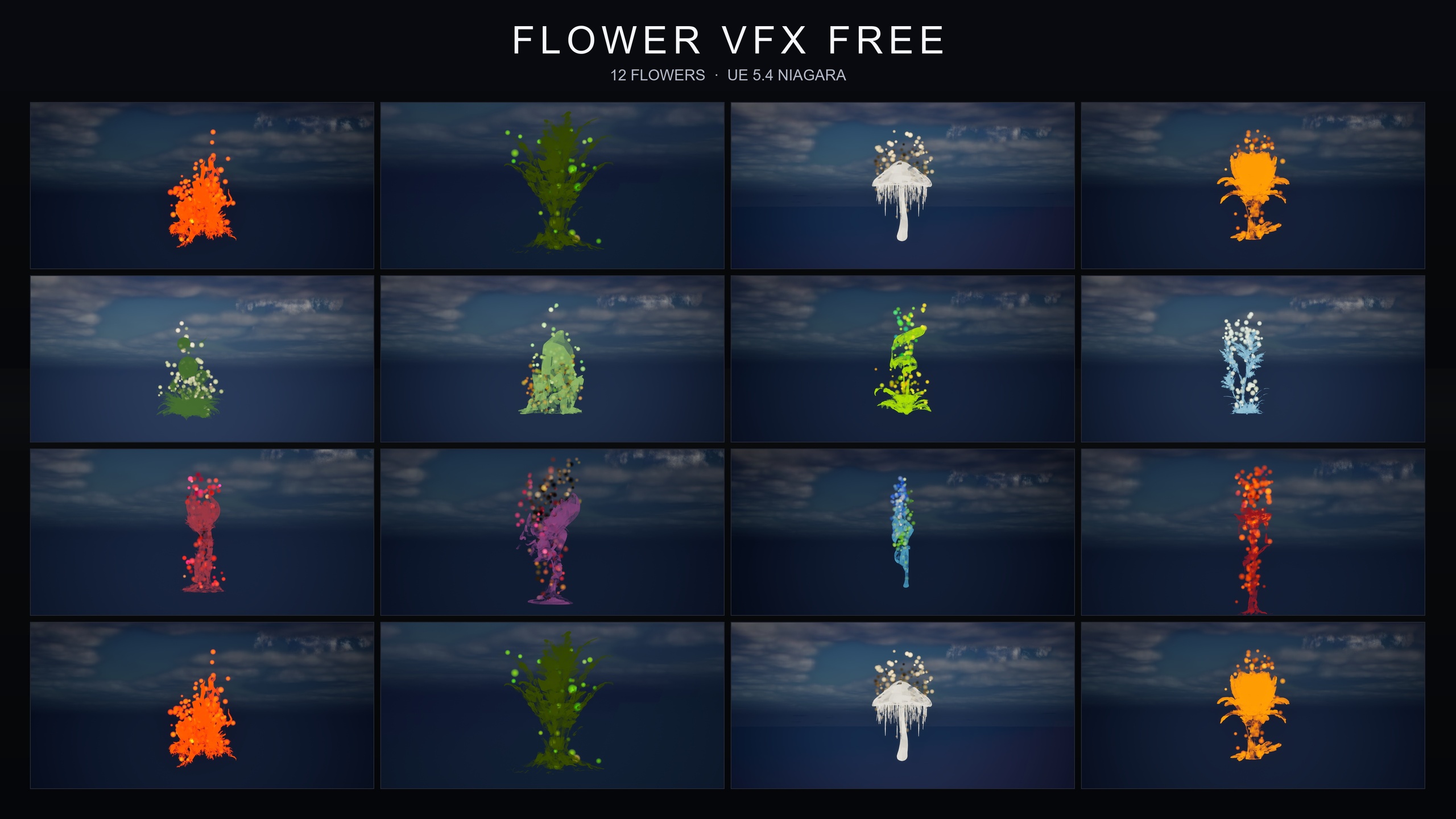
The Fantasy Flower VFX free sampler exists for exactly this. It is the lead magnet for the Fantasy Flower line: 12 hand-picked stylised flower meshes paired with the GildedBloom Niagara family, where radiant golden particles swirl around each bloom in a warm magical aura. You get 12 plug-and-play NiagaraSystems and one fully-lit demo level, all content-only, with no compile step and no plugin dependencies. Critically, it shares the same naming convention and folder structure as the paid packs, so what you learn from the sampler transfers directly to anything you buy later.
Think of the sampler as a one-family proof of the whole approach. If the GildedBloom systems behave the way you want, the other 14 families in the full line are built the same way — same drop-in model, same flower roster, same conventions. The rest of this guide walks through what to actually check while the sampler is open, so your eventual buying decision is grounded in evidence rather than marketing.
Test the drop-in workflow first
The single most important thing a sampler reveals is how much friction the pack adds to your day. With the Fantasy Flower sampler the answer should be: almost none. The advertised workflow is genuinely drag-and-drop, and it is worth confirming that for yourself before you trust it across a larger purchase.
1. Add the free sampler to a test project from your Fab library, then let the editor finish importing.
2. In the 'Content Browser', open the FlowerVFXFree content folder. You are looking for the 12 GildedBloom NiagaraSystems alongside their matching flower static meshes.
3. Drag any one of the 12 GildedBloom systems straight into your level. It should begin playing the golden-aura effect automatically, with no parameter tuning and no setup step.
4. Move the placed system around the level — drop it at ground level, lift it into mid-air, parent it to a moving actor. Confirm the effect reads correctly wherever it sits.
If that sequence works cleanly, you have just validated the exact workflow the whole paid line uses. Every paid family is placed the same way, so a buy decision becomes a question of which moods you need, not whether the pack is awkward to integrate.
Open the demo level and read the folder conventions
Beyond the systems themselves, the sampler ships one fully-lit demo level that lays out all 12 flowers side by side under movable, dynamic sky lighting. Open it straight away. A pre-lit demo map is the fastest way to see every effect in context without placing anything yourself, and because the lighting is movable it slots into both static and dynamic scenes — a useful signal that the paid packs won't fight your existing lighting rig.
While you are in there, pay attention to how the assets are organised, because the folder conventions are part of what you are evaluating. The systems sit next to their matching meshes and material instances in a flat, predictable layout, and the naming is consistent. This matters more than it sounds: the sampler deliberately mirrors the paid packs' naming and folder structure, so the muscle memory you build navigating the free content carries over verbatim. Dropping a paid family in later is seamless precisely because nothing about the layout changes.
Take a moment to note the texture footprint too. The sampler's textures are authored at 2048x2048 and 1024x512, the assets are LOD0 only, and the Niagara emitters run on the CPU sim target with a deferred render path and dynamic lightmaps. These are the same technical defaults the paid packs inherit, so if those choices suit your project here, they suit it across the line.
Confirm it's content-only with no dependencies
A genuine try-before-you-buy check is not just 'does it look nice' — it is 'will it bolt cleanly onto my existing project without dragging in anything I don't want'. The Fantasy Flower sampler is content-only: no C++, no Blueprints to wire up, no plugin dependencies, and no engine modification. That is the property you most want to confirm at sampler stage, because it is the property the entire paid line shares.
You can verify this yourself rather than taking the listing's word for it. After adding the sampler, check that the project still compiles and opens exactly as before — there is no module to build and nothing prompting you to enable a plugin. The sampler is documented as compile-clean on UE 5.4, and the paid packs carry the same content-only, no-dependency guarantee. If a no-dependency footprint is a hard requirement for your project, the sampler lets you prove it before any money changes hands.
One honesty note worth keeping in mind: the precise material and texture counts vary depending on which source you read, so treat any single hard figure for those with a pinch of salt. The counts that are consistent across sources — and the ones that matter for a buying decision — are 12 NiagaraSystems and 12 flower meshes in the sampler. Engine support is listed as UE 5.4-5.7 in the product data and UE 5.4+ on the source listing; either way it opens on 5.4 and upgrades on open, so confirm it loads in your specific version while you have it free.
Map the sampler to the full 15-family line
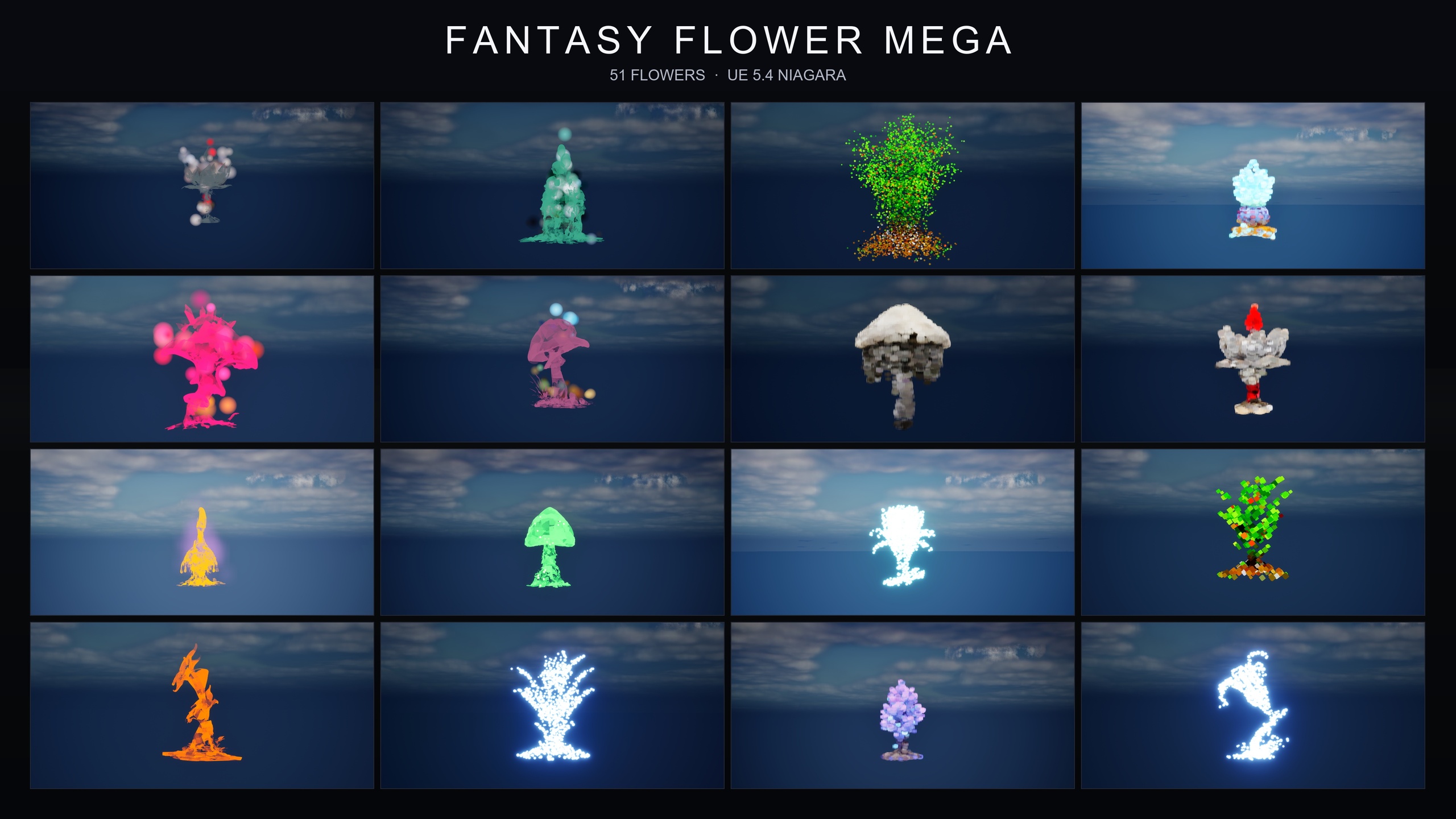
Once the GildedBloom family has earned your trust, the buying question becomes one of scale and mood. The full Fantasy Flower line takes the same drop-in approach and extends it across 15 visual families and the full 51-flower roster. The sampler is the gilded, magical-aura slice of that range; the paid packs cover the rest, from ambient and naturalistic through to dark, cosmic, crystal, cyber, bubble, steampunk and spell-themed registers.
The cleanest mental model is this. The 15 families are: BlackMist, BloomingMotes, Bubbles, Constellation, Crystalline, FireflySwarm, GildedBloom, Holographic, LumenLight, Mist, PixelVoxel, ProjectedGlyph, SteampunkGears, UnfoldingBloom and VineGrow. The sampler hands you GildedBloom for free; the table below shows how a few of the paid packs slice the remaining families so you can match a purchase to what your project actually needs.
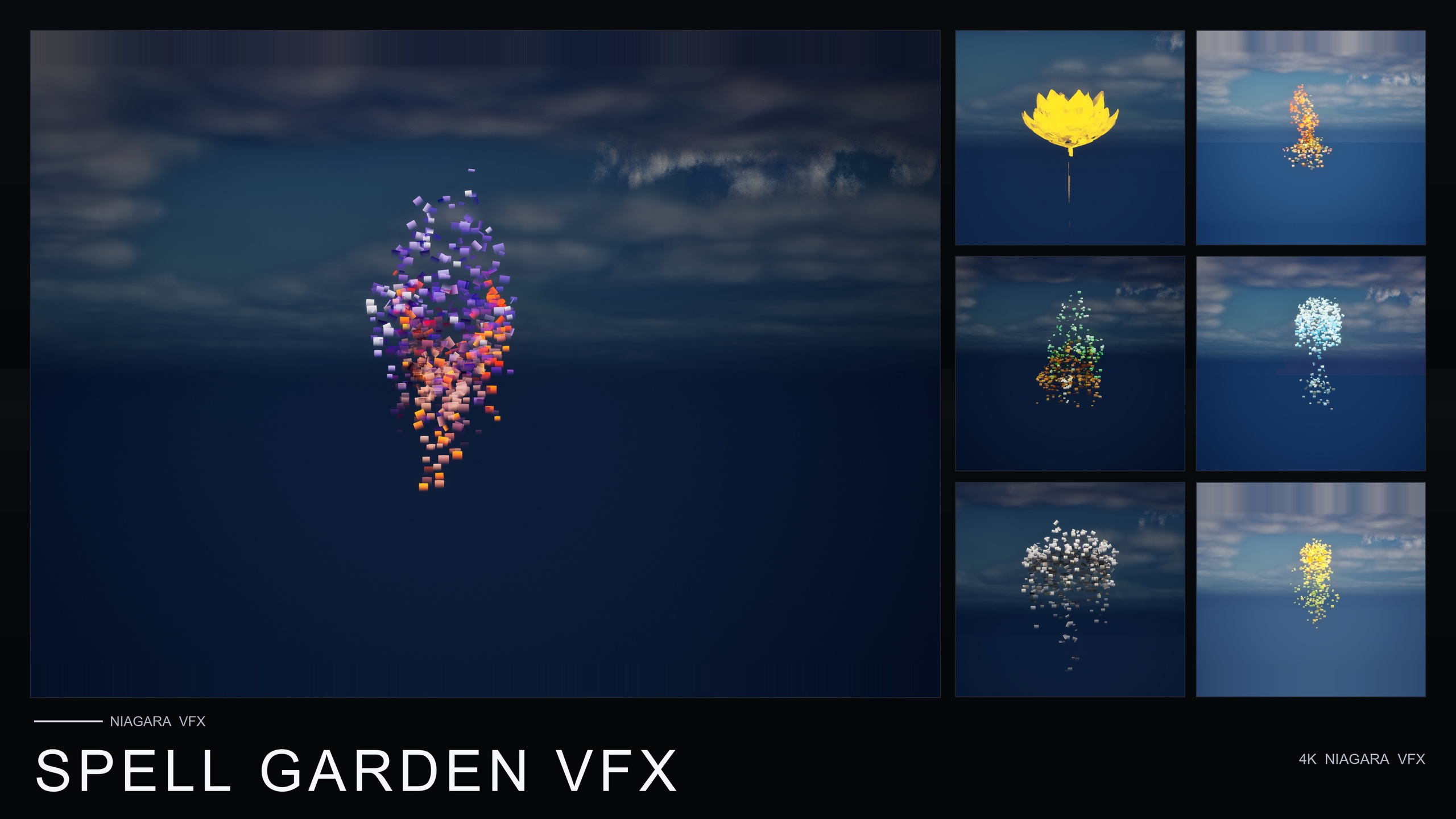
If your scene wants quiet atmosphere — drifting pollen, fireflies, low ground mist — the Ambient Garden pack groups BloomingMotes, FireflySwarm and Mist across all 51 flowers. If you need spell-cast and ritual feedback — one-shot petal bursts, rotating arcane glyphs, creeping vine trails — the Spell Garden pack groups UnfoldingBloom, ProjectedGlyph and VineGrow, with the burst family tuned for one-shot triggers you fire from your own gameplay code. And if you simply want the whole range in one go, the Fantasy Flower Mega Bundle wraps every family around every flower for 750 NiagaraSystems. Whichever way you go, the integration you rehearsed with the free sampler is identical.
So the practical next step is concrete: install the free Fantasy Flower sampler today, run the four-step drop-in test above in your real project, open the demo level, and confirm the content-only footprint. If GildedBloom drops in the way you want, you already know exactly how every paid family will behave — and you can buy the family, or the whole bundle, with no guesswork left.
From the free sampler to the paid Fantasy Flower line
| Pack | Niagara families | NiagaraSystems | Flower meshes | Price |
|---|---|---|---|---|
| Fantasy Flower VFX (free sampler) | 1 (GildedBloom) | 12 | 12 | Free ($0) |
| Ambient Garden VFX | 3 (BloomingMotes, FireflySwarm, Mist) | 150 | 51 | $29.99 |
| Spell Garden VFX | 3 (UnfoldingBloom, ProjectedGlyph, VineGrow) | 150 | 51 | $39.99 |
| Fantasy Flower Mega Bundle | 15 (all families) | 750 | 51 | $99.99 |
Counts are from each product's listing. Material and texture counts vary by source and are omitted here; NiagaraSystem and mesh counts are consistent across sources. All packs are content-only with no plugin dependencies.
FAQ
How do I evaluate an Unreal VFX pack before buying using a free sampler?
Add the free sampler to a test project, drag one of its NiagaraSystems into your level to confirm it plays with no setup, open the included demo level to see every effect in context, and verify the project still compiles with no new plugin dependencies. Because the Fantasy Flower sampler shares its naming and folder structure with the paid packs, anything the GildedBloom family does in the sampler is representative of how the rest of the line behaves.
What exactly is in the Fantasy Flower free sampler?
It ships 12 GildedBloom NiagaraSystems (a golden particle aura, one per flower), 12 stylised flower static meshes with PBR materials, and one fully-lit demo level showing all 12 flowers under movable, dynamic sky lighting. It is content-only and free.
Does the sampler need any plugins or a compile step?
No. It is content-only with no C++, no Blueprints to wire up, and no plugin dependencies. It is documented as compile-clean on UE 5.4, so you simply add it, open the FlowerVFXFree folder, and drag systems into your level.
Which engine versions does it support?
The product data lists UE 5.4-5.7 and the source listing states UE 5.4+. In practice it opens on UE 5.4 and upgrades on open in later versions. Since the sampler is free, the safest check is to confirm it loads in your specific engine version before you commit to a paid pack.
If I like the sampler, what do I buy next?
Match the pack to the mood you need. Ambient Garden VFX (150 systems) covers quiet atmosphere with BloomingMotes, FireflySwarm and Mist; Spell Garden VFX (150 systems) covers spell and ritual effects with UnfoldingBloom, ProjectedGlyph and VineGrow; and the Fantasy Flower Mega Bundle gives you all 15 families across all 51 flowers for 750 NiagaraSystems. The integration is identical to the sampler in every case.
Fantasy Flower VFX
A free sampler from the Fantasy Flower VFX line: 12 Niagara effects with matching meshes and 2K textures, CPU-simulated for Windows, Mac and Linux. A no-cost taste of the full collection.