
tutorial · 2026-05-13
How to Paint Flowers as Foliage in Unreal Engine 5
Turn a set of static-mesh flowers into believable, performant ground cover using the UE5 Foliage tool.

The problem: placing flowers one at a time doesn't scale
Dropping individual flower meshes into a level looks fine for a hero shot, but the moment you need to carpet a glade, line a riverbank or fill an alien biome, placing each plant by hand becomes hours of tedious work that still ends up looking like a grid. If you have been searching for how to paint flowers as foliage in Unreal Engine 5, the answer is the built-in Foliage tool: it lets you brush thousands of instances across your terrain with controlled randomness so the scatter reads as natural rather than placed.
This tutorial uses the Fantasy Flower Pack, a set of 51 unique hand-modelled fantasy, sci-fi and gothic flowers delivered as Nanite-ready UE5 static meshes. Each flower ships with its own material and 2K PBR texture set and automatic collision, which makes the meshes drop straight into a Foliage type with no extra preparation. Because the pack is a UE 5.6 content project rather than a plugin, you can either open it directly or migrate the FantasyFlowerPack content folder into your own project first.
By the end you will have a reusable Foliage type per flower, a brush tuned for density, scale and rotation variation, and a scatter that holds up under Nanite. The same workflow applies to any static-mesh foliage, so the technique outlives this one pack.
Step 1: Add a static mesh to a Foliage type
1. Open the Foliage tool from the mode dropdown in the top-left of the viewport, or press Shift+3 to switch into Foliage mode. The Foliage panel appears on the left with an empty list and a drop area labelled for placing meshes.
2. In the Content Browser, find a flower mesh from the pack, for example one of the SM_FantasyFlower_ meshes such as a Blood Lotus or Radiant Lotus. Drag it from the Content Browser into the Foliage panel's drop area. Unreal creates a new Foliage type asset that wraps that static mesh.
3. Repeat the drag for several different flowers so the panel lists a handful of foliage types. Painting from a mix of meshes is what sells the variety, and with 51 unique meshes in the pack you can build distinct palettes for a meadow, a gothic garden and a sci-fi biome without repetition.
4. Tick the checkboxes next to the foliage types you want active for the next brush stroke. Only ticked types are painted, so you can curate which flowers go down where simply by toggling them on and off between strokes.
Step 2: Tune density, scale and rotation
Select a foliage type in the panel to reveal its settings, then work top to bottom. The 'Density / 1Kuu' value controls how many instances are placed per thousand-by-thousand unit square under the brush; lower it for sparse wildflowers and raise it for a dense carpet. The brush itself has its own 'Brush Size' and 'Paint Density', so think of the type density and the brush density as two multipliers you balance together.
Open the 'Scale' section and set a sensible 'Scale X' minimum and maximum, for example 0.8 to 1.3, with 'Lock' enabled so flowers scale uniformly. This single change does more for realism than anything else, because real plants are never all the same height. The Fantasy Flower Pack meshes are modelled at a consistent scale, so a modest random range keeps them believable rather than cartoonish.
In the 'Rotation' section, enable 'Random Yaw' so every instance faces a different direction, and add a few degrees of 'Random Pitch' (sometimes labelled 'Random Pitch Angle') so blooms tilt slightly instead of standing to attention. Enable 'Align to Normal' if you want flowers to follow the slope of hills; leave it off and rely on a small pitch range if you prefer them growing upright regardless of terrain.
Finally, set the 'Z Offset' to a small negative range if any flower bases hover above the ground, which sinks the stems into the surface so they read as rooted. Combined, these three sections of randomness are the difference between a scatter that looks generated and one that looks grown.
Step 3: Paint natural-looking clusters
Flowers in nature grow in drifts and clumps, not even fields, so paint with that in mind. Tick two or three complementary foliage types at once, set a medium brush size, and dab short strokes to lay down clusters rather than dragging one long band. Vary the 'Paint Density' between dabs so some patches are thick and others thin.
Use the Shift modifier while painting to erase: hold Shift and brush over an area to remove instances of the currently active types, which lets you carve paths, clearings and bald patches back into a dense scatter. Eroding density in places is just as important as adding it, because uniform coverage is the giveaway of machine placement.
Layer themed passes for storytelling. Lay a base pass of common blossoms, then switch the active types to the gothic blooms in the pack such as nightshade or ember blooms and add a sparse second pass near a ruin or shrine so the menacing plants cluster where the narrative wants them. The pack's themed variety, from crystalline and arbor plants to mushrooms, coral blooms and lotuses, is built for exactly this kind of biome-by-biome dressing.
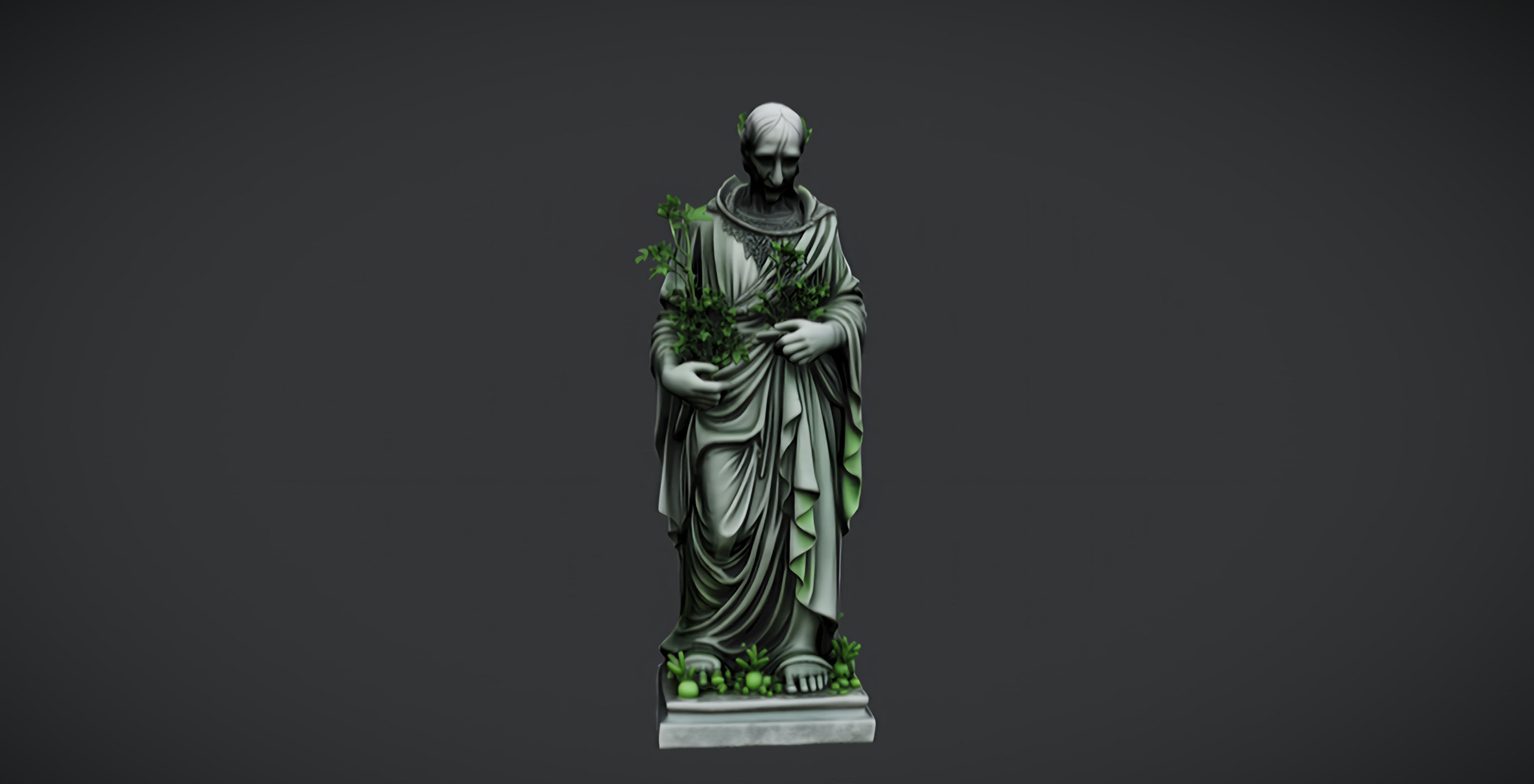
Anchor the composition with a focal prop. A single statue at the centre of a flowered grove gives the eye somewhere to rest; the free Fantasy Nature Statue and Dark Fantasy Nature Statue are drop-in UE5 static meshes that pair naturally with a painted flowerbed at their base, and for a fuller gothic scene the Dark Fantasy Props Bundle adds altars, obelisks and lanterns to grow your flowers around.
Step 4: Keep Nanite flowers performant
Every mesh in the Fantasy Flower Pack is Nanite-ready, which is good news for foliage because Nanite streams the geometry it actually needs instead of forcing you to author manual LODs for thousands of instances. You can paint denser fields than you could with traditional LOD-based foliage and let Nanite handle the triangle budget as the camera moves.
Keep an eye on overdraw rather than triangle count. Flowers with thin, overlapping petals and any masked or translucent material can stack a lot of pixel work in dense patches, so use the GPU Visualizer and the shader-complexity viewmode to spot hotspots, then thin the worst clusters with a Shift-erase pass. Reducing density where the camera lingers usually costs nothing visually and recovers real frame time.
Because the meshes carry automatic collision, painting a large field also paints a large amount of collision geometry. If players or projectiles never interact with the flowers, set the foliage type's 'Collision Presets' to 'NoCollision' so the engine skips that overhead entirely; reserve collision for the few plants the player can actually walk into.
One honest caveat: these flowers are static geometry and the pack does not ship wind or vertex animation, so painted instances will not sway on their own. If you want motion, that is a material-level addition you author yourself rather than a feature of the meshes, and it is worth budgeting for separately if your scene needs a breeze.
Next steps
Save your tuned Foliage types as assets so you can reuse the same density, scale and rotation recipe across levels, then build a couple of named palettes, one per biome, that you can load and paint in seconds. If you outgrow hand-painting entirely, the same 51 meshes feed straight into a PCG graph for fully procedural scatter, which is the natural progression once your worlds get large.
If you do not own the flowers yet, the Fantasy Flower Pack gives you 51 unique Nanite-ready meshes with 2K PBR textures and automatic collision in a single UE 5.6 project for 21.99 USD, which is everything this workflow assumes. Grab it, drag a few meshes into a Foliage type, and you will be painting believable fields within minutes.
Where each pack fits in a flowered scene
| Pack | What it adds | Engine | Price |
|---|---|---|---|
| Fantasy Flower Pack | 51 unique Nanite-ready flower/plant meshes for foliage and scatter | UE 5.6 | 21.99 |
| Fantasy Nature Statue | Single free static-mesh statue as a grove centrepiece | UE5 | Free |
| Dark Fantasy Nature Statue | Single free darker statue for ruins and cursed gardens | UE5 | Free |
| Dark Fantasy Props Bundle | 100+ gothic static meshes (altars, obelisks, lanterns) plus a Demo map | UE 5.6 | 34.99 |
Real counts and engine targets from the verified product dossiers. Prices in USD.
FAQ
How do I paint flowers as foliage in Unreal Engine 5?
Switch to Foliage mode (Shift+3), drag a flower static mesh such as one of the Fantasy Flower Pack SM_FantasyFlower_ meshes into the Foliage panel to create a Foliage type, tick it on, then brush it across your terrain. Tune the type's density, scale and rotation ranges first so the scatter looks natural rather than gridded.
Do I need to set up LODs for the flowers?
No. Every mesh in the Fantasy Flower Pack is Nanite-ready, so Nanite manages geometry detail automatically and you do not author manual LODs for foliage instances. Focus your optimisation on overdraw and density instead of triangle count.
Can I disable collision on the painted flowers?
Yes. The meshes ship with automatic collision, but you can set a Foliage type's collision preset to NoCollision so painting a large field does not add collision overhead. Keep collision only on plants the player can actually walk into.
Do the flowers sway in the wind?
Not out of the box. The pack delivers static geometry and does not include wind or vertex animation, so painted instances stay still unless you add motion yourself at the material level.
How many different flowers can I paint with?
The Fantasy Flower Pack contains 51 unique meshes spanning blossoms, lotuses, crystalline and arbor plants, mushrooms, nightshade, ember and coral blooms, so you can build separate palettes for meadows, gothic gardens and sci-fi biomes without repeating yourself.
Fantasy Flower Pack
Fifty hand-modelled fantasy, sci-fi and gothic flowers — 51 unique meshes with automatic collision, 201 textures at 2048² and Nanite-ready geometry. Dress gardens, alien worlds and stylised scenes.
Related on Fab


Related reading