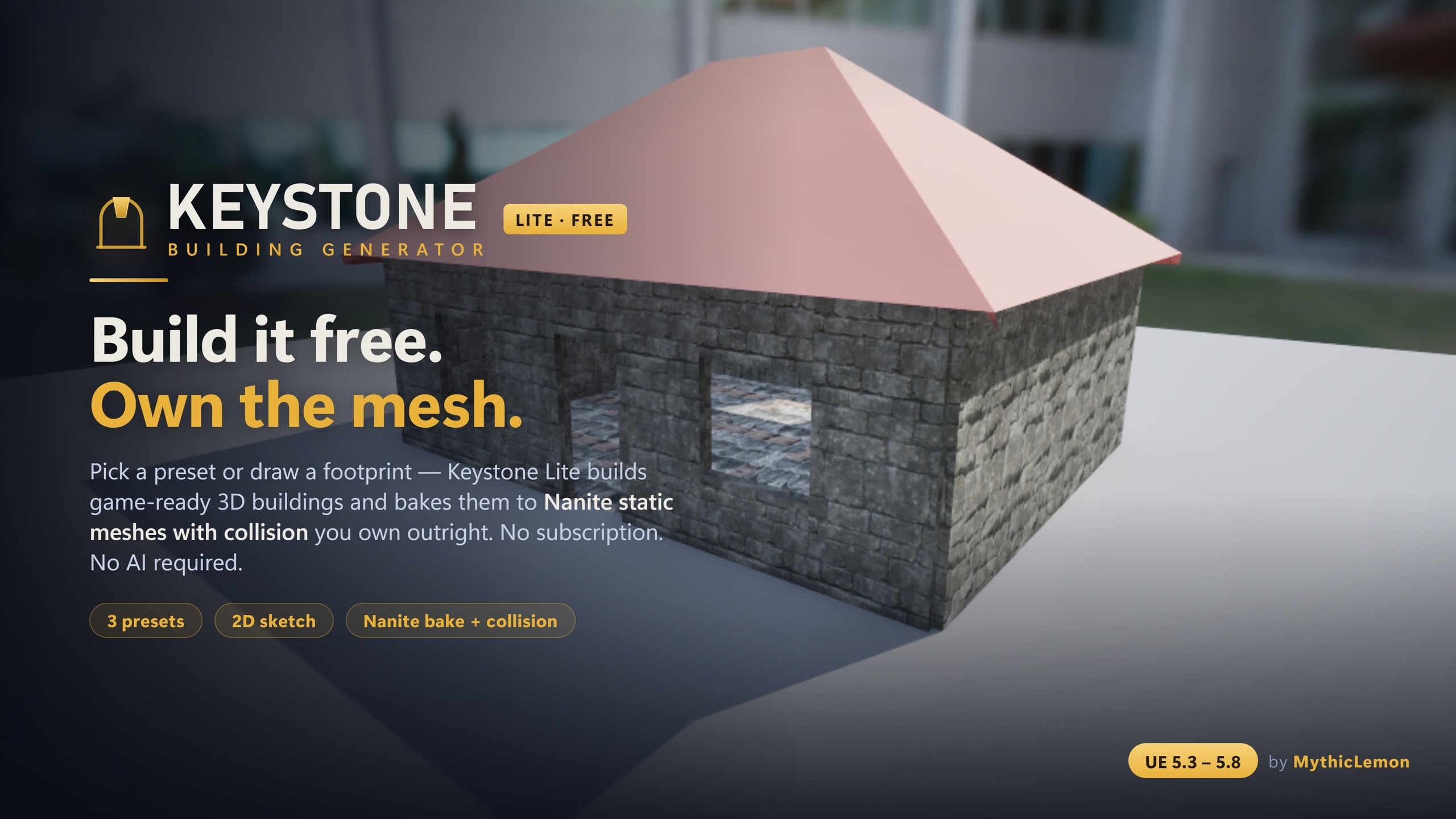
Modular Building Generator for UE5

Keystone

Keystone generates game-ready 3D buildings — walls, floors, roofs and approximate interiors — directly inside the Unreal Editor. Start from one of eight presets, draw a footprint on a true-to-scale 2D canvas, drop in a floor-plan image, describe a building in plain English, or tile your own modular meshes with Kit Mode. Every input converges on one editable building file, shown in a live 3D preview, and bakes to Nanite static meshes with collision — as separable pieces — that you own outright. The geometry is built by a deterministic procedural engine: no subscription, no credits, and no AI-generated meshes. The optional Draft-from-Text and Draft-from-Image features use your own API key (Anthropic, OpenAI, Google, or local Ollama) only to read your words or plan into editable parameters.

★★★★★Trusted by UE devs Lifetime licence · free updates
keystone — preview
Keystone
5
Ways to start a building
8
One-click starter presets
Nanite
Bakes to StaticMeshes + collision
5.3–5.8
Engine versions (one build each)
Why Keystone

Built for the way you actually work.

01

Five ways to start a building

Presets (House, L-Shape, Gable Cottage, 3-Storey Block, Setback Tower, Castle, Log Cabin, Round Tower), a true-to-scale 2D Sketch canvas, a floor-plan image, a plain-English description, or your own modular meshes via Kit Mode. They all converge on the same editable building file.

02

Multi-volume composition & character

Compose castles, round towers, gatehouses and wings from several volumes — not just single boxes. Add stacked-log or timber wall styles, crenellation and cornice detail bands, arcs and round towers, and a subtle stylize deformation for a less machine-made look.

03

Kit Mode — tile your own meshes

Tile your log, brick, stone or sci-fi modular meshes (your own kit, marketplace packs, or Quixel/Megascans) onto walls, floors, ceilings and interior walls, with correct placement and pivots. Tile repeats at natural size with integer fill; Stretch scales one instance. Roof and trim stay procedural so they always close cleanly.

04

Optional AI input, bring-your-own-key

Draft from Text and Draft from Image read your sentence or floor plan into an editable building — using your own Anthropic, OpenAI or Google key, or a fully local Ollama model. The AI only produces editable parameters; the geometry is still built by the deterministic engine, and no AI-generated meshes are shipped. Every other workflow needs no AI at all.

05

Game-ready, deterministic output

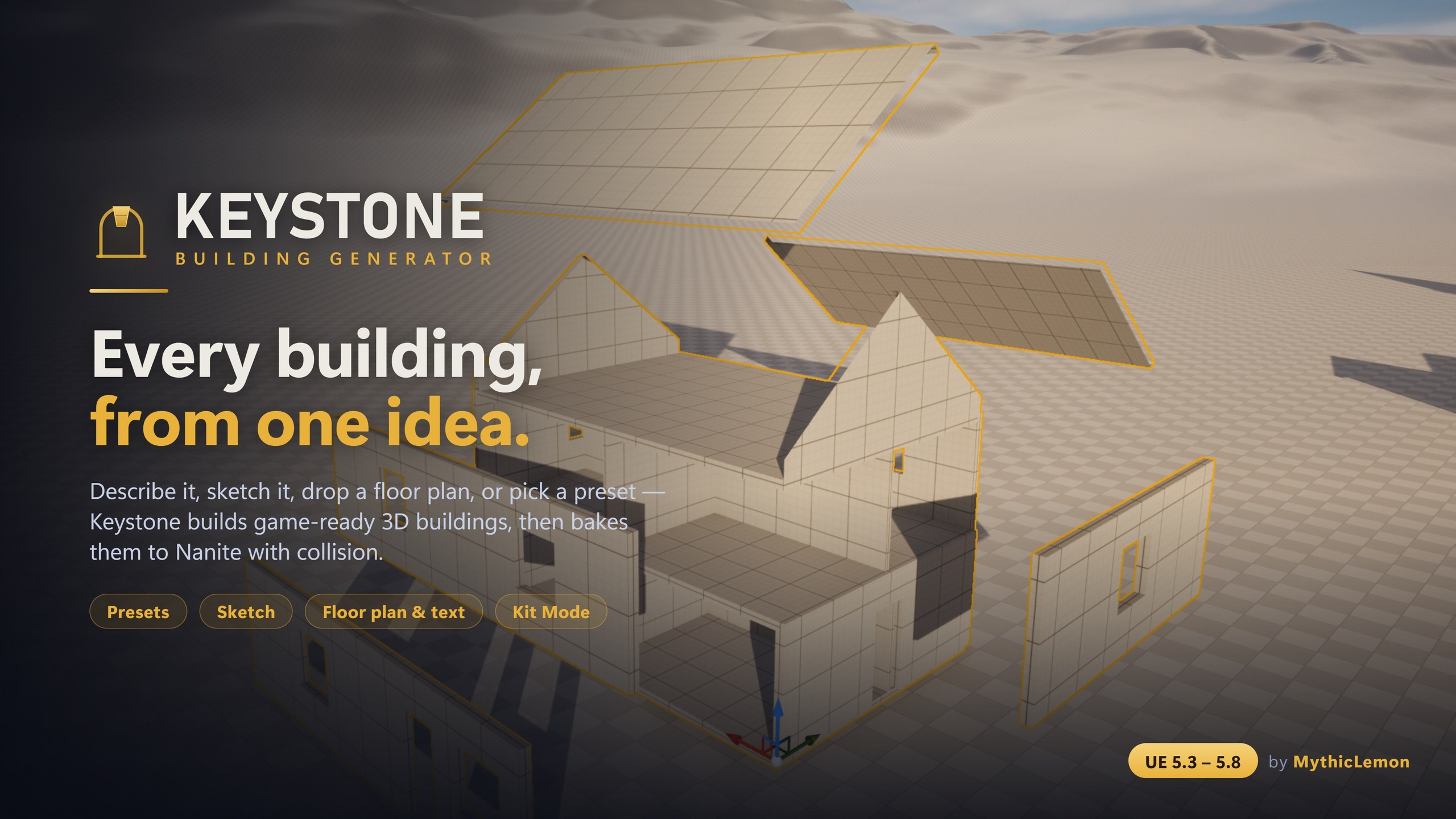
Bakes to standard Unreal StaticMeshes with collision and optional Nanite (both on by default), broken into separable pieces you can edit, swap or detach. The same building file always produces the same building, and baked output has no runtime dependency on Keystone.

Keystone
Highlights

Everything in the box.

  • Every building you generate is saved to your project's Content Browser as a clickable thumbnail in the building Library — generating again adds a new entry, so iterations are never lost.
  • Import and export the building file as human-readable JSON to version, share and reproduce designs across a team.
  • Buildings are baked as separable pieces — each wall, roof panel, floor and ceiling — so you can detach a wall for a doorway or delete a section for a ruin without disturbing the rest.
  • Validated by a 56-test automation suite across geometry, roof, sketch, schematic, AI parsing and mesh instancing.
Watch

See Keystone in action

Keystone | Modular Building Generator →
Under the hood

No surprises at install.

Documented, supported, and built to survive engine upgrades.

Engine
Unreal Engine 5.3 – 5.8 (one compile-verified build per version)
Type
Code plugin · editor tool · 0 Blueprints (output is StaticMesh assets)
Modules
BGCore · BGGeometry · BGAI · BGEditor · BGTests · BGFeedback (6)
Dependencies
Geometry Scripting + Modeling Tools (ship with Unreal, auto-enable)
Platform
Windows (Win64) editor tool · baked meshes run on any target platform
AI features
Optional · bring-your-own-key (Anthropic / OpenAI / Google) or local Ollama
Includes
Plugin, colour-coded starter materials, example building files, User Guide + Technical Reference PDFs
Licence
One-time purchase · lifetime updates · no subscription or credits
Get it today
$29.99USD · one-time · free updates

Lifetime licence on Fab. Use in unlimited personal & commercial Unreal projects.

▸ Coming soon Wider preset and detail library — want early access?
Report a bug