Keystone | Modular Building Generator
Just draw the floorplan - we generate the building.
Keystone generates game-ready 3D buildings — walls, floors, roofs, and approximate interiors — directly in the Unreal Editor. Start from a preset, draw a footprint, drop a floor-plan image, or describe a building in plain English. Keystone builds it, and bakes it to Nanite static meshes with collision that you own outright.
No subscription. No credits. No AI-generated meshes. Just a fast, deterministic building generator that meets your idea wherever it already lives.
Five ways to start a building
Presets — eight starter buildings, one click each: House, L-Shape, Gable Cottage, 3-Storey Block, Setback Tower, Castle, Log Cabin, Round Tower.
Sketch — draw the footprint on a true-to-scale 2D canvas (snapping, ortho, real Unreal units). Place doors, windows, and interior walls as you go.
Floor-plan image — load a floor plan and turn it into a building, with an alignment overlay so it matches your scale. (Uses your own AI key — see below.)
Text — describe a building ("two-storey stone cottage, hip roof, door and three windows") and draft the massing instantly - the AI drafts the architecture plan, the software constructs it, so you get the fast AI workflow, without the AI jank.
Your own meshes (Kit Mode) — tile your log / brick / stone / sci-fi modular meshes onto walls and floors, with correct placement and pivots. Bring your own kit, marketplace packs, or Quixel/Megascans.
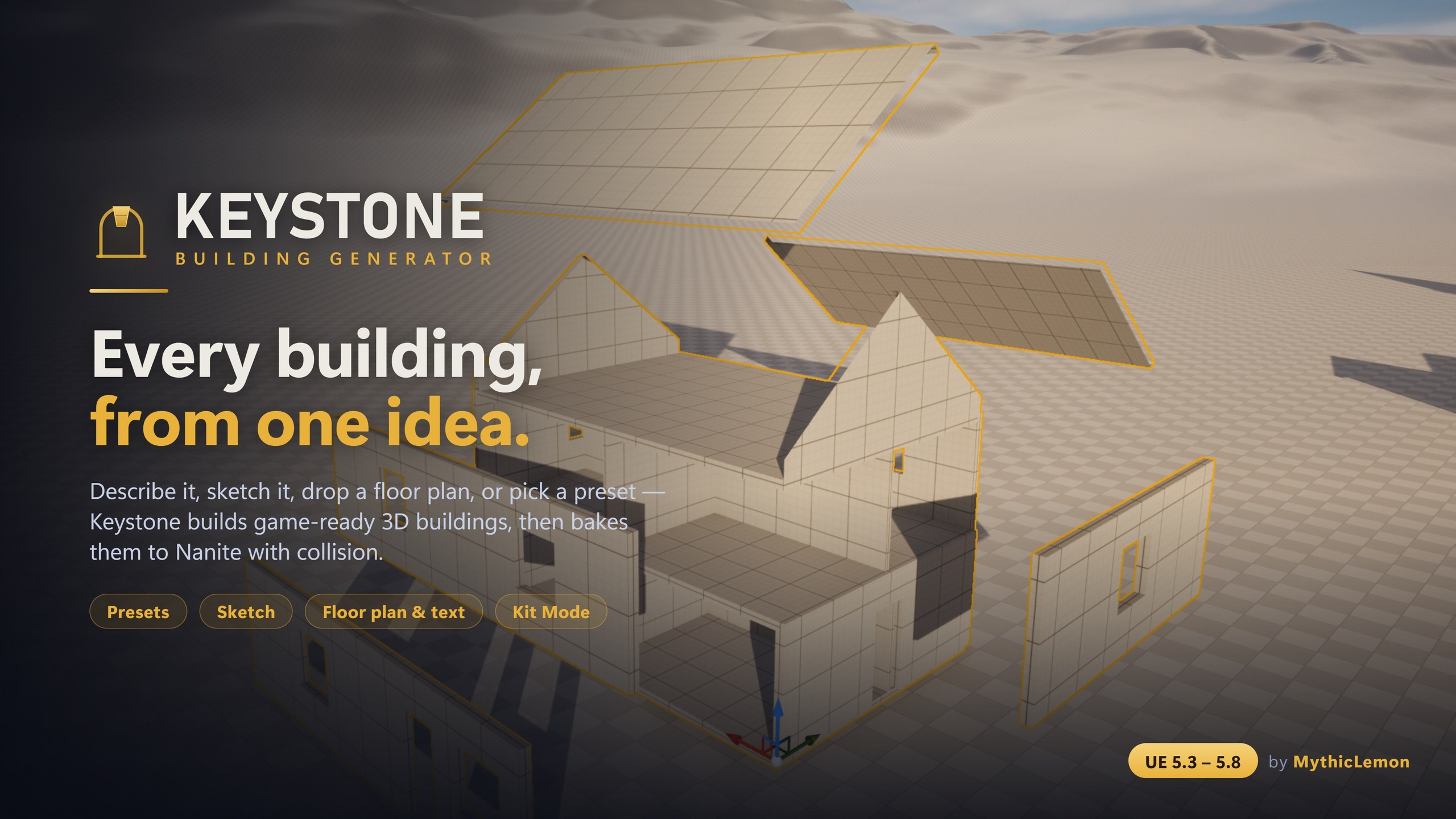
Keystone
Generate game-ready 3D buildings in the Unreal Editor — from a preset, a sketch, a floor plan, a sentence, or your own meshes.
Keep watching