comparison · 2026-06-26
Keystone vs Keystone Lite: Which UE5 Building Generator to Use
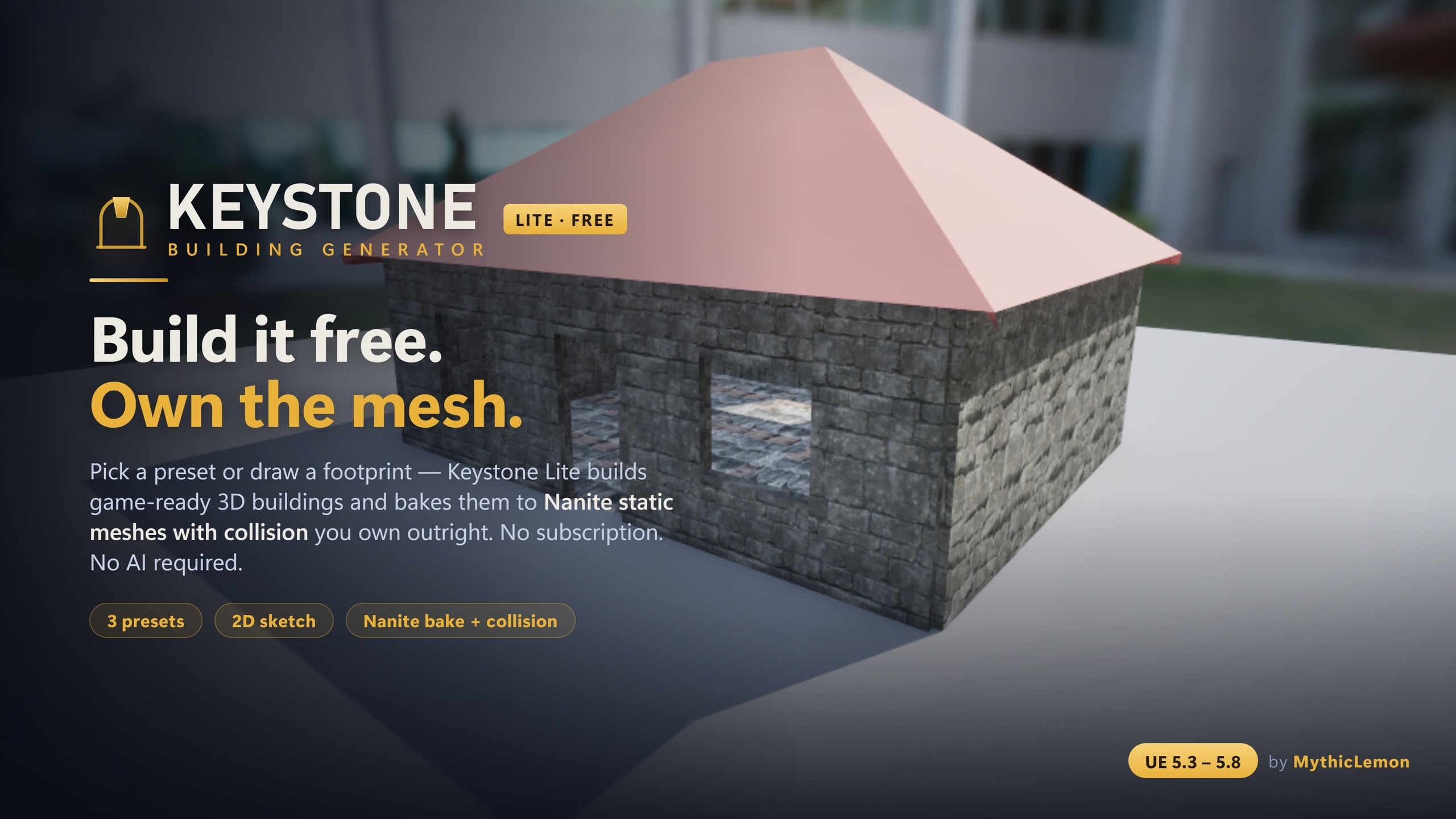
An honest, capability-by-capability comparison of the free Keystone Lite and the full Keystone ($29.99) for Unreal Engine — same deterministic core, different reach.
Same engine, two editions, one decision
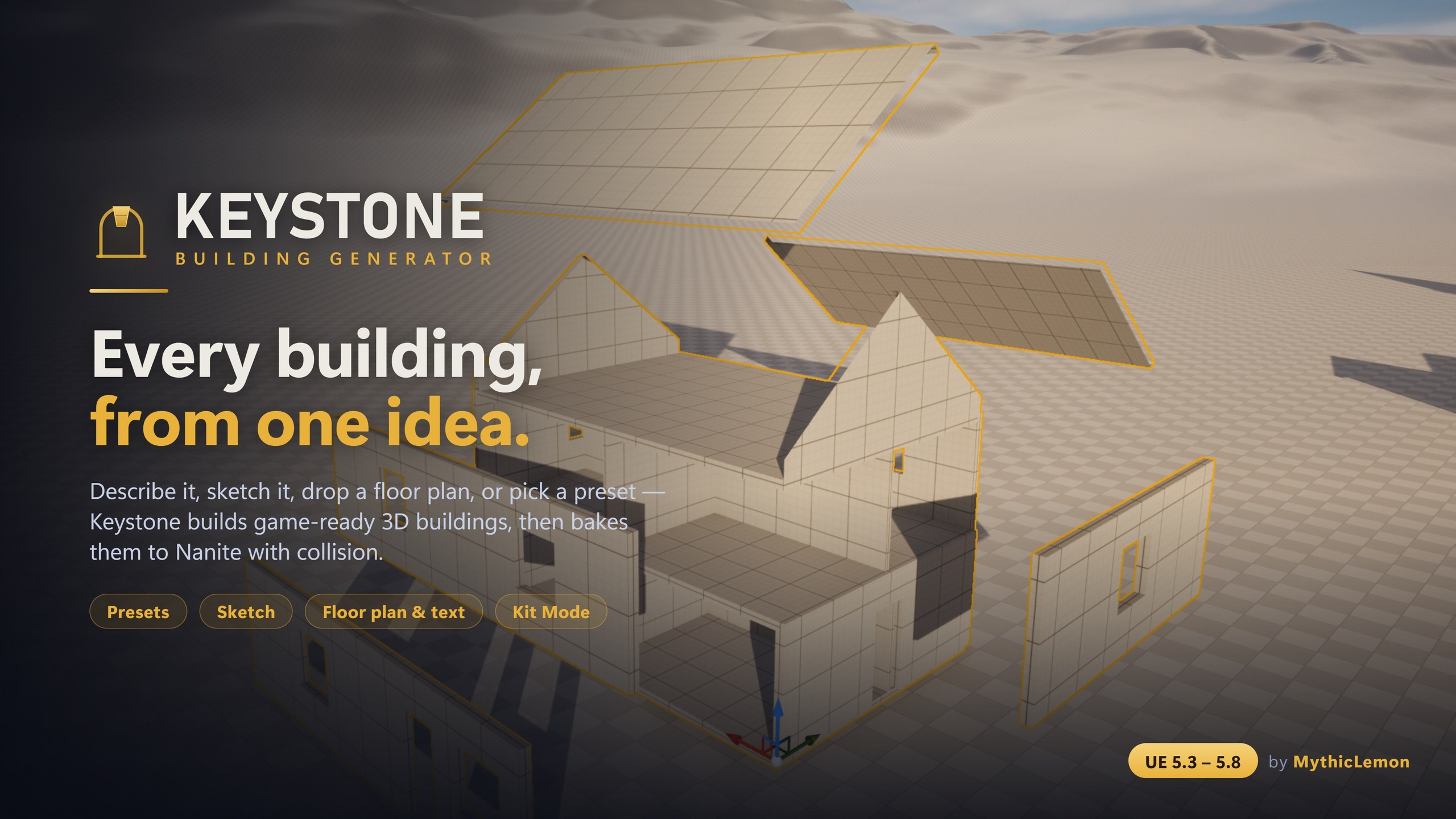
If you are weighing Keystone vs Keystone Lite for Unreal, the honest framing is that these are not rivals — they are two editions of the same tool. Both generate game-ready 3D buildings — walls, floors, roofs and approximate interiors — directly inside the Unreal Editor, and both bake to standard Unreal StaticMeshes with collision that you own outright. 'Enable Nanite' and 'Generate collision' are both on by default. There is no subscription, no credits and no AI-generated meshes in either one.
Critically, both editions run the same deterministic procedural geometry engine. That means the same building file always produces the same building, on either edition, and the baked output has no runtime dependency on the plugin. Keystone Lite is a focused free slice of that core; the full Keystone is the complete toolkit. Nothing about the underlying geometry quality changes when you upgrade — you simply unlock more ways to start, compose and detail a building.
So the real question is not which edition is 'better'. It is which set of inputs and detailing tools your project actually needs, and whether the things gated behind the paid edition — AI input, castles and towers, your own mesh kits, and JSON round-tripping — are on your list. Everything below answers that from the verified edition-comparison facts, not from marketing.
What both editions share
The shared base is substantial, and it is worth being clear about it before you reach for your wallet. Both Keystone Lite and the full Keystone give you the true-to-scale 2D Sketch canvas — a drawing surface in real Unreal units (centimetres) with snapping and orthogonal guides, where you place doors, windows and interior walls and set storey controls. Both give you full parametric editing of the resulting building file in a live 3D preview, so you tune values and watch the geometry follow before you commit anything.
Both also give you the bake itself: standard Unreal StaticMeshes with collision, with 'Enable Nanite' and 'Generate collision' on by default, output as separable pieces so you can detach a wall to add a doorway, swap a roof panel, or delete a section for a ruin without disturbing the rest. You pick the Content Browser folder, and the baked assets are ordinary platform-agnostic StaticMeshes with no runtime generation, no tick cost and no dependency on Keystone.
Both editions also save each generated building to the project's Content Browser as a clickable thumbnail in the building Library, with each Generate adding a new entry rather than overwriting, so iterations accumulate. Both support the six material slots (Wall, Floor, Ceiling, Roof, Trim, Interior) with the colour-coded starter materials. The two editions ship across the same engine line — UE 5.3 through 5.8, with a separate compile-verified build per version — and both are Windows (Win64) editor-only tools whose baked output runs on any target platform. In other words, the free edition is a genuine, complete blockout-to-bake workflow on its own, not a crippled demo.
What the full Keystone adds
The paid edition unlocks five distinct capabilities. First, presets: Lite ships three starter buildings, while the full edition ships all eight — House, L-Shape, Gable Cottage, 3-Storey Block, Setback Tower, Castle, Log Cabin and Round Tower. Second, the two AI inputs — Draft from Text and Draft from Floor-Plan Image — which are exclusive to the full edition. These are optional and bring-your-own-key (Anthropic, OpenAI, Google, or a fully local Ollama model that needs no key and sends nothing off the machine), and they only interpret your words or plan into editable building parameters; the geometry is still built by the deterministic engine, no AI-generated meshes are shipped, and your input goes only to the provider you choose — nothing is sent to MythicLemon. An AI draft is a strong starting point, not a guaranteed pixel-perfect trace, so review and correct it in the details panel. Keystone Lite has no AI at all.
Third, multi-volume composition. Lite builds single-volume shapes; the full edition lets you compose castles, round and arc towers, gatehouses and wings from several volumes. A building with volumes is their union by abutment (never a boolean op), each volume has its own storey stack and roof, and each bakes as its own separable piece. The Castle preset — a crenellated keep with round corner towers, curtain walls and a gatehouse — is the showcase for exactly this. Fourth, Kit Mode: tiling your own modular meshes (log, brick, stone or sci-fi kits, marketplace packs, or Quixel/Megascans) onto Walls, Floors, Ceilings and Interior Walls, with two fit modes — Tile (repeats the mesh at its natural size, fitting a whole number along each run so nothing is clipped) and Stretch (one instance scaled to fill the element). Roof and Trim always stay procedural, any slot you leave empty stays procedural, and each tiled slot is realised as one InstancedStaticMeshComponent.
Fifth, the full detailing toolkit — wall styles (SolidBox, StackedLog cabin, TimberFrame Tudor), detail bands (crenellations/battlements and cornices/string courses) run around a wall-top, arcs and round towers that curve a wall outward into a round tower or bay or inward into an apse/niche, and a seeded, repeatable stylize deformation (a gentle lean, taper or hand-built 'wonkiness' that never changes topology) for a less machine-made look. And finally, building-file import and export as a single human-readable JSON file — the complete description from footprint to roof — so you can version designs in source control, hand a teammate the identical building, and keep a personal library. This JSON round-tripping is full-edition only; because the core is deterministic, the same file always rebuilds the same building.
Capability table
The table below is the edition comparison straight from the User Guide. Read it for capability, but read your own project for the decision — the shared rows are exactly that, identical between the two editions, and the differences are the five things the paid edition unlocks.
One under-the-hood note that mirrors the table: the full Keystone is built from six C++ modules, including a runtime BGAI module that gates the AI inputs and adds about three classes over Lite. Both editions ship zero Blueprints — the output is baked StaticMesh assets — and neither carries any bundled third-party library; the optional AI simply uses the engine's HTTP and Json modules. Geometry Scripting and Modeling Tools, the only dependencies, both ship with Unreal and auto-enable.
Pick by need: start free, upgrade for reach
The honest recommendation is to start with Keystone Lite. It costs nothing, runs the same deterministic core and Nanite baking as the paid edition, and gives you the Sketch canvas, full parametric editing and the building Library. For blockout work, mid-ground buildings, and learning the workflow, the free edition may be all you need — and because the building file format and baked output are shared, nothing you build in Lite is wasted if you later move up.
Upgrade to the full Keystone when one of four needs appears. Upgrade for AI input if you want to draft a building from a plain-English sentence or a floor-plan PNG (remembering it is bring-your-own-key, and that an AI draft is a strong starting point that benefits from a review pass in the details panel, not a guaranteed pixel-perfect trace). Upgrade for castles and towers if your project needs multi-volume composition — keeps, round towers, gatehouses and wings rather than single boxes. Upgrade for Kit Mode if you want to tile your own modular meshes onto the building. And upgrade for JSON round-tripping if you need to version, share or reproduce building files across a team. The full detailing toolkit and the five extra presets come with the upgrade as well.
Keep the shared honest limitations in mind for either edition: interiors are approximate — excellent for blockout, exteriors and mid-ground buildings, not a substitute for hand-built close-up hero interior sets; both are Windows editor-only tools; an edge curved by an arc does not carry openings, so place doors and windows on straight edges; and separable-piece baking favours editability over draw-call count, so merge or instance when you place large numbers of identical buildings. There are no shipped Blueprints and no runtime Blueprint generation API in either edition — both are editor tooling whose output is baked assets.
The full Keystone is a one-time purchase at $29.99 with lifetime updates — no subscription, no credits, no usage fees. So the cleanest path is the cheapest to try: take Keystone Lite first, build something real with it, and let your own project tell you which of the four upgrade triggers it hits before you pay anything.
Keystone Lite vs full Keystone
| Capability | Keystone Lite (free) | Keystone (full, $29.99) |
|---|---|---|
| Presets | 3 starter presets | All 8 presets |
| 2D Sketch canvas | Yes | Yes |
| Parametric editing | Yes | Yes |
| Bake to Nanite + collision | Yes | Yes |
| AI inputs (Text & Floor-Plan Image) | No | Yes (bring-your-own-key) |
| Multi-volume composition (castles/towers/wings) | No | Yes |
| Kit Mode (your own meshes) | No | Yes |
| Full detailing (log/timber, detail bands, arcs, stylize) | No | Yes |
| Building file import / export (JSON) | No | Yes |
Edition comparison taken directly from the Keystone User Guide. Both editions share the same deterministic core and the same Nanite baking; the differences are the capabilities the full edition unlocks.
FAQ
What is the difference between Keystone and Keystone Lite?
Keystone Lite is the free edition; the full Keystone is $29.99. Both run the same deterministic geometry core and bake the same Nanite StaticMeshes with collision, and both include the 2D Sketch canvas and full parametric editing. Lite ships three starter presets; the full edition ships all eight and adds AI text/floor-plan input, multi-volume castles and towers, Kit Mode for your own meshes, the full detailing toolkit, and JSON building-file import/export.
Is Keystone Lite a limited demo, or genuinely usable?
It is genuinely usable. Keystone Lite is a focused free slice of the same core, not a trial: you get three starter presets, the true-to-scale 2D Sketch canvas, full parametric editing in a live preview, the building Library, and baking to Nanite StaticMeshes with collision that you own outright. For blockout and mid-ground buildings it may be all you need — though interiors are approximate and it is a Windows editor-only tool in both editions.
Do I need an AI key to use either edition?
No. Keystone Lite has no AI at all, and in the full Keystone the AI inputs (Draft from Text and Draft from Floor-Plan Image) are optional and bring-your-own-key. The AI only turns your text or image into editable building parameters — the geometry is always built by the deterministic engine and no AI-generated meshes are shipped. Your input goes only to the provider you choose (Anthropic, OpenAI, Google, or a fully local Ollama model that needs no key), and every non-AI workflow needs no key.
When should I upgrade from Keystone Lite to the full Keystone?
Upgrade when you hit one of four needs: AI input (drafting a building from a sentence or floor-plan image), multi-volume composition (castles, towers, gatehouses and wings rather than single boxes), Kit Mode (tiling your own modular meshes), or JSON round-tripping (versioning and sharing building files across a team). The full detailing toolkit and the five extra presets come with the upgrade too.
Will work I do in Keystone Lite carry over if I upgrade?
Yes. Both editions share the same deterministic core and the same baked StaticMesh output, so anything you build and bake in Lite remains valid. Because the core is deterministic the same building always rebuilds identically — though the building-file JSON import/export feature itself is only in the full edition.
Keystone
Keystone generates game-ready 3D buildings — walls, floors, roofs and approximate interiors — directly inside the Unreal Editor. Start from one of eight presets, draw a footprint on a true-to-scale 2D canvas, drop in a floor-plan image, describe a building in plain English, or tile your own modular meshes with Kit Mode. Every input converges on one editable building file, shown in a live 3D preview, and bakes to Nanite static meshes with collision — as separable pieces — that you own outright. The geometry is built by a deterministic procedural engine: no subscription, no credits, and no AI-generated meshes. The optional Draft-from-Text and Draft-from-Image features use your own API key (Anthropic, OpenAI, Google, or local Ollama) only to read your words or plan into editable parameters.
Related on Fab
Related reading