
tutorial · 2026-05-26
How to Make an Alien Planet Environment in UE5 With Otherworldly Plants
A practical workflow for dressing a believable non-Earth biome with crystalline, coral and fungal flora in Unreal Engine 5.

Why alien flora is harder than it looks
The fastest way to make an alien planet environment in Unreal Engine look like a re-skinned Earth forest is to scatter recognisable plants and tint them purple. Real otherworldliness comes from silhouette and growth logic, not colour: a viewer reads a fern as a fern no matter what hue you give it. To break that reflex you need plant forms that do not map onto any terrestrial species the eye already knows.
That is the gap the Fantasy Flower Pack fills. It is a set of 51 unique hand-modelled fantasy, sci-fi and gothic flowers and plants, each delivered as a Nanite-ready UE5 static mesh with its own material and a 2K PBR texture set. The variety spans blossoms, lotuses such as Blood Lotus and Radiant Lotus, crystalline and arbor plants, mushrooms and fungus, nightshade, and ember and coral blooms. That mix is exactly the raw vocabulary an alien biome needs, because almost none of these shapes correspond to a familiar garden plant.
This tutorial walks through choosing non-Earth silhouettes, placing crystalline and coral blooms, grading the scene for an alien mood, and balancing foreground against midground so the world reads with depth rather than as a flat carpet of props.
Choosing non-Earth plant silhouettes
Start by deciding which families do the heavy lifting. The pack's most overtly alien forms are the crystalline and arbor plants, the mind-coral style blooms, and the mystic fungus and mushrooms; these carry no Earth equivalent and should be your hero shapes. Reserve the more recognisable blossoms and lotuses for transitional dressing so the eye has somewhere to rest.
Audition meshes before you commit to a palette of species. Drag a handful of SM_FantasyFlower_ meshes into an empty level and walk the camera around each one. Because every mesh ships with its assigned material, 2K PBR maps, Nanite geometry and automatic collision, they drop straight in with no setup, so you can judge silhouette and scale in seconds rather than rigging anything first.
Pick three to five species that share no obvious lineage, then enforce a rule of unfamiliar repetition: the same alien plant repeated across a hillside reads as a real ecosystem, whereas one of everything reads as a sample tray. Vary rotation and uniform scale per instance so repetition never becomes a visible grid.
Resist mixing in Earth-coded foliage from other packs in your hero shots. A single oak-shaped tree in frame will quietly anchor the whole vista back to Earth and undo the work the crystalline and coral forms are doing.
Placing crystalline and coral blooms
Crystalline and coral forms are the strongest alien signal in the pack, so place them with intent rather than scattering them evenly. Treat crystalline arbor plants as landmarks: cluster a few at points of interest, ridgelines or the mouths of caves where the player's eye naturally travels, and let them punctuate the skyline.
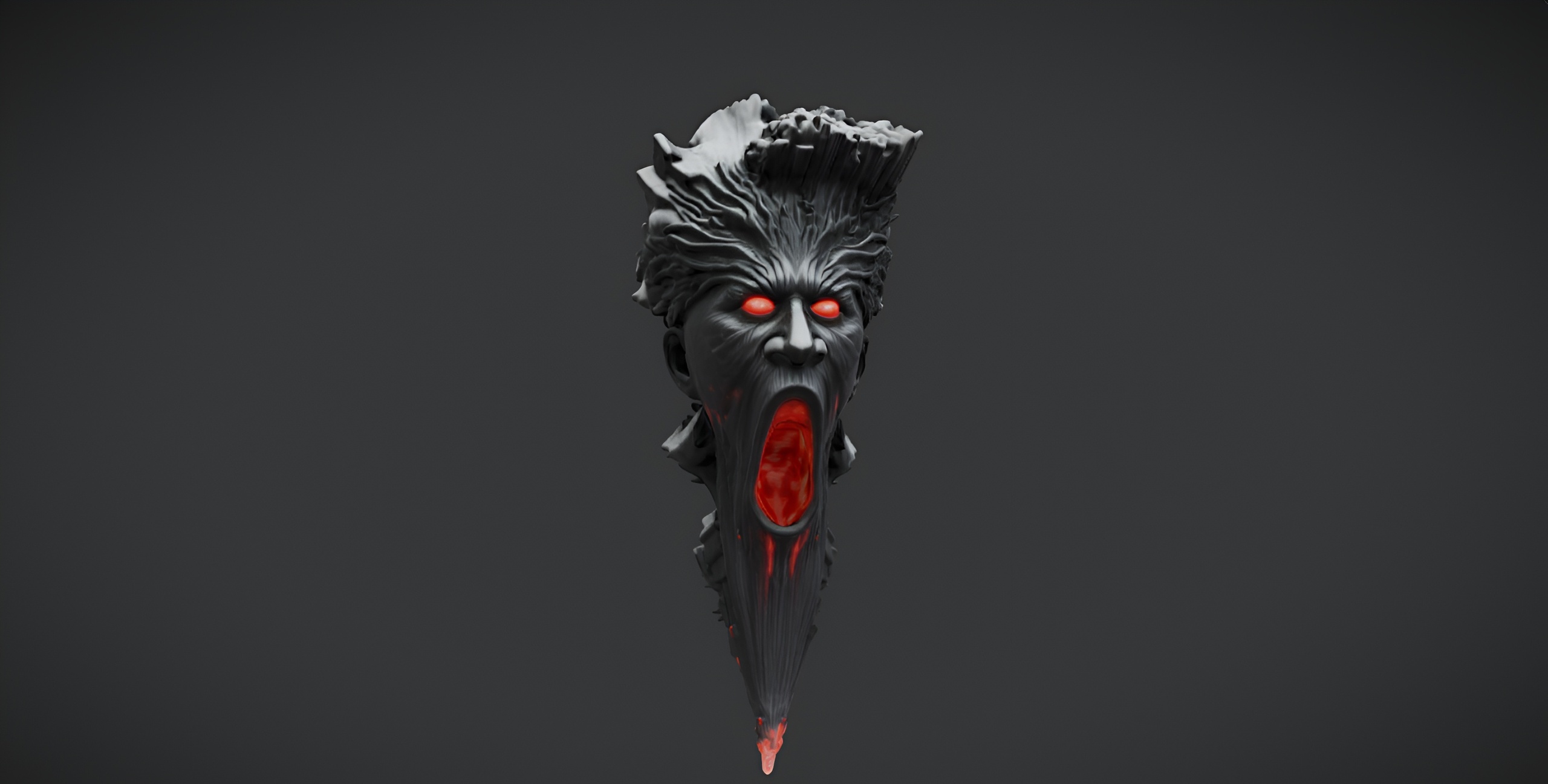
Coral blooms work best read as colonies. Group several of the same coral mesh at slightly different scales and rotations so they look grown from a shared substrate rather than placed one by one. Tucking colonies against rock faces or the demonic-wailstone boulder gives them something to cling to and sells the idea that this flora colonises hard surfaces the way Earth plants colonise soil.
For larger fields, add your chosen meshes to a Foliage type and paint them across the terrain, or feed them into a PCG graph for procedural scatter. Treat this as a workflow choice rather than a shipped feature: the meshes are not confirmed to arrive pre-configured as Foliage types, so you create the Foliage type yourself from the static mesh before painting.
Because the meshes are Nanite, you can paint dense, high-detail coral beds without hand-authoring LODs, and the automatic collision means a character can walk among them immediately. One honest constraint to design around: nothing in the pack animates. There is no wind, sway or Pivot Painter setup, so do not rely on motion to bring the field alive; build the sense of life through density, clustering and lighting instead.
Colour grading for an alien mood
With silhouettes handled, mood comes from light and grade rather than from re-tinting every plant. Drive the alien feeling from the sky and the key light first: an unusual sun colour or a second, differently coloured fill light reads as another star far more convincingly than recolouring leaves does.
Each flower carries its own PBR material with base colour, metallic, normal and roughness maps, so the meshes already respond correctly to whatever lighting you choose. Lean on that. Bounce a saturated bounce colour off the terrain, let the crystalline plants catch a cold rim from the sky, and let the coral blooms pick up warm fill, so the same scene splits into believable warm and cool zones.
Use a Post Process Volume to set the overall grade rather than baking colour into materials you may want to reuse. Push the white balance away from neutral, shape the contrast, and let the emissive-leaning crystalline forms read as the brightest points in frame. Keeping the grade in post means you can re-mood the entire biome for a different planet without touching a single mesh.
Balancing foreground and midground flora
A convincing biome needs depth, and depth comes from deliberately staging flora at three ranges. Use the largest, most detailed meshes such as the crystalline arbor and coral blooms as foreground framing, close to camera where their silhouettes and 2K detail do the most work in screenshots and cinematics.
Fill the midground with repeated colonies of your two or three hero species at smaller scale, thinning the density as the eye travels back so the field recedes naturally. Keep the most exotic shapes reading clearly along this band, because the midground is where the viewer actually decides whether the world feels alien.
1. Block the vista first with terrain and a couple of landmark crystalline clusters, ignoring detail, to get the composition right.
2. Place foreground hero plants close to camera and frame the shot around them.
3. Paint or scatter midground colonies of your hero species, thinning toward the horizon.
4. Scatter smaller fungus and blossom meshes as ground-level filler to break up bare terrain.
5. Set your lighting and Post Process grade last, once the flora is in place, so you grade the real scene rather than an empty one.
For repeated landmark placement you can convert a mesh to an Instanced Static Mesh or a Foliage type so hundreds of copies stay cheap. To extend the world beyond plants, the props-3d siblings slot into the same gothic and dark-fantasy register: the free demonic-wailstone boulder gives coral colonies a surface to cling to, the Fantasy Statue Bundle's weathered marble statues mark points of interest, and the Dark Fantasy Props Bundle adds altars, obelisks and set dressing for a ruined alien shrine.
Which flora families to use where
| Flora family | Alien signal | Best placement |
|---|---|---|
| Crystalline / arbor plants | Very high | Landmarks, ridgelines, foreground framing |
| Coral blooms | Very high | Clustered colonies against rock and boulders |
| Mystic fungus / mushrooms | High | Ground-level filler and cave mouths |
| Lotuses (Blood, Radiant) | Medium | Water edges and transitional dressing |
| Blossoms / nightshade | Lower | Rest points where the eye needs the familiar |
Suggested staging for the Fantasy Flower Pack's themed families in an alien biome.
FAQ
How do I make an alien planet environment in Unreal Engine with plants that do not look Earth-like?
Lead with silhouette, not colour. Choose plant forms with no terrestrial equivalent, such as the Fantasy Flower Pack's crystalline arbor, coral blooms and mystic fungus, repeat a small set of them as a believable ecosystem, and drive the alien mood from your sky and lighting rather than re-tinting leaves.
Are the flowers ready to drop straight into a UE5 scene?
Yes. Each of the 51 meshes ships as a Nanite-ready UE5 static mesh with its assigned material, a 2K PBR texture set and automatic collision, so you can drag it into the level and walk around it without extra setup. The pack is built for Unreal Engine 5.6.
Do the plants animate or sway in the wind?
No. The pack does not include any wind, vertex animation or Pivot Painter setup, so the flora is static. Build the sense of a living biome through density, clustering and lighting rather than relying on plant motion.
Can I use these with the Foliage or PCG tools for dense ground cover?
You can. Create a Foliage type from a static mesh and paint it, or feed the meshes into a PCG graph for procedural scatter. The meshes are not confirmed to arrive pre-configured as Foliage types, so treat this as a workflow you set up yourself rather than a shipped feature.
What pairs well with the flower pack for a fuller alien scene?
The same props-3d family extends the world: the free Demonic Wailstone boulder gives coral colonies a surface to grow on, the Fantasy Statue Bundle adds weathered marble landmarks, and the Dark Fantasy Props Bundle supplies altars, obelisks and dressing for a ruined alien shrine.
Fantasy Flower Pack
Fifty hand-modelled fantasy, sci-fi and gothic flowers — 51 unique meshes with automatic collision, 201 textures at 2048² and Nanite-ready geometry. Dress gardens, alien worlds and stylised scenes.
Related on Fab


Related reading