tutorial · 2026-04-10
Building an Astral Divination Temple Look in Unreal Engine 5
A practical Niagara workflow for cosmic star-magic temple environment VFX, layering star-traced silhouettes and soft astral halos onto your hero props.

The problem: making a temple feel touched by the stars
An astral divination temple is one of the hardest moods to land in Unreal Engine. You want cosmic wonder — the sense that this is a place where mortals read the stars and the stars read back — without the scene tipping into either flat sci-fi neon or generic fantasy sparkle. The architecture and lighting do half the work, but the other half is the energy you put into the air: the resonance clinging to the altar, the constellation a priest traces over a hero prop, the soft astral glow that says something divine is paying attention.
Authoring that from scratch in Niagara is a real time-sink. You are building star-point emitters, connecting line segments, baking per-particle twinkle, and tuning soft volumetric puffs that orbit a mesh without strobing — and you are doing it before you have even started lighting. This tutorial takes the shortcut that keeps the quality: it uses the two celestial Niagara families in Cosmic Bloom VFX as your base layer, then shows you how to compose them into a believable cosmic star magic temple environment VFX look in Unreal Engine 5.
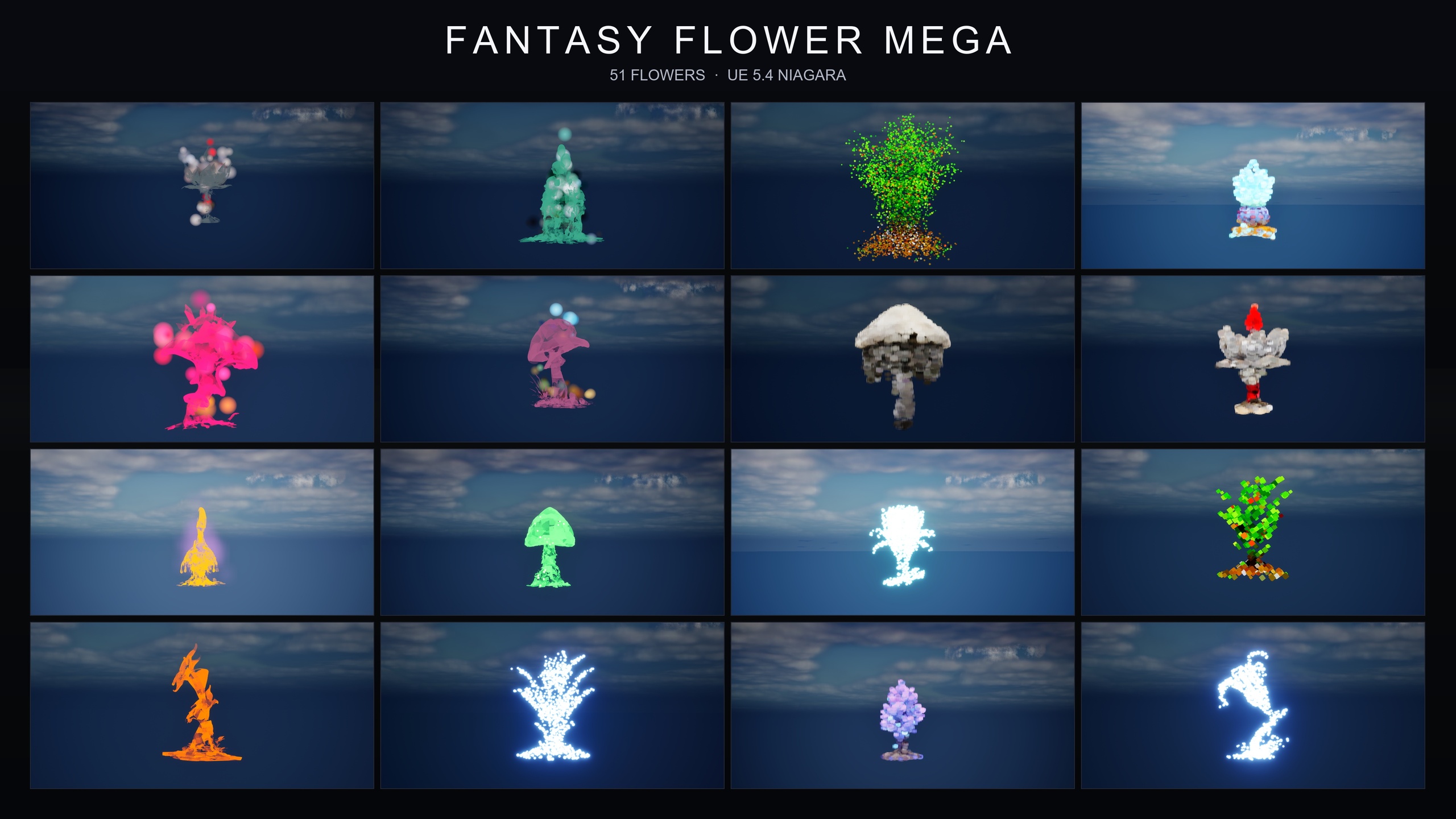
Cosmic Bloom VFX is a content-only Niagara pack — no C++, no Blueprints, no plugin dependencies — that wraps every one of the 51 stylised flower meshes in the Fantasy Flower line in celestial energy, producing 100 ready-to-use NiagaraSystems across two families. That drop-in nature is exactly what makes it a good base for set dressing: you place, you layer, you light, and you spend your remaining hours on composition rather than emitter plumbing.
Mood board: stars, divine light, astral resonance
Before you place a single effect, decide what each of the two families is doing in your scene. They are designed to complement each other, and a temple reads best when you use them deliberately rather than dumping both on everything.
The Constellation family is your silhouette read. Bright star-point particles trace each flower's outline like a hand-drawn constellation, connected by subtle line segments, with a slow twinkle and gentle parallax. Use it where you want the eye to register a shape as deliberately mapped — the bloom on the central altar, the motifs flanking a star-chart, the prop a diviner is actively reading. It says someone charted this.
The LumenLight family is your halo. Soft warm-white volumetric light puffs orbit each flower in a slow, calming dance — the look the pack describes as reading like bio-luminescence, divine glow, or astral resonance. Use it as ambient presence: the breathing glow around offerings, the gentle aura that fills the negative space between your Constellation hero props so the whole temple feels alive rather than spot-lit.
A useful rule of thumb for the mood board: Constellation for the handful of things you want the player to read as charted, LumenLight everywhere you want quiet astral presence. The two layer directly on the same mesh — silhouette plus halo — which is the combination you will use on your single hero prop.
Placing Constellation traces on hero props
Because the pack is content-only, there is nothing to compile or configure — you browse, drag, and place. Start with your hero props, because they set the visual language the rest of the scene will echo.
1. Add the pack to your project, then in the 'Content Browser' open the CosmicBloomVFX/Niagara folder. It is split into 'Constellation' and 'LumenLight'. Open the 'Constellation' subfolder.
2. Identify your hero props first — the central altar bloom, the prop on the divining table, the motifs framing a star-chart. These are the shapes you want the player to read as deliberately charted.
3. Drag a Constellation NiagaraSystem from the browser onto your chosen mesh or actor in the viewport. The star-point particles will trace that flower's silhouette with connecting line segments; no parameter tuning is required, and the twinkle randomisation is baked per particle for organic motion.
4. Resist the urge to put a Constellation system on everything. The silhouette read is strongest when it is rare — three or four charted hero shapes in a room will out-perform a dozen, which just turn into visual noise. Save the density for the LumenLight pass.
5. Preview as you go using the pack's included demo map for the Constellation family. The demo lays the flowers out under dynamic sky lighting (the listing notes roughly 15 flowers per map), which is a useful reference for how the trace reads against a lit environment before you commit to placement.
Filling the scene with LumenLight halos
With your charted hero props in place, switch to the LumenLight family to build ambient astral presence. This is the pass that turns a few glowing objects into a temple that feels uniformly touched by something divine.
1. Open the CosmicBloomVFX/Niagara/LumenLight subfolder in the 'Content Browser'.
2. Drag a LumenLight NiagaraSystem onto the secondary dressing around the room — offering bowls, side alcoves, the plants lining a processional path. The soft warm-white volumetric puffs will orbit each in a slow dance, filling the negative space between your Constellation hero props.
3. Distribute these more generously than the Constellation systems. Halos are forgiving — overlapping soft glows read as a connected field of astral resonance rather than as clutter, so this is where you build the wraparound sense of cosmic wonder.
4. Now return to your single most important hero prop and add a LumenLight system on top of its existing Constellation trace. The two families are designed to be layered on the same flower — silhouette plus halo — and that combination is what gives a centrepiece both a charted outline and a living glow.
5. Check the read from the player's likely camera positions. Because LumenLight is a soft volumetric puff, it is most convincing at a slight distance and slightly off-axis from your key light; if a halo looks washed out, the fix is almost always a lighting change rather than the effect itself, which the next section covers.
Combining cosmic effects with arcane glyphs for ritual reads
A divination temple is a place of active ritual, so once the celestial base is in, you can push the scene from 'cosmic' to 'a ceremony is happening here'. The cleanest way to do that is to bring in the ProjectedGlyph family from the companion pack, Spell Garden VFX.
ProjectedGlyph applies arcane runic glyphs that slowly rotate and fade around each flower — exactly the language of summoning circles, enchantments-in-progress, and ritual focal points. Crucially, the glyphs work in screen space against any background, so they hold up layered over your Constellation traces and LumenLight halos without fighting them for the same volume. The combination reads as a charted star-shape (Constellation) wrapped in living astral glow (LumenLight) and ringed by a turning ritual circle (ProjectedGlyph) — a complete divination focal point on a single prop.
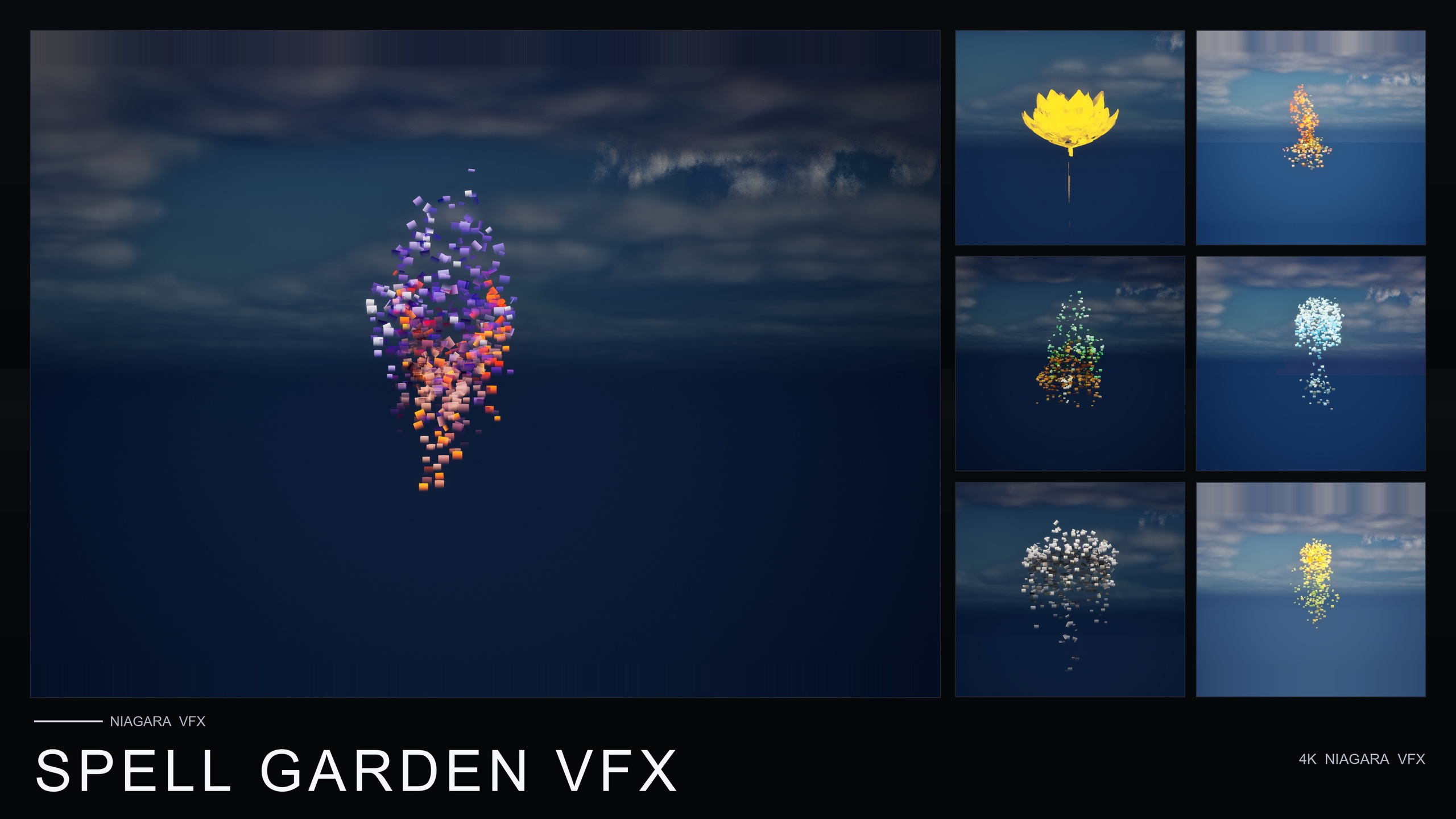
Like Cosmic Bloom VFX, Spell Garden VFX is content-only with no plugin dependencies, applying its three families across the same 51-mesh roster for 150 NiagaraSystems in total. Browse to SpellGardenVFX/Niagara, open the 'ProjectedGlyph' subfolder, and drag a glyph system onto your altar centrepiece alongside the celestial effects you already placed. Reserve this treatment for the one or two true ritual focal points; glyphs are a strong, specific read and lose their meaning if they are everywhere.
If your temple also needs an active spell beat — a moment where divination actually fires — Spell Garden's UnfoldingBloom family is tuned as a one-shot burst for trigger moments. Note the honest caveat: the pack ships no Blueprints, so you wire that trigger yourself from gameplay code (for example, a Spawn System at Location call on the relevant event). The ambient ProjectedGlyph and VineGrow effects, by contrast, you simply place and leave running.
Lighting the scene for cosmic wonder
VFX this soft lives or dies by its lighting context, and a temple wants a specific recipe: dark enough that emissive star-points and warm halos carry, but not so dark that the architecture disappears. Both packs render on the Deferred path with Dynamic lightmaps, so you can light entirely with movable lights and skip any bake.
Start with a low ambient base — a dim 'SkyLight' and a deep, cool 'SkyAtmosphere' or night sky — so the warm LumenLight halos and bright Constellation points read as the brightest things in frame. That contrast is what sells the divine glow; if your fill light is too strong, the soft puffs flatten out and the whole effect goes washed-out.
Add a single, restrained key — a shaft of moonlight or a cool 'Spot Light' onto the altar — to anchor the hero prop in real geometry while the celestial VFX do the storytelling around it. Keep colour temperature deliberate: cool architecture against the warm-white of the LumenLight puffs gives you the classic astral contrast, where the building feels stone-cold and the magic feels alive.
One honesty note worth keeping straight: the 'LumenLight' name in this pack refers to the soft volumetric light-puff effect family, not to any required Lumen global-illumination configuration. You do not need a particular GI setup to make these systems look right — they are emissive Niagara effects, and the work is in your lighting balance, not in toggling an engine feature. Tune the contrast between dim environment and bright effect until the temple reads as quietly cosmic, and the look is done.
Where to take it next
You now have a repeatable recipe: Constellation for the charted hero shapes, LumenLight for ambient astral presence, ProjectedGlyph for ritual focal points, and a dim-base lighting balance to make it all carry. Because every effect is drop-in, the same approach scales from a single shrine prop to a full observatory wing without any per-effect setup.
If your project needs more atmospheric range around the cosmic core — drifting motes, firefly trails, or low ground mist for the approach to the temple — Ambient Garden VFX adds those three naturalistic families across the same 51-mesh roster. And if you anticipate reaching for many moods across a project rather than one or two families, the Fantasy Flower Mega Bundle gathers all 15 effect families and 750 NiagaraSystems in a single purchase, with the same content-only, no-dependency workflow you have used here.
Whichever route you take, the discipline is the same: place sparingly where you want the eye to read meaning, fill generously where you want presence, and let your lighting decide how loud the magic gets.
Choosing the right Niagara family for each role in the temple
| Family | Pack | What it reads as | Use it for |
|---|---|---|---|
| Constellation | Cosmic Bloom VFX | Star-point silhouette trace with connecting line segments | Charted hero props the player should read as mapped |
| LumenLight | Cosmic Bloom VFX | Soft warm-white volumetric halo orbiting the mesh | Ambient astral presence and divine glow across the room |
| ProjectedGlyph | Spell Garden VFX | Rotating, fading arcane runic glyphs (screen space) | Ritual focal points, summoning circles, active enchantments |
| UnfoldingBloom | Spell Garden VFX | One-shot petal and mote burst | A spell or divination beat fired from gameplay code |
All families are content-only CPU Niagara on the same 51-mesh Fantasy Flower roster, with no plugin dependencies. Counts are total NiagaraSystems per pack.
FAQ
Which packs do I need for an Unreal Engine cosmic star magic temple environment VFX look?
Cosmic Bloom VFX is the core: its Constellation and LumenLight families give you the star-traced silhouettes and soft astral halos that define the look, across 100 NiagaraSystems. To add ritual reads, layer the ProjectedGlyph family from Spell Garden VFX for rotating arcane glyphs. Both are content-only with no plugin dependencies.
Do I need C++ or Blueprints to use Cosmic Bloom VFX?
No. It is a content-only Niagara pack with no C++, no Blueprints and no plugin dependencies. You browse the CosmicBloomVFX/Niagara folder, drag a system onto a mesh or actor, and it plays with no parameter tuning. The only place you would write code is if you choose to trigger Spell Garden's one-shot UnfoldingBloom from gameplay, which you wire yourself.
Can the Constellation and LumenLight effects be used on the same prop?
Yes — the two families are designed to complement each other and layer directly on the same flower. Constellation supplies the star-point silhouette read and LumenLight supplies the soft warm halo, so putting both on your single hero prop gives it a charted outline and a living glow at once.
What engine version and platforms does Cosmic Bloom VFX support?
The product listing states UE 5.4 and above; the product JSON lists the range as 5.4 to 5.7. It uses CPU Niagara emitters on the Deferred render path with Dynamic lightmaps, and lists support for Windows, Mac and Linux.
Does the LumenLight family require Unreal's Lumen global illumination?
No. LumenLight is the name of the soft volumetric light-puff effect family; it does not require or prove any particular Lumen GI configuration. These are emissive Niagara effects, so the result depends on your scene's lighting balance rather than on enabling a specific engine feature.
Cosmic Bloom VFX
100 ready-to-use Niagara systems — constellations, drifting starlight and Lumen-lit blooms — across 51 stylised flower meshes and 131 material instances. CPU-simulated for Windows, Mac and Linux, with two demo levels included. Content-only: no C++, no Blueprints, no plugin dependencies.
Related on Fab

Related reading