article · 2026-05-08
Picking the Right Open-World Terrain Shape for Your RPG or Survival Game in UE5
How the silhouette of your landscape decides where players go, where they fight, and where they get lost.
The terrain shape is a level-design decision, not a backdrop
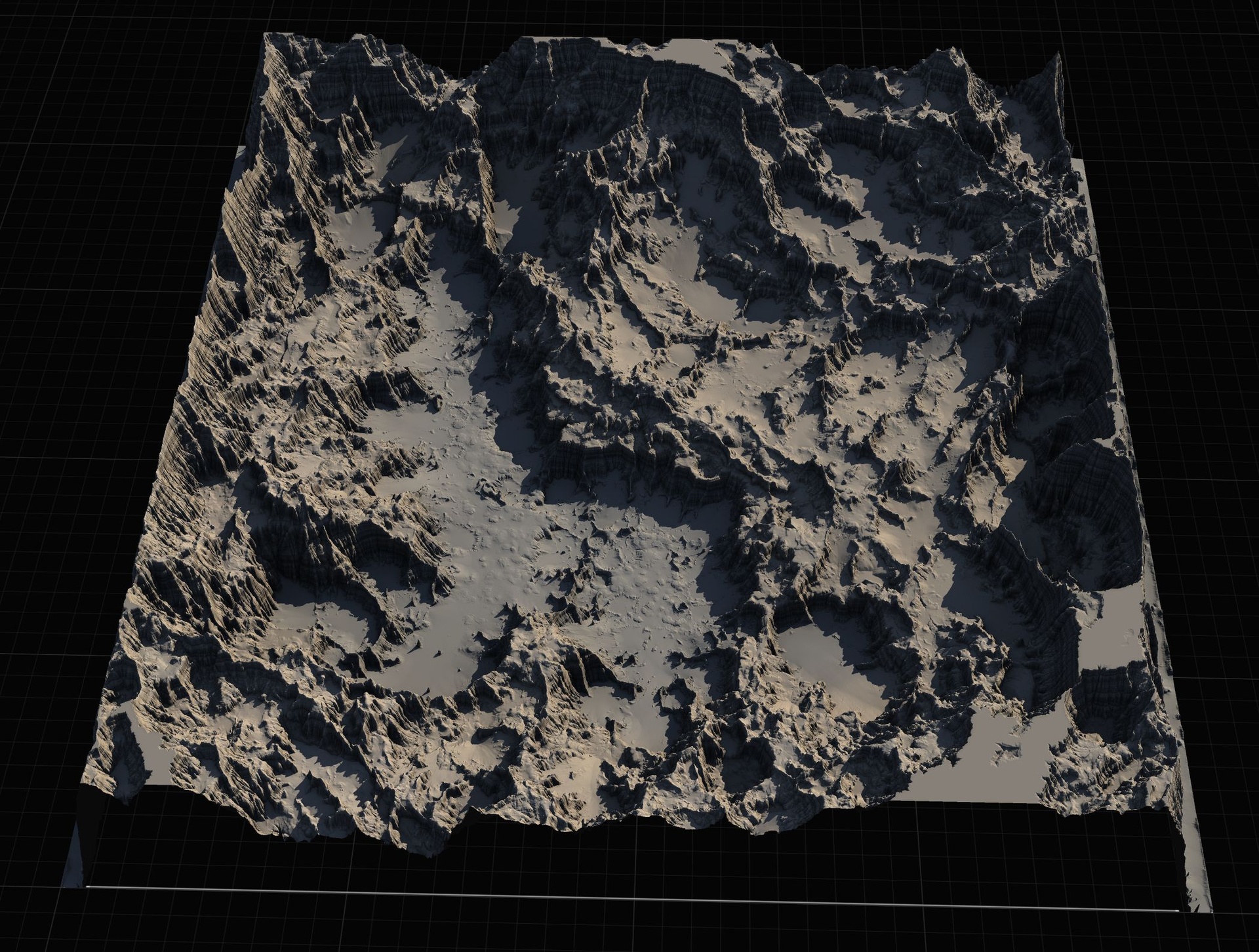
Before you place a single quest marker or spawn a single wolf, the silhouette of your landscape has already made a lot of design decisions for you. A long, corner-to-corner continent funnels players in one direction. A ringed island hems them in. A range of mountain passes forces movement through chokepoints. When developers go looking for open world map layout ideas - island, continent, or Unreal terrain that does something more interesting - what they are really asking is how the shape of the ground steers the game loop on top of it.
This article walks through four terrain archetypes and the kind of RPG or survival pacing each one tends to produce. The examples are drawn from the Massive Open World Landscape Pack, a heightmap library of 14 distinct open-world landscapes for Unreal Engine, because it happens to ship one clean reference map for each archetype - a linear isles map, an enclosed secluded island, mountain passes and highlands, and barren volcanic terrain. You can audition all four shapes in an afternoon and feel how differently they read before you commit.
The point is not which pack you buy. It is that you should choose your terrain silhouette deliberately, the same way you choose a combat system or an inventory model, because everything downstream inherits its consequences.
Linear corner-to-corner worlds for guided progression
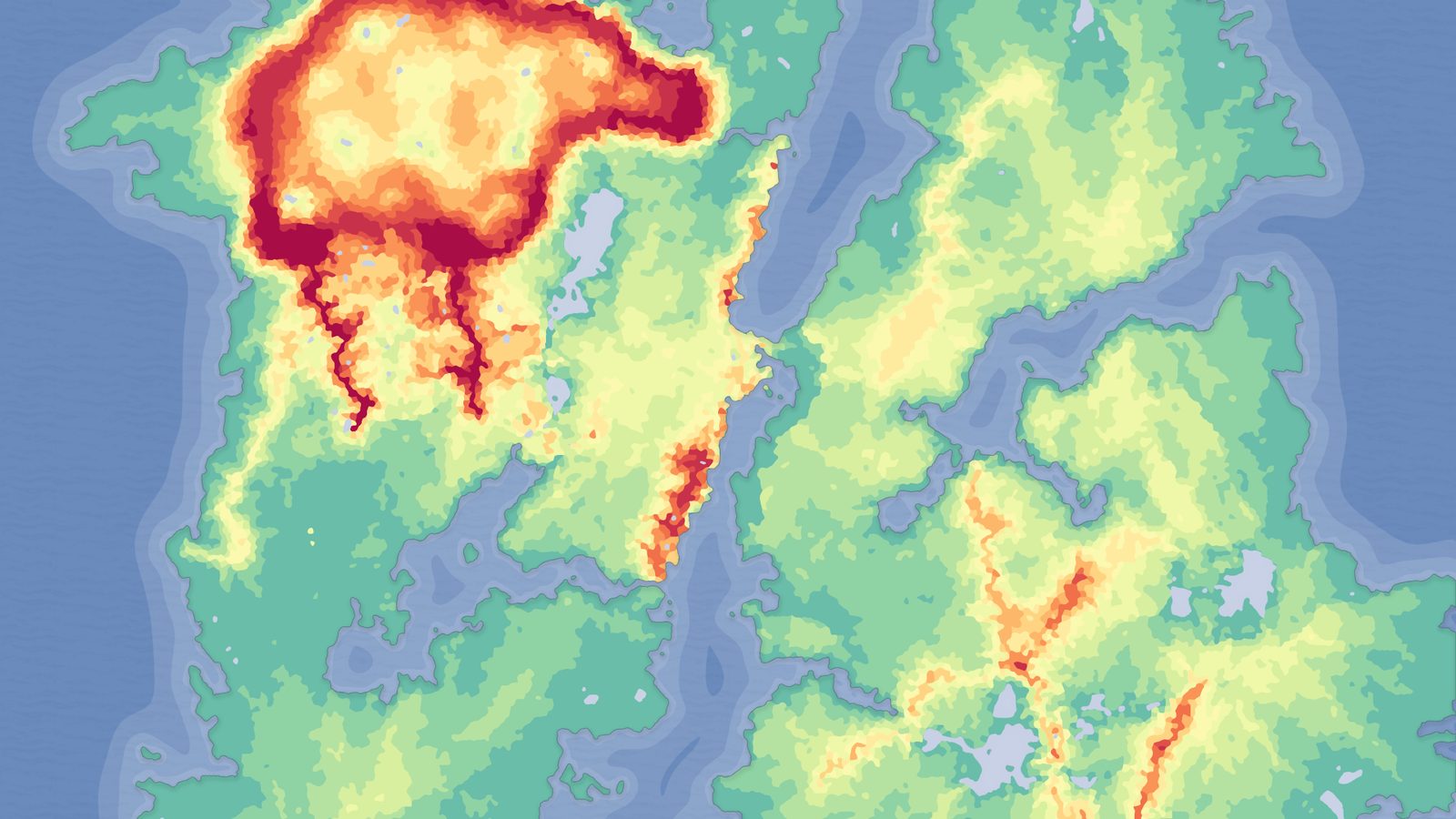
The most forgiving shape for a narrative-led RPG is a world the player crosses rather than orbits. Start them in one corner, put the endgame in the opposite one, and let the terrain itself imply the route. The Sandstone Isles map in the pack is built for exactly this - a layout described as ideal for linear, start-in-one-corner open worlds, where the natural reading direction of the land does your signposting for you.
This shape buys you difficulty pacing almost for free. Because players generally move along a diagonal, you can stage encounters, biomes and gear tiers along that axis without resorting to invisible walls or hard gates. The early third stays gentle, the middle escalates, and the far corner holds your toughest content. It is the open-world equivalent of a side-scroller's level order, just rotated into three dimensions and made optional rather than mandatory.
It also scales cleanly in production. Each map in the pack ships heightmaps at four sizes - 1K, 2K, 4K and 8K - so you can prototype the whole corner-to-corner journey on a smaller import, prove the pacing, and only then re-import the 8K version once the layout earns the extra resolution. The exact pixel dimensions are UE landscape-friendly: 1009, 2017, 4033 and 8129 px, 16-bit grayscale, ready to import via the Landscape panel's create-from-file workflow.
Enclosed islands that keep players centred
Survival games tend to want the opposite of a linear push. They want a bounded arena the player learns intimately - somewhere escape is impossible and mastery is the only progression. An enclosed island is the cleanest way to express that. The pack's Secluded Island is surrounded by sea and ringed by a containing mountain range, a double boundary that keeps players centred on the playable interior without a single artificial barrier.
That natural containment solves one of the hardest problems in survival design: making the edge of the world feel like a fact of nature rather than a budget limit. Water on the outside and impassable highlands just inside it read as geography, not as a fence. Players orient inward, return to familiar landmarks, and build mental maps of a space small enough to memorise but varied enough to stay tense.
The included demo levels lean into this. Where appropriate, the demo maps apply oceans using Unreal's Water plugin, so the island reference map already shows you how the sea meets the shore. If you want a whole archipelago instead of one island, the same pack supports patching several smaller heightmaps together in World Partition - drop a 1K or 2K map per islet and assemble them into a chain.
Mountain passes and highlands for vertical, chokepoint play
Flat worlds read as empty no matter how large they are. Verticality is what makes exploration feel earned, and it is also the cheapest way to create meaningful chokepoints. The Mountain Pass and Highlands maps in the pack provide that vertical, varied exploration - terrain where the route between two valleys runs through a single negotiable gap, and where high ground is a tactical resource rather than scenery.
For an RPG this gives you natural gates without invisible collision: a pass can hold a toll, a bandit ambush, a guarded bridge. For a survival game it changes the risk calculus of every journey, because the short route over the ridge is exposed and cold while the long route through the valley is safer but slower. Elevation turns a flat traversal decision into a real one.
The pack's AutoMaterial is built to flatter exactly this kind of terrain. It auto-paints the landscape by configurable height and slope rules through named layers - a base layer plus Snow, Cliff, Mid-High, Mid-Low and Ground - so peaks get snow, steep faces get cliff rock and valley floors get ground texture automatically. After import you assign the material, then in the Paint tab use Create Layers from Assigned Material and Fill Layer on the base layer to paint the whole landscape by height in one pass. Expect the landscape to appear black until you do this - that is the documented, expected first state, not a bug.
Volcanic and scorched terrain for hostile, set-piece zones
Some worlds need a region that actively wants the player dead. Volcanic terrain is the readable shorthand for that, and it does double duty: it sets a mood and it justifies harsh survival mechanics like heat, scarce water and unstable ground. The pack's Dragon Fire Island is described as barren rocky terraces scorched by fires - a deliberately inhospitable shape rather than a lush one.
Terraced, barren rock changes how players move. Where a forested valley invites wandering, a scorched terrace channels movement along ledges and forces decisions about which drop is survivable. It is excellent for an endgame zone, a raid biome, or the far corner of a linear world where you want the environment to feel like a final boss in its own right.
Because this is the same pack and the same AutoMaterial, a volcanic map slots into your project with identical workflow - and you swap the bundled rock textures, including basalt and sandstone tiling sets, for your own art. The pack ships its terrain as Gaea source files too, so if Dragon Fire Island is almost right but you want a wider caldera or a different ridge line, you re-edit the Gaea terrain and re-import rather than sculpting from scratch.
Matching terrain shape to your game loop
Reduced to a sentence each: linear isles suit guided story progression, enclosed islands suit bounded survival mastery, mountain passes suit tactical and vertical play, and volcanic terrain suits hostile set-piece zones. Most shipped open worlds are not one of these - they are a deliberate stitch of several, with a gentle starting region opening onto passes that climb toward a scorched endgame. The comparison table below summarises which shape pulls which way.
The practical reason to start from a heightmap pack rather than a blank landscape is iteration speed. You can import four very different silhouettes, auto-texture each by height and slope, and feel the pacing each one implies before you have committed to anything. The Massive Open World Landscape Pack gives you 14 such starting points across these archetypes, with a PDF guide covering import and AutoMaterial configuration, and the terrain stays re-editable in Gaea if none of the 14 is an exact fit.
Once a base silhouette is chosen, the natural next step is to break its uniformity - punch a crater into the highlands, drop a volcano into the isles, carve a river through the pass. That is a different tool category from a heightmap pack: it is non-destructive stamping, covered in the related products below. Pick your shape first; reshape it second.
Reshaping a chosen base: stamp tools that pair with these maps
A heightmap pack gives you a finished silhouette; a stamp tool lets you keep editing it. If you want to add discrete, re-positionable landforms on top of an imported base, two sibling MythicLemon products handle that, and which you pick depends on whether you write C++.
Landstamp Pro is a C++ editor plugin built on Unreal's Landscape Patch system, so every mountain, canyon, river or crater you stamp stays editable after placement with no permanent landscape damage. Its live listing cites 370+ stamp data assets and 100+ high-resolution heightmap textures up to 4K, organised into categories including Mountain, Canyon, Hill, Crater, River and Volcano, browsed through a thumbnail Stamp Browser with drag-and-drop placement. It even extracts a heightmap from any static mesh so you can turn a sculpted rock into a reusable stamp. The live listing states compatibility with Unreal Engine 5.5, 5.6 and 5.7+, Windows 64-bit only.
Landscape Stamp Tool is the lighter, Blueprint-only sibling that needs no code at all - you drag a stamp-tool blueprint into a World Partition level and it morphs the terrain in place. It ships seven geological tool types (Canyon, Crater, Directional, Hill, Mountain, River and Volcano) plus a base blueprint, backed by roughly 110 heightmap textures, and targets Unreal Engine 5.6 to 5.7 on Windows. If you never want to touch C++, this is the one to pair with your base map.
And if you simply want more biome variety to choose your base silhouette from, the Fantasy Landscape Pack is the natural companion to this one: 15 maps spanning islands, mountain passes, a canyon, spiral mountains and four huge 8K open-world maps, using the same height-and-slope AutoMaterial workflow described above. Start broad with the heightmaps, then refine with the stamp tools.
Terrain shape vs. game loop
| Terrain shape | Best-fit loop | What the shape does | Example map in pack |
|---|---|---|---|
| Linear corner-to-corner | Guided story RPG | Stages biomes and difficulty along one axis without hard gates | Sandstone Isles |
| Enclosed island | Bounded survival | Sea plus a containing mountain range keeps players centred inward | Secluded Island |
| Mountain pass / highlands | Tactical, vertical play | Creates natural chokepoints and high-ground decisions | Mountain Pass, Highlands |
| Volcanic / scorched | Hostile set-piece zone | Barren terraces justify heat, scarcity and one-way drops | Dragon Fire Island |
Reference maps named are example landscapes from the Massive Open World Landscape Pack. Use these as starting silhouettes, not prescriptions.
FAQ
Which open world map layout should I pick - island, continent, or something else - in Unreal?
Match the shape to your loop. A continent-style linear layout suits guided RPG progression, an enclosed island suits bounded survival mastery, mountain passes suit tactical vertical play, and volcanic terrain suits hostile endgame zones. The fastest way to decide is to import a reference heightmap of each and feel the pacing before committing; the Massive Open World Landscape Pack ships one example of each archetype among its 14 maps.
Can I combine smaller maps into one larger world?
Yes. Each map ships at 1K, 2K, 4K and 8K, and you can create several landscapes in World Partition and patch them together - dropping a smaller heightmap per sub-region or islet and assembling them into a continent or archipelago. Use the 8K version only once a layout has earned the extra resolution.
Why does my imported landscape appear completely black after assigning the AutoMaterial?
That is the documented expected first state, not a bug. After assigning the material, open the Landscape tool's Paint tab, choose Create Layers from Assigned Material to extract the target layers, then right-click the AutoMaterial Base Layer and Fill Layer to paint the whole landscape by height and slope. Edit textures and intensity in the Material Instance rather than editing the extracted layers directly.
How do I reshape a map after importing it?
Two ways. You can re-edit the supplied Gaea source file and re-import the heightmap, which is best for changing the overall silhouette. Or you can add re-positionable landforms non-destructively with a stamp tool - Landstamp Pro for a C++ plugin workflow, or the Blueprint-only Landscape Stamp Tool if you would rather not touch code.
Massive Open World Landscape Pack
Fourteen ready-to-play open-world landscapes with an auto-material setup — 56 heightmaps from 1K to 8K, including volcanic islands and oceans. Drop in, paint your own textures and build your world.
Related on Fab
Related reading