
tutorial · 2026-03-29
Trigger Boss Voice Taunt Lines and Shrine Proclamations in Unreal Engine 5
Fire a divine war-god boss's taunts at health thresholds and proclaim from a shrine on activation, all driven from one DataTable by ContextTags filtering and a simple no-overlap guard.
The problem: a boss that taunts on cue, not at random
If you are looking at how to trigger Unreal Engine boss voice taunt lines, the hard part is rarely playing a sound. It is choosing the right line at the right beat: a challenge when the fight opens, an intimidation as the player chips away the boss's health, a victory declaration when the boss lands a killing blow, and never two of them shouting over each other. A war-god boss that booms a fresh threat each time you cross a health threshold feels alive; one that fires the same clip on every hit, or stacks three taunts in a second, breaks the encounter instantly.
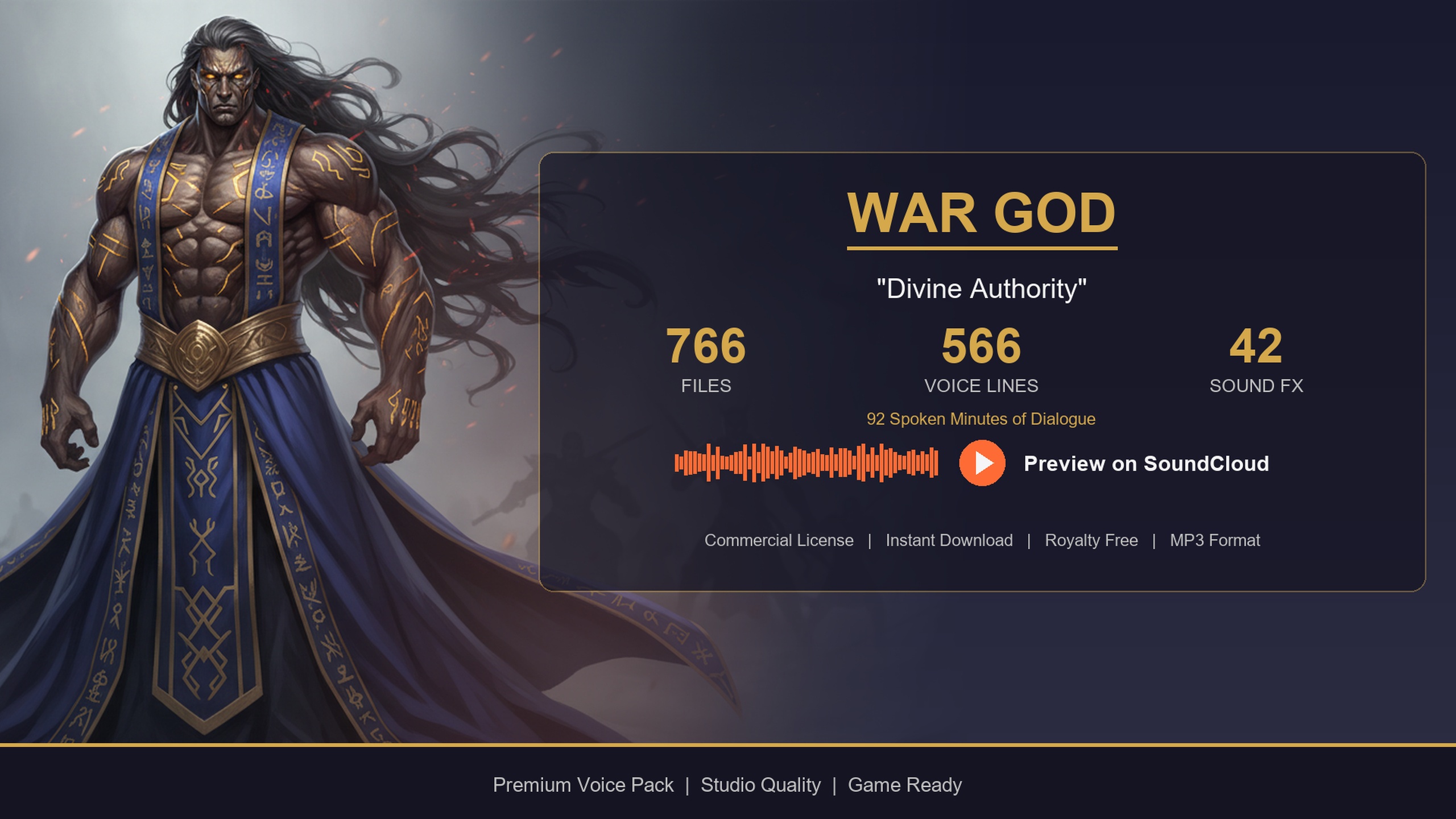
The Deity Dialogue Pack is built for exactly this kind of higher-power speaker. It is a deity and war-god voice pack: thunderous, commanding lines aimed at gods, oracles, altars and divine bosses that address the player from on high. It ships as an Unreal Engine 5.3 project with a self-contained content folder you migrate into your game, and it uses the same DataTable-driven dialogue layer as the rest of the collection, so once you wire one query you can ask the boss for any kind of line by context.
What makes that query possible is the tagging scheme. Every line sits in a DT_Dialogue row with a ContextTags string in the form category/subcategory/size. The taunt category covers intimidation, challenges and victory declarations, and the whole voice is written around commands and challenges, which is precisely the register a boss arena wants. In this tutorial you will trigger taunts at health thresholds, filter cleanly to combat and taunt lines, stop them overlapping during the fight, and add a separate shrine-activated proclamation.
How the lines are organised in DT_Dialogue
Open DT_Dialogue from the migrated deity content folder and look at its columns before you wire anything. Each row exposes Name as the FName row key, then DialogueName, ResponseText, CharacterName, EmotionalTone, ContextTags and NPCType as string fields, and VoiceAudio, which is the clip you actually play. The same five DataTables ship alongside it (DT_CharacterProfile, DT_Equipment, DT_Quests and DT_WrittenContent), but for boss combat you only need DT_Dialogue.
Two columns do the work. ContextTags is what you filter on, and VoiceAudio is what you play. For a war-god boss the categories you care about are combat and taunt: a substring Contains check against ContextTags lets you ask for combat lines broadly, or narrow to the taunt subcategories. Because taunt covers intimidation, challenges and victory declarations, you can map fight beats straight onto subcategory substrings, for example a challenge at the opening and an intimidation as the boss takes damage.
The detail that catches people out is the type of VoiceAudio. It is a TSoftObjectPtr<USoundWave>, a path to the clip rather than the clip itself, so having DT_Dialogue loaded does not load any audio. With 566 lines in the pack, that is deliberate: nothing streams into memory until you resolve the pointer. You must call Load Synchronous (or an async load) on VoiceAudio before passing it to a play node, and forgetting that step is the usual reason a taunt fires silence.
Build a reusable taunt query
Rather than hand-wire a lookup at every threshold, build one function that takes a context substring and returns a chosen row. You will call it with 'combat/challenge' at the start, an intimidation tag as health drops, and a victory tag on the kill.
1. On your boss Blueprint, add a DataTable variable marked Instance Editable and assign DT_Dialogue from the deity folder in the placed actor's Details panel. Caching the table as a variable rather than looking it up every time is the approach the pack documents, alongside pre-filtering by category at init.
2. Create a function, for example PickTaunt, with a String input named Context and an FName output named ChosenRow. Inside it, call 'Get Data Table Row Names' on your DT_Dialogue variable to get every row key, and make an empty local FName array called Matches.
3. Add a 'For Each Loop' over the row names. Feed the current name and your DT_Dialogue variable into a 'Get Data Table Row' node, selecting the dialogue row struct as the Out Row type so its fields break out.
4. From the struct, take ContextTags and add a String 'Contains' node with its Substring set to the Context input. Wire that into a 'Branch', and on True 'Add' the current row name to Matches. Passing 'combat' matches every combat line; passing 'taunt' or a subcategory like 'taunt/intimidation' narrows it to the beat you want, and appending a size segment such as '/sm' or '/lg' restricts the length tier.
5. After the loop, guard against an empty result: 'Branch' on whether the 'Length' of Matches is greater than zero, and only then pick a random entry with 'Random Integer in Range' from 0 to Length minus one, setting that name as ChosenRow. If nothing matched, return an invalid name and let the caller skip playback rather than crash on an empty array.
Trigger taunts at health thresholds
With PickTaunt in place, the encounter logic is just deciding which context to ask for and when. Drive the thresholds off the boss's health rather than off raw hit events, so a taunt fires once per band crossed instead of once per swing.
1. Track the boss's health as a normalised value between 0 and 1, and keep an integer or enum, for example LastBand, recording which band the boss was last in (for instance Full, Three Quarters, Half, Quarter). On the opening of the fight, call PickTaunt with 'combat/challenge' so the war-god challenges the player as the arena gate closes, matching the voice's command-and-challenge register.
2. Whenever health changes, compute the current band. If it differs from LastBand and the new band is lower, you have crossed a threshold downward, which is your cue to taunt. Update LastBand to the new value so the same crossing never fires twice.
3. On a downward crossing, call PickTaunt with an intimidation context such as 'taunt/intimidation' so the boss escalates its threats as the player wears it down. Because the taunt category spans intimidation, challenges and victory declarations, you can reserve challenges for the opening and intimidations for the wounded bands to give the fight an arc.
4. When the boss kills the player, call PickTaunt with a victory-declaration context, for example 'taunt/victory', for a closing proclamation over the death screen. When the boss itself dies you may instead want a defeat or death line if one exists in the table; if it does not, simply fall back to silence rather than forcing an ill-fitting clip.
5. For each returned ChosenRow, feed the name back into 'Get Data Table Row', pull VoiceAudio, call 'Load Synchronous' to resolve the USoundWave, then play it. For a non-diegetic voice-of-god effect use 'Play Sound 2D'; for an in-world boss whose voice should come from its location, use 'Play Sound at Location' with the boss's world position. The clips are one-shot with no loop, so each node fires once and finishes on its own.
Stop taunts overlapping during the fight
In a busy fight, two thresholds can fall within a heartbeat of each other, and a fresh 'Play Sound' will happily start a new line on top of the one still playing. The result is two war-god voices talking over themselves. You need a simple gate so only one taunt is audible at a time.
1. Add a boolean variable named IsTaunting on the boss. Before you play any threshold taunt, 'Branch' on IsTaunting: if it is already true, skip playback so a new line never interrupts the current one. Drop the taunt rather than queueing it, because a stale intimidation that plays after the moment has passed reads worse than no line at all.
2. When you do play, capture the chosen line's length so you know when it ends. The clean way is to keep an Audio Component for the boss's voice and play through it, then bind to its 'On Audio Finished' event; when that fires, set IsTaunting back to false. If you prefer the fire-and-forget play nodes, set IsTaunting true on play and clear it with a 'Set Timer by Event' whose duration is the clip's 'Duration', which you can read from the loaded USoundWave.
3. Keep an FName variable, LastPlayedRow, and after PickTaunt returns, compare the new ChosenRow to it with 'Equal (Name)'. If they match and the Matches set had more than one entry, re-roll so the boss does not bark the identical threat twice running; if only one row matched that context, accept the repeat rather than looping forever. Set LastPlayedRow once you commit to a line.
4. Decide on priority between bands. If the player burns the boss from full to half in one burst, you may cross two thresholds at once; rather than firing both, taunt only for the lowest band reached this frame so the boss says the most threatening appropriate line and nothing stacks behind it.
Add a shrine-activated proclamation
The same pack and the same query power a quieter set piece: a shrine, altar or ritual that the player activates to summon a divine proclamation. This is where the deity voice shines outside combat, booming pronouncements and cinematic narration suited to gods and oracles.
1. On the shrine actor, add a trigger volume and an 'On Component Begin Overlap' (or an interact input) to detect activation. Debounce it with a boolean so a player loitering in the volume does not re-trigger the proclamation every tick.
2. On activation, call your PickTaunt query but with a story or proclamation context rather than a combat one, for example 'story' for divine narration, so the shrine speaks scripture and pronouncement instead of battle threats. Lean on the longer LG and XL length tiers here by appending '/lg' or '/xl' to the substring, because proclamations and prophecy want the paragraph-length lines, not a one-word bark.
3. Resolve and play the chosen line exactly as before with 'Load Synchronous' on VoiceAudio. For a voice that fills the space as the literal voice of a god, prefer 'Play Sound 2D' and skip attenuation so it is heard everywhere equally; use 'Play Sound at Location' on the altar only if you want the sound to be diegetically anchored to the shrine.
4. Pair the audio with on-screen text. Read ResponseText from the same chosen row and push it to a UMG widget so the proclamation is subtitled, and for a deeper shrine you can populate a readable scripture or prophecy from DT_WrittenContent, which holds 85 written-content lore items styled as commandments, scriptures and prophecies. Reading both the spoken line and the document from data keeps the shrine entirely content-driven, so designers add proclamations without touching the graph.
From here the pattern scales across your whole cast. The Fantasy NPC Voices megabundle bundles this deity archetype alongside twenty others, and single packs such as the free Assassin Dialogue Lore Pack and the Bard Dialogue Pack share the identical DT_Dialogue schema and the same category/subcategory/size ContextTags. Turn PickTaunt into one reusable function and point it at a different character's DataTable to voice rogues, bards and gods from a single code path.
Mapping fight and shrine beats to ContextTags filters
| Encounter beat | Context substring to filter on | Play node |
|---|---|---|
| Fight opens | combat/challenge | Play Sound 2D or at Location |
| Health threshold crossed downward | taunt/intimidation | Play Sound 2D or at Location |
| Boss kills the player | taunt/victory | Play Sound 2D |
| Shrine or altar activated | story (append /lg or /xl) | Play Sound 2D, no attenuation |
Pass each context substring into the same Contains filter against DT_Dialogue's ContextTags. The taunt category covers intimidation, challenges and victory declarations; lean on LG/XL tiers for proclamations.
FAQ
How do I trigger Unreal Engine boss voice taunt lines at health thresholds?
Track the boss's health as a normalised 0 to 1 value and record which band it was last in. When health drops into a lower band, query DT_Dialogue for a taunt context (for example 'taunt/intimidation' via a String Contains check on ContextTags), pick a random matching row, call Load Synchronous on its VoiceAudio soft reference, and play the result. Update the stored band so each crossing fires only once.
Why does the boss taunt play silence even though the row exists?
VoiceAudio is a TSoftObjectPtr<USoundWave>, which is a path rather than a loaded asset, so having DT_Dialogue loaded does not load any clip. You must call Load Synchronous (or an async load) on the soft reference to resolve the USoundWave before passing it to a play node. Missing that step is the most common cause of a silent taunt.
How do I stop two taunts overlapping during a fight?
Gate playback with an IsTaunting boolean: skip a new line while one is already playing, and clear the flag on the audio's On Audio Finished event or with a timer set to the clip's Duration. If multiple thresholds are crossed at once, taunt only for the lowest band reached this frame so nothing stacks behind it, and re-roll on a repeated row to avoid the same threat twice running.
What lines fit a war-god boss?
The Deity Dialogue Pack's voice is built around commands and challenges. The taunt category covers intimidation, challenges and victory declarations, so reserve challenges for the fight opening, intimidations for the wounded health bands, and a victory declaration for when the boss kills the player. For shrine moments, switch to the story context and the LG or XL length tiers for proclamations and prophecy.
Can I reuse this for a shrine and for other characters?
Yes. The same query drives a shrine proclamation if you pass a story context instead of a combat one and prefer Play Sound 2D with no attenuation for a voice-of-god effect. The Assassin Dialogue Lore Pack, Bard Dialogue Pack and the Fantasy NPC Voices megabundle share the identical DT_Dialogue schema and ContextTags scheme, so the same function voices any of them by pointing it at a different DataTable.
Deity Dialogue Pack
Booming pronouncements and divine narration — 92 minutes of deity dialogue for gods, oracles and otherworldly beings. Cinematic voice cues to give your RPG's higher powers a real presence.
Related on Fab

Related reading

