
tutorial · 2026-01-24
UE5 Chess Game Piece Selection and Capture Highlight Effects
Wire up selection, move, capture and checkmate feedback in Unreal Engine 5 using a per-piece Niagara glyph set.
The feedback problem in a UE5 chess game
A digital chess board lives or dies on its reads. The player needs to know, at a glance, which piece they have picked up, where it can legally move, what just got taken, and the precise instant the game ends. If those moments are flat, the board feels like a spreadsheet; if they are loud and legible, even a slow strategy game feels alive. That is the core of a ue5 chess game piece selection capture highlight effect: visual punctuation that maps one-to-one onto the rules.
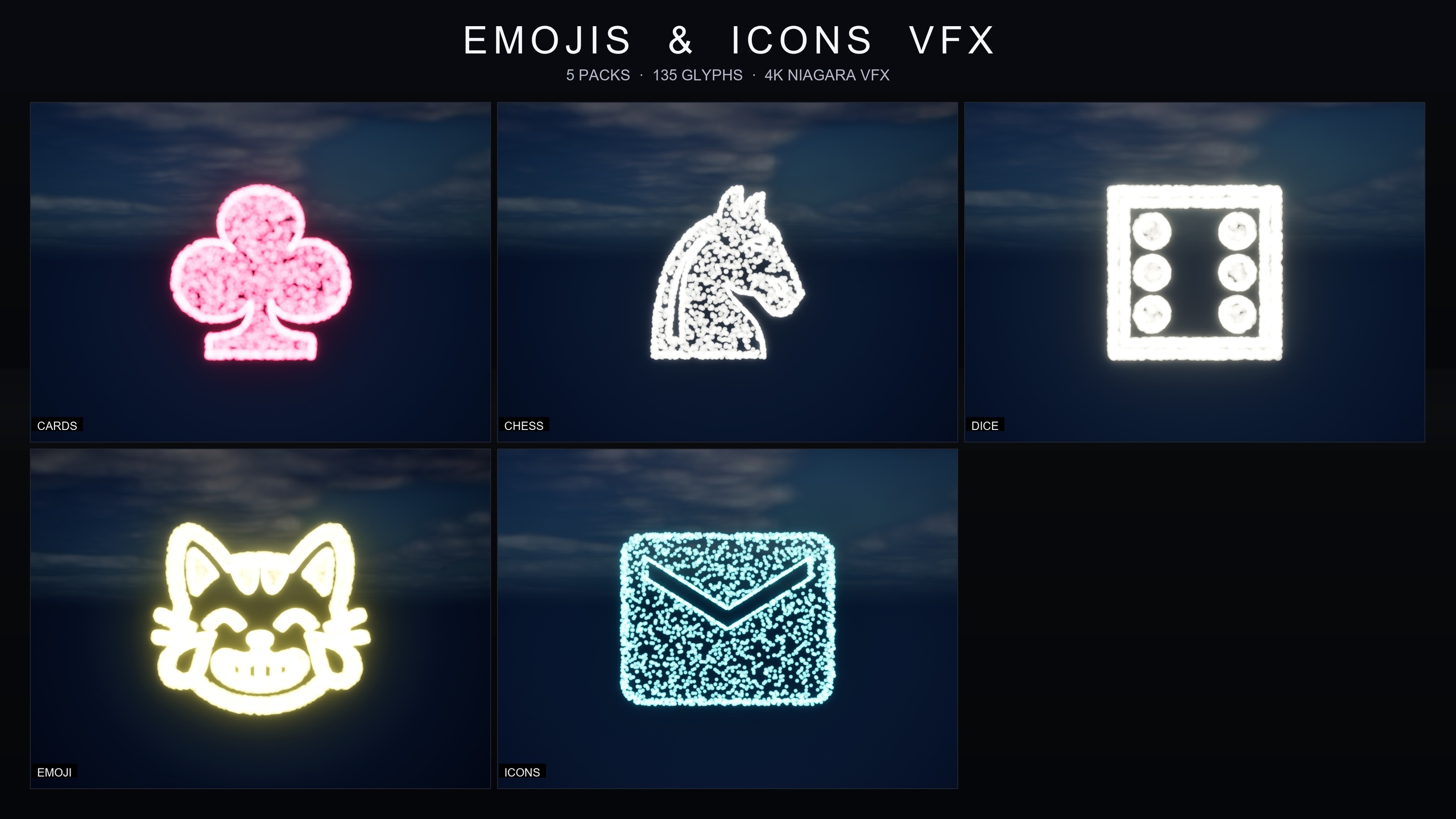
Building each of those flourishes from scratch in Niagara is a real job. You are authoring spawn curves, glyph sprites, colour ramps and lifetimes per piece, then doing it twice so white and black stay distinct. The Emojis and Icons VFX Bundle short-circuits that. Its Chess Pieces pack ships twelve finished Niagara systems, one per piece per colour, that draw the actual king, queen, rook, bishop, knight and pawn silhouette out of particles. You spawn the system that matches the piece and the feedback is already on-theme.
This tutorial walks through mapping those twelve systems onto the four feedback moments that matter, keeping white and black sets readable, and retuning the whole pack from a single asset when your art direction shifts.
What the Chess Pieces pack actually gives you
The Chess Pieces pack is one of five themed sets inside the bundle, alongside Card Suits, Dice Pips, Noto Emoji and Material Design Icons, for 135 Niagara effects total. The chess set itself is twelve effects: the six piece types, each delivered as a white and a black variant. They follow a strict naming convention so you can find them by piece in the Content Browser, for example NS_ChessPieces_WhiteKnight and the matching black system.
Each effect is a Niagara CPU sprite renderer that samples particle positions across a baked 3D glyph mesh, so the symbol is literally drawn out of moving particles rather than shown as a flat card. That is what lets a captured knight burst as a recognisable knight rather than a generic spark. The chess pack ships with pure white as its signature colour out of the box, which reads cleanly on a typical board, and everything sits under a single Content/EmojisAndIconsVFX/ folder with the Niagara split into per-pack subfolders.
It is content-only with zero third-party dependencies, so there is no plugin to enable and no Marketplace prerequisite. You add the pack, drag the system you want into your level or UI context, and it plays.
Mapping the twelve systems to selection, move, capture and checkmate
The trick to good chess feedback is to reuse the same per-piece glyph at different intensities for different events, so the player learns one visual language. The Chess Pieces pack supports exactly this because every effect can be retuned for spawn rate, particle size and lifetime. Here is a clean way to assign the twelve systems across your four feedback states.
1. Selection. When the player picks up a piece, spawn that piece's matching system at the piece's world location as a gentle, persistent glow. A low spawn rate and a long lifetime read as 'this is the piece you are holding' without shouting. Use the Spawn System at Location node in Blueprint, passing the transform of the selected piece, and store the returned component so you can deactivate it on deselect.
2. Move highlight. As the piece travels to its destination square, you can keep the same selection system active and let it ride the actor, or fire a brief one-shot of the same glyph on the target square to confirm the landing. Because it is the same per-piece silhouette, the move reads as a continuation of the selection rather than a new, unrelated effect.
3. Capture burst. When a piece is taken, spawn the captured piece's system as a short, dense one-shot at the contested square, then let it fade. A high spawn rate with a short lifetime turns the glyph into a recognisable burst, so a captured rook visibly disperses as a rook. Crucially, spawn the colour that matches the piece being removed, not the attacker, so the player reads who just lost material.
4. Checkmate hero shot. For the game-ending beat, spawn the losing king's system as a large, slow, screen-filling flourish, optionally layered with the winning side's king in its colour. Scale particle size up and lifetime long so the moment lingers as a hero shot rather than a flicker.
Keeping white and black sets readable
Because the pack ships a dedicated white system and a dedicated black system for every piece, you never have to recolour at runtime to tell the sides apart. Bind your spawn logic to the piece's side: a captured white pawn spawns NS_ChessPieces_WhitePawn, a captured black pawn spawns NS_ChessPieces_BlackPawn. Driving the choice off the piece data keeps the read honest and removes any guesswork about which colour to fire.
The signature colour for the chess pack out of the box is pure white, which is ideal against a darker board but can wash out the white set on a light theme. If you need to push contrast, do it through the pack's Niagara Parameter Collection rather than per-effect edits, so both sets stay coherent. The effects also play nicely with bloom and work under any post-process setup, so a modest bloom pass makes the glyph particles pop against the board without extra material work.
Retuning the whole pack from one asset
Every pack in the bundle ships its own Niagara Parameter Collection, and the chess set's is NPC_ChessPiecesStyle. Open that single asset and you can retune spawn rate, particle size, glyph colour and lifetime across all twelve chess systems in real time, rather than editing twelve effects by hand. This is how you keep your selection glow, capture burst and checkmate flourish derived from one consistent look.
A sensible workflow is to set your baseline restraint in the parameter collection first, the colour and base particle size that suit your board, then handle the per-event intensity (gentle selection versus dense capture versus large checkmate) at the spawn call by overriding spawn rate and lifetime. Because all five packs in the bundle share the same architecture, learning the chess pack's controls teaches you the card, dice, emoji and icon packs at the same time, which is handy if you later add suit flourishes to a card-game mode or Material icons to your HUD.
To see the defaults in motion before you wire anything, open the bundle's demo maps, named with the L_Demo_EmojisAndIconsVFX_ prefix, which lay the systems out under lighting so you can judge scale and colour against a real scene.
Where to go next
Start by dropping the four states above onto a single piece and proving the loop: select, move, capture, mate. Once one piece feels right, the per-piece naming means rolling it out to the other five is a matter of swapping the system reference, and the white and black variants are already there for the opposing side.
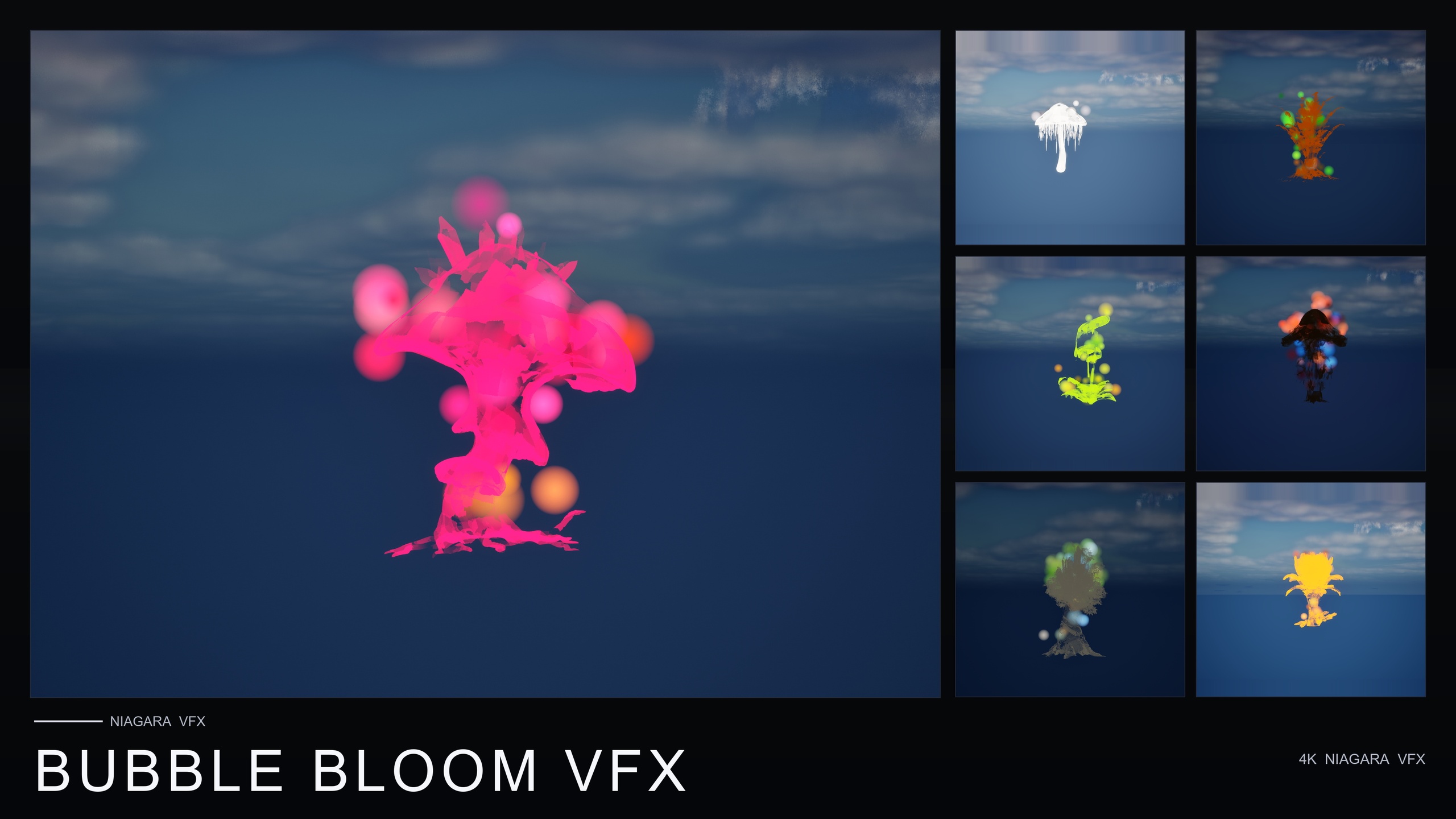
If your chess scene also wants ambient atmosphere around the board rather than just per-piece punctuation, the sibling nature VFX packs from the same line cover that. Ambient Garden VFX adds drifting motes, fireflies or low mist; Bubble Bloom VFX brings gentle whimsical bubbles; and Cosmic Bloom VFX wraps props in constellation tracing or soft astral light. They are separate content-only packs, so you would add them alongside the bundle, but they share the same drop-in, no-setup workflow.
Chess feedback states mapped to the Chess Pieces pack
| Feedback moment | System to spawn | Intensity setting |
|---|---|---|
| Selection | Selected piece's matching system (e.g. NS_ChessPieces_WhiteKnight) | Low spawn rate, long lifetime, persistent glow |
| Move highlight | Same selection system, ride the actor or one-shot on target square | Brief confirmation on landing |
| Capture burst | Captured piece's system in its own colour | High spawn rate, short lifetime, dense one-shot |
| Checkmate hero shot | Losing king's system, optionally layered with the winning king | Large particle size, long lifetime |
Same per-piece glyph reused at different intensities; tune spawn rate, particle size and lifetime per state.
FAQ
What is the simplest way to add a ue5 chess game piece selection capture highlight effect?
Add the Emojis and Icons VFX Bundle, open Content/EmojisAndIconsVFX/Niagara/ChessPieces, and spawn the system that matches the piece. Use the matching white or black variant for selection as a gentle glow, and the captured piece's variant as a short dense burst on capture. No plugin setup is required because the pack is content-only.
How many chess effects are in the pack, and are white and black covered?
The Chess Pieces pack contains 12 Niagara systems: king, queen, rook, bishop, knight and pawn, each in a dedicated white and black variant. They follow the NS_ChessPieces_White* and NS_ChessPieces_Black* naming convention, so you can bind spawning directly to the piece's side.
Can I change the colour and intensity of all the chess effects at once?
Yes. The chess pack ships a Niagara Parameter Collection, NPC_ChessPiecesStyle. Editing that single asset retunes spawn rate, particle size, glyph colour and lifetime across all twelve chess systems in real time, so you set a consistent baseline once and adjust per-event intensity at the spawn call.
Does this require any plugins or marketplace prerequisites?
No. The bundle is content-only with zero third-party dependencies. You add the pack and drag a Niagara system into your level or UI context; there is nothing to enable and no external content to install.
Will the glyph particles work with bloom and on mobile?
The effects work under any post-process setup and play nicely with bloom, which helps the glyphs pop against the board. They use a CPU sprite renderer and the listing describes the bundle as PC, console and mobile-friendly.
Emojis and Icons VFX Bundle
Five themed Niagara packs in one bundle — Card Suits, Chess Pieces, Dice Pips, 80 Emoji and Material Design Icons — 135 effects in total. Each pack ships a Niagara Parameter Collection so spawn rate, size, colour and lifetime retune across a whole set from a single asset.
Related on Fab


Related reading