
article · 2026-01-22
Magenta, Green, or Black? Choosing a Chroma-Key Background for VFX Generation
How to pick the right background key colour so AI Flipbook Generator keys your spritesheet cleanly instead of eating your effect.
Why the background colour decides whether the key is clean
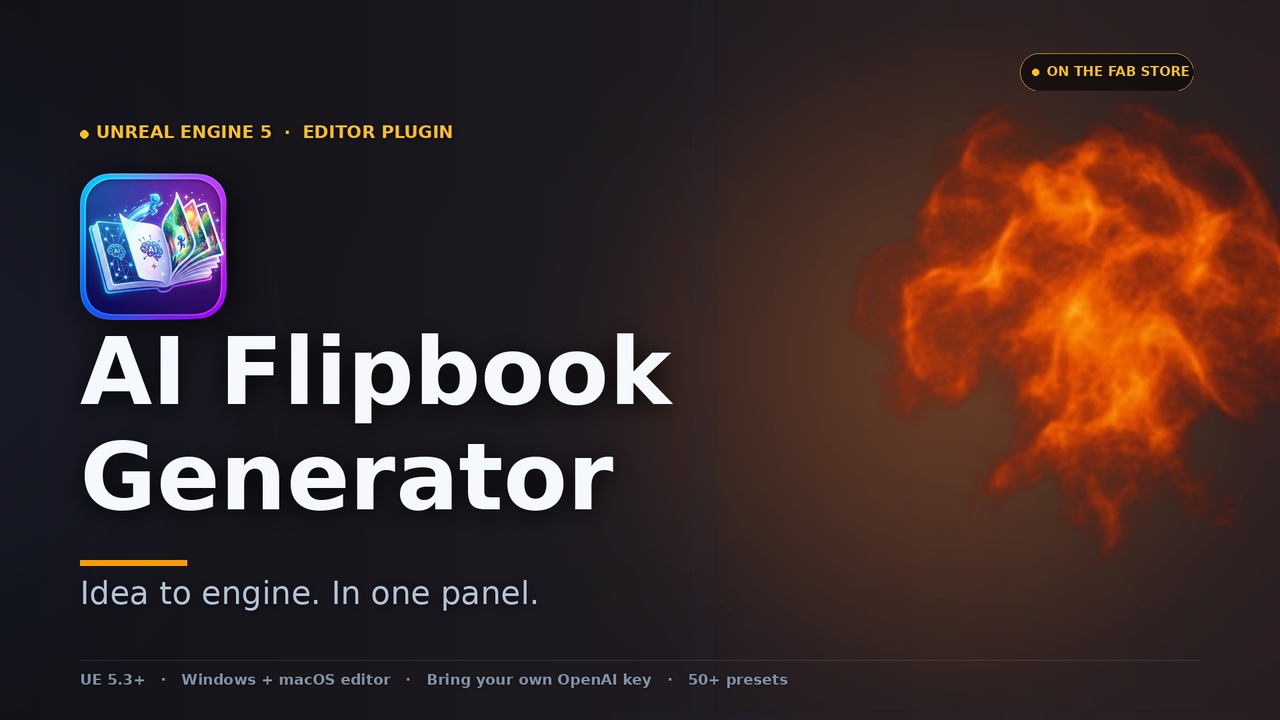
When you generate a spritesheet flipbook from a text prompt, the model paints your effect onto a solid background, and the post-processing step has to remove that background and turn it into transparency. The question of which chroma key colour for VFX generation you should pick is not cosmetic: it directly decides whether the keyer pulls a clean alpha edge or chews a hole through the middle of your flame. The golden rule for magenta vs green screen sprites is simple. Choose the background colour that appears least in the effect itself.
AI Flipbook Generator ships three background key-colour choices, each tuned to a different effect palette: magenta (#FF00FF), lime green (#00FF00), and black (#000000). After the model returns the grid, the adaptive image pipeline auto-detects the actual key colour during post-processing, chroma-keys the background, removes the de-spill colour fringe so you do not get a coloured halo, re-centres alpha per cell to kill frame bounce, and writes premultiplied alpha. Get the colour right at generation time and that whole chain does its job invisibly. Get it wrong and the keyer cannot tell effect from backdrop.
Magenta for fire, lava, smoke, and energy
Magenta (#FF00FF) is the workhorse for warm and high-energy effects. Reach for it whenever you are generating fire, lava, smoke, embers, or energy bursts. The reason is that almost nothing in those palettes is magenta: flame lives in the red-orange-yellow band, smoke is desaturated grey, and explosive energy tends to white-hot cores. Because the effect contains so little of the key colour, the chroma keyer can lift the background aggressively without biting into the effect, and the de-spill pass has very little fringe to clean up.
Practically, when you open the AI Flipbook Generator panel and set up a fire or explosion prompt, leave the background key colour on magenta and pick a grid (4x4 for a quick 16-frame loop, up to 8x8 for a 64-frame sequence). After generating, check the gallery: a good magenta key leaves crisp embers and wispy smoke edges intact rather than a chewed silhouette.
Lime green for cool, blue, and cyan effects
Flip to lime green (#00FF00) the moment your effect moves into the cool end of the spectrum. Frost, water splashes, ice shards, cyan magic, and electric-blue energy all sit far from green on the colour wheel, so a green background keys away cleanly while leaving your blues and cyans untouched. If you tried to key one of these effects against magenta you would risk the keyer confusing parts of the effect with the background, and vice versa for warm effects on green.
The pairing maps directly onto the plugin's style controls. If you pin the Palette axis to cool, toxic, or arcane for a water or frost effect, set the background to lime green to match. Think of it as the inverse of the magenta rule: warm effects key against magenta, cool effects key against green, because each colour is the one least present in its target palette.
Black for white and multicolour effects
Black (#000000) is the specialist choice for effects that span the whole spectrum or that are predominantly white, where neither magenta nor green is safe because the effect already contains both. Sparkles, white-hot flashes, rainbow or vivid multicolour bursts, and holy or buff auras all key well against black. The one condition to respect is that the effect must have no genuinely dark passages: if your effect has near-black regions, the keyer cannot distinguish them from a black background and will punch holes through those areas.
So the decision tree is short. Warm, fiery, or energetic, generate against magenta. Cool, blue, or cyan, generate against lime green. White or multicolour with no dark regions, generate against black. You set this once before you click Generate; the post-processing auto-detects the key colour you chose and handles the rest. If a bake still looks off, open the per-iteration dump under Saved/AIFlipbook/Iterations/ to inspect the raw response and the post-processed bitmap and see exactly where the key went wrong.
Which background key colour to choose
| Background key colour | Best for | Avoid when |
|---|---|---|
| Magenta (#FF00FF) | Fire, lava, smoke, embers, energy bursts | The effect contains magenta or pink tones |
| Lime green (#00FF00) | Water, frost, ice, blue/cyan magic and energy | The effect contains green tones |
| Black (#000000) | White flashes, sparkles, rainbow/multicolour, auras | The effect has genuinely dark or near-black regions |
Pick the colour least present in your effect so the chroma keyer pulls a clean alpha edge. The post-processing pipeline auto-detects the colour you chose.
FAQ
Which chroma key colour should I use for VFX generation?
Choose the background colour least present in your effect. Magenta for warm effects like fire, lava, smoke, and energy; lime green for cool effects like water, frost, and blue or cyan magic; black for white or multicolour effects that contain no dark passages.
Magenta vs green screen for sprites: how do I decide?
Warm and fiery effects rarely contain magenta, so magenta keys them cleanly. Cool effects rarely contain green, so lime green keys them cleanly. Use whichever of the two does not appear in your effect; never key a green-tinted effect against green or a pink-tinted effect against magenta.
Do I have to remove the background colour myself?
No. AI Flipbook Generator's adaptive pipeline auto-detects the key colour you selected during post-processing, chroma-keys the background to transparency, removes the de-spill colour fringe, re-centres per-cell alpha, and outputs premultiplied alpha. You just choose the right colour before generating.
When should I use the black background?
Use black for predominantly white or multicolour effects, such as sparkles, white-hot flashes, and rainbow bursts, where neither magenta nor green is safe. Avoid black if the effect contains genuinely dark regions, because the keyer would treat those as background and cut holes in them.
What if the key still looks wrong after baking?
Open the per-iteration debug dump under Saved/AIFlipbook/Iterations/ for that generation. It captures the exact prompt, template, mask, raw response, and post-processed bitmap, so you can see whether the wrong key colour or a colour clash with the effect caused the bad alpha, then regenerate with a better background choice.
AI Flipbook Generator
Type a prompt, get a game-ready effect. AI Flipbook Generator turns text into flipbook spritesheets via OpenAI image models, then bakes them to Texture2D, Material Instance and a ready-to-drop Niagara System — with a 55-entry effect library, style presets and multi-variant batching. Uses your own OpenAI API key; nothing is proxied through us.
Related on Fab
Related reading