
article · 2026-06-09
Composing Real Inscriptions in UE5 Instead of Reusing One Stock Rune Loop
How a per-glyph Niagara approach lets you author authentic ancient writing instead of looping the same baked effect on every wall.
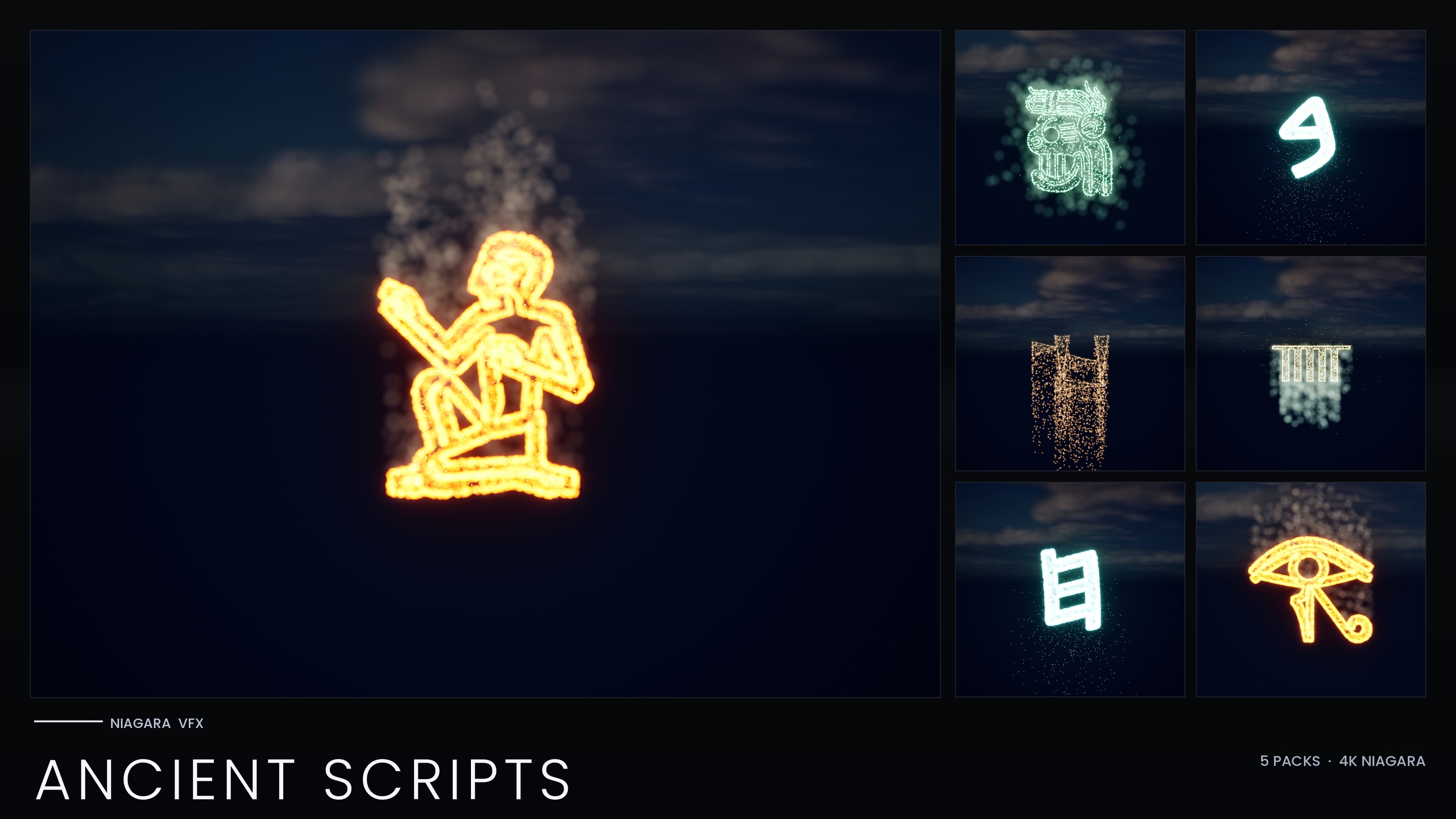
The problem with one stock rune loop
If you have ever needed Unreal Engine ancient writing inscription VFX for a tomb, a clay tablet or a temple frieze, you have probably hit the same wall: most glow-text effects are a single pre-baked loop. You drop one Niagara System on the wall, it cycles forever, and the moment your camera lingers the audience realises every inscription in your level is literally the same shape repeating. It reads as decoration, not as language, and authenticity is exactly what these scenes trade on.
The fix is to stop thinking of an inscription as one effect and start thinking of it as a string of letters you assemble yourself. The Niagara Ancient Scripts Pack is built around that idea. It covers five real ancient writing systems and exposes every glyph as an independently spawnable Niagara System, so you compose actual lines of text rather than reuse a single stock loop. The pack explicitly positions itself against the pre-baked single-effect approach, which is the whole reason it ships glyph-by-glyph.
This article walks through why per-glyph systems beat a baked effect, how to lay out genuine Cuneiform, Ogham and Phoenician lines, how to mix scripts for trade-route and syncretic scenes, and how that authenticity pays off in cinematics and puzzles.
Why per-glyph systems beat a single baked effect
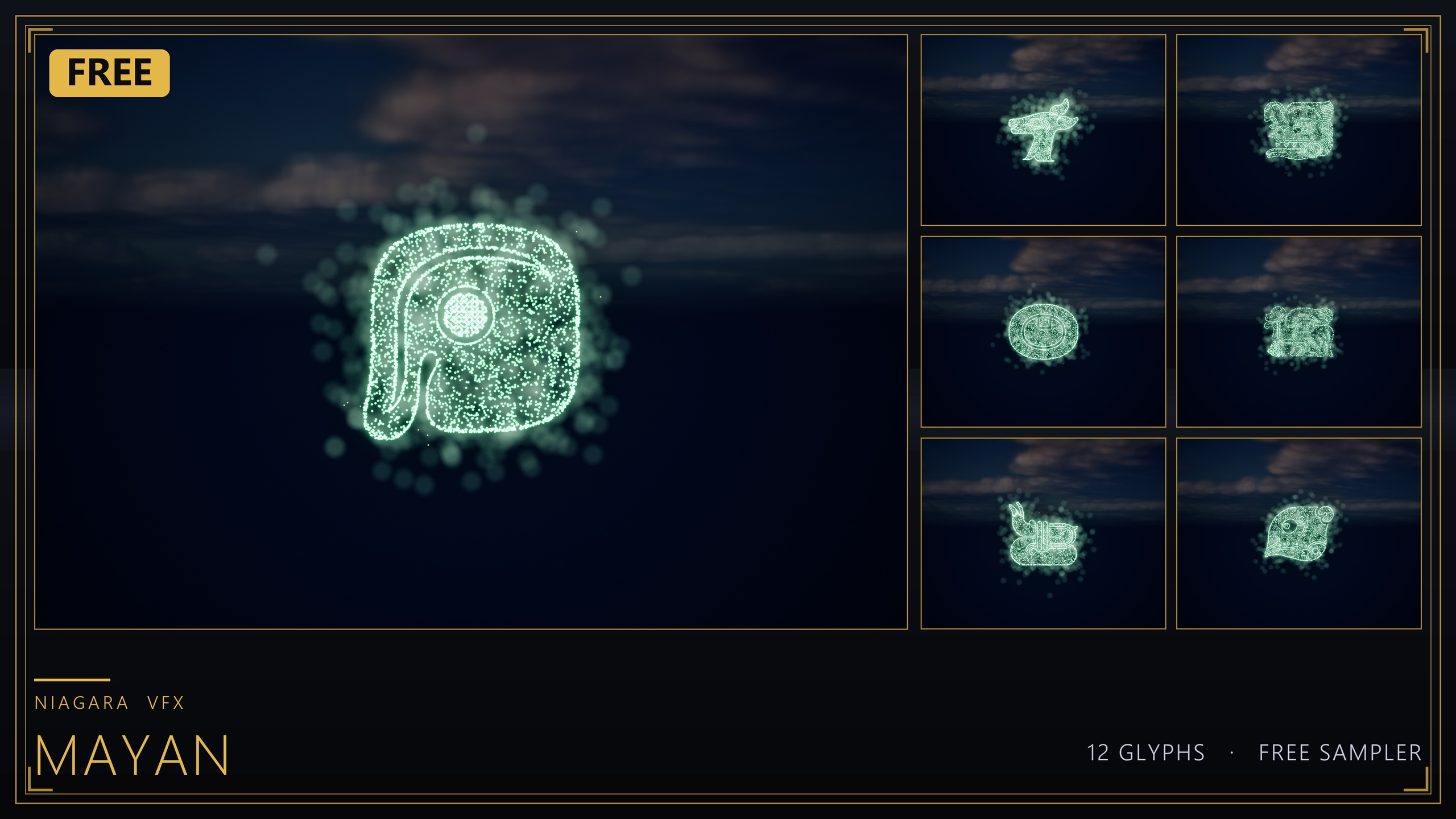
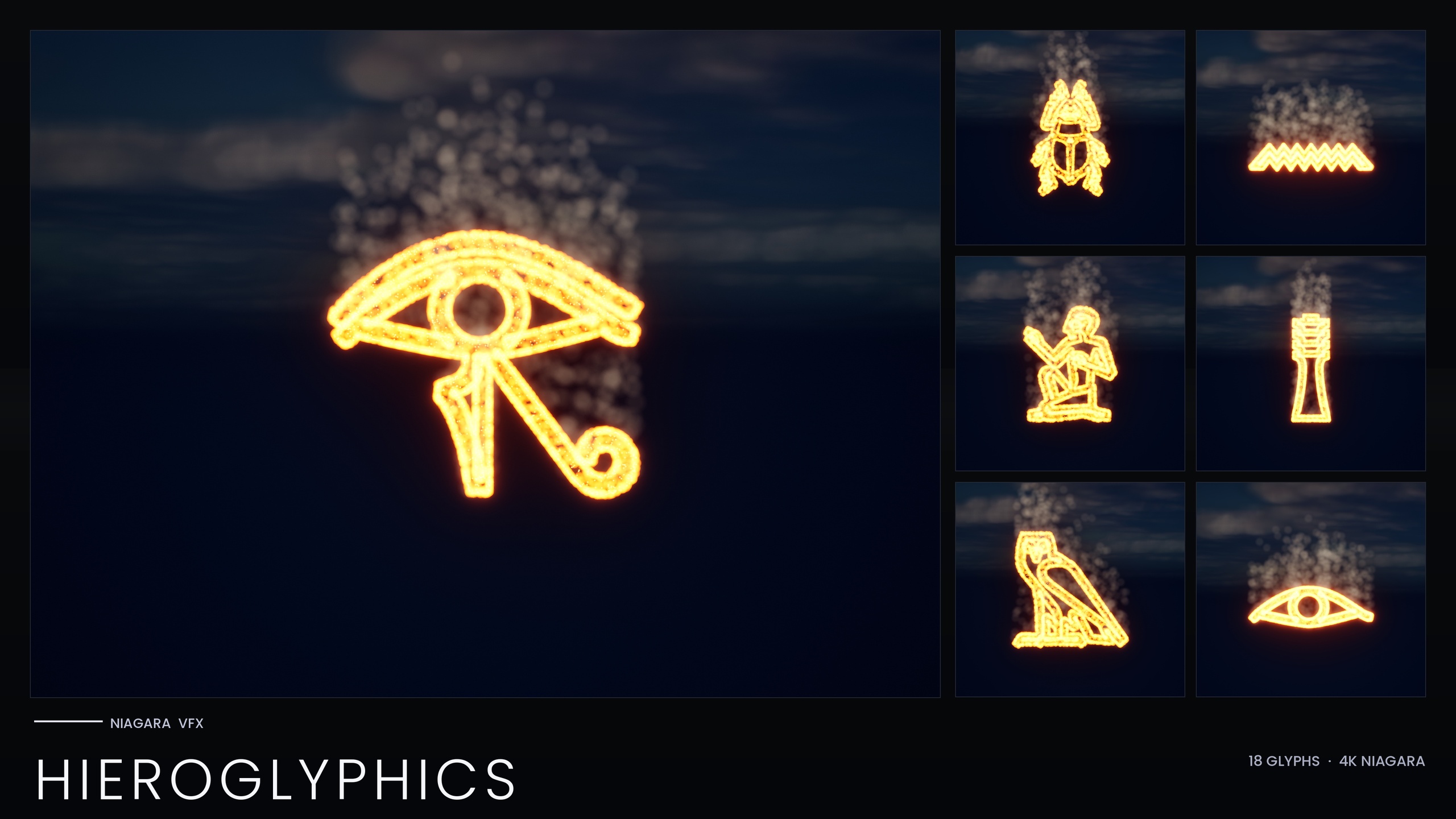
The pack contains 114 Niagara Systems and 114 matching static meshes across five scripts: Egyptian Hieroglyphics, Cuneiform, Mayan, Ogham and Phoenician. Each script is built on one unified Niagara backbone, and each glyph exists twice over: as a spawnable CPU Niagara System you can animate and react to, and as a carve-able static mesh you can place in the world and light with emissives. That dual form is what makes real composition possible. A baked single-effect pack gives you one shape; a per-glyph library gives you an alphabet.
Because the systems are CPU-simulated and use only Unreal's default materials, there are no custom textures and nothing exotic to import. The footprint stays small and the look is driven by particle behaviour rather than texture work, which keeps the effects portable across projects. The trade-off is that everything stacks per instance, so the practical rule is the same as any CPU particle workload: spawn a manageable number of systems per scene rather than carpeting a wall with hundreds.
The other lever that separates this from a baked loop is the Niagara Parameter Collection. Each script reads its style from a single Parameter Collection asset, so editing that one asset recolours and re-times the whole script at once. You can swap a tomb's warm amber burn for a curse-blue glow in a single edit instead of touching every glyph by hand, and individual per-glyph overrides remain available when one symbol needs to stand apart.
Laying out Cuneiform, Ogham and Phoenician lines
Composing a real inscription is mechanically simple once you treat glyphs as letters. The workflow below assumes you have added the content pack to your project.
1. Open the per-script demo map for the script you want. The pack ships five demo maps, one per script, specifically so each map keeps its particle and memory load manageable while you preview that script's full glyph set.
2. Identify the glyphs you need. Cuneiform, Ogham and Phoenician each behave like a small letter set you can string together. Treat each glyph's Niagara System as a single character and lay them out left to right (or in the reading direction your scene calls for) along the surface you are inscribing.
3. Drag each glyph's NS_ Niagara System into the level, or spawn it from Blueprint with the 'Spawn System at Location' or 'Spawn System Attached' node when you want the inscription to appear in response to gameplay, such as a torch passing a wall.
4. Tune the whole line from the script's Niagara Parameter Collection. Edit the Parameter Collection once to set the colour and timing for every glyph in that script, then add per-glyph overrides only where a single character needs emphasis.
5. For carved, always-present text, place the matching static meshes instead of, or alongside, the live systems and light them with emissive materials. The meshes let you emboss a permanent inscription into a wall while the Niagara Systems handle the moment it ignites.
Mixing scripts for trade-route and syncretic scenes
The payoff of carrying five real scripts in one pack is that history was rarely monolingual. A Phoenician trading post, a syncretic cult shrine or a comparative-archaeology exhibit would plausibly show more than one writing system side by side, and the pack's documented use cases include exactly these trade-route, syncretic-cult and comparative-archaeology setups. Mixing Phoenician merchant manifests with Cuneiform proclamations, or Ogham mark-stones beside Mayan ritual glyphs, instantly signals a world where cultures met.
You can place glyphs from different scripts on a single map to build these scenes. Because each script carries its own Niagara backbone and its own style read from the Parameter Collection, the scripts stay visually distinct even when they share a wall, and you can give each one its own colour treatment to reinforce that they come from different hands.
Keep the five-map split in mind as a performance pattern, not just an organisational one. The pack deliberately divides its demo content across five maps to keep per-map particle load manageable. When you compose a mixed-script scene of your own, apply the same discipline: bring across the specific glyphs each inscription needs rather than spawning whole scripts, and lean on the static meshes for the text that simply needs to be present rather than animating.
Selling authenticity in cinematics and puzzles
Authenticity is where per-glyph composition earns its keep. In a cinematic, a sarcophagus reveal or a pyramid-passage shot reads as real precisely because the hieroglyphs spell something consistent rather than repeating one decorative loop. A Mesopotamian clay-tablet reveal, a royal proclamation or a Mesoamerican frieze gains the same weight when the glyphs are arranged as deliberate text. The pack's own listed scenes cover tomb inscriptions, sarcophagus carvings, clay-tablet reveals, codex pages, Celtic mark-stones and Phoenician trade scrolls, all of which depend on the writing looking authored.
Puzzles benefit even more directly. When each glyph is an independent system, you can spawn them one at a time to assemble a symbol from particles, gate a door on the player matching the right sequence, or ignite an inscription as the player's torch sweeps past it. A single baked loop cannot do any of this because it has no individual letters to address; a per-glyph library is what makes glyph-matching, sequence reveals and reactive inscriptions possible at all.
A practical next step: open the demo map for the script your scene needs, spend a few minutes recolouring it from the Parameter Collection to match your environment's lighting, then lay out your first real line one glyph at a time. Once you have one authentic inscription composed, the rest of your level's writing follows the same pattern.
Per-glyph composition vs a single stock loop
| Capability | Single stock rune loop | Niagara Ancient Scripts Pack |
|---|---|---|
| Spell a real word or line | No — one repeating shape | Yes — each glyph is its own system |
| Number of writing systems | Typically one generic look | Five real scripts (Hieroglyphics, Cuneiform, Mayan, Ogham, Phoenician) |
| Recolour / re-time a whole script at once | Manual, per effect | One edit via the Niagara Parameter Collection |
| Carve permanent inscriptions | Effect only | Matching static mesh per glyph for emissive carving |
| Per-glyph puzzle / reveal logic | Not addressable | Spawn glyphs individually from Blueprint |
Why an addressable glyph library produces more authentic inscriptions than one baked effect.
FAQ
What is the best way to make Unreal Engine ancient writing inscription VFX that looks authentic?
Compose the inscription glyph by glyph rather than reusing one baked loop. The Niagara Ancient Scripts Pack exposes every glyph across its five scripts as an independently spawnable Niagara System, so you can lay out real words and lines on a surface instead of repeating a single shape.
Which writing systems does the Niagara Ancient Scripts Pack include?
Five real ancient scripts: Egyptian Hieroglyphics, Cuneiform, Mayan, Ogham and Phoenician. Across all five it ships 114 Niagara Systems and 114 matching static meshes, with one unified Niagara backbone per script.
Can I recolour a whole script without editing every glyph?
Yes. Each script reads its style from a Niagara Parameter Collection, so editing that single asset recolours and re-times the entire script at once. Per-glyph overrides are still available when one symbol needs to differ.
Will it run well if I cover a wall with glyphs?
The systems are CPU-simulated and stack per instance, so the pack splits its demo content across five maps to keep per-map particle load manageable. Follow the same approach in your own scenes: spawn the glyphs you need and use the static meshes for permanent text that does not have to animate.
Can I mix different scripts in one scene?
Yes. You can place glyphs from different scripts on a single map, which suits trade-route, syncretic-cult and comparative-archaeology scenes. Each script keeps its own backbone and style, so they stay visually distinct even when sharing a wall.
Niagara Ancient Scripts Pack
114 Niagara glyph systems across five ancient scripts — Cuneiform, Hieroglyphics, Mayan, Ogham and Phoenician — for rituals, spells and mystical UI. CPU-simulated with a Parameter Collection and demo map.
Related on Fab

Related reading