
article · 2026-03-21
How to Organise NPC Dialogue by Context in Unreal Engine 5
A practical category/subcategory/size tagging scheme that turns a flat list of voice lines into a queryable, context-aware dialogue system.

Why a flat dialogue list breaks down
Most NPC dialogue starts life as a flat list. You drop every recorded line into a single array, a folder of SoundWaves, or one untyped DataTable, and you play them more or less in order. It works for a demo. It falls apart the moment your NPC needs to say the right thing at the right time: a battle cry when combat starts, a greeting when the player walks up, a muttered idle line when nothing is happening at all.
The core problem is that a flat list has no idea what any line means. To find an enemy-spotted bark you end up hard-coding row indices, or relying on naming conventions you have to remember, or writing a sprawling branch of conditionals that nobody dares touch six months later. Add a second character and the whole fragile arrangement has to be rebuilt by hand.
If you have been searching for how to organise NPC dialogue by context in Unreal Engine, the fix is not a bigger switch statement. It is to attach meaning to every line as data, then query that data at runtime. This article walks through a tagging scheme that does exactly that, using the same structure that ships inside the free Assassin Dialogue Lore Pack so you can see it working against real recorded lines rather than placeholders.
A category / subcategory / size tagging scheme
The idea is simple: every line carries a short hierarchical tag of the form category/subcategory/size. The category says what kind of moment the line belongs to. The subcategory narrows it to a specific situation within that moment. The size says how long the line is. A combat battle cry might be tagged combat/battle_cry/sm, a friendly hello social/greeting/md, and a sprawling piece of dragon lore story/dragon/xl.
In the Assassin Dialogue Lore Pack these tags are stored as plain text. The pack's DT_Dialogue DataTable holds one row per line, and the schema includes a ContextTags field alongside DialogueName, ResponseText, CharacterName, EmotionalTone and NPCType, all stored as FString, plus a VoiceAudio reference. Because ContextTags is just a string, you query it with an ordinary substring match: ask for rows whose tag contains 'combat' to get every combat line, or 'social/greeting' to narrow to greetings specifically. No enums to maintain, no bespoke struct per situation.
The category set is deliberately broad so that almost any gameplay moment maps onto one. The assassin pack spans combat, social, story, discovery, emotion, taunt, death, response, self, commentary, weather, physical and pain. That vocabulary is shared across the wider Lore Pack collection too, which is what lets you write one query and reuse it for every character you add later.
Keeping the scheme as a string in a DataTable has a quiet benefit: writers and designers can author and re-tag lines in the spreadsheet without touching code, and the same column drives both Blueprint and C++ queries.
Mapping gameplay events to tags
A tagging scheme is only useful if your gameplay code knows which tag to ask for. The trick is to translate each event your game already fires into a context string, then hand that string to a single dialogue query function.
When combat begins, ask for 'combat'; for a specific reaction ask for something narrower like 'combat/battle_cry' or a taunt with 'taunt'. When the player enters interaction range of a friendly NPC, ask for 'social/greeting'. When they pick up loot or step into a new area, ask for 'discovery'. When the weather system flips to a storm, ask for 'weather'. An ally going down, the NPC taking a hit, an idle timer expiring with nobody around — each maps cleanly to 'response', 'pain' or 'physical', and 'self' respectively.
Because the categories are broad and the matching is a substring test, you can be as coarse or as precise as the moment needs. Early in development you might fire only the top-level category and let the system pick any matching line. Later you can tighten the request to a subcategory for a sharper performance without changing the underlying data at all.
The discipline that makes this scale is to keep the mapping in one place. Resist the urge to scatter literal tag strings through your gameplay code. A small lookup that turns a gameplay event into a context string means re-tagging or re-routing a category is a one-line change rather than a hunt across the project.
Choosing line-length tiers: SM, MD, LG, XL
The third part of the tag, the size code, exists because pacing matters as much as content. A barked reaction during a fight should be a couple of words; a quest-giver's monologue can run for a paragraph. Encoding length in the tag lets you pick lines that fit the moment rather than interrupting the action with a speech.
The Assassin Dialogue Lore Pack uses four tiers. SM is short, roughly one to five words, for battle cries and quick reactions. MD is one to two sentences, the everyday conversational tier. LG runs two to four sentences for richer exchanges. XL is a paragraph or more, for lore dumps and story beats. The same SM/MD/LG/XL convention carries across the collection.
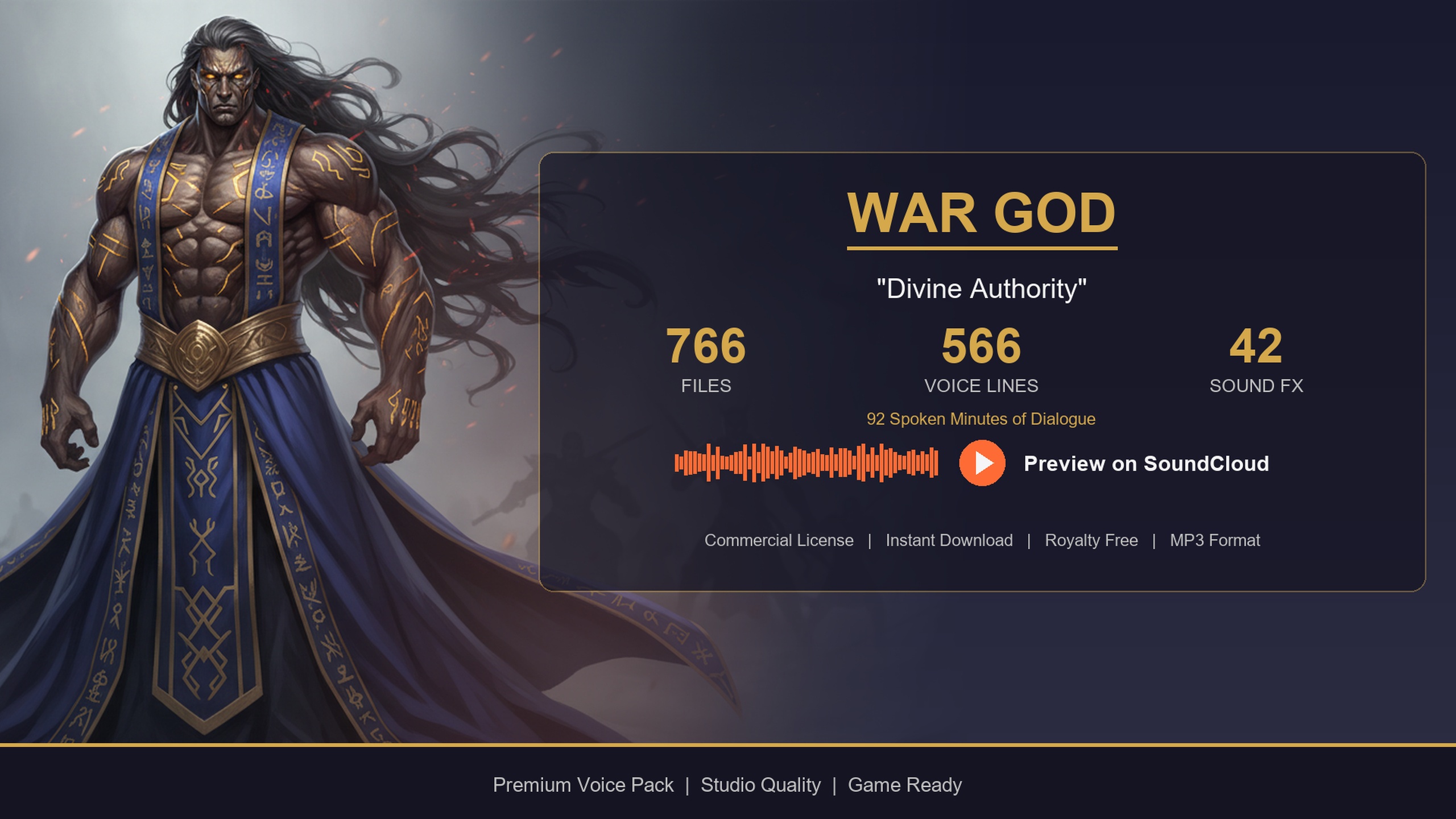
In practice you combine the size with the category at query time. For a fast combat bark, ask for tags containing 'combat' and ending in 'sm'. For a quest hand-off, prefer 'story' lines at 'lg' or 'xl'. Story-leaning characters reward this: the Bard Dialogue Pack skews narrative, so its longer LG and XL story lines are where most of its value sits, whereas a war-god deity uses the long tiers for booming proclamations.
A small but important runtime note: the longest XL lines are the ones worth streaming rather than loading whole, which the next section covers.
Querying tags at runtime in Blueprint and C++
With lines tagged and events mapped, the runtime query is short. The pattern is the same in Blueprint and C++: get the rows of DT_Dialogue, keep the ones whose ContextTags contains your context string, pick one at random, load its audio, and play it. Here is the Blueprint version.
1. Hold a reference to the 'DT_Dialogue' DataTable, ideally cached once rather than looked up every call.
2. Use 'Get Data Table Row Names' to enumerate every row, then 'For Each Loop' over them.
3. Inside the loop, call 'Get Data Table Row' and test whether the row's 'ContextTags' string 'Contains' your context substring, for example 'combat' or 'social/greeting'. Collect the matches into an array.
4. Pass the matched array to a random selector to choose one line.
5. The chosen row's 'VoiceAudio' is a soft object reference; call 'Load Synchronous' on it to resolve the SoundWave, then 'Play Sound 2D' for non-diegetic delivery or 'Play Sound at Location' to place it in the world. Optionally show the row's 'ResponseText' in your dialogue UI.
In C++ the shape is identical: load the DataTable with LoadObject, iterate with GetAllRows on your dialogue row struct, keep rows where Row->ContextTags.Contains(Context), then call LoadSynchronous on a random match's VoiceAudio before playing it.
The reason the audio reference is a TSoftObjectPtr<USoundWave> is that nothing is loaded into memory until you actually resolve it, so a DataTable of hundreds of lines costs almost nothing at rest. Three habits keep it fast in production: cache the DataTable reference instead of re-resolving it; pre-filter rows by category once at initialisation so hot-loop queries iterate a small list; and stream the long XL lines rather than synchronously loading them mid-action. Pre-caching the categories you know you will need at level load smooths out the first-play hitch.
Reusing one query across many characters
The real payoff arrives when you add a second voice. Because the assassin's DataTable schema and tag vocabulary are shared across the wider Lore Pack collection, the query you wrote for one character works unchanged for the next. Swap the DataTable reference, keep the same filtering logic, and a bard, a deity or any other archetype answers the same context requests.
The Fantasy NPC Voices Complete pack leans on exactly this. It consolidates 21 archetypes that share five identical row schemas, so a single query helper drives every character in the bundle. Start with the free Assassin pack to build and prove your context-driven dialogue system, then drop in the Bard Dialogue Pack for narrative quest-givers, the Deity Dialogue Pack for divine narration, or the full megabundle when you need an entire voiced cast, all answering the same code path.
Your next step is concrete: migrate the Assassin Dialogue Lore Pack's content folder into your project, point a query at DT_Dialogue filtering on 'social/greeting', and wire it to your interaction prompt. Once one context plays the right line, every other category is just another string to ask for.
Length tiers in the ContextTags size code
| Size code | Length | Typical use |
|---|---|---|
| SM | 1-5 words | Battle cries, quick barks, reactions |
| MD | 1-2 sentences | Everyday conversation, greetings |
| LG | 2-4 sentences | Richer exchanges, short lore |
| XL | Paragraph or more | Story beats, monologues, proclamations |
The fourth segment of each tag (e.g. combat/battle_cry/sm) selects a length tier so you can match line length to pacing.
Example context categories and the events they cover
| Category | Example subcategory | Gameplay trigger |
|---|---|---|
| combat | combat/battle_cry | Combat starts or an enemy is spotted |
| social | social/greeting | Player enters interaction range |
| story | story/dragon | Quest hand-off or lore moment |
| discovery | discovery | Item pickup or new area entered |
| weather | weather | Weather system changes state |
Categories from the Assassin Dialogue Lore Pack; the same vocabulary is shared across the Lore Pack collection.
FAQ
How do I organise NPC dialogue by context in Unreal Engine 5?
Store each line in a DataTable row with a hierarchical ContextTags string of the form category/subcategory/size, then at runtime filter the rows whose ContextTags contains the context you need (for example 'combat' or 'social/greeting'), pick a random match and play its audio. The Assassin Dialogue Lore Pack ships this structure in its DT_Dialogue table so you can see it working against real lines.
Why use a string tag instead of an enum for dialogue context?
A plain FString ContextTags field lets writers author and re-tag lines directly in the DataTable without code changes, and it lets you query with a simple substring match that is as coarse or as precise as you like. You can ask for a whole category or narrow to a subcategory using the same field, with no enum to keep in sync.
What do the SM, MD, LG and XL size codes mean?
They are length tiers encoded in the last segment of the tag: SM is roughly one to five words for barks, MD is one to two sentences, LG is two to four sentences, and XL is a paragraph or more for monologues and lore. Matching size to the moment keeps combat snappy and lets quest-givers run long.
How does the audio load without bloating memory?
Each row's VoiceAudio is a TSoftObjectPtr<USoundWave>, so the clip is not loaded until you call Load Synchronous on it at play time. A DataTable of hundreds of lines therefore costs almost nothing at rest. For performance, cache the DataTable reference, pre-filter rows by category at init, and stream the longest XL lines.
Can I reuse the same query for multiple characters?
Yes. The Assassin pack's schema and tag vocabulary are shared across the Lore Pack collection, so a single query helper works for every archetype. The Fantasy NPC Voices Complete pack consolidates 21 characters on five identical row schemas precisely so one code path can drive them all.
Assassin Dialogue Lore Pack
A free lore pack of dark, stealthy assassin and rogue dialogue — 72 minutes of professionally delivered lines covering combat, lore and ambient barks. Drop-in audio cues for any UE5 RPG.
Related on Fab


Related reading