
article · 2026-04-20
UE5 Niagara CPU vs GPU Particles: Which to Use for Ambient Effects
When low-count atmospheric VFX are the job, CPU Niagara is usually the right default — here is why, and how a content-only nature pack proves the point.

CPU vs GPU Niagara at a glance
If you are searching for guidance on UE5 Niagara CPU vs GPU particles and which to use for ambient effects, the honest answer is that the simulation target is a deliberate design choice, not a quality setting. Every Niagara emitter carries a 'Sim Target' property set to either 'CPUSim' or 'GPUCompute Sim', and the two paths have genuinely different strengths. Picking the wrong one for the job does not make your effect look bad — it makes it harder to ship, harder to light, and harder to port.
GPU simulation is the right tool when you need very large particle counts: dense smoke, weather systems, sparks, fluid-like swarms, anything where tens of thousands of particles must be simulated per frame. The GPU path offloads that work from the game thread and can read scene depth and distance fields directly via Data Interfaces. The cost is that GPU emitters lean on compute shaders and certain features behave differently or are unavailable depending on the target hardware and feature level.
CPU simulation runs the emitter on the game thread instead. It supports modest particle counts comfortably, exposes the full set of Niagara modules without feature-level caveats, and computes proper per-emitter bounds so the engine's visibility and significance systems can cull and budget it cleanly. For ambient work — a few dozen motes drifting around a plant, a slow ring of fireflies, a thread of ground mist — the count is small and the determinism and portability matter more than raw throughput. That is the case this article makes.
Why ambient, low-count emitters suit CPU sim
Ambient VFX share a profile: they are atmospheric rather than dramatic, they loop quietly in the background, and they exist in numbers. You do not place one drifting-pollen system in a level; you scatter dozens across a clearing. The per-system particle count is low, but the per-scene system count is high. That is the inverse of what GPU compute is optimised for, and it is exactly where CPU Niagara is comfortable.
The Ambient Garden VFX pack is a clean worked example. It applies three ambient effect families to every one of the 51 stylised flower and plant meshes in the Fantasy Flower line, producing 150 ready-to-use NiagaraSystem assets. The three families are BloomingMotes (soft floating pollen and light motes orbiting each flower), FireflySwarm (warm flickering firefly trails looping around each bloom), and Mist (low-lying, slowly-drifting ground fog hugging the plant base). Every one of those systems uses CPU Niagara emitters.
Because the counts are low and the bounds are well-defined, CPU systems behave predictably when you place a lot of them. The engine can compute their bounds, fold them into significance and visibility queries, and cull them the moment they leave view. There is no per-frame compute dispatch overhead per system, and no surprise when an effect that looked fine in isolation is suddenly multiplied across a whole biome. For prototyping a magical garden, a fae glade, or an enchanted forest, that drop-in-and-scatter predictability is the whole point.
It is worth being precise about what is and is not claimed here. The listing describes the systems as suitable for broad hardware including mobile-class devices, but that is a seller design claim, not a benchmarked figure. We are not quoting a frame rate, a particle budget, or a measured cost on any specific hardware, because none is documented. The structural argument — low count, full module support, clean bounds, easy culling — stands on its own without inventing numbers.
Cross-platform reach: Windows, Mac, Linux
The strongest practical reason to default ambient effects to CPU Niagara is portability. CPU emitters do not depend on a particular GPU feature level or compute-shader path, so they behave the same way across targets. Ambient Garden VFX lists support for Windows, Mac and Linux, and the project's packs baseline also lists Console. If your atmosphere layer is CPU-simulated, you remove an entire class of 'works on my machine, breaks on the other platform' problems from the part of your scene that is supposed to just quietly run everywhere.
This matters most for the dressing layer specifically. Hero effects can justify per-platform tuning because they are few and they are the focus of the shot. Ambient effects are everywhere and nobody is looking directly at them, so the last thing you want is to maintain platform branches for a fog wisp. Keeping the ambient layer on CPU sim keeps it boring in the best sense: it ports, it looks consistent, and it does not become a porting checklist item.
The pack is also content-only, which compounds the portability benefit. There is no C++, there are no Blueprints, and there are no plugin dependencies — you drop a NiagaraSystem into the level and it plays, no compile and no engine modification. A drop-in asset with no native code and no plugin prerequisites is dramatically easier to move between projects and platforms than anything that has to be built per target.
Dynamic lighting and a no-bake workflow
Ambient VFX are usually about light: motes catching the sun, fireflies glowing at dusk, mist softening a shaft of light. That only reads well if the lighting around the effect is dynamic, and Ambient Garden VFX is built for exactly that. Its lightmaps are dynamic with no baking required, and the demo scenes are lit with a Movable Directional Light plus SkyAtmosphere, SkyLight, Exponential Height Fog and VolumetricCloud. Nothing in the atmosphere layer waits on a lightmap build.
A no-bake workflow is a real iteration win. You can move the sun, change the time of day, or relight a scene and the ambient effects respond immediately, with no lighting rebuild between you and the next look. Combined with CPU sim's drop-in placement, the loop is genuinely fast: drag a system in, nudge the lighting, judge the result, repeat. The pack reinforces this with pre-built, pre-lit demo levels organised one map per effect family, so you can open a reference scene and see the intended look under dynamic light straight away.
On the technical side, the systems render through the deferred path and the meshes are stylised low-poly, roughly 200 to 2000 triangles each, with textures at 2048x2048 and 1024x512. There is a single LOD (LOD0). None of that needs special handling — it is conventional UE5 content tuned for an atmosphere layer rather than a hero asset, which is precisely what an ambient pack should be.
How to drop ambient systems into a scene
Working with the pack is deliberately uneventful, which is the goal for a dressing layer. Here is the practical flow.
1. Add the pack to your project, then open the AmbientGardenVFX/Niagara folder in the 'Content Browser'. It is split into BloomingMotes, FireflySwarm and Mist subfolders, and the systems are prefixed by family so you can filter quickly.
2. Find the system you want. The naming convention is NS_<flower>_<family>, for example NS_blood_lotus_bloomingmotes. Pick by the effect family first, then by the flower that fits your scene.
3. Drag the NiagaraSystem into the level, or attach it to an actor. It plays automatically with no parameter tuning required, and it renders correctly at any world location — on the ground, mid-air, or parented to a moving actor.
4. To see the intended look, open one of the demo maps: L_Demo_AmbientGardenVFX_BloomingMotes, _FireflySwarm or _Mist. The flowers are laid out under dynamic lighting, and the listing notes a cap of around 15 flowers per demo map to keep the reference scenes performant.
5. Scatter as needed. Because these are low-count CPU systems with clean bounds, you can place many across a clearing and let visibility and significance culling handle the ones out of view, rather than micromanaging each instance.
When to reach for the sibling packs
The same CPU-Niagara, content-only, dynamic-lit approach runs through the rest of the Fantasy Flower VFX line, so you can mix families to suit the mood. All of these are drop-in and share the no-dependency philosophy.
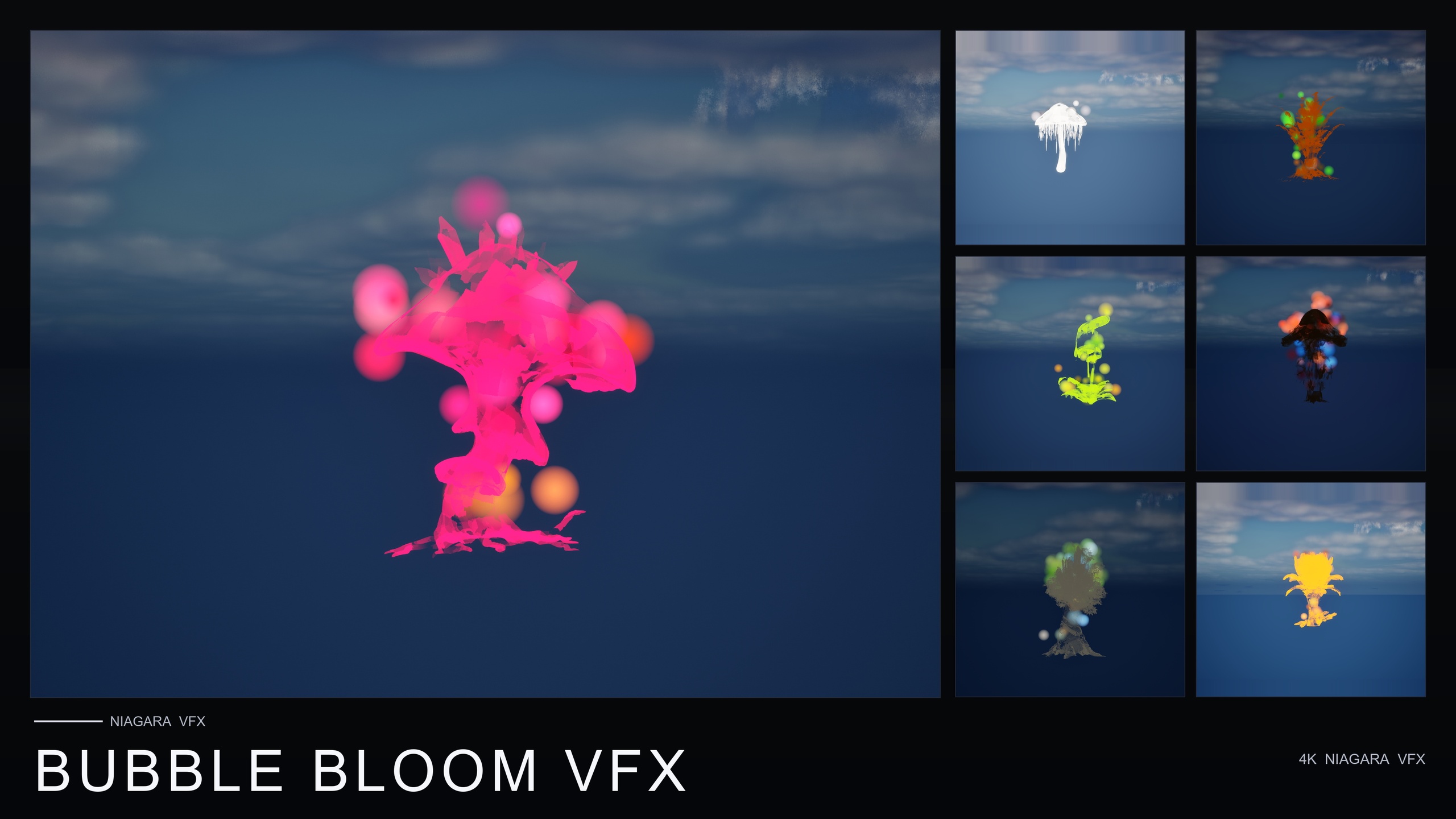
For whimsical, fairy-magic or alchemy-lab ambience, Bubble Bloom VFX spawns translucent, rainbow-tinted soap-film bubbles rising from each flower — 50 NiagaraSystems, one per mesh, all CPU emitters, and the lowest-priced paid pack in the line. For star-magic, astral and dream-sequence scenes, Cosmic Bloom VFX wraps each flower in celestial energy across two families, Constellation (star-point silhouette tracing) and LumenLight (soft warm-white volumetric puffs), for 100 NiagaraSystems total.
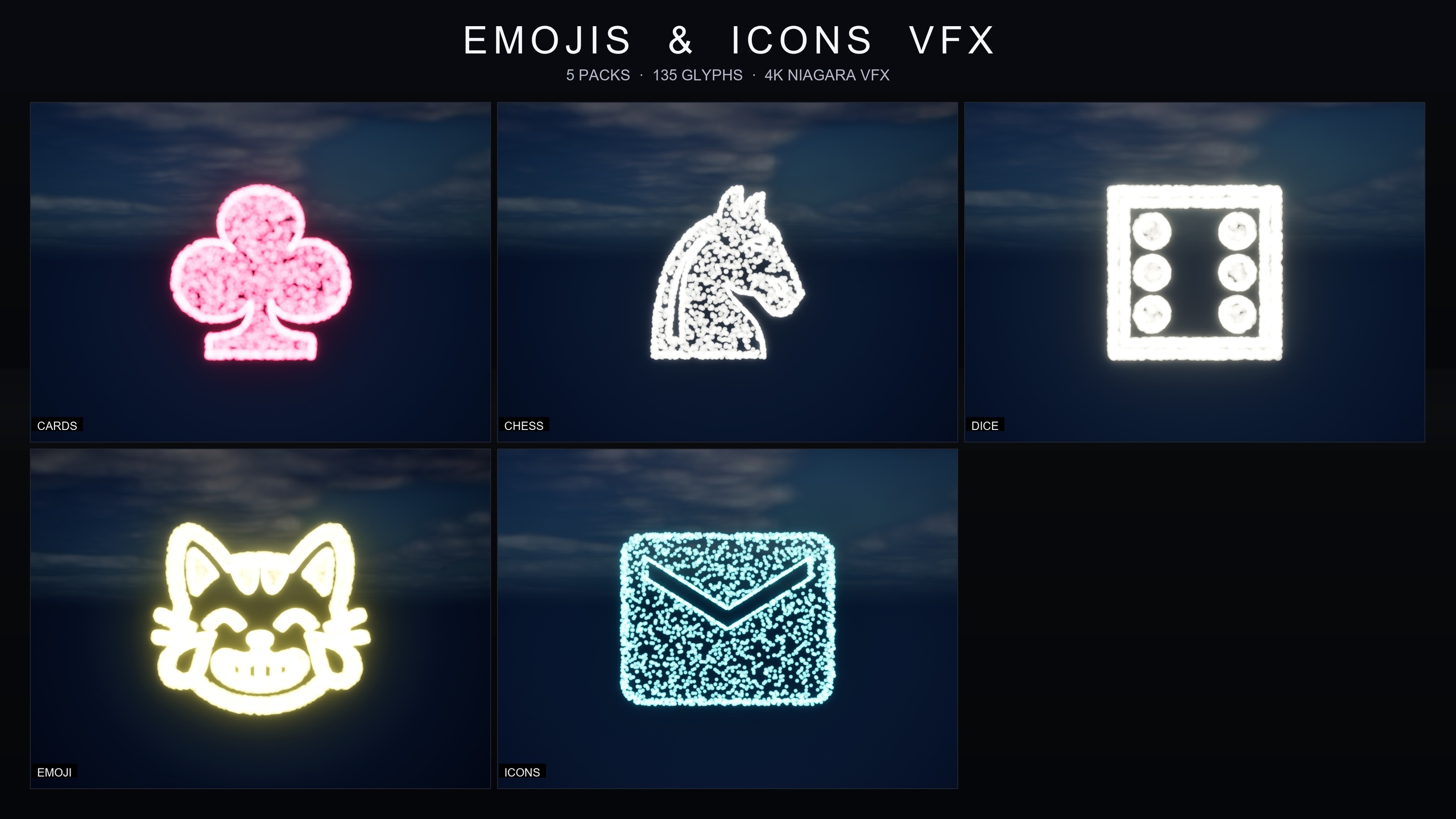
If your need is UI flair and symbol effects rather than nature ambience, the Emojis and Icons VFX Bundle is the outlier in the set: 135 effects across five themed packs (Card Suits, Chess Pieces, Dice Pips, Noto Emoji and Material Design Icons), each drawn as a Niagara CPU sprite renderer that samples particle positions across a baked 3D glyph mesh. Each pack ships a Niagara Parameter Collection so you can retune spawn rate, particle size, colour and lifetime across the whole pack from one asset. Same CPU-sim, zero-dependency foundation, different job.
The takeaway is consistent: for ambient and low-count atmospheric effects, default to CPU Niagara, keep the layer content-only and dynamically lit, and you get an atmosphere layer that ports cleanly across Windows, Mac and Linux and iterates fast. Start with Ambient Garden VFX for the broadest naturalistic set, then layer a sibling pack when the scene calls for it.
CPU vs GPU Niagara for ambient effects
| Consideration | CPU Niagara | GPU Niagara |
|---|---|---|
| Best for | Low-count ambient, many systems per scene | Very high particle counts in few systems |
| Simulation runs on | Game thread (CPUSim) | Compute shaders (GPUCompute Sim) |
| Module / feature support | Full Niagara module set, no feature-level caveats | Some features depend on hardware / feature level |
| Bounds and culling | Per-emitter bounds, clean significance/visibility culling | Bounds typically fixed or manual |
| Cross-platform consistency | Consistent across Windows, Mac, Linux targets | Can vary with GPU feature level |
| Used by Ambient Garden VFX | Yes — all 150 systems | No |
General Niagara guidance for the dressing layer, not a benchmark. Numbers and platform support for the pack come from its listing; no performance figures are claimed.
FAQ
For UE5 Niagara CPU vs GPU particles, which should I use for ambient effects?
For ambient, low-count atmospheric effects, default to CPU Niagara. Ambient effects are typically small in particle count but numerous per scene, which suits CPU sim: full Niagara module support, clean per-emitter bounds for significance and visibility culling, and consistent behaviour across platforms. Reserve GPU sim for the few effects that genuinely need very large particle counts.
Does Ambient Garden VFX use CPU or GPU Niagara?
All 150 NiagaraSystems in Ambient Garden VFX use CPU Niagara emitters. The pack covers three ambient families (BloomingMotes, FireflySwarm and Mist) applied across 51 stylised flower and plant meshes.
Which platforms does the pack support?
The listing states Windows, Mac and Linux, and the project's packs baseline also lists Console. It is a content-only pack with no C++, no Blueprints and no plugin dependencies, which makes it straightforward to move between projects and platforms.
Do I need to bake lighting to use these effects?
No. The pack's lightmaps are dynamic and no baking is required. The demo scenes use a Movable Directional Light with SkyAtmosphere, SkyLight, Exponential Height Fog and VolumetricCloud, so you can change lighting and the ambient effects respond immediately without a lighting rebuild.
Will these effects run on low-end or mobile-class hardware?
The listing describes the systems as suitable for broad hardware including mobile-class devices, but that is the seller's design claim rather than a measured benchmark. No specific frame rate, particle budget or hardware result is documented, so treat it as a design intent and test on your own target.
Ambient Garden VFX
Bring outdoor scenes alive with 150 ambient Niagara effects — drifting pollen, fireflies, floating spores and mist — across 51 meshes and 131 material instances. CPU-simulated for Windows, Mac and Linux.
Related on Fab

Related reading