
tutorial · 2026-03-23
Driving Craftable Recipe Books and Readable Notes from a DataTable in UE5
Turn a single DT_WrittenContent DataTable into the recipe books, smithing notes and research papers your crafting system reads at runtime.
The problem: readable documents that unlock real recipes
Most crafting systems in UE5 hit the same wall. You have a recipe asset that says iron plus leather equals a buckler, and you have a readable note the player finds on a workbench, but the two live in different worlds. The note is hand-authored prose with no machine-readable hook, so picking it up does nothing to the player's crafting options. If you want a ue5 crafting recipe data table readable note flow where finding a smithing recipe actually teaches the player to forge the item, you need the document and the recipe to share a key.
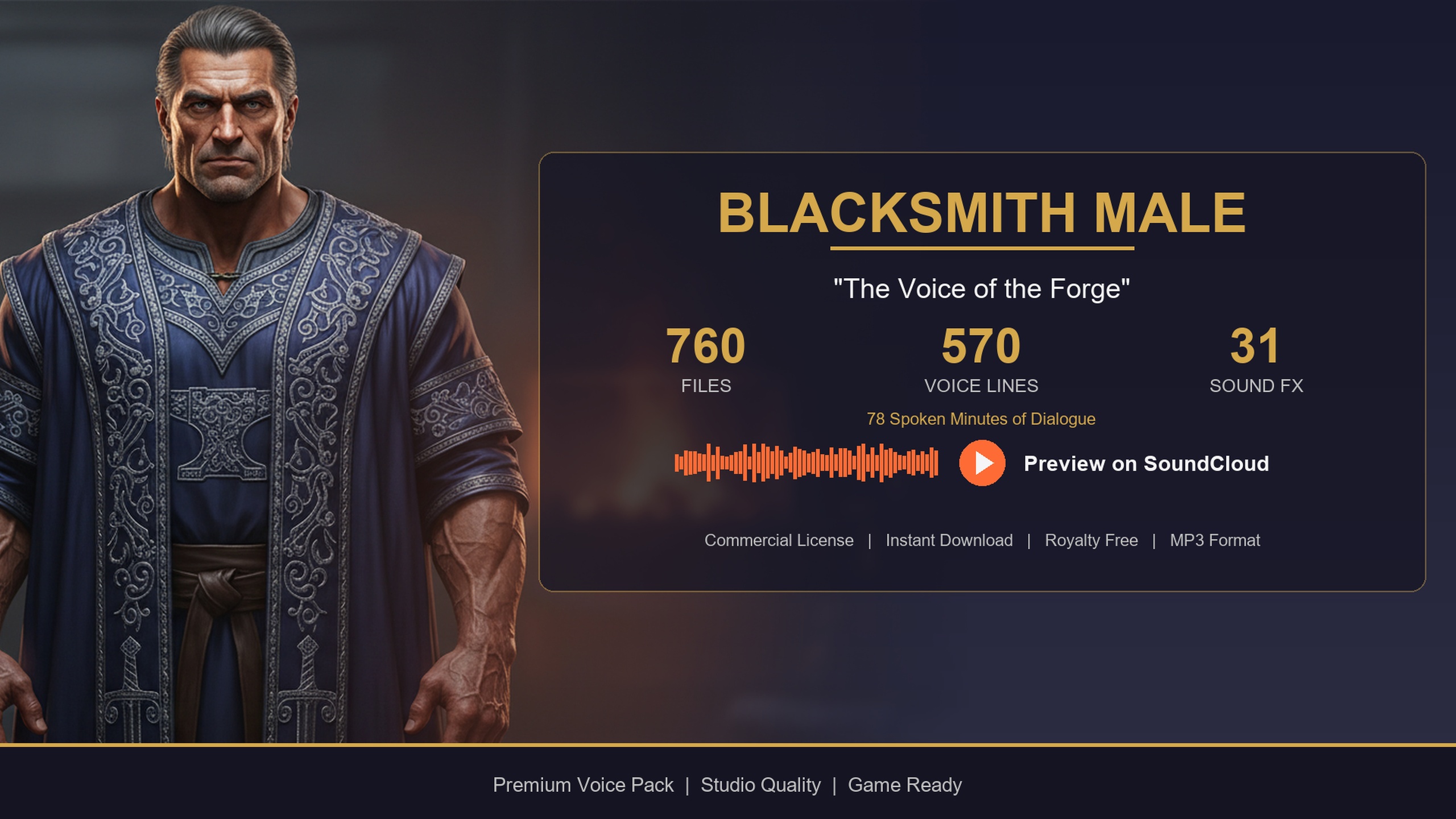
The cleanest way to ship this is to keep all your readable in-world documents in a single DataTable and tag each row by what kind of document it is. That is exactly the shape the Blacksmith Dialogue Pack already uses for its lore layer. Its DT_WrittenContent table holds 85 written-content lore items, and every row carries a Title, a ContentType, a Body and a WordCount. The ContentType column is the part that does the heavy lifting: rows are tagged with values such as note_recipe and note_research, so you can ask the table for just the recipes, or just the research papers, without parsing free text.
This tutorial walks through that pattern end to end. You will read the written-content rows, filter them by ContentType, link a found note to a craftable recipe so reading it unlocks crafting, and finally render the document in a UMG widget so the player can actually read it.
Understanding DT_WrittenContent
Open the DT_WrittenContent DataTable that ships in the pack's content folder. Each row is one readable document. The columns you care about for crafting are Title (the heading shown at the top of the page), ContentType (the machine-readable tag, for example note_recipe or note_research), Body (the prose the player reads) and WordCount (an integer you can use to pad a reading-time estimate or size the widget).
Because the content is data, not Blueprint logic, you can extend it without touching code. Adding a new smithing recipe is just a new row: give it a unique row name, set ContentType to note_recipe, write the Body, and you are done. The pack ships smithing notes, recipes, letters and journals across those 85 rows, so you already have a populated table to test against rather than authoring documents from scratch.
If you want to query this table from C++, define a row struct mirroring the columns and load the asset with LoadObject. In Blueprint you do not even need the struct definition: the 'Get Data Table Row Names' and 'Get Data Table Row' nodes expose every column once the row struct is assigned to the table. Either way, cache the DataTable reference once at init rather than resolving it every frame.
Filtering by ContentType (note_recipe and note_research)
The whole system rests on filtering rows by their ContentType. You almost never want every document at once; you want all the recipes for the crafting book, or all the research notes for a lore journal. Build one reusable filter and call it with whichever tag you need.
1. Drag your cached DT_WrittenContent into the graph and call 'Get Data Table Row Names' to get every row key.
2. ForEach over those names, calling 'Get Data Table Row' to read each row's struct.
3. Compare the row's ContentType against the tag you are looking for, for example note_recipe. Use an exact equality check here rather than a substring match, because the tags are discrete values.
4. Add every matching row to a local array of found documents and return it from the function.
Call this filter with note_recipe to populate a craftable recipe book, or with note_research to fill a separate research/lore tab. Because the filter is one function parameterised by the tag, you write it once and reuse it for every document category. For a hot path such as opening the crafting menu repeatedly, pre-filter the recipe rows once at level load and keep the resulting array, so opening the book is a cheap array read rather than a full table scan.
Linking a readable note to a craftable recipe
Filtering gives you the document; now you need it to unlock crafting. The trick is to make the document row and the recipe definition share a key. The simplest scheme is to make the DT_WrittenContent row name match the row name of the corresponding recipe in your own crafting DataTable. A note_recipe row named Recipe_IronBuckler points at the Recipe_IronBuckler row in your crafting table.
When the player picks up or reads a note_recipe document, take that document's row name and add it to a 'known recipes' set on the player's crafting component. Your crafting UI then only offers recipes whose key is in that set. Reading the smithing note is what flips the recipe from locked to craftable, which is the behaviour players expect from a found recipe book.
If you would rather not couple the names directly, add a small key field to your own crafting recipe struct that stores the matching written-content row name, and resolve through that instead. Keep the link in exactly one place so there is a single source of truth: either the names match by convention, or one struct references the other by name, never both. That avoids the classic bug where a note exists but unlocks the wrong recipe, or nothing at all.
A good pattern for the unlock function is to early-return on failure: if the document row cannot be found, or its ContentType is not note_recipe, bail before touching the player's known-recipe set. That keeps a malformed pickup from silently corrupting the player's crafting state.
Showing the document in a UI widget
With the data sorted, rendering is straightforward. Build a UMG widget with a Text Block for the Title and a multi-line Text Block (or a Rich Text Block if you want inline styling) for the Body. Expose a single Blueprint function on the widget, something like Set Document, that takes the row struct and assigns Title to the heading text and Body to the page text.
When the player opens a recipe book, loop your pre-filtered note_recipe array and spawn one list entry per document, each showing its Title. On click, call Set Document with that row and bring up the reading view. The WordCount column is handy here: divide it by an average reading speed to show a rough reading-time estimate, or use it to decide whether a document needs a scrollbar.
Because everything is driven by the DataTable, the same widget renders a smithing recipe, a research note or a journal entry with no code changes; only the ContentType you filtered by differs. Style the page once and every document in the pack inherits it.
From here, the obvious next step is a real voice. The same Blacksmith Dialogue Pack that supplies these 85 written documents also ships a forge-warm baritone voice and a DT_Dialogue table, so the smith who hands the player a recipe can also greet them at the forge and comment when they craft. Wiring the written-content layer first means the voice layer drops straight in on top of the same DataTable-driven workflow.
DT_WrittenContent columns used by the crafting flow
| Column | Type | Used for |
|---|---|---|
| Title | Text | The heading shown at the top of the reading widget |
| ContentType | Tag string | Filtering, e.g. note_recipe or note_research |
| Body | Text | The prose rendered in the page's text block |
| WordCount | Integer | Reading-time estimate and widget sizing |
The four row columns this tutorial reads, and what each drives.
FAQ
How do I build a UE5 crafting recipe data table that links a readable note to a recipe?
Store every readable document as a row in DT_WrittenContent, tag the recipe documents with ContentType note_recipe, and give each one a row name that matches the corresponding row in your crafting recipe table. When the player reads a note_recipe document, add its row name to the player's known-recipes set so the matching recipe becomes craftable.
What ContentType values does DT_WrittenContent use?
The table tags rows by document type, including note_recipe for craftable recipes and note_research for research or lore documents, alongside other written lore such as notes, letters and journals. Filtering on the exact ContentType string lets you pull just the recipes or just the research papers.
How many readable documents come in the pack?
The Blacksmith Dialogue Pack ships 85 written-content lore items in DT_WrittenContent, covering smithing notes, recipes, letters and journals, so you have a populated table to build and test against immediately.
Do I need C++ to query the DataTable?
No. Blueprint's 'Get Data Table Row Names' and 'Get Data Table Row' nodes expose every column once the row struct is assigned to the table, so you can read, filter by ContentType and render documents entirely in Blueprint. C++ with LoadObject and a matching row struct works equally well if you prefer it.
Which engine versions does this work on?
The pack lists support for Unreal Engine 5.3 through 5.7 on Windows and Mac. The DataTable-driven approach itself is standard UE5 and is not tied to any single minor version within that range.
Blacksmith Dialogue Pack
Forge banter, shop greetings and crafting flavour — 78 minutes of characterful blacksmith dialogue for fantasy and medieval games. Ready-to-use cues for any UE5 project.
Related on Fab



Related reading