
comparison · 2026-03-05
DataTable-Driven Dialogue vs MetaSounds in UE5: Which Powers Your Voice Lines?
When to query a tagged DataTable, when to reach for a MetaSound, and why a fully-voiced NPC pack uses one and not the other.

Two tools that solve different problems
If you are weighing UE5 DataTable dialogue vs MetaSound for voice lines, the first thing to settle is that they are not really competitors. They answer different questions. A DataTable is a content database: it answers 'which line should this character say right now, and where is the audio for it?'. A MetaSound is a procedural audio engine: it answers 'how should this sound be generated, layered or varied at the moment it plays?'. You can build a whole dialogue system with neither, with one, or with both — the right call depends entirely on whether your audio is pre-recorded performance or synthesised at runtime.
Recorded spoken dialogue is the clearest case. When an actor has delivered a line, the line exists as a fixed SoundWave. There is nothing for a MetaSound to procedurally generate — the creative work is already in the file. What you actually need is a way to store thousands of those files, tag each one by the situation it fits, and pull the right one back out at the right moment. That is a data problem, and a DataTable is the native UE5 answer to it. This is exactly the approach the Fantasy NPC Voices pack ships with: a DataTable-driven dialogue layer over plain USoundWave assets, with a MetaSounds count of zero.
MetaSounds earn their keep on the other side of the line, where the sound itself is something you assemble at play time. Procedural footsteps, weapon impacts that vary with material, ambient beds that drift, UI stingers built from parameters — that is MetaSound territory. The mistake we see most often is reaching for a MetaSound to do a job a tagged DataTable does more simply, or assuming a content pack must be 'lesser' because it leans on DataTables rather than the newer system. For fully-voiced NPCs, the DataTable is not a fallback; it is the correct tool.
Why a tagged DataTable suits large line libraries
The scaling argument for DataTables becomes obvious the moment your line count grows. The Fantasy NPC Voices complete pack holds 13,668 SoundWave assets — 12,111 dialogue lines, 793 voice-FX lines and 764 music tracks — across 21 distinct character archetypes. Wiring thirteen thousand individual sounds into per-event Blueprint logic would be unmanageable. As rows in a DataTable, they become queryable data you can filter, randomise and stream on demand.
The key to that query is the ContextTags field. Every dialogue row carries a hierarchical tag in the form category/subcategory/size — for example 'combat/battle_cry/sm' or 'social/greeting/md' — alongside the row fields Name, DialogueName, ResponseText, CharacterName, EmotionalTone, NPCType and VoiceAudio. Because the tags are plain strings, you select lines with a substring match rather than a rigid enum. Asking for everything tagged 'combat' returns every combat line regardless of subcategory; narrowing to 'social/greeting' returns just greetings. You do not write a switch statement per situation; you write one filter and let the data describe itself.
Crucially, the VoiceAudio column is a TSoftObjectPtr<USoundWave>, not a hard reference. Nothing loads when the DataTable loads. The audio for a given line only resolves into memory when you call LoadSynchronous (or async-load) at the point of playback, so a library of thirteen thousand clips costs you almost nothing in resident memory until lines actually fire. For large recorded libraries this on-demand loading is the difference between a system that scales and one that bloats your cooked build's memory footprint.
There is a second, quieter advantage that only shows up at scale: schema uniformity. Across all 21 archetypes in the pack the five row structs (ST_DialogueRow, ST_CharacterProfileRow, ST_EquipmentRow, ST_QuestRow, ST_WrittenContentRow) are byte-identical. That means one query helper works for every character. Write your 'pick a random line for this context' function once against ST_DialogueRow and it drives the wizard, the goblin and the paladin without modification. A MetaSound graph, by contrast, is authored per behaviour — powerful for synthesis, but not the shape you want for a uniform content catalogue.
Querying lines in practice
The runtime pattern is short and is the same in Blueprint and C++. The steps below describe the Blueprint version using the Fantasy NPC Voices DataTables, but the shape is identical for any of the single-character packs because they share the same schema.
1. Reference the character's 'DT_Dialogue' table and call 'Get Data Table Row Names' to enumerate its rows.
2. 'ForEach' the names, pull each row with 'Get Data Table Row', and keep only rows whose 'ContextTags' contains the context substring you want — for example 'combat' for a battle bark or 'social/greeting' for a hello.
3. Pick a random entry from the surviving rows so the same situation does not always trigger the same clip.
4. Call 'Load Synchronous' on that row's 'VoiceAudio' soft pointer to bring the SoundWave into memory, then 'Play Sound 2D' or 'Play Sound at Location', optionally showing 'ResponseText' on screen.
In C++ the equivalent is GetAllRows<FDialogueRow>(), a filter on Row->ContextTags.Contains(Context), a random pick, then VoiceAudio.LoadSynchronous() and a play call. One practical note: the DataTables themselves load synchronously and are quick for the tens-to-low-hundreds of rows each character holds, but if you query inside a hot loop you should cache the row pointers (or pre-filter rows by category at init) rather than re-scanning every frame. The soft-pointer load is the only part you want happening lazily, not the table walk.
Where MetaSounds fit
None of this means MetaSounds are absent from a well-built dialogue scene — they just live one layer down from line selection. A clean division of labour is to let the DataTable decide what is said and let audio assets (optionally MetaSounds) decide how it is heard. The DataTable hands you a SoundWave; what you route that SoundWave through is a separate decision.
Good MetaSound jobs around voiced dialogue include: a radio or 'through a helmet' filter applied to whatever line plays, randomised non-verbal effort sounds and grunts, ambient tavern or battlefield beds that sit under the spoken track, and dynamic mixing that ducks music when a line begins. In each case the spoken performance is still a fixed recording; the MetaSound is shaping delivery, not authoring words. You can even feed a DataTable-selected SoundWave into a MetaSound via a Wave Player node and get the best of both — data-driven selection feeding procedural processing.
Where MetaSounds genuinely replace recorded lines is only when the 'voice' is itself synthetic: a robotic vocoder, a magical incantation built from layered tones, a creature snarl assembled from pitched components. If you are not synthesising the voice, the recording is your content and the DataTable is your index. For the human-performed fantasy archetypes in these packs, that is precisely the situation — which is why they ship USoundWave plus DataTables and no MetaSounds at all.
Combining both, and picking a pack
A production-grade setup usually uses both systems in their proper lanes: a tagged DataTable as the single source of truth for what each NPC can say, soft-loaded SoundWaves for the recorded performances, and MetaSounds reserved for spatialisation, filtering, variation and mixing on top. Build the selection layer first — get clean ContextTags queries returning the right lines — and add MetaSound processing only where a scene actually calls for it. Most projects need far less procedural audio than they expect once the data layer is doing the heavy lifting.
If you are choosing where to start, the table below compares the relevant packs by what they actually contain. The Fantasy NPC Voices complete pack is the megabundle: 21 archetypes, roughly 33 hours of voiced dialogue plus voice FX, and 105 DataTables under one content root, with each character folder self-contained so you can right-click Migrate just the ones you need. Because every character shares the same five row structs, one query helper drives the entire cast.
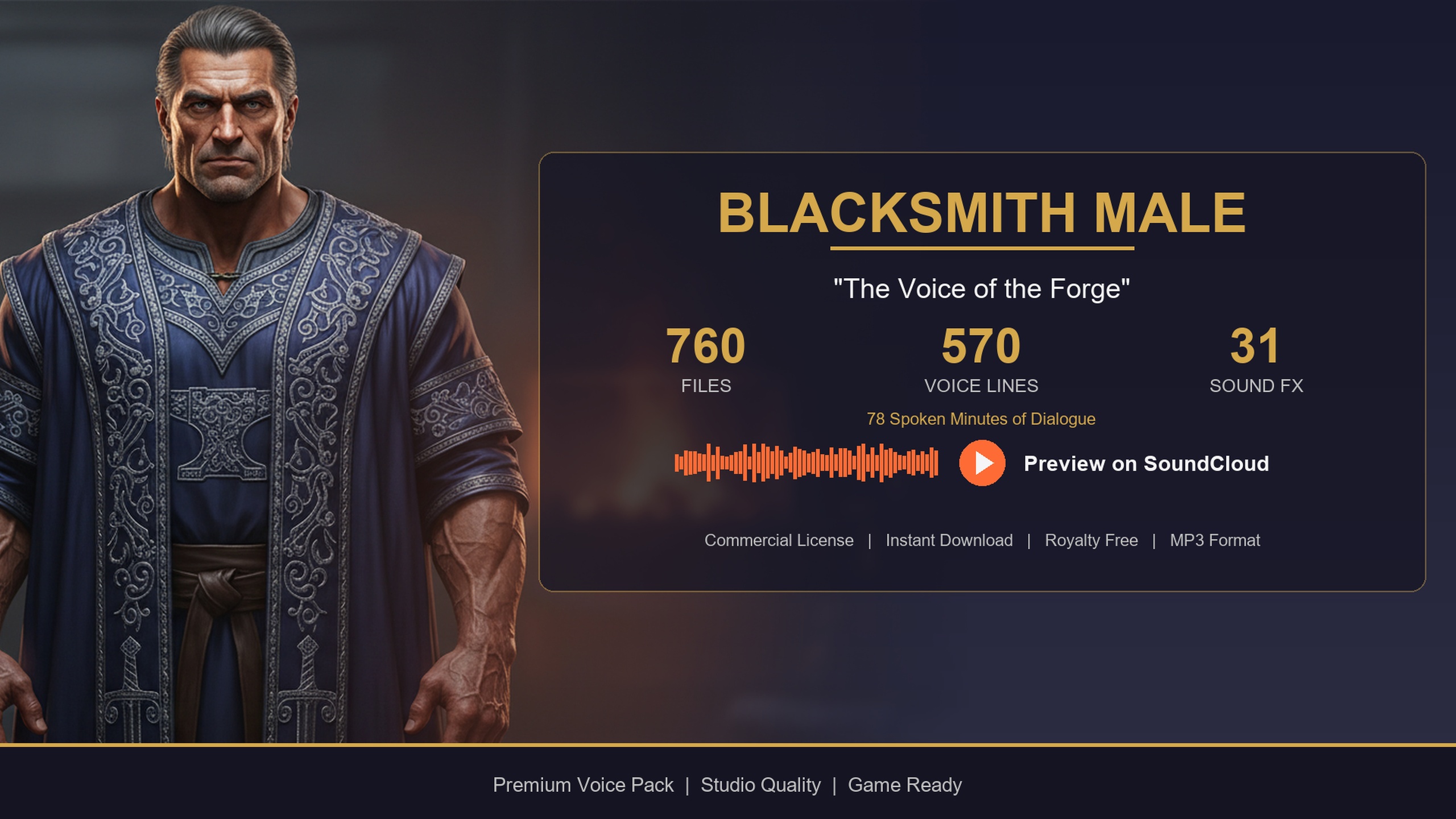
If you want to trial the workflow before committing, the Assassin Dialogue Lore Pack is free and ships the same DataTable layer (DT_Dialogue plus four more tables) for a single rogue archetype — an ideal way to validate your ContextTags query against real data. The Bard Dialogue Pack leans story-heavy with longer-form lines suited to quest-giving and tavern tales, while the Blacksmith Dialogue Pack delivers shop and forge banter in a gravelly baritone for merchant NPCs. All three are also among the 21 characters inside the complete megabundle, so anything you prototype against a single pack carries over unchanged.
DataTable dialogue vs MetaSounds for UE5 voice lines
| Concern | Tagged DataTable | MetaSounds |
|---|---|---|
| Core job | Store and query which line to play | Generate or process audio at runtime |
| Best for | Large libraries of recorded performance | Procedural / synthesised / parameterised sound |
| Selection model | Filter rows by ContextTags substring | Author a graph per behaviour |
| Memory model | TSoftObjectPtr SoundWaves load on demand | Graph assembles audio at play time |
| Scales to thousands of lines | Yes, as data rows | Not the intended shape |
| Reuse across characters | One helper, shared row structs | Per-graph authoring |
| Used by these packs | Yes (the dialogue layer) | No (count is 0) |
Both can coexist; this contrasts the job each is built for.
The dialogue packs at a glance
| Pack | Scope | Voiced content | Price (USD) |
|---|---|---|---|
| Fantasy NPC Voices (Complete) | 21 archetypes, 105 DataTables | ~33 hours voiced (dialogue + FX) | $99.99 |
| Assassin Dialogue Lore Pack | Single rogue archetype | 570 lines, ~72 minutes | Free |
| Bard Dialogue Pack | Single bard archetype | 570 lines, ~112 minutes | $3.99 |
| Blacksmith Dialogue Pack | Single blacksmith archetype | 570 lines, ~78 minutes | $14.99 |
Audio is mono USoundWave at 44.1 kHz; figures from each pack's User Guide and Technical Reference.
FAQ
For UE5 DataTable dialogue vs MetaSound for voice lines, which should I use?
For pre-recorded spoken dialogue, use a tagged DataTable to select lines and stream the SoundWaves on demand — that is what these packs ship with. Reserve MetaSounds for audio you synthesise or process at runtime (filtering, variation, ambient beds, mixing). They are complementary, not alternatives: the DataTable decides what is said, a MetaSound can decide how it is heard.
Why do the Fantasy NPC Voices packs use DataTables and not MetaSounds?
Because the dialogue is recorded human performance, not synthesised audio. The creative work already lives in the SoundWave files, so the real task is storing, tagging and retrieving thousands of clips — a data problem a DataTable solves cleanly. The MetaSounds count in the packs is 0; the audio ships as USoundWave assets referenced from DataTable rows.
How are lines selected at runtime?
Each line is a DataTable row tagged with a ContextTags string in the form category/subcategory/size. You filter rows whose ContextTags contains your situation (for example 'combat' or 'social/greeting'), pick a random match, then LoadSynchronous the row's VoiceAudio soft pointer and play the SoundWave. The same query works for every character because the row schema is shared.
Will loading thousands of lines hurt memory?
No, because VoiceAudio is a TSoftObjectPtr<USoundWave>. The audio is not loaded when the DataTable loads — only when a specific line plays and you resolve the soft pointer. The DataTables themselves load synchronously and are fast for the row counts per character; cache row pointers if you query in a hot loop.
Can I combine a DataTable line with a MetaSound?
Yes. A common pattern is to let the DataTable choose the line, then feed the resulting SoundWave into a MetaSound via a Wave Player node to apply filtering, spatialisation or mixing. That gives you data-driven selection and procedural processing together.
Fantasy NPC Voices
The complete fantasy voice megabundle: roughly 33 hours of dialogue across 13,668 voiced WAVs at 44.1 kHz — paladins, vampires, witches, wizards, bards, goblins, necromancers and more. One library to voice an entire RPG cast.
Related on Fab

Related reading
