
tutorial · 2026-05-20
Dice-Roll Feedback VFX for Tabletop and RPG Games in UE5
Turn every die result into a readable particle burst that draws the rolled face out of light.
Why a dice roll needs its own VFX in UE5
A digital tabletop game lives or dies on feedback. The player taps to roll, the RNG fires in a microsecond, and the result is decided before the screen refreshes. Without a beat between the tap and the outcome, a roll feels like a spreadsheet cell updating. The fix is not a faster RNG; it is a UE5 dice roll effect for tabletop and RPG feedback that gives the result weight and a clear read of which face came up.
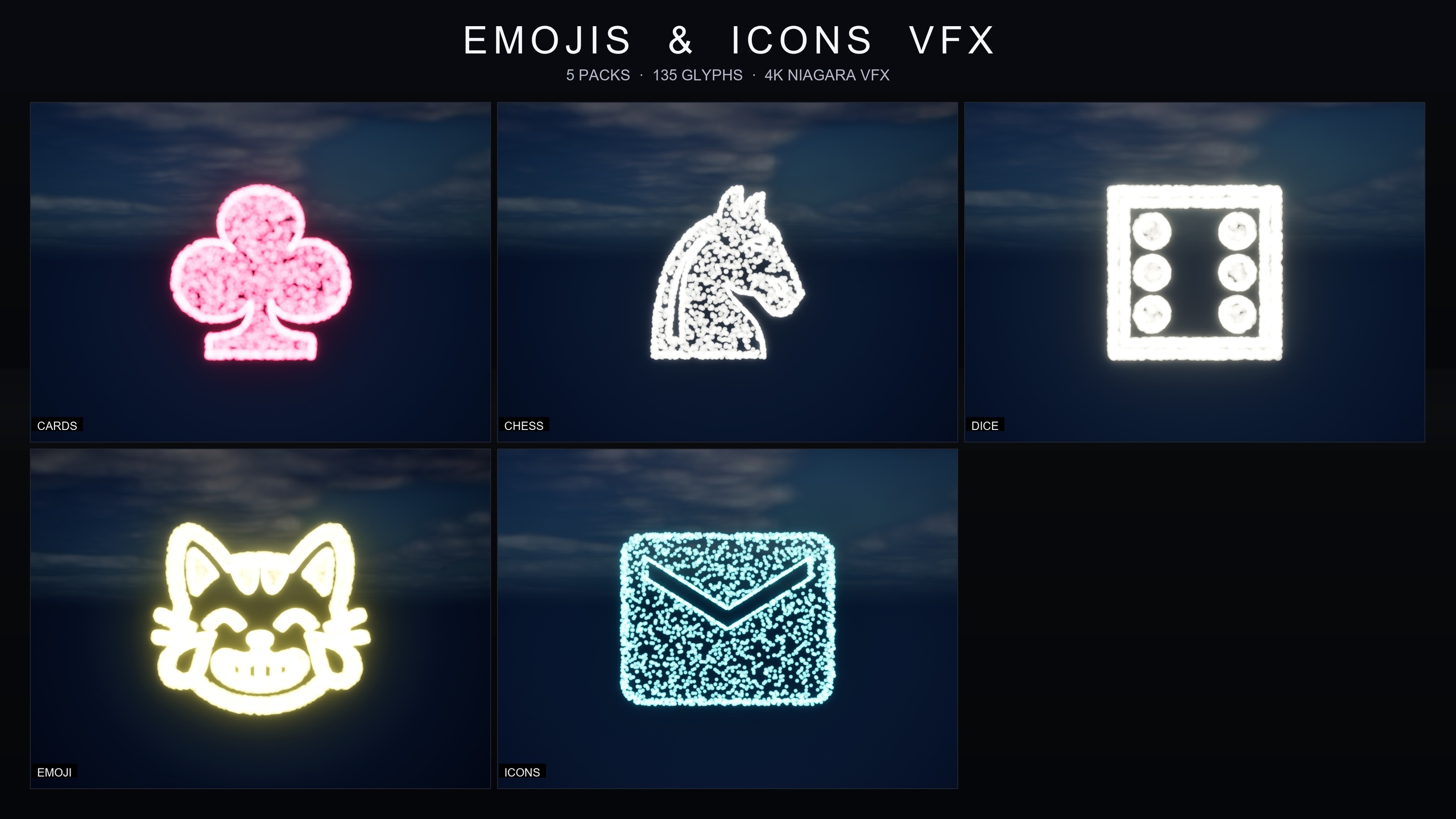
A 3D physics die is heavy to author and overkill for a card-style or HUD-driven game. A particle burst that spells out the rolled number is faster to build, reads instantly at any screen size, and works in a 2D UI overlay as well as over a 3D board. This tutorial uses the Dice Pips pack inside the Emojis and Icons VFX Bundle to do exactly that.
The pack contains six Niagara systems named NS_DicePips_Die1 through NS_DicePips_Die6, one per face of a six-sided die. Each is a Niagara CPU sprite renderer that samples particle positions across a baked glyph mesh, so a 'three' is genuinely three pips drawn out of particles, not a billboard. The whole pack is governed by one Niagara Parameter Collection, NPC_DicePipsStyle, that retunes spawn rate, size, colour and lifetime across all six faces at once. The bundle is content-only with zero dependencies.
Mapping faces 1-6 to the six Niagara systems
The core of a dice roll effect is a clean mapping from a result integer to the right Niagara system. Because the six faces are named in a strict NS_DicePips_Die1 to NS_DicePips_Die6 sequence, you can hold them in an ordered array and index straight into it.
1. Add the pack and confirm the six systems are present under Content/EmojisAndIconsVFX/Niagara/DicePips in the Content Browser.
2. In the Blueprint that owns your dice logic, add a variable named 'DiceFaceEffects' of type 'Niagara System Object Reference' and set it to an Array.
3. Compile, then in the Details panel populate the array in order: index 0 is NS_DicePips_Die1, index 1 is NS_DicePips_Die2, through index 5 for NS_DicePips_Die6. Keeping the array in face order is what lets you look the effect up by result.
4. Because arrays are zero-based but die faces are one-based, a rolled face of N maps to array index N minus 1. Doing this consistently is the single most common place dice VFX mappings go wrong.
Triggering the effect on a roll result
With the array in place, spawning the correct face is a short graph: generate the result, convert it to an array index, fetch the matching system, and spawn it where the player is looking.
1. Roll the die: call 'Random Integer in Range' with Min 1 and Max 6 and store the output in an integer named 'RollResult'. Swap in your own seeded RNG if your game needs deterministic or server-authoritative rolls.
2. Convert to an index: subtract 1 from 'RollResult' and feed it into a 'Get (a copy)' node on the 'DiceFaceEffects' array to retrieve the correct Niagara system reference.
3. Spawn it: drag off that reference into a 'Spawn System at Location' node (a world-space burst above the table) or a 'Spawn System Attached' node (to pin the burst to a dice widget or socket), and wire the element into the 'System Template' pin.
4. Set the location to wherever the result should read and play. The face that came up now blooms out of particles at that spot.
5. Drive the look from data: open NPC_DicePipsStyle and dial spawn rate, size, colour and lifetime to match your tempo. A short lifetime gives a snappy confirmation; a longer one lets a big result linger. Every face updates together because they share the collection.
Gacha, probability and critical-roll moments
The same mapping powers more than a flat reveal. In a gacha or probability-driven game, stagger it: play a low-key build-up while the outcome resolves, then fire the matching NS_DicePips face on the reveal frame so the number lands with a punch. Because colour is one value in NPC_DicePipsStyle, you can recolour by stakes — calm for an ordinary roll, hot for a jackpot — without a second set of effects. Push size and spawn rate up for a screen-filling hero burst on a natural six while ordinary rolls stay in the HUD corner, and players read the size of the effect as the size of the outcome. The systems play nicely with bloom over any post-process setup.
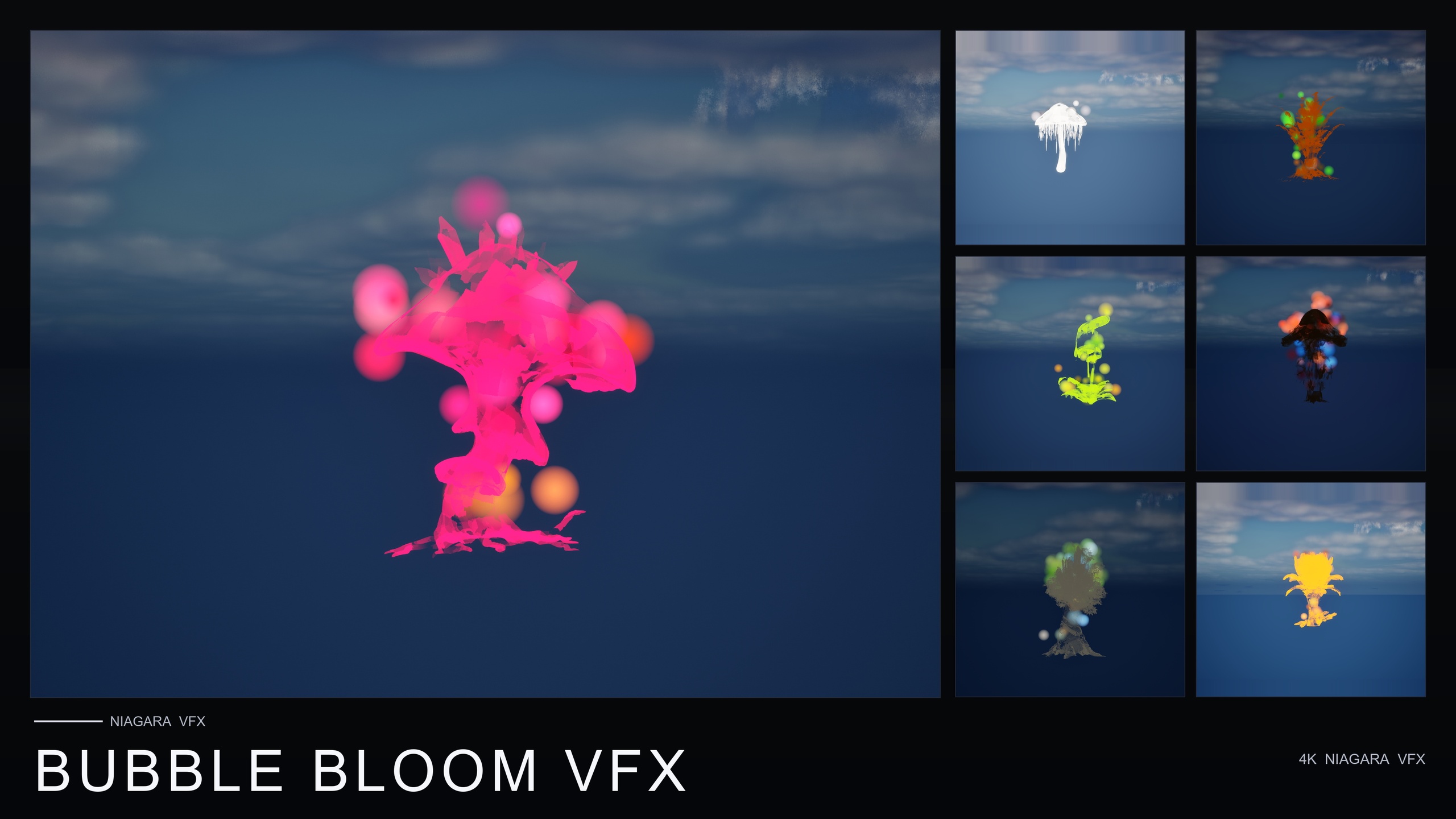
Once the dice feedback reads well, dress the table with the sibling Niagara packs from the same line — all content-only and drop-in. Ambient Garden VFX adds drifting motes, firefly swarms and low ground mist for an outdoor or fantasy table; Bubble Bloom VFX brings rainbow soap-film bubbles for a cozy table; Cosmic Bloom VFX wraps props in constellation traces and soft astral light for a star-magic theme. Start with the dice mapping to make every roll land, then layer the ambient set that matches your mood.
Die face to Niagara system mapping
| Rolled face | Niagara system | Array index |
|---|---|---|
| 1 | NS_DicePips_Die1 | 0 |
| 2 | NS_DicePips_Die2 | 1 |
| 3 | NS_DicePips_Die3 | 2 |
| 4 | NS_DicePips_Die4 | 3 |
| 5 | NS_DicePips_Die5 | 4 |
| 6 | NS_DicePips_Die6 | 5 |
The pack names its six systems in strict face order, so an ordered array indexes straight to the right effect (array index = face minus 1).
FAQ
How do I make a UE5 dice roll effect for tabletop and RPG feedback without a physics die?
Use the six Dice Pips Niagara systems (NS_DicePips_Die1 to Die6), hold them in an ordered array, roll a random integer from 1 to 6, and spawn the array element at index (result minus 1) with a Spawn System at Location or Spawn System Attached node. The matching face draws itself out of particles where you place it, with no physics simulation needed.
Can I change the colour and size of the dice burst?
Yes. The Dice Pips pack is governed by one Niagara Parameter Collection, NPC_DicePipsStyle. Editing it retunes spawn rate, particle size, glyph colour and lifetime across all six faces at once, in real time, so you can set a calm look for normal rolls and a bigger, hotter burst for a critical roll.
Will the dice effects run on mobile?
The systems use a Niagara CPU sprite renderer, and the bundle is described as mobile-friendly and PC, console and mobile-ready. As always, profile on your own target devices, since the listing does not publish hardware benchmarks.
Does the bundle need any other plugins or content?
No. The Emojis and Icons VFX Bundle is content-only with zero third-party dependencies — no Marketplace prerequisites, no extra plugins and no external content. Everything lives under a single Content/EmojisAndIconsVFX/ folder.
Which engine versions does it support?
The product is listed for Unreal Engine 5.4 to 5.7, and the Fab description notes it was built clean in 5.4. If you need a specific later version, verify on the current listing before purchasing.
Emojis and Icons VFX Bundle
Five themed Niagara packs in one bundle — Card Suits, Chess Pieces, Dice Pips, 80 Emoji and Material Design Icons — 135 effects in total. Each pack ships a Niagara Parameter Collection so spawn rate, size, colour and lifetime retune across a whole set from a single asset.
Related on Fab


Related reading