
comparison · 2026-04-17
Directional vs Omnidirectional Light Measurement in UE5: Speed vs Accuracy
How the Lumen Meter's single 2D capture and its cube capture differ, and which one to reach for.
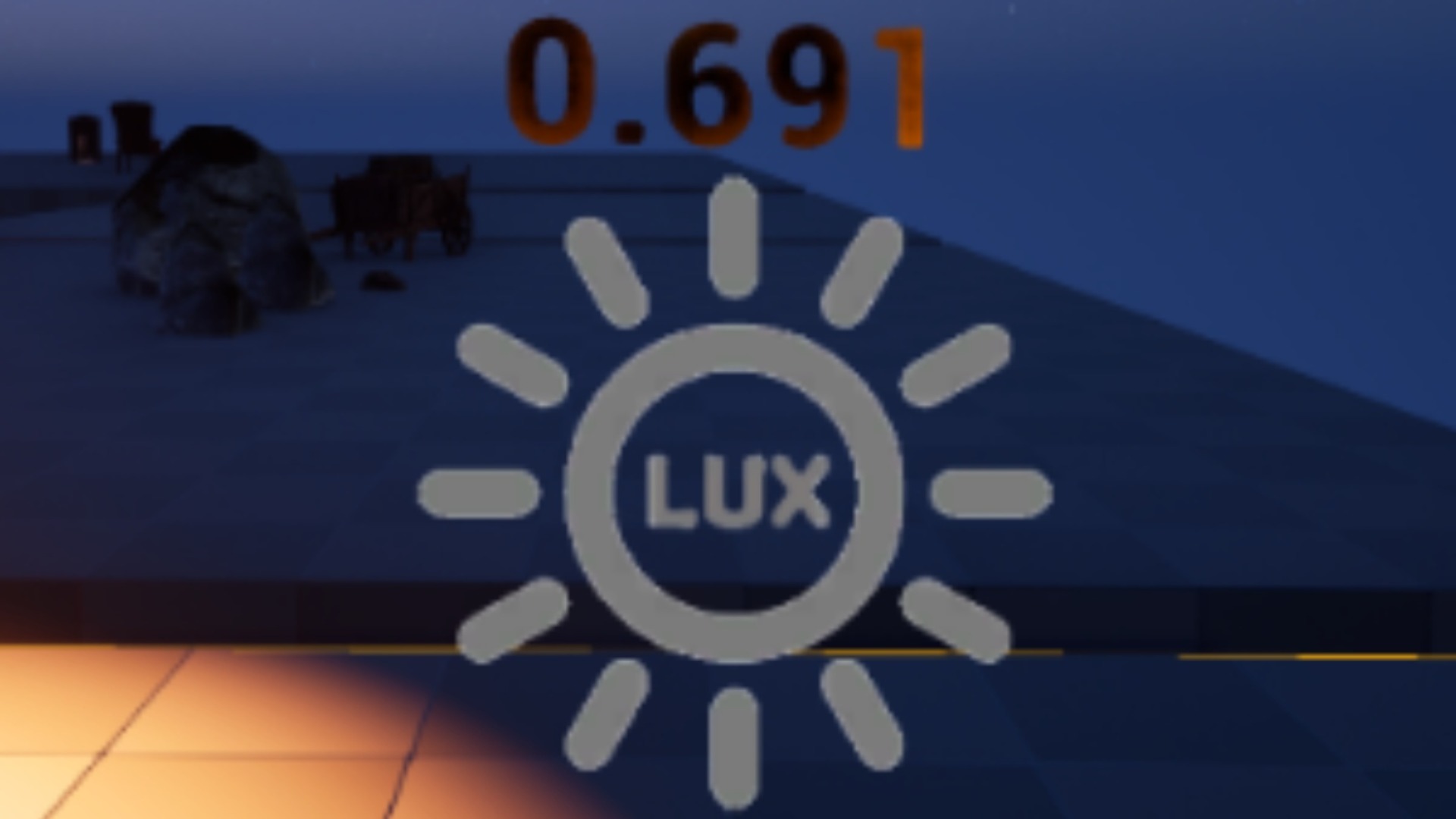
Two ways to read one spot of light
If you have ever tried to get an accurate light reading in Unreal by eyeballing the exposure or squinting at a viewport, you already know the problem: brightness is something you feel, not something the editor hands you as a number. The Lumen Meter solves that by re-rendering the local scene from its own position with a SceneCaptureComponent, reading back the average luminance before tonemapping, and reporting it as a raw value plus a dynamically calibrated 0-1 normalised value. Because it samples the rendered scene as a post-process, the reading already includes global, static and dynamic lighting, shadows, skylight and Lumen GI bounce, with no per-light tracing involved.
But there is more than one way to point a camera at a spot of light, and that choice is exactly the single capture vs cube capture brightness decision this article is about. The Lumen Meter exposes it as the E_LumenMeterCaptureMode enum, with two values: DIRECTIONAL and OMNIDIRECTIONAL. Directional takes a single fast 2D capture along the meter's facing direction. Omnidirectional takes a cube capture and averages it over its faces. One is cheap and good enough most of the time; the other is the most accurate reading the tool can give you. Knowing which to use is the difference between a meter that costs you frames and one that just works.
What each mode actually captures
In Directional mode the meter renders into a small RGBA16f 2D render target along its Capture Direction, then reduces that target down to a single value. It samples the top auto-generated mip of the 32x18 target, draws that into a 1x1 RGBA16f target, and reads back one pixel with ReadRenderTargetPixel to get the CPU-side average luminance. In other words, it asks one question: how bright is the light arriving from the way I am facing?
Omnidirectional mode instead renders into a cube render target with a SceneCaptureComponentCube and averages across all six faces before the same 1x1 read-back. That means it is sampling light from every direction around the meter's position, not just one. For a point that is lit unevenly, from one side by a window and shaded on the other, the cube capture folds all of that into a single representative figure. The directional capture, by contrast, would only ever see whatever it happened to be pointed at.
Both modes share the rest of the pipeline. The pre-tonemap luminance material disables the tonemapper, bloom, eye adaptation and volumetric fog, and forces auto-exposure to manual, so the linear readings stay stable and exposure independent. Both feed the same value pipeline: temporal smoothing, log-scaled normalisation against dynamically tracked lowest and highest bounds, and a brightness level change event you can bind to. The only thing that differs is how many directions the light was sampled from before it became a number.
When directional is good enough
For most real-time work, directional is the mode you want. A single 2D capture is the cheaper of the two, which matters when the meter is running every frame or on a tight Loop Duration, or when it is attached to a moving actor and re-reading as it travels. If you are driving stealth-style logic from a measured brightness value, deciding whether the player is hidden or lit, you usually care about the light hitting them from a meaningful direction rather than a perfectly balanced omnidirectional average, and you care far more about getting an answer fast.
Directional also shines when the light field around the point is reasonably uniform, or when the facing direction genuinely represents what you are asking about. Auditing whether an open area reads too dark or too bright after a lighting change, checking a corridor against a target brightness while you author, attaching a meter to a character to gate gameplay on how lit they are: in all of these, a single well-aimed capture gives you a usable, stable number without spending the budget a cube capture would. Set your Capture Direction deliberately and directional mode does the job.
When you need the cube
Reach for omnidirectional when the reading has to be right rather than merely fast. Because it averages a full cube capture over its faces, it is the most accurate mode the meter offers, and it is the one to use when a point is lit unevenly from different directions and a single 2D capture would over- or under-report depending on where it happened to be aimed. If you are lighting an area to spec and want a normalised 0-1 brightness you can trust, or comparing brightness consistently across an area using synchronised meters, the cube capture removes the where-is-it-pointing variable from the result.
It is also the safer choice for on-demand readings where you are not paying the cost every frame. If a meter only fires when you ask it to, while authoring in the editor without entering play, the extra expense of the cube is a one-off you will not notice, and you get the better number for free. The rule of thumb in the product's own guidance is simple: pick directional for real-time games, and pick omnidirectional when it matters.
The performance trade-off, and how to decide
The honest framing is a trade-off, not a winner. Directional is the fast mode, a single 2D capture; omnidirectional is the accurate mode, a cube capture averaged over its faces, and it is the most expensive. Everything downstream, the read-back, the smoothing, the dynamic calibration and the events, is identical, so the cost difference lives entirely in how much of the scene gets re-rendered to feed that one luminance value.
A practical way to choose: start in directional mode for anything that reads continuously or moves, and only switch to omnidirectional if you can see the directional reading swinging with the meter's orientation in a way that misrepresents the spot. For one-shot editor audits and any reading you will treat as ground truth, default to omnidirectional. Because the Lumen Meter ships as a Blueprint actor (BP_LumenMeter) with Capture Mode and Capture Direction exposed as variables, you can flip between the two and watch the in-world TextRender readout update live, in the editor, without running the game, until you are confident which mode tells the truth for your scene.
From there the rest of the tool is yours to wire up. Turn on Enable Synchronisation so multiple meters share one calibration range for a consistent normalised scale across an area, bind the Brightness Level Change event to react to lighting, and read Brightness Raw, Brightness Normalised or Brightness Smoothed depending on whether you want the bare figure or a temporally stable one. Drop a BP_LumenMeter in, pick the capture mode that matches what you are measuring, and you have a real number where you used to have a guess.
Directional vs Omnidirectional capture
| Aspect | Directional | Omnidirectional |
|---|---|---|
| Capture | Single 2D capture (SceneCaptureComponent2D) | Cube capture averaged over faces (SceneCaptureComponentCube) |
| Render target | RT_LightMeter_32x18 (RGBA16f) | RT_LightMeter_Cube (RGBA16f) |
| Directions sampled | One, along the meter's Capture Direction | All around the meter's position |
| Cost | Cheaper, fast | Most expensive |
| Accuracy | Good when light is uniform or facing is meaningful | Most accurate, robust to uneven lighting |
| Best for | Real-time / per-frame reads, moving actors, stealth logic | On-demand reads, lighting to spec, cross-area comparison |
Both modes feed the same read-back, smoothing and calibration pipeline; only the scene capture differs.
FAQ
Single capture vs cube capture brightness: which gives a more accurate light reading in Unreal?
The cube capture (omnidirectional mode) is the more accurate light reading because it averages the scene over all faces of a cube, so it accounts for light arriving from every direction. The single 2D capture (directional mode) only measures light along the meter's facing direction, which is faster but can over- or under-report a point that is lit unevenly. Use the cube when accuracy matters and the single capture when speed matters.
Does omnidirectional mode cost more performance?
Yes. Omnidirectional is the most expensive mode because it renders a full cube capture rather than a single 2D capture. For anything reading continuously or attached to a moving actor, directional is the cheaper choice; reserve omnidirectional for on-demand reads or editor audits where the one-off cost does not matter.
Can I switch between the two modes without writing C++?
Yes. The shipped Lumen Meter is a Blueprint actor (BP_LumenMeter) that exposes Capture Mode via the E_LumenMeterCaptureMode enum, with values DIRECTIONAL and OMNIDIRECTIONAL, alongside a Capture Direction variable. You change the mode on the actor and watch the in-world readout update, all in the editor.
Is the reading affected by my post-processing or exposure settings?
No, by design. The capture disables the tonemapper, bloom, eye adaptation and volumetric fog and forces auto-exposure to manual, so the linear luminance reading stays stable and exposure independent in either mode. The capture mode only changes how many directions are sampled, not how the value is processed afterwards.
Do I need to enter Play to compare the two modes?
No. The Lumen Meter works in the editor and shows a live in-world TextRender readout without running the game, so you can flip between directional and omnidirectional and compare the numbers for your specific scene before committing to one.
Lumen Meter
Read local scene brightness so you can light to spec. An in-editor probe that measures and analyses Lumen lighting in real time — no more eyeballing exposure.
Related on Fab



Related reading