
tutorial · 2026-03-07
Auto-Calibrating Brightness Readings in Unreal: No Manual Min/Max Needed
Let the meter learn your level's real brightness range instead of hand-tuning min and max bounds.
The problem with hand-set brightness bounds
If you have ever tried to drive gameplay or feedback from a brightness reading in Unreal, you have probably hit the same wall: raw luminance is exposure-dependent, unbounded, and means nothing on its own. A value of 0.4 in one scene is pitch dark and in another is blinding. So the usual fix is to pick a manual minimum and maximum, then map readings into a 0-1 range against those numbers.
The trouble is those bounds are a guess. Re-light the level, change the time of day, move the meter into a brighter room, or tweak the skylight, and your hand-set min and max are suddenly wrong. Stealth logic that read 'hidden' yesterday reads 'lit' today, and you are back to re-tuning magic numbers every time the art changes. What you actually want is to normalize light readings in Unreal without ever touching a bound by hand.
Lumen Meter solves this with dynamic calibration: it learns the level's real brightness range as it samples and normalizes against that, so you get a meaningful auto-calibrated brightness on a 0-1 scale with no manual bounds to maintain. This tutorial walks through how that works in the shipped Blueprint actor and how to keep the scale consistent across an area.
How dynamic calibration tracks the level's range
Drop the 'BP_LumenMeter' actor into your level (or attach it to an existing actor so it reads brightness as that actor moves) and it auto-configures and starts reading straight away. Under the hood it re-renders the local scene from its own position with a SceneCaptureComponent, reads back the average luminance before tonemapping, and reports it as a raw value. Because the sample comes from the rendered scene as a post-process, the reading already includes global, static and dynamic lighting, shadows, skylight and Lumen GI bounce, so you are measuring what the player actually sees rather than tracing individual lights.
Calibration is the step that turns that raw number into something you can use. The actor keeps a running record of the lowest and highest values it has seen, and normalizes the current reading against those tracked bounds. The first few samples establish the range; from then on, the bottom of the level's brightness reads near 0 and the brightest spot reads near 1. There is no min or max field for you to fill in, because the meter discovers them.
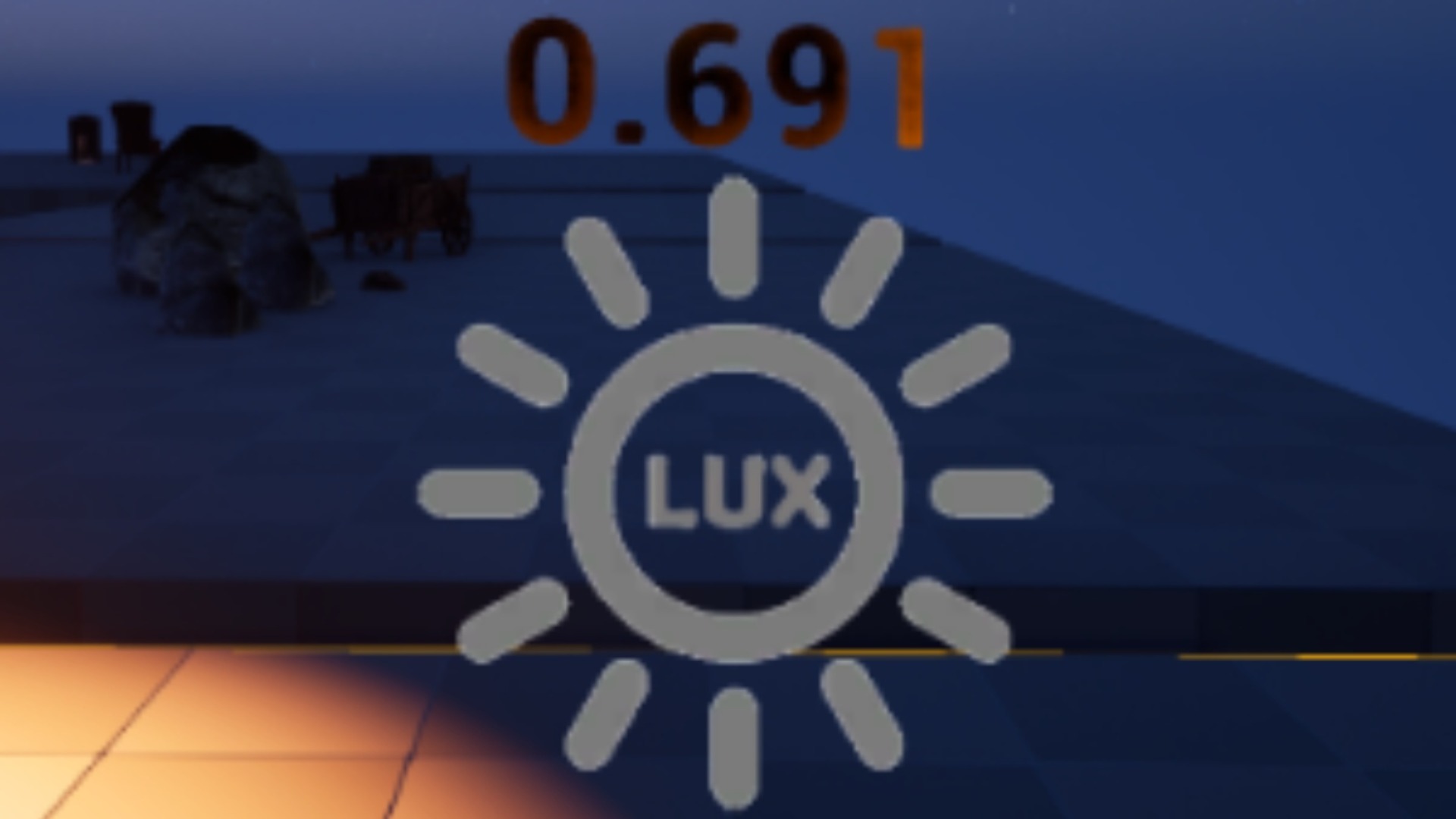
You read the result from three outputs: 'Brightness Raw' is the exposure-independent linear average, 'Brightness Normalised' is the auto-calibrated 0-1 value, and 'Brightness Smoothed' is a temporally smoothed reading (an FInterpTo, tuned by the 'Smoothing Speed' variable) that takes the flicker out before you act on it. Bind the 'Brightness Level Change' event to react to lighting in gameplay, and use the in-world TextRender readout to watch the live value in the editor without entering play.
Log-scaled normalization for perceptual accuracy
A naive linear map from raw luminance to 0-1 looks wrong, because human perception of brightness is closer to logarithmic than linear. A scene can be physically many times brighter while looking only a little brighter to the eye, and a straight linear normalisation crushes all the useful detail into the dark end of the range.
Lumen Meter normalizes on a log scale to match that. In the value pipeline the raw luminance is passed through a natural log (Loge) before the NormalizeToRange against the tracked lowest and highest bounds, so steps in the normalized 0-1 output line up more evenly with perceived changes in brightness. That is what makes the calibrated value genuinely useful for authoring to spec or driving 'is the player lit' logic, rather than just being a number that technically sits between 0 and 1.
If you need the rawest possible signal for your own maths, read 'Brightness Raw' and apply your own curve. For everything else, 'Brightness Normalised' already does the perceptually sensible thing.
Synchronizing calibration across an area
A single meter calibrates against only the values it personally has seen. If you place several meters around a level, each will build its own independent range, so the same physical brightness can normalize to different numbers from one meter to the next. That is fine for isolated checks, but it breaks down the moment you want to compare brightness consistently across a space.
To fix that, turn on synchronisation so meters share one calibration range and report on a single consistent scale. Follow these steps.
1. Select your 'BP_LumenMeter' actors and set 'Enable Synchronisation' to true on each one you want to share a scale.
2. Assign the shared 'DA_LumeMeterLock' data asset (used together with 'BP_LumenMeterLock') as the 'Sync Lock' so the participating meters pool their calibration through it.
3. If you only want nearby meters to share, set a 'Sync Distance' so calibration is shared by proximity rather than across the whole map.
4. Let the meters run; their pooled lowest and highest bounds converge, and from then on a normalized value of, say, 0.6 means the same brightness wherever it is read in the synced group.
With that in place you can audit a whole area on one yardstick, lay out lighting to a target normalized value while authoring in the editor, and trust that stealth or feedback logic reacts identically wherever the player stands. From here, attach a meter to your player or a moving actor and watch the synced normalized value update as they move through light and shadow.
FAQ
How do I normalize light readings in Unreal without setting manual min/max bounds?
Use Lumen Meter's dynamic calibration. The 'BP_LumenMeter' actor tracks the lowest and highest luminance values it samples and normalizes the current reading against them, exposing an auto-calibrated 'Brightness Normalised' 0-1 value. There are no manual brightness-bound fields because the meter learns the level's range itself.
Why is the normalization log-scaled instead of linear?
Perceived brightness is closer to logarithmic than linear. Lumen Meter passes the raw luminance through a natural log (Loge) before the NormalizeToRange step, so steps in the 0-1 output correspond more evenly to changes you actually see, instead of crushing detail into the dark end.
How do I keep the 0-1 scale consistent across several meters?
Turn on 'Enable Synchronisation' and assign the shared 'DA_LumeMeterLock' data asset (with 'BP_LumenMeterLock') as the 'Sync Lock'. The synced meters pool one calibration range, so the same brightness reads as the same normalized value everywhere. Set a 'Sync Distance' if you only want nearby meters to share.
Will calibration survive a lighting change?
Dynamic calibration is what makes re-lighting painless: because the meter tracks the lowest and highest values it sees rather than relying on fixed numbers, you do not have to re-enter bounds after changing the time of day, skylight, or level art. It re-learns the range as it samples.
Can I read the calibrated brightness in the editor without entering play?
Yes. Lumen Meter works in-editor and shows the live reading on an in-world TextRender, so you can light an area to a target normalized value while authoring without entering Play-In-Editor.
Lumen Meter
Read local scene brightness so you can light to spec. An in-editor probe that measures and analyses Lumen lighting in real time — no more eyeballing exposure.
Related on Fab


Related reading