tutorial · 2026-04-12
Free Fantasy Flower VFX for UE5: A 5-Minute Drop-In Guide
Add the free Niagara sampler, drag a glowing GildedBloom system into your level, and have a magical flower aura playing in minutes.
What you get, and why it drops in cleanly
If you have been searching for free Niagara VFX for Unreal Engine to add fantasy flowers and want to know how to use them, this is the shortest path. The Fantasy Flower VFX sampler is the free lead-in to the wider Fantasy Flower line, and it is built specifically so you can be looking at a glowing magical bloom in your level within about five minutes of adding it.
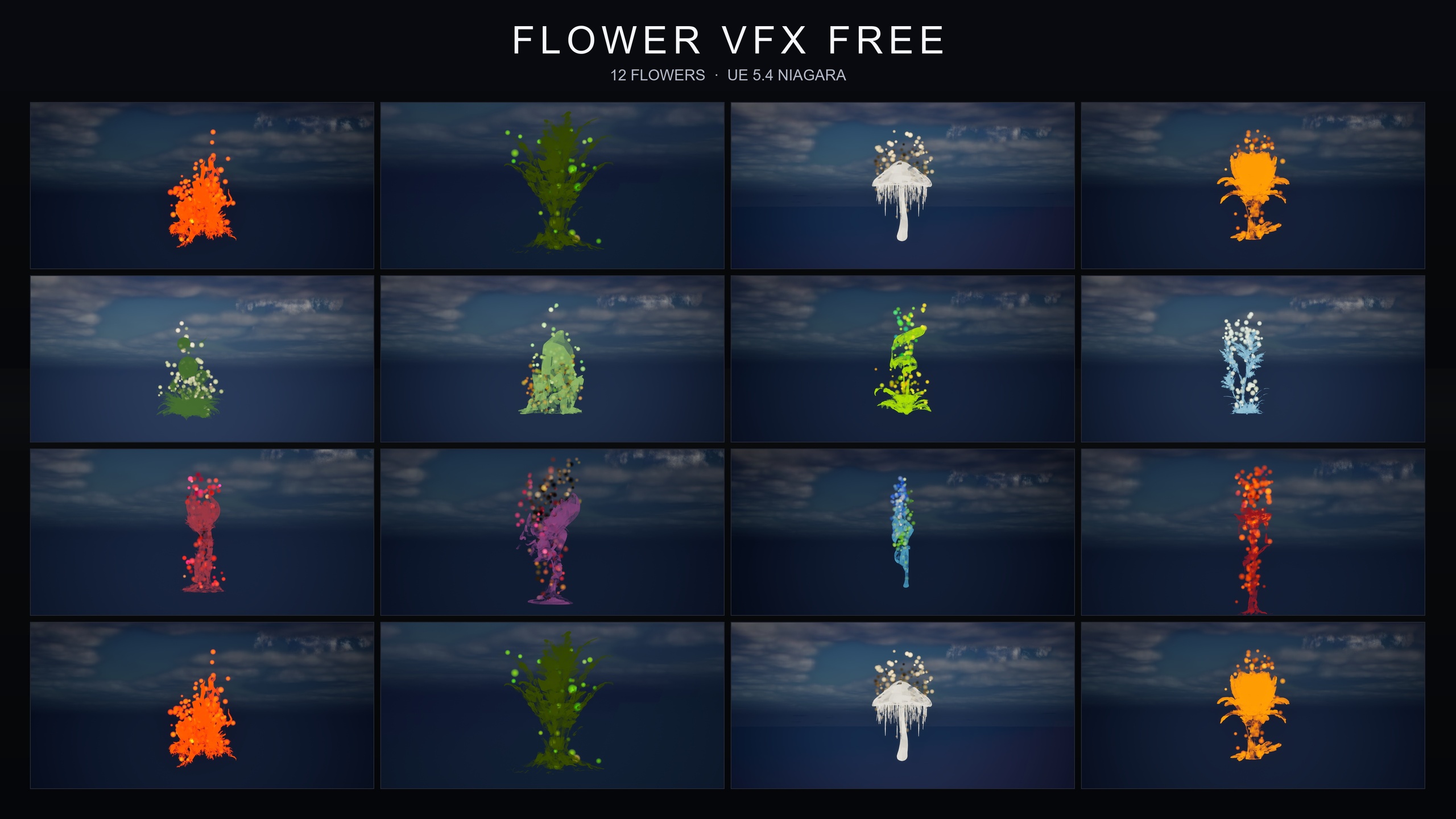
The sampler ships 12 GildedBloom NiagaraSystems, each one a warm golden particle aura that swirls around a flower, paired with 12 stylised flower static meshes that carry PBR materials and their own colour palettes. It is content-only: there is no plugin to enable, no module to compile, no engine modification, and no plugin dependencies. The flowers and the effects are just assets you place.
Two details make it forgiving to integrate. First, the Niagara simulation runs on CPU emitters with dynamic lightmaps, so nothing needs baking before you can see it. Second, the sampler shares its naming convention and folder structure with the paid Fantasy Flower packs, which means whatever you learn here transfers directly if you upgrade later.
Step 1: Add the free sampler to your project
1. Acquire the Fantasy Flower VFX (Free Sampler) on Fab, then in the Epic Games Launcher open the 'Library' tab and find it under your Fab content.
2. Click 'Add To Project', choose your UE5 project from the list, and confirm. The pack targets UE 5.4 and above, so add it to a project on a compatible engine version.
3. With the editor open, look in the 'Content Browser' for the pack's content folder. Because the sampler is content-only, there is nothing to enable in 'Plugins' and no editor restart is required.
Inside that folder you will find the 12 flower static meshes, the 12 GildedBloom NiagaraSystems, the supporting materials and textures, and a single demo level. That is the whole sampler, ready to place.
Step 2: Drag a GildedBloom system into your level
The core workflow is genuinely drag-and-play. There are no parameters to tune to get a result.
1. In the 'Content Browser', open the pack folder and locate one of the 12 GildedBloom NiagaraSystems.
2. Drag the NiagaraSystem straight into the level viewport, or onto an existing actor to parent it. It spawns as a Niagara actor and the golden aura begins playing automatically.
3. To pair the effect with its matching flower, drag the corresponding flower static mesh into the scene and position the NiagaraSystem over it. The warm golden particles read as an aura swirling around the bloom.
Because the systems play on their own with no setup, this is the entire interaction for a static placement: drop, position, done. The effect renders wherever you put it, whether that is on the ground, mid-air, or attached to a moving actor.
Step 3: Open the demo level to preview all 12 at once
Before you start placing flowers by hand, it is worth opening the included demo level. The sampler ships one fully-lit demo map that lays out all 12 flowers side by side under movable, dynamic lighting, so you can compare every bloom and its GildedBloom aura in a single scene.
Double-click the demo map in the 'Content Browser' to open it, then press 'Play' or simply view it in the editor viewport. Because the lighting setup is movable and works with both static and dynamic scenes, the flowers look correct immediately without you baking anything.
Use this map as a reference. Pick the flower and palette you want, note its name, and then drag the matching GildedBloom system into your own level using the workflow above.
Where to go next: the paid families
The free sampler is deliberately one look: the GildedBloom golden aura on a curated set of 12 flowers. The reason it shares its naming and folder structure with the paid packs is so that moving up is seamless. Dropping a paid family into a project that already uses the sampler keeps the same drop-in, plays-automatically workflow you have just learned.
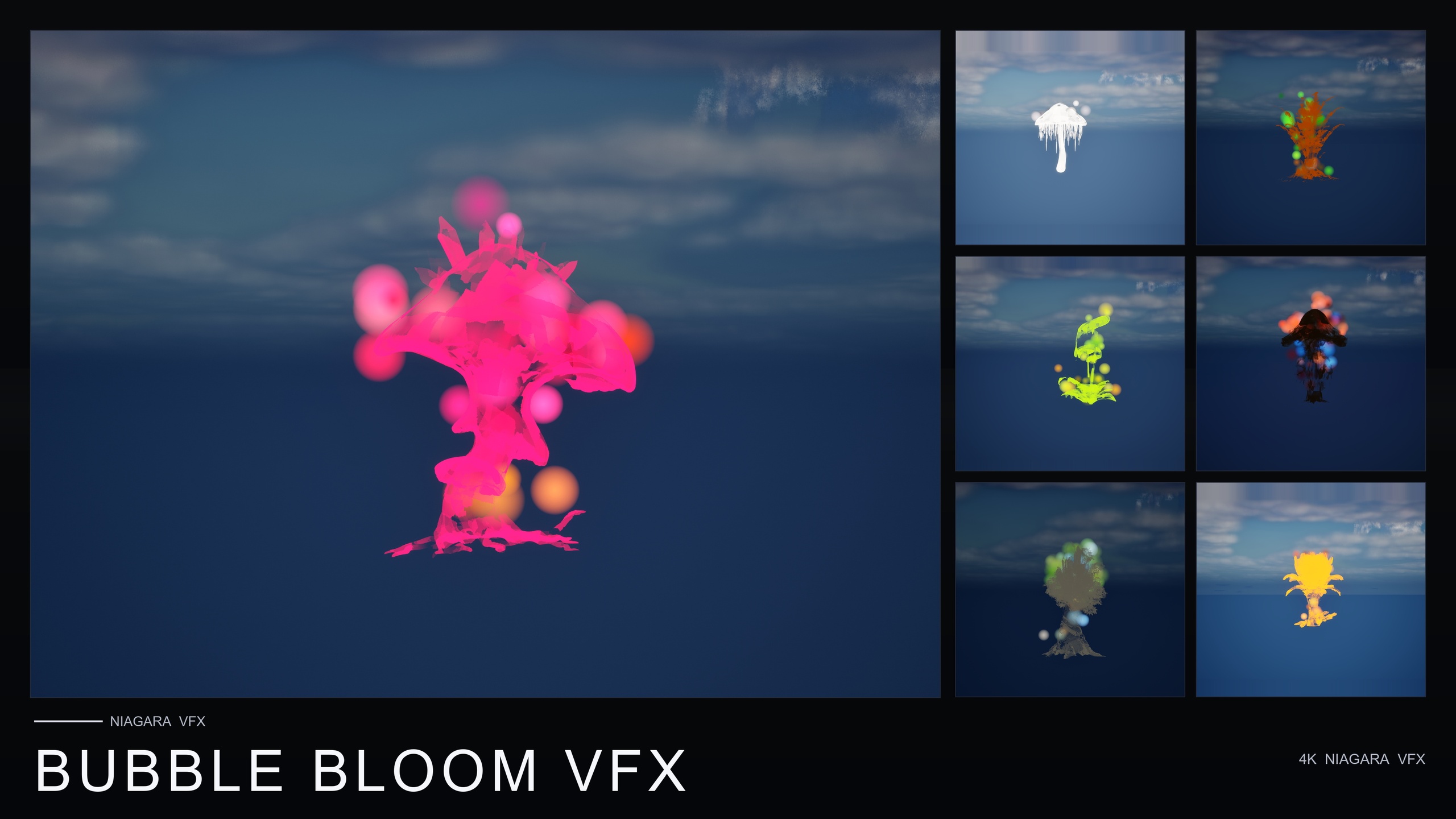
If you want more atmosphere on the full roster, Ambient Garden VFX applies three ambient families to all 51 flower meshes for 150 NiagaraSystems: BloomingMotes pollen and light motes, FireflySwarm warm flickering trails, and Mist low-lying ground fog. For a whimsical, playful read, Bubble Bloom VFX adds translucent rainbow-tinted soap-film bubbles rising from each of the 51 flowers as 50 NiagaraSystems.
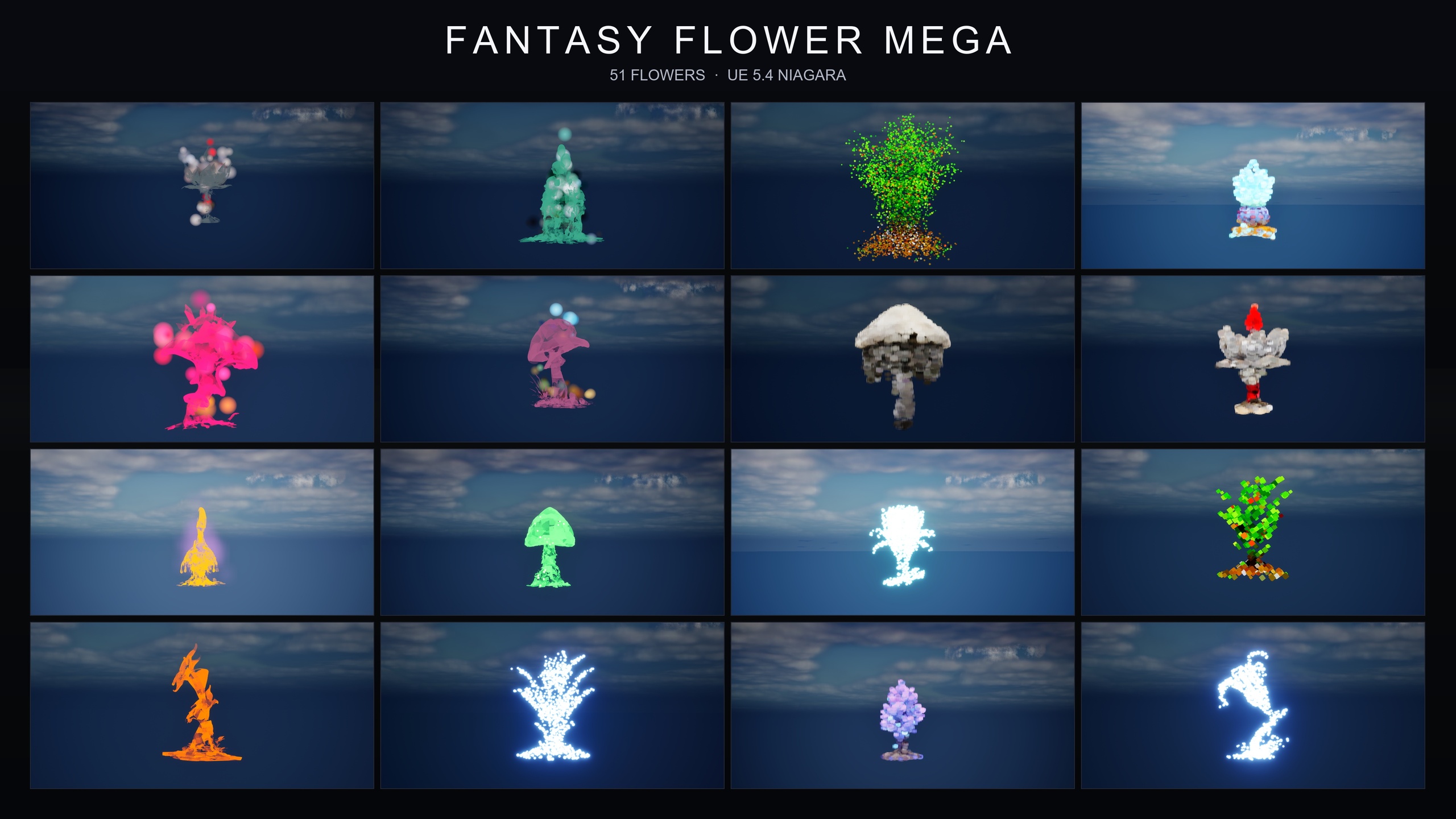
If you expect to need many moods rather than one or two, the Fantasy Flower Mega Bundle is the complete line in a single purchase: all 15 effect families across all 51 flower meshes, totalling 750 NiagaraSystems, with the same content-only, no-dependency setup. Whichever route you take, the muscle memory from this five-minute sampler carries straight over.
FAQ
How do I use free Niagara VFX for fantasy flowers in Unreal Engine?
Add the Fantasy Flower VFX free sampler to your UE5 project from the Epic Games Launcher, open the pack folder in the Content Browser, and drag one of the 12 GildedBloom NiagaraSystems into your level. The golden aura plays automatically with no setup or parameter tuning.
Does it need any plugins, C++ or compiling?
No. The sampler is content-only with no plugin dependencies. There is nothing to enable in the Plugins window, no module to compile, and no engine modification, so no editor restart is needed after adding it.
Which Unreal Engine versions does the free sampler support?
The product targets UE 5.4 and above. The Niagara systems use CPU emitters and dynamic lightmaps, so they render without baking once the pack is added to a compatible project.
How many flowers and effects are in the free pack?
Twelve. The sampler includes 12 stylised flower static meshes and 12 matching GildedBloom NiagaraSystems, plus one fully-lit demo level that showcases all 12 together.
Is it easy to upgrade to the paid packs later?
Yes. The sampler shares its naming convention and folder structure with the paid Fantasy Flower packs, so the drop-in workflow is identical and adding a paid family later is seamless.
Fantasy Flower VFX
A free sampler from the Fantasy Flower VFX line: 12 Niagara effects with matching meshes and 2K textures, CPU-simulated for Windows, Mac and Linux. A no-cost taste of the full collection.
Related on Fab

Related reading