article · 2026-06-08
Where to Get Free Rock and Boulder Props for Unreal Engine 5
A practical guide to finding free rock and boulder assets for Unreal Engine 5 — and turning a single mesh into a believable scatter of stone.
Why a good boulder is scene glue
Almost every outdoor environment in Unreal Engine 5 needs rocks, and almost nobody plans for them. You block out a grove, a ruin or a cliff edge, drop in the foliage and the hero props, and then there is a gap at ground level that reads as flat and empty. A boulder is what fills it. Rocks anchor foliage so plants do not appear to float, they break up clean terrain silhouettes, they hide the seams where materials meet, and they give the eye somewhere to rest. They are the connective tissue of a believable space.
The good news for anyone searching for free rock and boulder assets for Unreal Engine 5 is that you do not need a paid quarry pack to get started. A single, well-made boulder mesh, copied and varied, will carry an enormous amount of an environment. The trick is less about how many unique rocks you own and more about how you place, scale and rotate the ones you have. This guide covers where to get a free boulder you can drop straight into UE5, then how to turn that one mesh into a scatter that looks deliberate rather than copy-pasted.
Grabbing a free wailstone
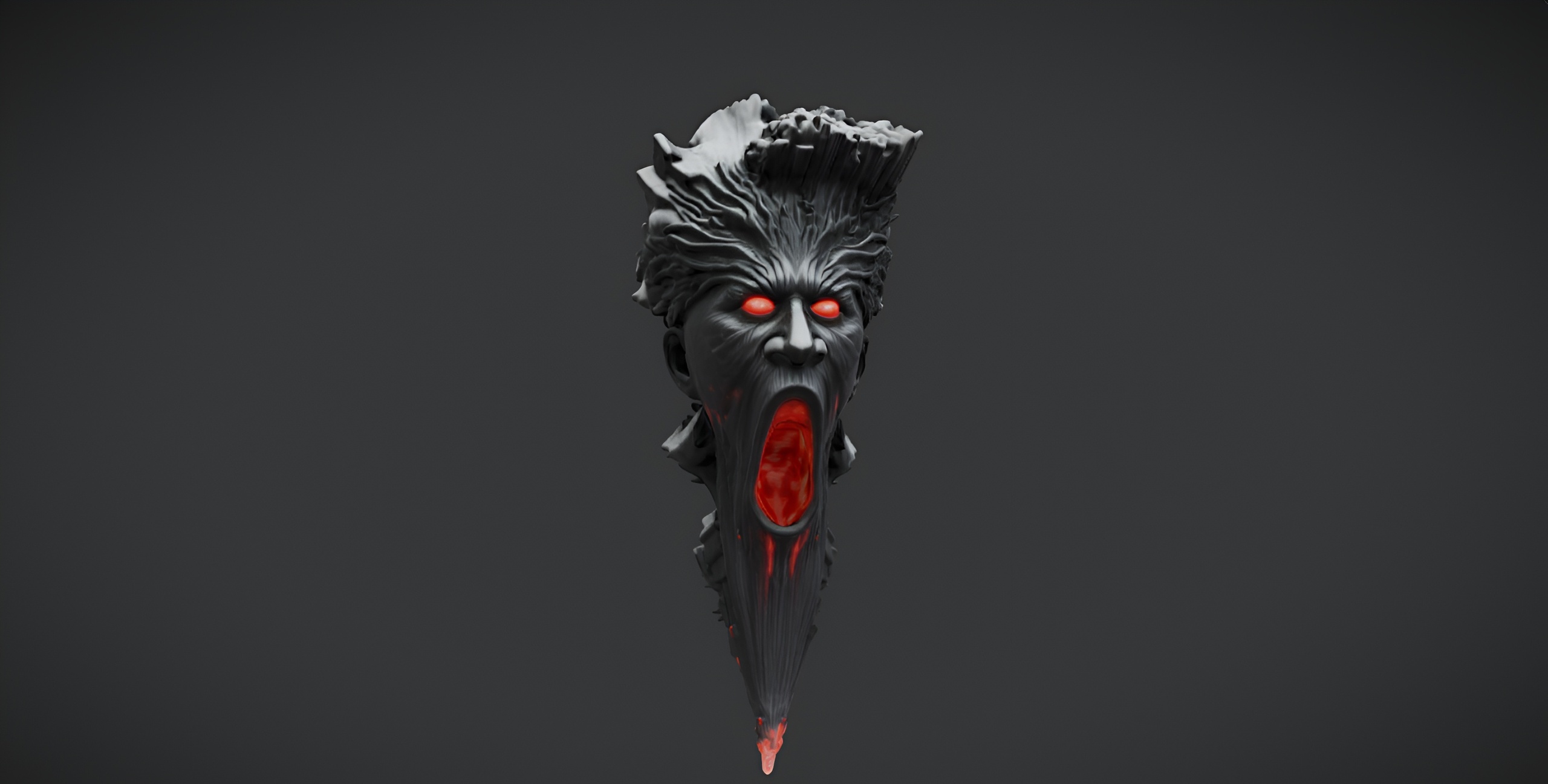
The fastest free option in the MythicLemon catalogue is the Demonic Wailstone. It is a single dark-fantasy boulder — a brooding 'wailstone' rock built for cursed groves, ruins and underworld scenes — and it is a free download under the Fab Standard licence, cleared for both personal and commercial use with free updates. Despite the ominous name, it is a plain static mesh: no audio and no VFX ship with it, so treat it purely as an atmospheric rock you can rely on.
Technically it is exactly what you want for fast set dressing: a drop-in Unreal Engine 5 static mesh with 2K PBR textures. The maps are 2048x2048 with a standard base colour, metallic, normal and roughness set, so the stone catches light correctly without any material tweaking on your part. Because it is a single mesh rather than a pack, it is also tiny to download and trivial to manage in your Content Browser.
To use it, download the Wailstone from its Fab page and add it to your UE5 project. It imports as a static mesh with its 2K PBR material already assigned, so you can drag it straight into your level. Use it as a brooding focal boulder, an ominous landmark at the end of a path, or a free blockout rock while you greybox a level. One honest caveat: Nanite and automatic collision were not file-verified for this free SKU, so if your scene needs collision, check the static mesh's collision settings and add a simple collision primitive if none is present.
Scattering rocks naturally
One boulder placed by hand looks like a prop. A dozen of the same boulder placed thoughtfully looks like geology. The goal when scattering a single rock mesh is to break the eye's instinct to spot repetition, and you do that with placement logic rather than more meshes.
1. Build small clusters rather than spacing rocks evenly. In nature, stones gather — at the base of a slope, against a tree, in the lee of a ruin wall — so group two or three close together and leave open ground between clusters.
2. Push rocks partway into the terrain instead of resting them on top. Sinking a boulder a little into the landscape removes the tell-tale floating gap underneath and makes it read as something long settled.
3. For larger fields, add the Wailstone to a Foliage type in the 'Foliage' panel and paint it across the terrain. The Foliage tool gives you density control and per-instance randomisation in one pass, far faster than hand-placing every rock. On a PCG workflow, feed the same mesh to a PCG graph and scatter it with rules for slope and density.
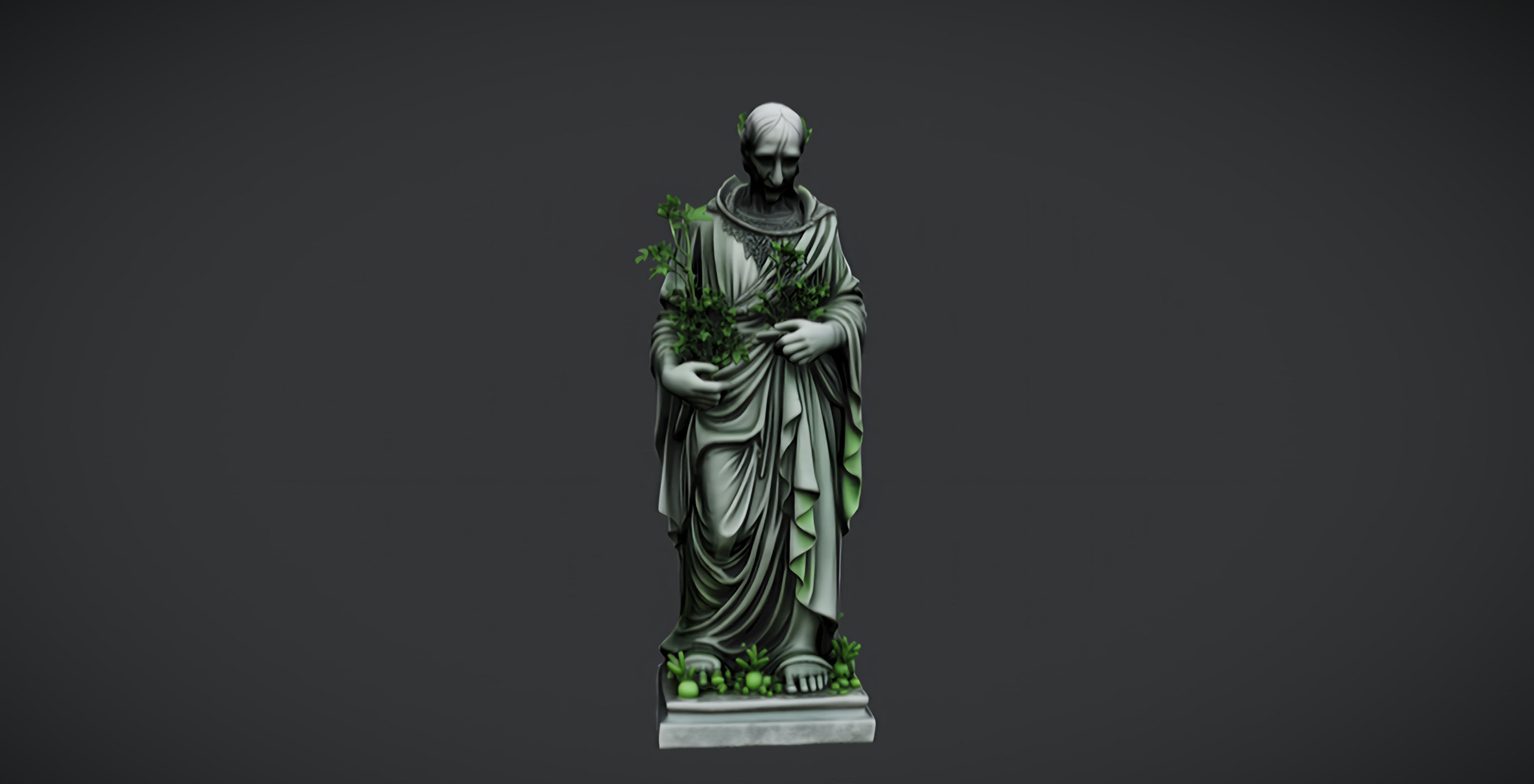
4. Break up the silhouette by mixing the Wailstone in among other free dark-fantasy props. Pairing it with the free Dark Fantasy Nature Statue as an occasional landmark stops a rock field from feeling monotonous.
Scaling and rotation variety
The single most effective thing you can do to disguise a repeated mesh is to vary its scale and rotation per instance. Two copies of the same boulder at different sizes and orientations read as two different rocks, even though they share every vertex.
Rotate each placed Wailstone freely on all three axes. Rocks have no natural up direction, so tumbling a copy onto a different face is the quickest way to make it look unique. Combine that with non-uniform scaling — stretch one instance taller, squash another wider — and a handful of placements already feels like a varied outcrop. When you place rocks with the Foliage tool, set scale and rotation to random within sensible minimum and maximum ranges so every painted instance comes out differently with no manual work.
Keep the variation believable rather than chaotic. A field where every rock differs wildly in size looks as artificial as one where they are all identical, so anchor your scatter around a base scale and let instances drift within roughly half to double that size. Mix in a few larger hero placements as focal points and keep the rest as supporting mid and small stones.
Once your layout reads well, layer life back on top: scatter ground-cover plants such as the Fantasy Flower Pack around the bases of your boulders so the stone and the foliage knit together, and reserve the paid Dark Fantasy Props Bundle for when you need a hundred-plus matching gothic artefacts to finish the scene. Start with the free Wailstone, learn the scatter workflow on it, and you will have a repeatable recipe for filling any UE5 environment with convincing stone.
FAQ
Where can I get free rock and boulder assets for Unreal Engine 5?
The Demonic Wailstone is a free single boulder mesh available under the Fab Standard licence for both personal and commercial use. It is a drop-in UE5 static mesh with 2K PBR textures, so you can download it and place it straight into a scene with no setup.
Is the Demonic Wailstone really free for commercial projects?
Yes. It ships under the Fab Standard licence, which covers personal and commercial use and includes free updates. There is no separate cost for using it in a commercial game or render.
Does the free boulder come with collision and Nanite?
It imports as a static mesh with its 2K PBR material. Nanite support and automatic collision were not file-verified for this free SKU, so if your project needs collision, check the static mesh's collision settings in UE5 and add a simple collision primitive if one is not already present.
How do I make one boulder mesh look like many different rocks?
Vary scale and rotation per instance. Rotate copies freely on all three axes, apply slight non-uniform scaling so some rocks are taller or wider, and group rocks into natural clusters rather than spacing them evenly. Using the Foliage tool with random scale and rotation ranges does this automatically as you paint.
Demonic Wailstone
A free dark-fantasy boulder prop — a brooding wailstone for cursed groves, ruins and underworlds. Drop-in ready for Unreal Engine 5.
Related on Fab


Related reading