
tutorial · 2026-01-17
A Free NPC Voice Pack for Your UE5 RPG: Wiring In an Assassin & Rogue
Drop a fully-voiced, context-tagged assassin into your fantasy game and fire his first bark in five Blueprint nodes.

Why prototype an RPG with no voice at all?
Every fantasy RPG prototype hits the same silent wall. Your stealth companion ducks into cover, your enemy spots the player, an ally goes down — and nothing is said, because recording a voice actor is the one job a solo dev or a game jam team almost never has time or budget for. So the prototype ships mute, the barks get stubbed as on-screen text, and the moment never lands.
If you are searching for a free NPC voice pack for an Unreal Engine RPG, the Assassin Dialogue Lore Pack is built for exactly this gap. It is a free drop-in content pack for UE5 that gives you a professionally recorded male assassin/rogue voice plus a full data layer, so your lines are not just audio files in a folder — they are queryable by gameplay context from the moment you migrate them in.
This guide walks through what is actually in the pack, how to bring the content folder into your own project, and how to play the assassin's first situational bark from Blueprint in five nodes. Every figure here comes straight from the pack's own documentation.
What's in the free pack
The pack is delivered as an Unreal Engine 5.3 project. According to its User Guide it contains 570 voice lines totalling roughly 72 minutes of audio, 37 voice effects, 40 songs, and 85 written-content lore items, organised across 16 categories. The clips are USoundWave (PCM) one-shots — no looping — which UE compresses for you at cook time.
What makes it more than a sound library is the tagging. Every line carries a hierarchical ContextTag in the form category/subcategory/size, for example combat/battle_cry/sm, social/greeting/md, or story/dragon/xl. The categories span combat, social, story, discovery, emotion, taunt, weather, death, response, self/idle, commentary and physical, so you can ask for 'a combat taunt' or 'a greeting' rather than hunting through filenames.
Each line also comes in four length tiers — SM (1 to 5 words), MD (1 to 2 sentences), LG (2 to 4 sentences) and XL (a paragraph or more) — letting you pick a clipped battle cry for a fast combat beat or a longer XL passage for a story moment.
Under the hood the project ships five DataTables that are verified present: DT_Dialogue, DT_CharacterProfile, DT_Equipment, DT_Quests and DT_WrittenContent. DT_Dialogue is the one you'll drive lines from; its rows reference the audio through a TSoftObjectPtr<USoundWave> in the VoiceAudio column, which means the clips stay unloaded until the first time you actually play them. There is also a DialogueVoice (DV) asset you can plug straight into Unreal's built-in dialogue system as the speaker, the 85 written-lore documents (journals, letters, notes, recipes, poetry and books) for in-world readables, a character backstory profile, and a few character meshes and textures. The whole thing is free under the Fab Standard licence for both personal and commercial use, with free updates.
Importing the content folder into your project
Because the pack ships as a complete UE5.3 project, you don't open it as your game — you pull its content across. Buy and download the pack from Fab (it is free), then bring the assets into your own project.
1. Add the pack to a project from the Epic Games Launcher / Fab library, or open the downloaded UE5.3 project directly.
2. In the Content Browser, locate the pack's content folder, Content/AssasinLorePack (note the spelling used by the pack).
3. Right-click that folder and choose 'Migrate'. Point the destination at your own project's Content directory. Migrate brings the folder across with all its dependencies — the audio, the DataTables, the DialogueVoice asset, textures and meshes — intact.
4. Open your own project. The migrated assets now appear under the pack folder in your Content Browser, and the DataTables and DialogueVoice are ready to reference.
One compatibility note worth respecting up front: the listing supports Unreal Engine 5.3 and later, and earlier engine versions are not supported because of the asset format. If you are on 5.2 or below, upgrade your project before migrating.
The first bark in five Blueprint nodes
The pattern below plays a random line that matches a situation — say, a combat taunt or a greeting — and is the same query you'll reuse everywhere. Drop it into any actor or component; an AI controller or the player's interaction component are both fine starting points.
1. Add a 'Get Data Table Row Names' node and feed it your migrated DT_Dialogue asset. This returns every row key in the table.
2. Loop the names with a ForEach, calling 'Get Data Table Row' for each, and keep only the rows whose ContextTags string contains the situation you want — for example check that ContextTags 'Contains' the substring "combat" or "social/greeting". Collect the matching rows into an array.
3. Use 'Random Array Item' (or a random integer index) to pick one row from your filtered matches.
4. From the chosen row's VoiceAudio field, call 'Load Synchronous' on the TSoftObjectPtr to resolve the actual USoundWave. This is the point at which the clip is loaded — nothing was in memory before now.
5. Feed that loaded SoundWave into 'Play Sound 2D' for a UI or non-positional bark, or 'Play Sound at Location' / 'Spawn Sound Attached' for a 3D bark anchored to the NPC. Optionally, route the row's ResponseText to a subtitle widget so the line is captioned.
That is a complete, working bark. To trigger it, call this graph from a gameplay event — fire the 'combat' query on an enemy-spotted notify, the 'social/greeting' query on a player-overlap, and so on. If you prefer Unreal's native dialogue system, assign the pack's DV DialogueVoice asset as the speaker instead and let the engine route the audio.
For performance, the pack's own docs recommend caching the DataTable reference rather than reloading it, pre-filtering rows by category once at initialisation instead of every call, pre-caching common categories at level load, and using audio streaming for the long XL lines.
Where to go next
Once the assassin is talking, the same five-node query works for any other character in this collection, because they all share the identical DT_Dialogue schema and the same ContextTag convention. You write the helper once and reuse it for every NPC you add.
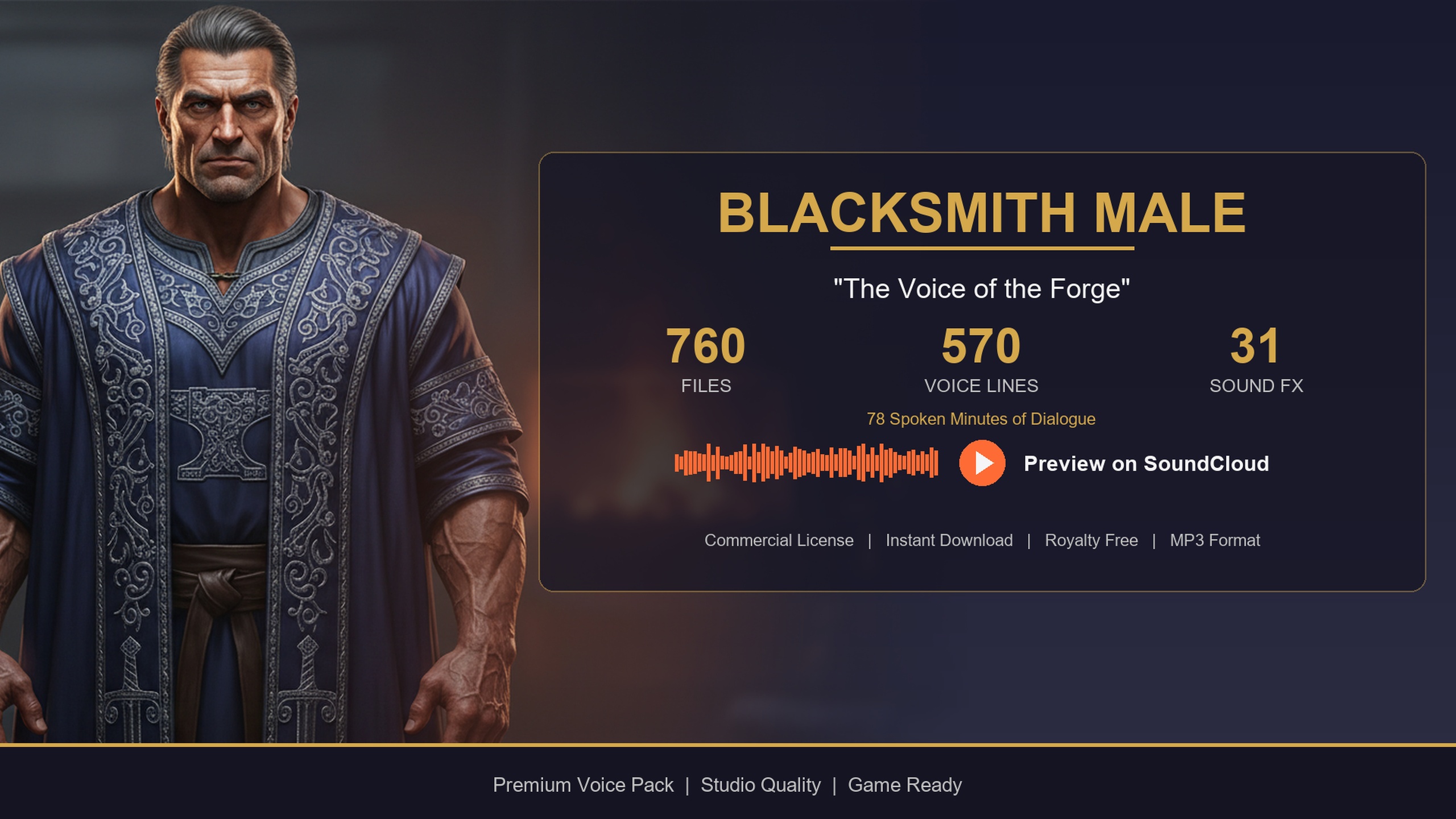
If you want a contrasting voice for a town hub, the Bard Dialogue Pack adds a theatrical, story-heavy male bard — its User Guide lists 570 lines and around 112 minutes of audio, which leans into quest-giving and tavern narration. The Blacksmith Dialogue Pack gives you a gravelly forge-warm baritone for a shopkeeper or smith, with roughly 78 minutes of audio across the same 16 categories, ideal for shop greetings and crafting flavour. Both are paid single-character add-ons that migrate in exactly like the free assassin.
When you are ready to voice a whole cast at once, Fantasy NPC Voices is the complete megabundle: 21 fully-voiced archetypes in one UE5.3 project, sharing five byte-identical row structs so a single query path drives every character. The assassin you just wired in is one of those 21, which means moving up to the bundle is a drop-in expansion rather than a rewrite.
Start free, ship the prototype with sound on day one, and add paid voices only where your game actually needs them.
FAQ
Is this really a free NPC voice pack for an Unreal Engine RPG?
Yes. The Assassin Dialogue Lore Pack is free under the Fab Standard licence, which covers both personal and commercial use and includes free updates. You get the full set of 570 recorded lines and the DataTable data layer at no cost.
Which Unreal Engine versions does the pack support?
The Fab listing states Unreal Engine 5.3 and later. Earlier engine versions are not supported because of an asset-format mismatch, so upgrade your project to at least 5.3 before migrating the content.
How do I get the content into my own project?
Download the pack from Fab, then right-click the Content/AssasinLorePack folder in the Content Browser and choose Migrate, pointing the destination at your project's Content directory. Migrate brings the audio, DataTables, DialogueVoice asset and textures across with their dependencies.
Will all the audio load into memory at once?
No. The VoiceAudio column in DT_Dialogue stores each clip as a TSoftObjectPtr<USoundWave>, so a clip is only loaded when you call Load Synchronous on it at play time. Nothing is resident until first use.
Can I add more voices later without rewriting my code?
Yes. Every pack in this collection — the paid Bard and Blacksmith, and the full Fantasy NPC Voices bundle of 21 archetypes — uses the same DT_Dialogue schema and ContextTag convention, so the same query helper drives any character you add.
Assassin Dialogue Lore Pack
A free lore pack of dark, stealthy assassin and rogue dialogue — 72 minutes of professionally delivered lines covering combat, lore and ambient barks. Drop-in audio cues for any UE5 RPG.
Related on Fab


Related reading