tutorial · 2025-01-17
From Heightmap to Playable Level: A Full UE5 Landscape Pipeline
End-to-end workflow for turning a heightmap or procedural terrain into a textured, stamped, populated open world level.
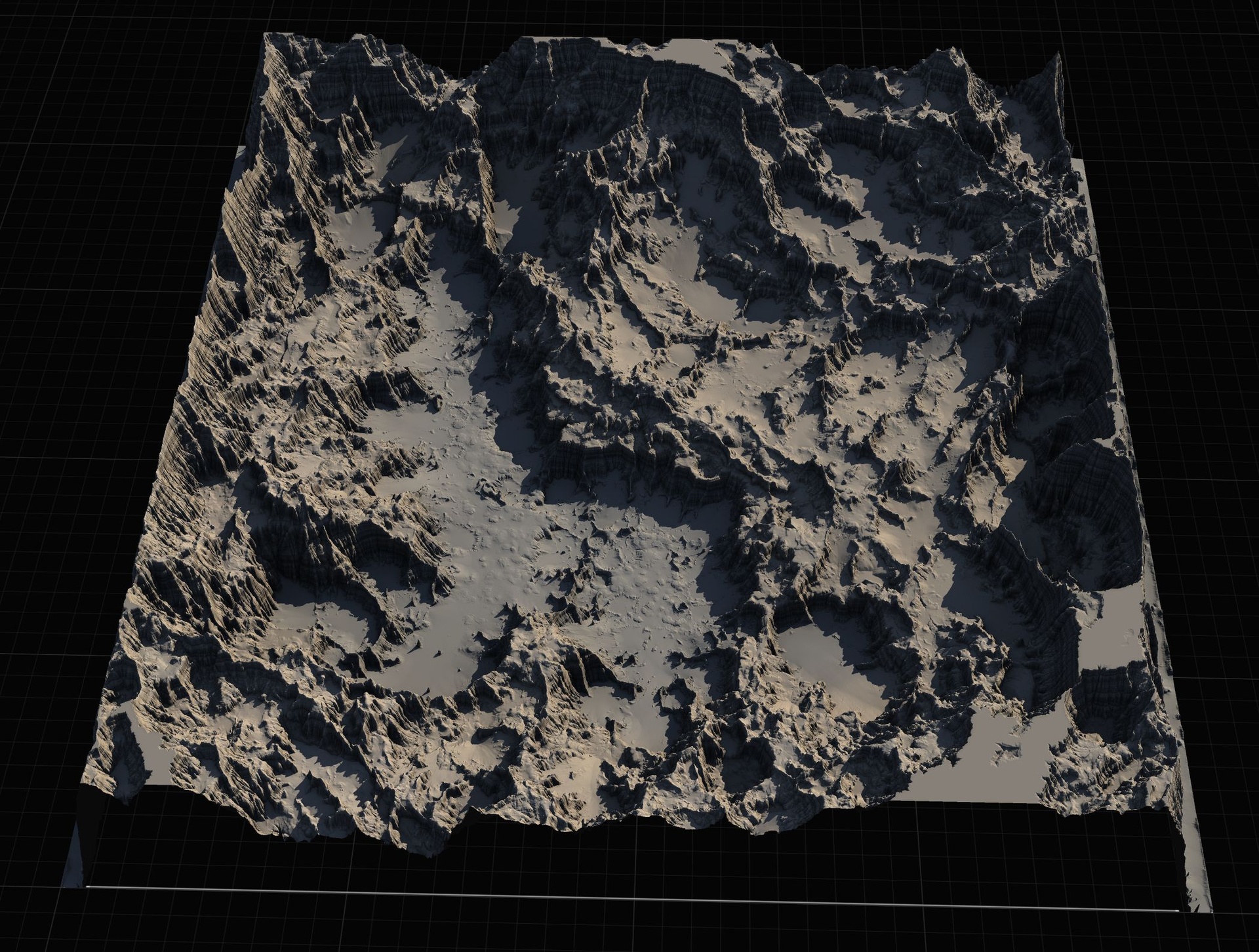
The gap between 'I have a heightmap' and 'this is a level'
Importing a heightmap is the easy 5%. The real work is turning that raw terrain into something that reads as a world: proper scale, texturing that makes sense, usable slopes, interesting features, water, paths, and foliage that doesn't kill performance.
A repeatable pipeline makes this much faster and more consistent across multiple maps or biomes.
This workflow is used by teams that need to produce many square kilometres of playable terrain per month.
Import and scale correctly
Decide your real-world scale first (e.g. 1 UU = 1 cm or 1 UU = 2 cm). Wrong scale here ruins everything downstream (foliage density, water, collision, AI navigation).
Use the 'Landscape' import dialog with correct 'Scale' and 'Location' so the heightmap lands where you expect. Add a simple scale reference actor in the scene before you start stamping.
After import, run a first pass of auto-texturing based on height and slope so you can see the landform clearly while you work.
Stamping and manual refinement
Use Landscape Stamp Tool or Landstamp Pro to carve rivers, roads, plateaus, and interesting landforms that the raw heightmap doesn't have.
Stamp in passes: big geological features first, then medium detail (cliffs, terraces), then fine detail. Each pass should be subtle so they layer naturally.
Leave some areas relatively untouched so the original heightmap character remains visible. Not every square metre needs to be stamped.
Texturing, foliage, and validation
Build or adapt a layered landscape material that responds to height, slope, and painted weights. Keep the layer count reasonable (see the landscape material article).
Add foliage and props via a mix of hand painting (hero areas) and PCG (bulk). Validate density and performance as you go, not at the end.
Finally run a lighting bake or Lumen pass and walk the map at gameplay camera height. Many problems only appear when you are on the ground, not flying in the editor.
FAQ
Should I generate heightmaps in-engine or externally?
Both work. External tools (Gaea, World Machine, Houdini) give more control for large-scale geology. In-engine PCG or stamps are better for rapid iteration and integration with the rest of the level.
Massive Open World Landscape Pack
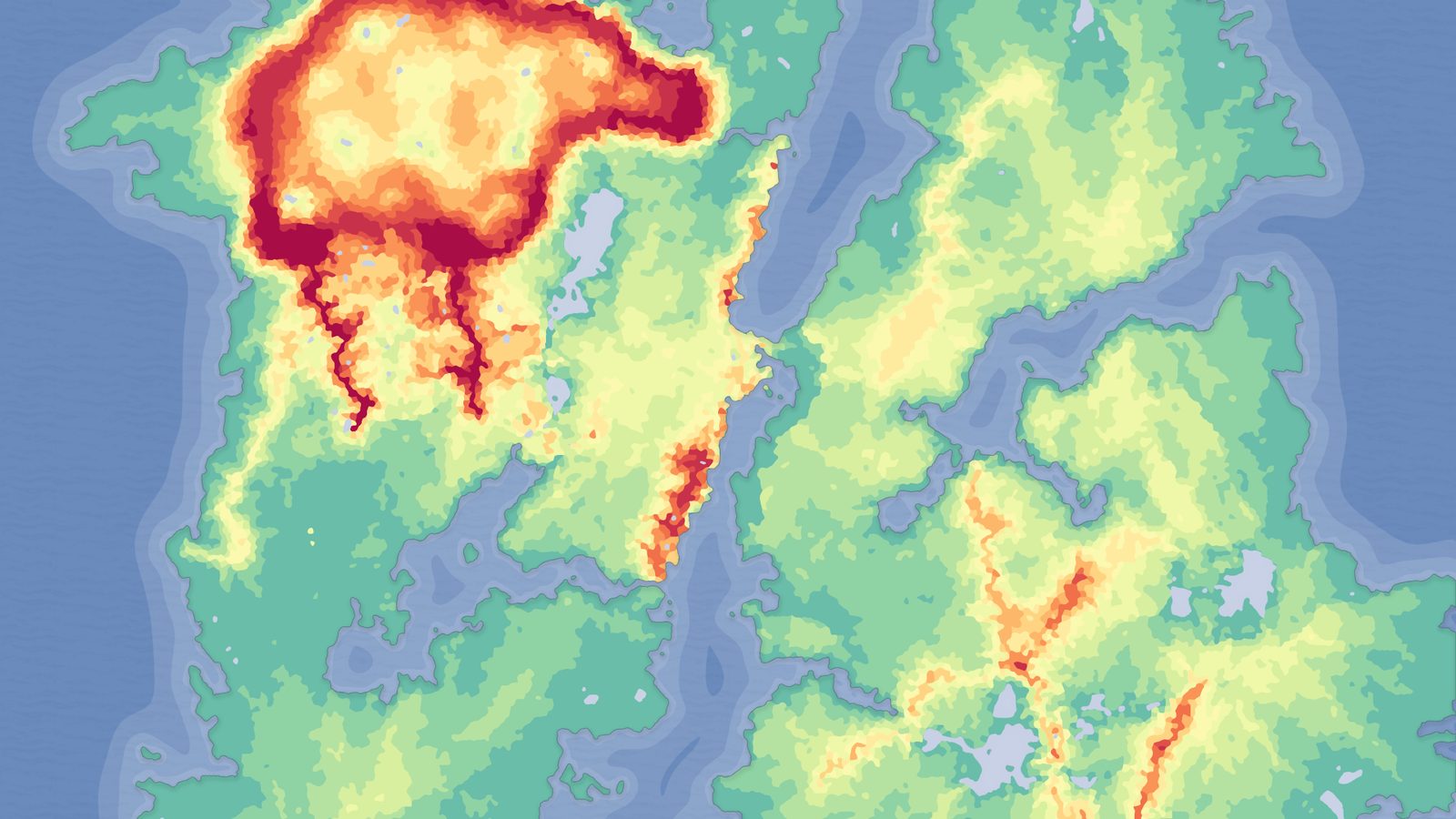
Fourteen ready-to-play open-world landscapes with an auto-material setup — 56 heightmaps from 1K to 8K, including volcanic islands and oceans. Drop in, paint your own textures and build your world.
Related on Fab
Related reading