tutorial · 2026-03-24
Mesoamerican Temple Glyph Effect in Unreal Engine: Ignite a Mayan Inscription as the Torch Passes
A practical UE5 walkthrough for lighting real Maya glyphs along a temple frieze and revealing them, one by one, as the player's torch sweeps the wall.
The effect you're after
You want the moment every action-archaeology game leans on: the player edges down a lost temple corridor with a torch, and as the flame draws level with the carved wall, a Mesoamerican temple glyph effect flares to life in Unreal Engine. The symbol burns from the stone, holds, and then the next one along the frieze catches as the player keeps moving. Done well it reads as ritual and revelation; done badly it reads as a generic dust loop slapped onto a wall.
The honest difficulty is the glyphs themselves. A convincing inscription needs symbols that actually look like a writing system, laid out in a row, each one independently controllable so it can ignite on cue rather than all at once. Authoring that by hand from a particle template is slow and rarely looks like real Maya script.
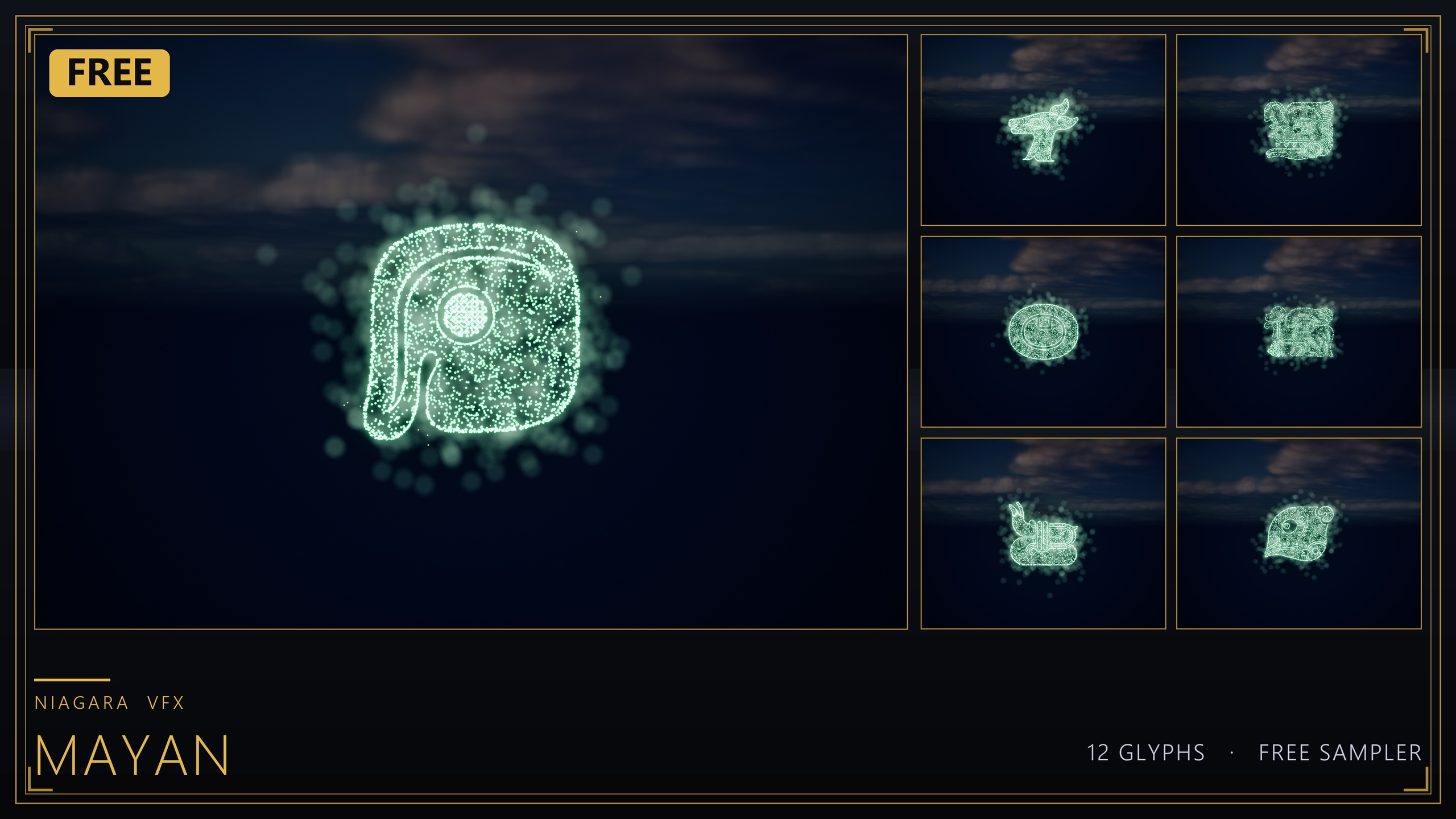
This walkthrough builds the effect with the free Niagara Mayan Glyphs sampler, a 12-glyph set of real Maya-style symbols where each glyph ships both as a spawnable Niagara System and as a matching static mesh. That pairing is exactly what a torch-reveal frieze needs: the mesh carves the symbol into the stone, and the system lights it. We will place glyphs on a frieze, trigger them from torch proximity, stage a codex-style reveal, and carve the matching mesh so the lit and unlit states line up.
What the free sampler gives you
The Niagara Mayan Glyphs sampler is a free, commercial-cleared content pack containing 12 Maya glyph Niagara Systems and 12 matching static meshes, hand-picked from the larger 26-glyph Mayan set. Treat it as a sampler, not a complete alphabet: it gives you enough distinct symbols to build a believable inscription, with a clear upgrade path when you need the full script.
The systems are named NS_mayan_glyph_ followed by a two-letter tag (UB, UC, UD, UH, UL, UP, UQ, UR, US, UT, UV, UZ), and the matching meshes live in the 'Meshes/Mayan' folder. Every emitter simulates on the CPU and the pack uses only Unreal's default materials plus the Niagara default sprite material, with zero custom textures, material instances or Blueprints. That keeps the footprint near zero and means everything works the moment you add it to a project.
Add the pack to your project and open the included demo map, 'L_Demo_Mayan', to see all 12 glyphs lit and laid out. That map is your reference for how each symbol reads when it is fully ignited, which matters once you start staggering them along a frieze.
Placing glyphs on a frieze
Start by deciding the inscription. Pick a sequence of glyph tags for the wall, for example NS_mayan_glyph_UB, then UH, then UQ, then UZ. Because each glyph is an independent system, the order is yours to choose and you can repeat symbols where it suits the carving.
1. In the Content Browser, browse to the pack and drag the first glyph's NS_ Niagara System into the level, positioning it flat against the frieze face where the first carved symbol should sit.
2. Place the remaining systems along the wall at even spacing, rotating each one so its sprites face out from the stone rather than edge-on to the camera. Sight down the row from the player's likely approach to confirm the glyphs read as a line of script and not a scatter.
3. For a clean authoring setup, attach each glyph system to its own small empty actor or scene component at the wall, or parent them under a single 'Frieze' actor. Grouping them now makes the proximity logic in the next step far simpler, because you can iterate over the children rather than hand-wiring every glyph.
4. If the row looks too uniform, vary the vertical offset slightly and recolour individual glyphs. To recolour, edit the sprite colour on the system's emitters and keep the HDR value modest so bloom tints the glyph rather than blowing it out to white.
Igniting on torch proximity
The reveal is driven by distance between the torch and each glyph. The cleanest approach is to keep every glyph system deactivated until the torch comes within range, then activate it.
1. On the torch, add a 'Sphere Collision' component sized to the radius at which a glyph should catch, or simply read the torch's world location each tick and compare distances yourself. The sphere is tidier; the distance check is more controllable. Either works.
2. If you grouped the glyphs under a 'Frieze' actor, get its attached glyph systems into an array. On each glyph, call 'Deactivate' at 'BeginPlay' so the wall starts dark, ignoring the demo map's all-lit look.
3. On overlap, or each tick within range, find the nearest still-dark glyph and call 'Activate' on its Niagara component. Drive a one-shot ignition by setting 'Auto Activate' to false on each glyph so nothing fires until your logic says so.
4. Because the systems are CPU-simulated and stack per instance, only ignite the glyphs the torch is actually near. Keep the count modest, let glyphs the player has passed continue burning, and you get a corridor that lights progressively rather than all at once.
5. Tie the ignition to your torch's own light so the timing feels physical. Trigger the glyph 'Activate' on the same frame the torch's point light reaches the wall, and the carved symbol appears to catch from the flame rather than from an invisible trigger volume.
Codex-page reveal staging
Temple inscriptions land harder when they reveal in sequence rather than snapping on together, the same beat as a codex page filling in glyph by glyph. You already have the parts for this: independent systems and per-glyph activation.
1. Order your frieze glyphs in an array in reading order. Instead of activating purely by distance, step through the array on a short timer once the player is in front of the wall, calling 'Activate' on the next glyph every fraction of a second.
2. For a torch-led reveal, keep the proximity check but add a small per-glyph delay so each symbol catches just after the one before it, producing a left-to-right ignition that tracks the moving flame.
3. To make a glyph feel like it assembles from particles, lean on the system's own spawn ramp at activation rather than fading a finished sprite in. The symbol building up from its emitter as it ignites sells the codex-page reveal far better than a simple opacity fade.
4. Hold the lit state. Once a glyph is active, leave it burning for the rest of the scene so the finished inscription reads as a complete carved passage by the time the player reaches the end of the wall.
Carving with the matching static mesh
The reveal only convinces if the glyph occupies real space on the wall, lit or unlit. This is why each glyph ships as both a system and a static mesh: the mesh is the carving, the system is the fire.
1. From the 'Meshes/Mayan' folder, place each glyph's matching static mesh into the frieze so the symbol is physically carved into the stone. Line each mesh up with the Niagara System you positioned for the same glyph so the lit particles sit exactly on the carved shape.
2. Give the carved meshes an emissive material if you want a faint resting glow before ignition, or leave them as plain stone so the symbol is only visible once the torch lights it. Both are valid looks; the unlit-stone version makes the reveal more dramatic.
3. When the glyph ignites, the carved mesh reads as the source of the burning particles, so the symbol that flares matches the symbol cut into the wall. That alignment between mesh and system is what separates a real inscription from a particle decal floating in front of stone.
4. Reuse the meshes for static set dressing elsewhere in the temple, embossing them into pillars and lintels and lighting them with emissives, so the inscriptions feel like part of a consistent written language across the whole environment.
Where to go when 12 glyphs isn't enough
The free sampler is 12 of a 26-glyph Mayan set, ideal for a single dramatic frieze but not for a temple of unique inscriptions. When you need the full Maya script, the Niagara Ancient Scripts Pack carries the complete Mayan set alongside Egyptian Hieroglyphics, Cuneiform, Ogham and Phoenician, with each script sharing one Niagara backbone and a Niagara Parameter Collection so a whole writing system recolours and re-times from a single asset edit.
If your project mixes burning glyphs across many cultures, the Niagara Alphabet & Symbols Bundle is the superset: 687 Niagara Systems and 688 matching static meshes across 25 themed sets, including Mayan, hieroglyphics, runes, sci-fi and occult symbols, all using the same CPU-simulated, default-material approach. For an Egypt-specific tomb-reveal version of this exact torch effect, the focused Niagara Hieroglyphics Pack is the smallest dedicated entry point.
Whichever you reach for, the technique stays identical: place the system, carve the matching mesh, deactivate on begin play, and ignite on torch proximity. Build it once with the free Mayan sampler and you can drop in any larger pack without rewiring your Blueprint.
Choosing a glyph pack for the torch-reveal effect
| Pack | Glyph systems | Scripts / themes | Best for |
|---|---|---|---|
| Niagara Mayan Glyphs (free sampler) | 12 | Mayan (subset of 26) | A single dramatic Mesoamerican frieze at no cost |
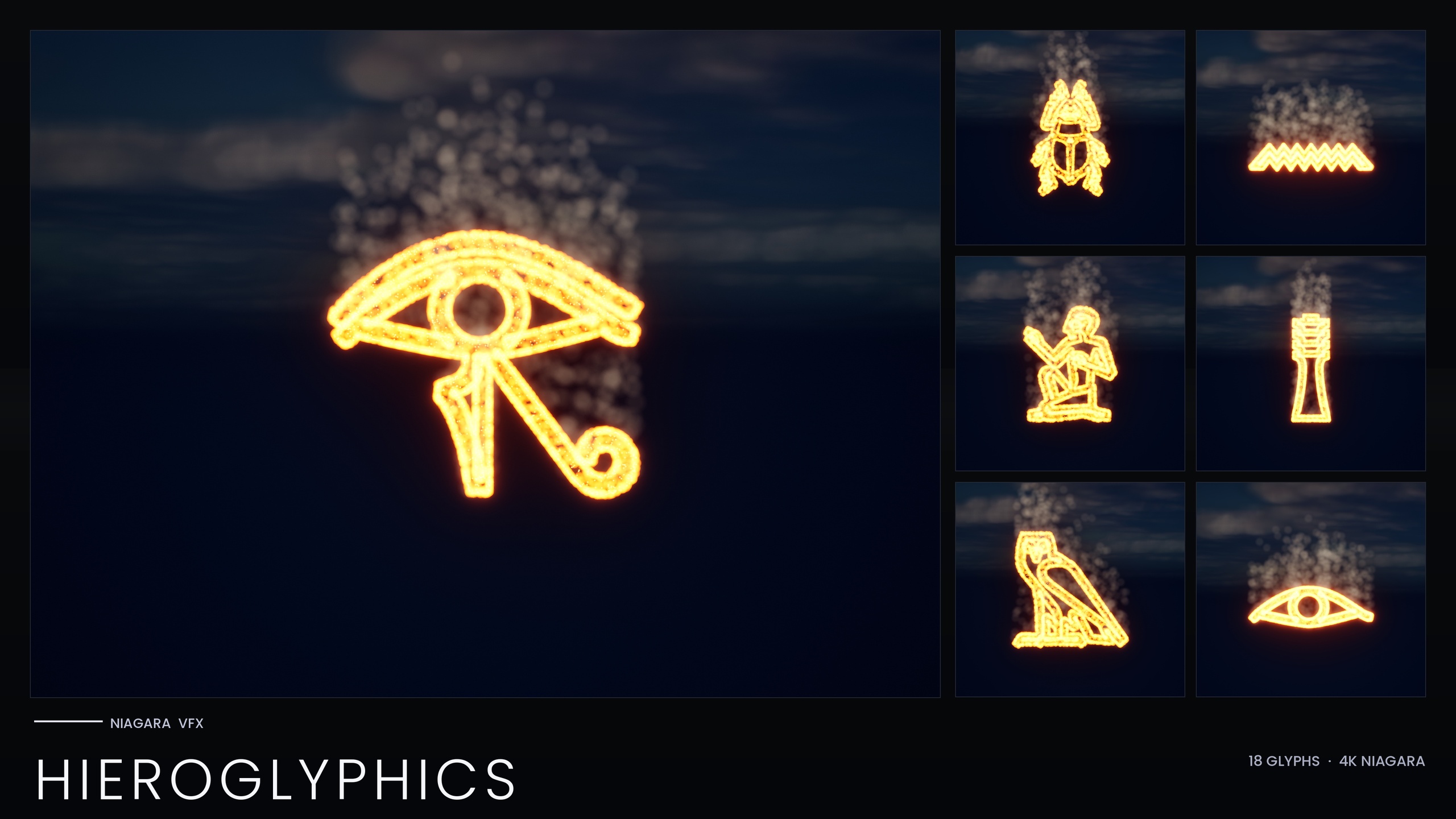
| Niagara Hieroglyphics Pack | 18 | Egyptian hieroglyphics | An Egypt-themed tomb torch-reveal |
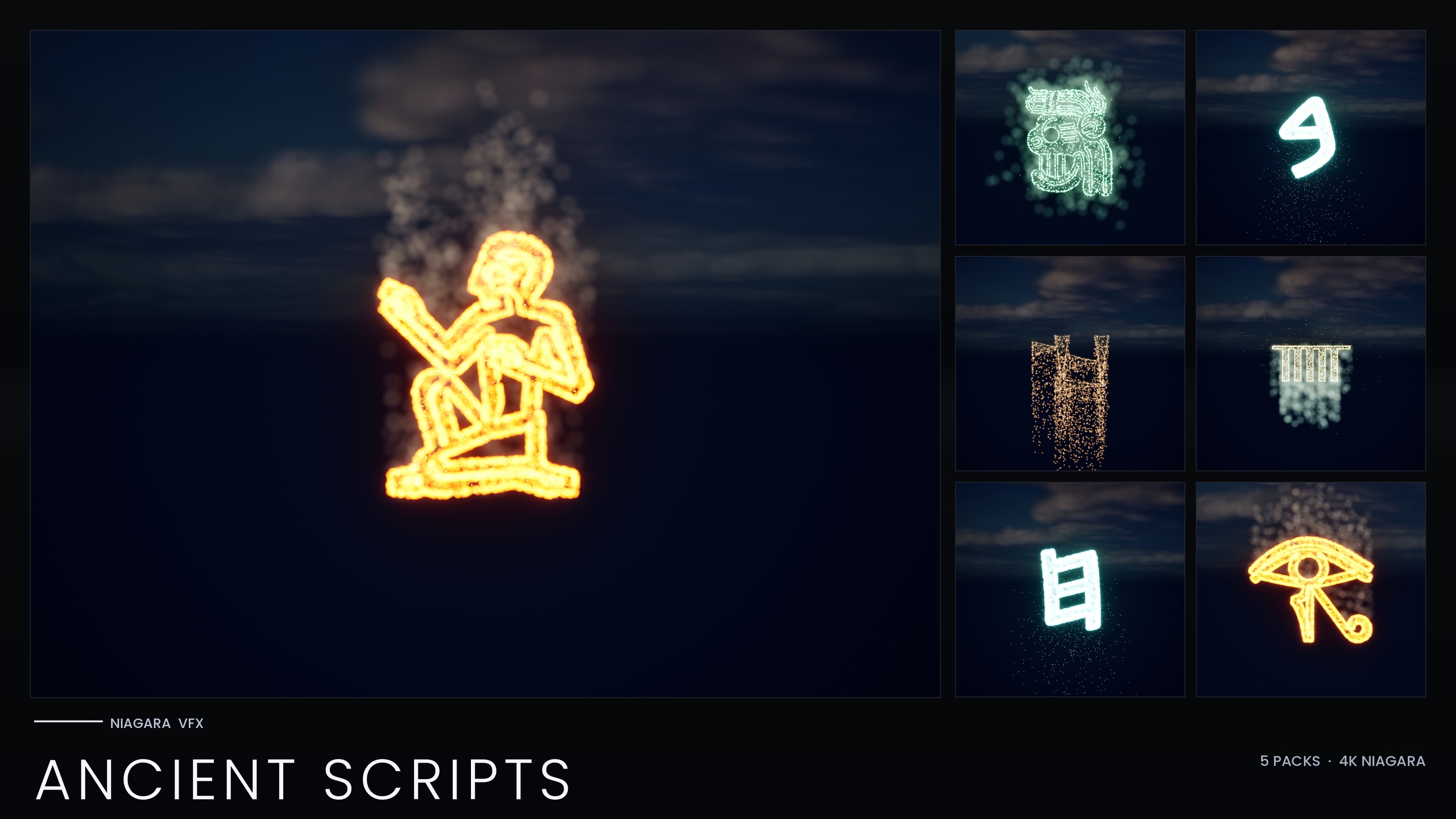
| Niagara Ancient Scripts Pack | 114 | Egyptian, Cuneiform, Mayan, Ogham, Phoenician | Full Maya script plus four other ancient writing systems |
| Niagara Alphabet & Symbols Bundle | 687 | 25 themed sets across 26 source fonts | Glyph VFX across many cultures and genres in one library |
Glyph counts and contents are from each product's verified listing. All four packs are CPU-simulated, use Unreal's default materials, and ship every glyph as both a Niagara System and a matching static mesh.
FAQ
How do I make a Mesoamerican temple glyph effect in Unreal Engine that lights as a torch passes?
Place a glyph's Niagara System against the frieze and deactivate it on begin play, then add a sphere collision or distance check to the torch and call Activate on the nearest dark glyph when the flame comes within range. The free Niagara Mayan Glyphs sampler gives you 12 real Maya glyphs as independently spawnable systems, which is exactly what you need to ignite an inscription symbol by symbol.
Does each glyph come with a mesh so I can carve it into the wall?
Yes. Every glyph in the sampler ships as both a spawnable Niagara System and a matching static mesh, found in the Meshes/Mayan folder. Place the static mesh to carve the symbol into the stone, then line the Niagara System up with it so the burning particles sit exactly on the carved shape when the glyph ignites.
Is the free pack a complete Mayan alphabet?
No. It is a hand-picked 12-glyph sampler from a larger 26-glyph Mayan set, so it is ideal for a single inscription but not for a temple of unique text. When you need the full Maya script, the Niagara Ancient Scripts Pack contains the complete Mayan set alongside four other ancient writing systems, and the Niagara Alphabet & Symbols Bundle is the full 687-system superset.
Will these glyphs run on a wide range of hardware?
The systems are CPU-simulated and use only Unreal's default materials with zero custom textures, so the footprint is small and setup is immediate. Because the effects stack per instance, ignite only the glyphs the torch is actually near rather than lighting an entire wall at once, and keep the active count modest for the best performance.
Can I recolour the glyphs to match my temple's mood?
Yes. Edit the sprite colour on the system's emitters, or duplicate the system for a per-glyph variant. Keep the HDR colour value modest so the engine's bloom tints the glyph rather than blowing it out to white. The larger Ancient Scripts and Alphabet & Symbols packs add Niagara Parameter Collections so you can recolour and re-time an entire writing system from a single asset.
Niagara Mayan Glyphs
Twelve Mayan glyph Niagara systems, free — CPU-simulated and demo-ready, using engine-default materials for a near-zero footprint. A taste of the Niagara Ancient Scripts pack.
Related on Fab

Related reading