
article · 2026-03-02
Niagara VFX Performance in UE5: CPU vs GPU, Scalability and LODs
A grounded guide to where Niagara cost actually comes from, when to promote emitters to the GPU, and how scalability overrides and distance culls keep a scene full of effects shippable.
Where Niagara cost actually comes from
If you are doing Niagara performance optimization in Unreal Engine and trying to balance the CPU and GPU cost of a scene packed with effects, the first thing worth saying is that 'particles are expensive' is too blunt to be useful. A Niagara system's cost is not one number; it is several budgets that you spend in different places. Knowing which budget a given effect eats is the difference between an optimisation that helps and one that just moves the bottleneck around.
Broadly there are four cost centres to watch. First, simulation: how many particles you spawn and how much per-particle work each frame's update does. On a CPU simulation target this is game-thread and worker-thread time; on a GPU target it is compute time. Second, rendering: every sprite, mesh or ribbon you draw is geometry the GPU rasterises, and overlapping translucent sprites multiply that cost through overdraw. Third, lights: a particle that emits light via the Light renderer is, in effect, a dynamic light per particle, which is one of the most expensive things a single particle can do. Fourth, the fixed overhead of the system itself - bounds, ticking, and the render-graph handles each emitter registers each frame.
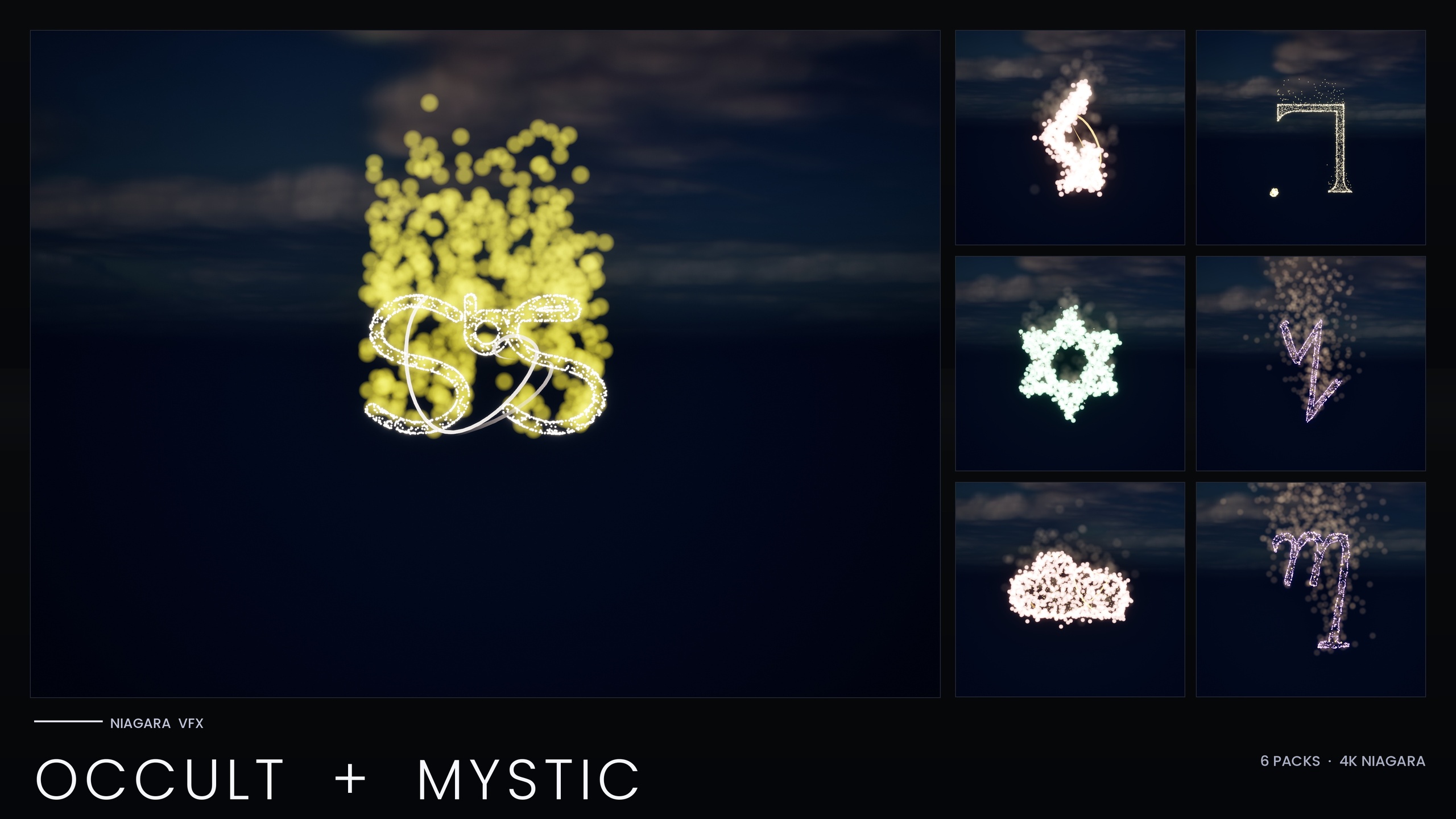
The reason this taxonomy matters is that the fixes differ by category. Spawning fewer particles helps simulation but does nothing for a Light-renderer blow-up. Promoting an emitter to the GPU helps high-count simulation but cannot run a Light renderer at all. The practical packs MythicLemon ships - the Niagara Occult and Mystic Bundle and the four nature and symbol VFX packs in the line - were tuned against exactly these budgets, and their optimisation notes make a useful, concrete reference for the techniques below.
One honest caveat up front: this guide quotes no frame rates and no benchmarks, because none are independently measured. The numbers it does cite are verifiable product facts - system and effect counts, demo-map counts, fixed bounds, and the authoring caps the packs ship with (such as the per-map system and flower limits). Those caps are documented design choices, not a promised frame rate on your hardware. The techniques are general; the exact caps are specific to those packs.
CPU vs GPU emitters: when promotion pays off
Every Niagara emitter has a simulation target: CPU or GPU. The choice is not cosmetic. CPU emitters run their spawn and update logic on worker threads, can read back particle data for gameplay (collisions, events, attribute reads from Blueprint), and can drive the Light renderer. GPU emitters run entirely in a compute shader, scale to far higher particle counts almost for free relative to the CPU, but cannot do CPU-side readback and cannot use the Light renderer.
The rule of thumb that falls out of this: keep low-count, gameplay-coupled, or light-emitting emitters on the CPU, and promote high-count visual-only emitters to the GPU. A dense field of glowing motes or sparkle sprites that exists purely to look good is the ideal GPU candidate - you are paying for thousands of particles whose only job is to be drawn, and the GPU eats that workload comfortably while freeing the worker threads.
This is precisely the move the Occult and Mystic Bundle made in its V2 re-author. Each symbol ships as a CPU Niagara System for its gameplay-coupled and lighting emitters, but the high-count core emitters that draw out each glyph were promoted from CPU to GPU. The split reflects the general rule rather than any single tuning number: a GPU path can sustain a larger particle budget than the CPU path can, so the dense draw-the-glyph work moves there while the light and gameplay work stays on the CPU.
Two things to watch when you promote. First, the moment an emitter goes GPU it loses the Light renderer, so if that emitter was emitting per-particle light you must move the lighting to a separate, deliberately small CPU emitter (covered below) rather than expecting the GPU emitter to carry it. Second, GPU emitters need correct fixed bounds. A GPU simulation cannot compute its own dynamic bounds cheaply, so an unbounded GPU emitter either gets culled when it should be visible or is forced to a wasteful default. The Occult bundle ships fixed system bounds (a 300-unit cube) for exactly this reason - it is a prerequisite of running GPU emitters predictably, not an afterthought.
System and emitter scalability overrides
Scalability is Unreal's mechanism for serving different particle budgets to different hardware tiers without shipping multiple copies of an effect. Niagara exposes this at two levels. Effect Type assets and Niagara scalability settings let you define Low, Medium, High and Epic behaviour, and individual systems and emitters can carry overrides that change spawn counts, life-cycle culling, and update rate per platform or quality bucket. When a player runs on the Low scalability preset, those overrides kick in automatically.
The cheapest, highest-leverage override is spawn-count scaling. Halving the spawn count on Low roughly halves the simulation and rendering cost of that emitter for the players least able to afford it, while leaving your High and Epic presets at full fidelity. The second lever is distance-based culling, which simply stops simulating and drawing a system once the camera is far enough away that nobody can see the detail anyway.
The Occult and Mystic Bundle wires both of these per system. It ships per-system scalability overrides for Low, Medium and High platforms, and on the Low preset it halves the spawn count and adds a distance cull at roughly 25 metres. The guidance that comes with it is the part most teams skip: test on the Low preset before you ship. It is easy to author and review everything on Epic, see a beautiful effect, and never notice that your Low tier is either still too heavy or has culled something a player can actually still see. Switch the editor scalability to Low and walk the camera out to the cull distance during review.
If you are building your own systems rather than using a pack's presets, the workflow is the same: assign an Effect Type, set the scalability behaviour per quality level there so it is shared across many systems, and only add per-system overrides where one effect genuinely needs to differ from its peers. Per-system overrides are powerful precisely because they are an exception to a sensible shared default, not a substitute for one.
Per-particle lights: the usual culprit
If a Niagara scene tanks the frame and the particle counts look reasonable, the Light renderer is the first suspect. Adding a Light renderer to an emitter means every live particle in that emitter becomes a dynamic light. A few dozen is fine; a few hundred is a deferred-shading catastrophe, and on some configurations it can overflow internal render-graph resources outright.
That last failure mode is not hypothetical. The Occult and Mystic Bundle exists in its current V2 form because a Fab reviewer hit a renderer crash on the V1 build. The root cause was a render-graph handle overflow on UE5.4 driven by too many per-particle Light renderers being active when several of those systems were placed together. This was a specific UE5.4 RDG-handle-overflow condition triggered by that fan-out, not a general statement about Unreal itself - but it is a vivid illustration of how badly per-particle lights scale when you stack effects.
The fix the V2 adopted is the pattern to copy. Rather than letting a high-count core emitter also carry a Light renderer per particle, the lighting was split off onto dedicated, deliberately low-count light-cap emitters. The core emitter draws thousands of sprites with no lights; a separate small emitter emits a tightly capped number of lights to provide the glow. Each split sharply reduces the render-graph handles that emitter consumed, which is what pulled the V2 back from the overflow the V1 build hit.
There is a hard ceiling baked into this approach: a dedicated light-cap emitter holds the live light count low and constant rather than letting it scale with particle count. Decouple 'how many particles glow' from 'how many actual dynamic lights exist'. Cap the light count low and constant, and recover the visible glow another way - which is the next technique.
The complement to capping lights is leaning on bloom instead of geometry lights. The Occult bundle boosts its HDR sprite colour so that, with bloom enabled, the bright sprites read as glowing without needing a real light behind each one. That boost is what lets the look survive the light reduction. Practically: author your emissive sprites above 1.0 in HDR, keep bloom on in your post-process volume, and you can often delete most of your particle lights with no perceptible loss.
Distance culling, bounds and LODs
Distance culling is the bluntest and most reliable Niagara optimisation: do not simulate or draw what the player cannot meaningfully see. Niagara supports this through scalability distance settings and visibility-based culling, and a system that is culled costs essentially nothing. The Occult bundle's Low preset adds a roughly 25-metre distance cull for exactly this reason; small glyph detail is invisible from across a room, so paying for it past that range is waste.
Bounds are the quiet prerequisite that makes culling correct. A system with wrong bounds is culled at the wrong time - it can pop out while still on screen, or stay alive long after it left view. Fixed bounds are also, as noted earlier, effectively mandatory for GPU emitters. The Occult bundle ships fixed 300-unit-cube bounds across its systems so that culling decisions are predictable and GPU emitters behave. When you author your own systems, set fixed bounds deliberately rather than relying on dynamic bounds for anything performance-sensitive.
A word on LODs, because expectations differ between content types. The nature and symbol packs in this line - Ambient Garden, Cosmic Bloom, Spell Garden - are documented as single-LOD content (LOD0 only) at the mesh level; they lean on distance culling and scalability rather than on swapping particle LODs. That is a legitimate strategy for ambient, mid-distance effects, but it means the heavy lifting must come from the spawn-count overrides and distance culls, not from a particle LOD chain you do not have. If you need genuine per-distance simplification beyond on/off culling, you build that yourself with scalability buckets and emitter-level enable conditions.
Put the three together and you have a tiered budget: full fidelity up close, reduced spawn counts at medium range via scalability, and a hard cull beyond the distance where detail stops registering. That tiering is what lets you place many systems in a level without the cost summing linearly with the count placed.
Budgeting effects per scene across the VFX line
The final discipline is per-scene budgeting: deciding how many systems can coexist in one view before the frame buckles, and authoring your demo and shipping layouts around that ceiling. Every pack in the line encodes this in how its demo maps are built, and those choices are a useful template for your own levels.
The Occult and Mystic Bundle splits its content across 15 themed demo maps with a cap of roughly 10 systems per map, deliberately keeping GPU and RAM load low enough to be reviewer-friendly. Its pre-ship checklist is explicit and worth adopting wholesale: before shipping, spawn five to ten of the systems together and confirm frame time stays stable. That single test is what would have caught the V1 crash, and it is the cheapest insurance you can buy against a per-scene blow-up.
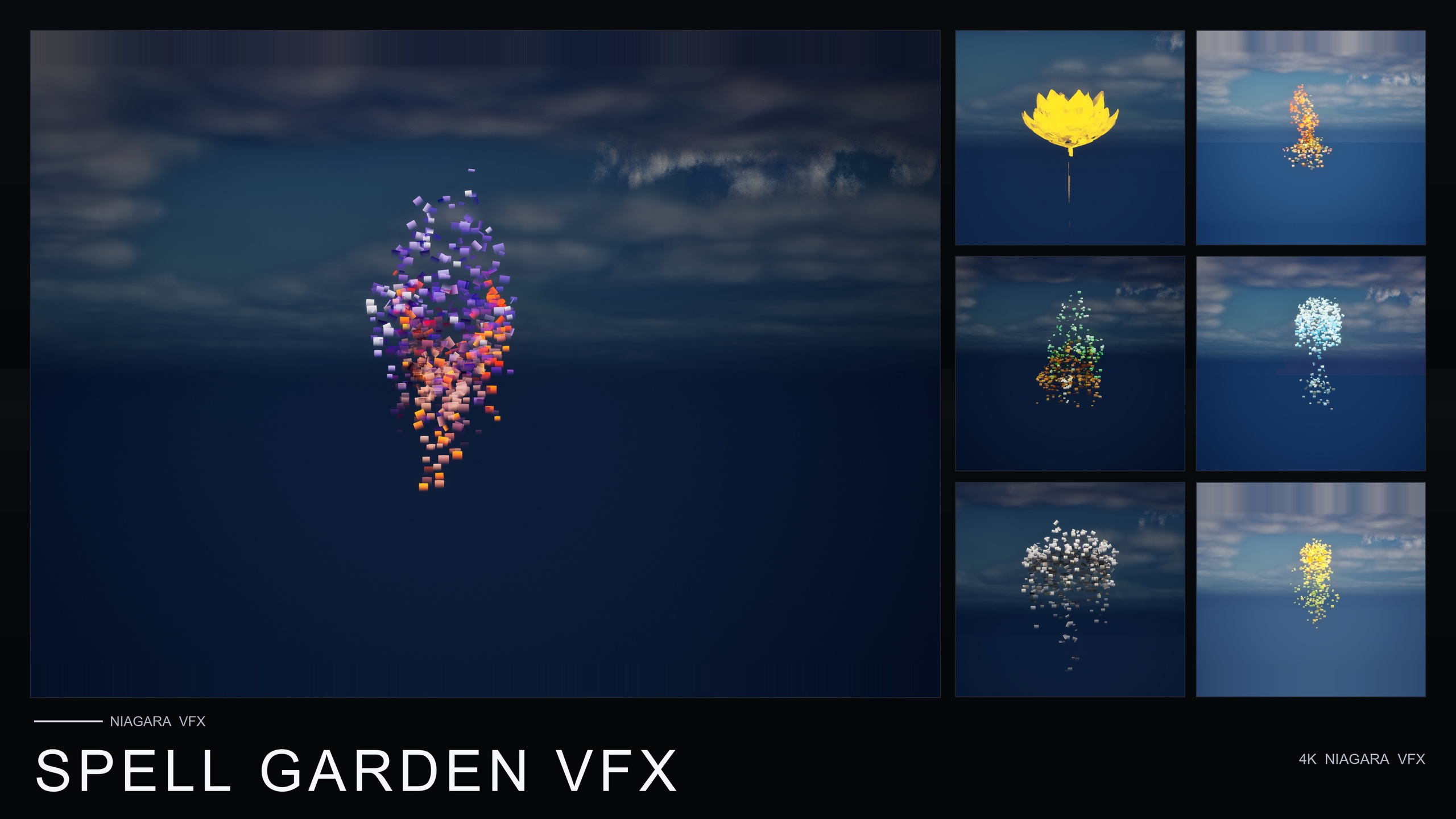
The nature packs follow the same per-map discipline. Ambient Garden VFX applies three ambient families across 51 flower meshes for 150 ready-to-use systems and documents a per-flower cap of about 15 flowers per demo map to stay performant. Cosmic Bloom VFX (100 systems across two celestial families) and Spell Garden VFX (150 systems across three spell families) lay their demos out one map per family with a similar density in mind. None of these are claims about a guaranteed frame rate - they are authoring caps the teams chose so that a single map never tries to run the whole catalogue at once.
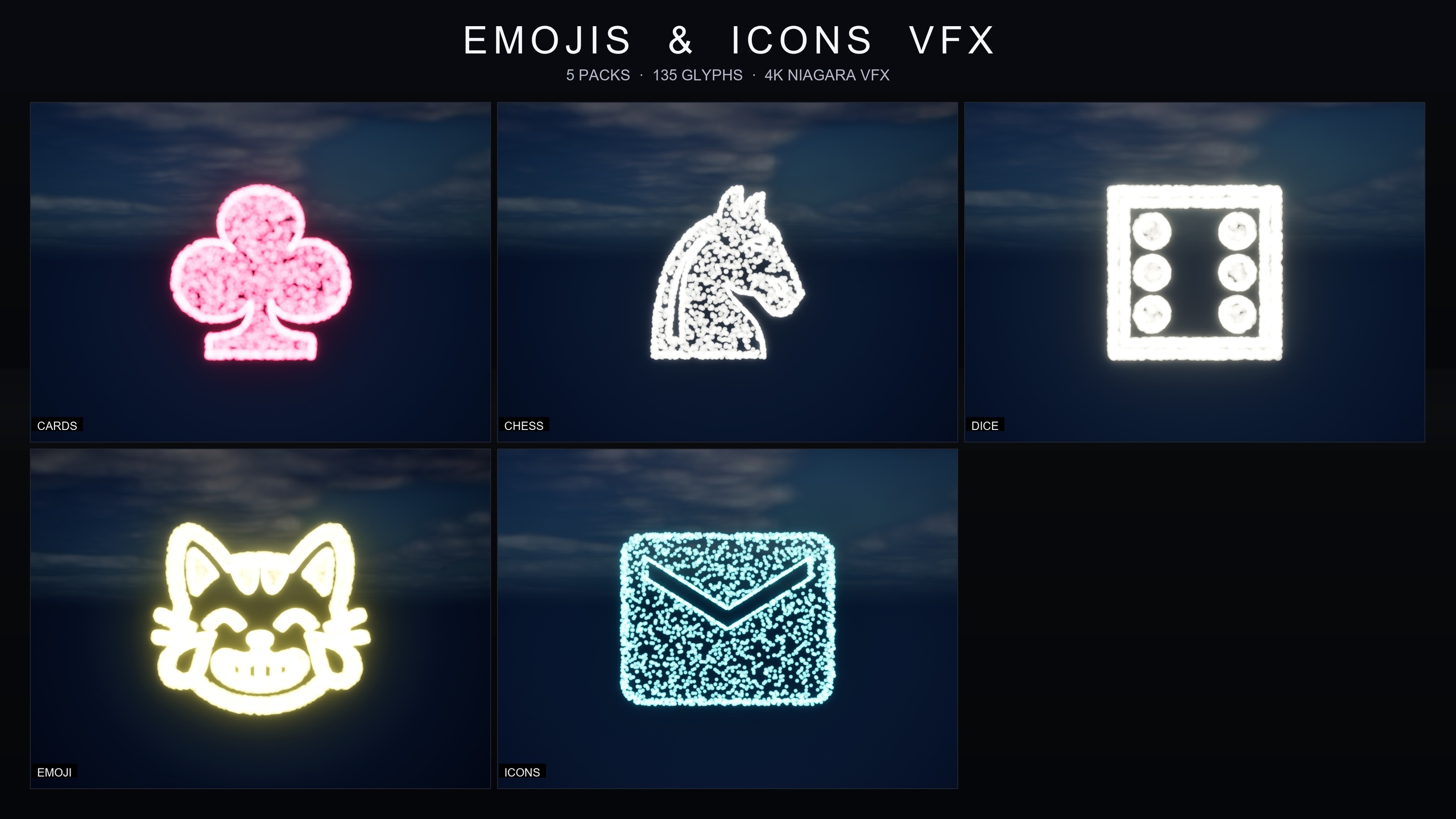
The Emojis and Icons VFX Bundle takes a slightly different tack for a different content type. Its 135 effects are CPU sprite renderers that sample positions across baked glyph meshes, and the larger sets are deliberately split across numbered part maps (the 80-effect emoji set and 29-icon set are not crammed into one level). Crucially, each of its five packs ships a single Niagara Parameter Collection, so you retune spawn rate, particle size, colour and lifetime for an entire category from one asset - which is also the fastest way to dial a UI-flair effect down to a HUD-corner budget rather than a screen-filling one.
Across all of them the budgeting principle is identical. Decide your per-view system ceiling, keep light counts capped and constant, push high-count visual emitters to the GPU, scale spawn counts down on lower tiers, and cull by distance and bounds. The packs are built to those rules, and the rules are what make a scene full of effects ship at frame rate rather than only look good in a screenshot.
Niagara cost centres and the lever that addresses each
| Cost centre | Primary lever | How the packs apply it |
|---|---|---|
| High particle count (simulation) | Promote visual-only emitters CPU to GPU; scale spawn count on Low | Occult bundle promotes high-count core emitters to GPU; Low preset halves spawn count |
| Per-particle dynamic lights | Split lights onto a dedicated low-count emitter; cap light count | Occult bundle splits lights to dedicated low-count LightCap emitters |
| Lost glow after cutting lights | Boost HDR sprite colour and rely on bloom | Occult bundle boosts GPU sprite HDR so bloom recovers the glow |
| Drawing what cannot be seen | Distance culling plus correct fixed bounds | Occult bundle adds ~25 m cull on Low and ships fixed 300-unit-cube bounds |
| Too many systems in one view | Per-scene system budget and pre-ship stack test | Occult bundle: 15 demo maps, ~10 systems each, spawn 5-10 together before shipping |
| No particle LOD chain | Lean on scalability buckets and on/off culling | Nature packs ship LOD0 only and rely on scalability + distance culling |
How the four budgets map to fixes, with the technique each MythicLemon VFX pack uses. Counts and authoring caps are verified product facts; no frame rates or benchmarks are quoted because none are independently measured.
The VFX line at a glance
| Pack | Effects | Families / scope | Sim target | Notes |
|---|---|---|---|---|
| Niagara Occult and Mystic Bundle | 115 systems | 6 esoteric symbol traditions | CPU core, GPU on high-count core emitters (V2) | Per-system scalability overrides, fixed bounds, light-cap emitters |
| Ambient Garden VFX | 150 systems | 3 ambient families x 51 flowers | CPU | LOD0 only; ~15 flowers per demo map |
| Cosmic Bloom VFX | 100 systems | 2 celestial families x 51 flowers | CPU | LOD0 only; one demo map per family |
| Spell Garden VFX | 150 systems | 3 spell families x 51 flowers | CPU | UnfoldingBloom tuned for one-shot triggers |
| Emojis and Icons VFX Bundle | 135 effects | 5 themed packs (cards, chess, dice, emoji, icons) | CPU sprite renderer | One Parameter Collection per pack for one-asset retuning |
Verified counts and sim targets from each product's listing. All are content-only CPU-authored packs except where GPU promotion is noted.
FAQ
For Niagara performance optimization in Unreal Engine, when should I use a CPU emitter versus a GPU emitter?
Keep emitters on the CPU when they are low-count, coupled to gameplay (collisions, events, attribute readback) or emitting per-particle light, because GPU emitters cannot do CPU readback and cannot use the Light renderer. Promote high-count, visual-only emitters to the GPU, where large particle counts are far cheaper. The Occult and Mystic Bundle does exactly this in its V2: gameplay and lighting emitters stay on the CPU while the high-count core emitters that draw each glyph were promoted to the GPU. Remember that GPU emitters need correct fixed bounds to cull properly.
Why do per-particle lights wreck Niagara performance?
A Light renderer turns every live particle into a dynamic light, and dynamic lights are among the most expensive things a particle can produce in a deferred renderer. At high counts they can even overflow internal render-graph resources. The fix is to split lighting onto a dedicated low-count emitter with a hard cap on the number of lights, and recover the visible glow with HDR sprite colour plus bloom rather than a real light per particle. The Occult bundle adopted this after a UE5.4 render-graph handle overflow crash on its V1 build, splitting the per-particle Light renderers off its core emitters onto dedicated, low-count light-cap emitters.
What do Niagara scalability overrides actually change?
They change a system's particle budget per hardware tier or quality preset without you shipping multiple copies of the effect. The two highest-leverage changes are spawn-count scaling (for example halving the count on Low) and distance culling (stop simulating and drawing past a set range). The Occult bundle ships per-system overrides for Low, Medium and High, and on Low it halves spawn count and adds a roughly 25-metre distance cull. Always test on the Low preset before shipping rather than reviewing only on Epic.
Do these VFX packs include particle LODs?
The nature and symbol packs (Ambient Garden, Cosmic Bloom, Spell Garden) ship single-LOD content (LOD0 only) and rely on scalability overrides and distance culling rather than a particle LOD chain. That is a valid strategy for ambient, mid-distance effects, but it means your reduction at distance has to come from spawn-count scaling and on/off culling. If you need finer per-distance simplification you build it yourself with scalability buckets and emitter enable conditions.
How many Niagara systems can I safely place in one scene?
There is no universal number; it depends on your particle counts, light counts and target hardware, which is why per-scene budgeting matters. The practical method, taken from the Occult bundle's pre-ship checklist, is to spawn five to ten of your systems together and confirm frame time stays stable before shipping. The packs encode caps in their demos for this reason - the Occult bundle uses 15 maps with about 10 systems each, and the nature packs cap roughly 15 flowers per demo map.
Niagara Occult & Mystic Bundle
115 Niagara systems of occult and mystic symbology — sigils, runes, ritual glyphs and arcane marks — CPU-simulated with engine-default materials for a tiny footprint.
Related on Fab


Related reading