
article · 2026-03-11
Track Art Tasks and the Asset Pipeline Without Leaving Unreal Engine
Keep asset-production and level-design work organised inside the editor instead of bouncing between Unreal and an external board.
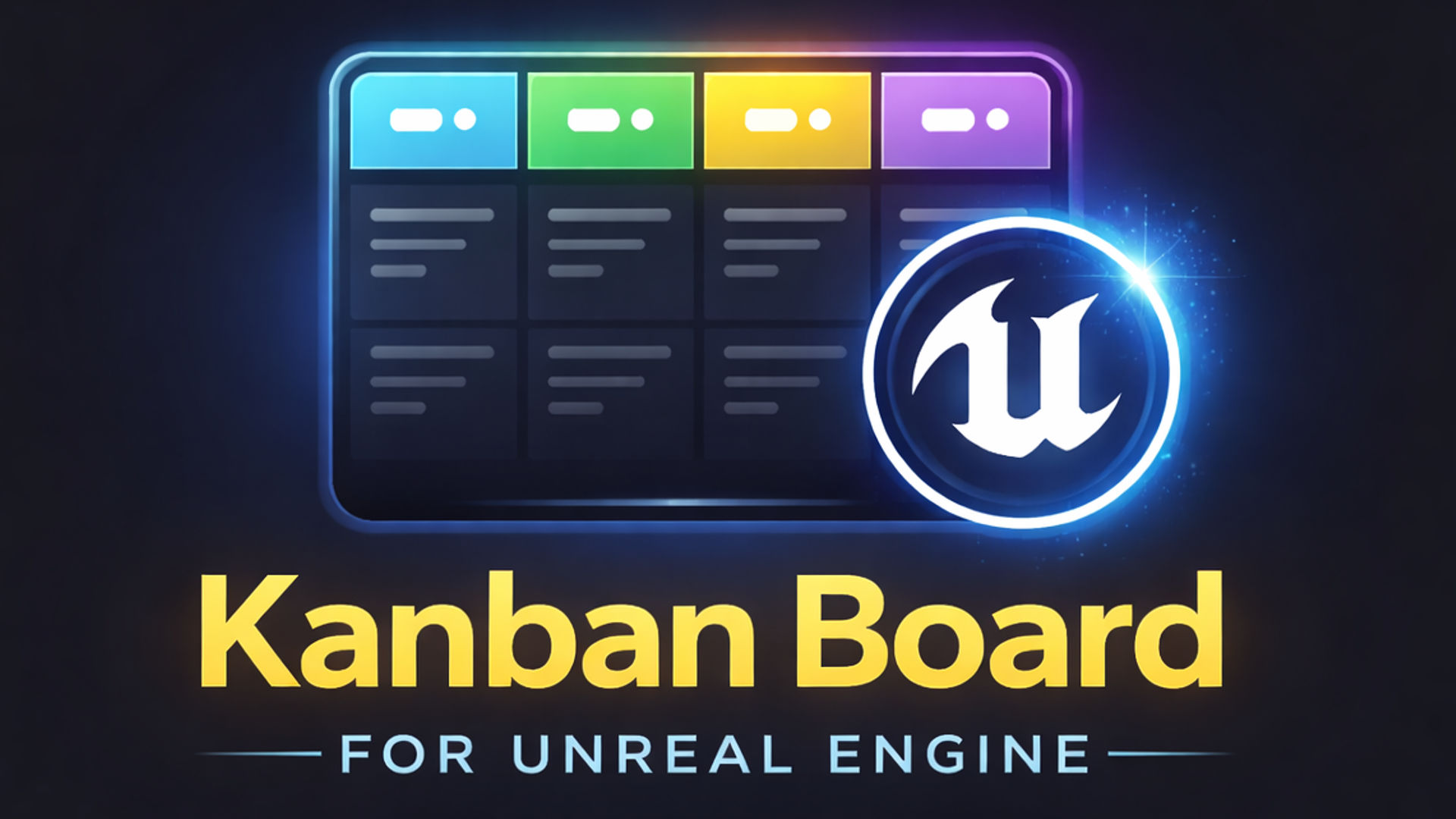
The hidden cost of bouncing between Unreal and your task board
If you are trying to track art tasks and manage the asset pipeline in Unreal Engine, you have almost certainly hit the same friction: the work lives in the editor, but the plan lives somewhere else. You import a mesh, then alt-tab to a browser tab to tick off a card. You finish a level-design pass, then go hunting for the right list to mark it done. Every one of those round trips is a small tax on focus, and across a production day they add up to real lost time and forgotten updates.
The deeper problem is not the seconds. It is that an out-of-editor board drifts out of sync with reality. The artist who just baked a texture rarely stops to log it; the level designer mid-flow does not break concentration to move a card. The board you check on Monday no longer reflects what is actually in the project, so you stop trusting it, and an untrusted board is worse than no board at all.
Easy Kanban Board attacks this at the source. It is an editor-only UE5 plugin that docks a visual Kanban board directly inside the Unreal editor, so the plan sits beside the work rather than in another window. You open it from the Tools menu or the Level Editor toolbar and it appears as a docked panel, columns and cards right where you are already working — no second app, no second login, no drift.
Tagging and priority colours for asset categories
Asset production is rarely one undifferentiated stream of tasks. You have meshes, textures, animations, materials, audio, and on a busy project they are all in flight at once. To organise them you need to categorise them, and Easy Kanban Board gives you two complementary axes for that.
The first is tags. Each card carries a title, a multi-line word-wrapped description, and a list of custom tags you define yourself, so you can label cards 'mesh', 'texture', 'rig', 'env-art' or however your pipeline is structured. Because tags are free-form strings on the card, you are not boxed into a fixed taxonomy — you tag to match how your team actually talks about the work.
The second axis is priority colour. Every card can be assigned one of ten priority colours, giving you an at-a-glance visual read across a column: what is hot, what is blocked, what is nice-to-have. Pair the two — tags for category, colour for urgency — and a wall of cards becomes scannable in seconds rather than something you have to read line by line.
Columns themselves carry their own per-column accent colour and can be reordered with arrow buttons, and you can add as many custom columns as your workflow needs. For asset work, that often means a pipeline like Concept, Blockout, High-poly, Bake, Final — whatever stages your assets actually pass through, modelled as columns you drag cards between to update status, with visual drop-zone feedback as you go.
Real-time search across a busy board
Tagging and colour-coding get you a long way, but on a production with hundreds of cards even a well-organised board becomes a haystack. The card you need to update is somewhere in a column you have to scroll, and scrolling-to-find is exactly the kind of small friction that makes people stop maintaining the board.
Easy Kanban Board solves this with a real-time full-text search that filters cards by title or description as you type. Start typing the name of an asset or a keyword from its description and the board narrows to matching cards immediately, across every column at once. Under the hood this is backed by a dedicated search index in the plugin's core, so filtering stays responsive rather than re-scanning everything on each keystroke.
In practice this changes how you use the board. Instead of remembering which column a task lives in, you search for the asset by name and act on whatever comes back. 'Where did the waterfall VFX task end up?' stops being a hunt and becomes three keystrokes. For a pipeline where the same asset can move through several stages over weeks, that retrievability is what keeps the board usable as it grows.
Multiple boards for parallel workstreams
Asset production and level design are related but they are not the same workstream, and forcing both onto one giant board buries each in the other's noise. Easy Kanban Board supports multiple boards with quick board switching, so you can keep a dedicated asset-production board, a separate level-design board, and a bug-tracking board, and flip between them without losing context.
To get started fast, the plugin ships with three pre-configured board templates. The Default template models a software pipeline (Backlog, To Do, In Progress, Code Review, Testing, Done); the TODO template is a stripped-back To Do / In Progress / Done; and the Animation template runs Ideas, Research, Drafting, Editing, Review, Published — a natural fit for animation work moving from concept to final implementation. Import one as a starting point and reshape its columns to match your own stages.
Each board persists to a human-readable, version-control-friendly JSON file, and you can choose custom save locations or keep the per-project default under the project's Saved folder. Cards retain creation and last-modified timestamps across editor sessions, so the board remembers state between runs. Work auto-saves as you go, with dirty tracking and debounced writes handling persistence in the background — you are not hunting for a save button mid-flow.
Because boards export and import as JSON, lightweight team coordination is built in. Export your asset-production board and a teammate imports it on their machine to see exactly the same state, no shared server required. It is a simple, file-based way to hand off a workstream or keep a remote collaborator in the loop.
Setting it up for your asset pipeline
1. Install Easy Kanban Board through Fab and restart Unreal Engine, then open your project. The plugin targets Unreal Engine 5.5 and newer on Windows, and runs entirely in the editor, so it adds zero runtime overhead to your packaged game.
2. Open the board from the 'Tools' menu or the Level Editor toolbar; it docks as an editor panel you can place wherever suits your layout.
3. Import a template to start from — the 'Default' software pipeline, the simple 'TODO', or the 'Animation' pipeline — using the included pre-populated boards, then rename and reorder columns to match your asset stages.
4. Add a column with the 'Add Column' toolbar button for any pipeline stage you are missing, reorder columns with the arrow buttons, and give each an accent colour so stages read clearly.
5. Create cards for your assets and tasks, giving each a title, a description, a priority colour from the ten available, and category tags; drag cards between columns as work progresses.
6. Spin up a second board for level-design tasks and switch between boards as you move between disciplines, exporting to JSON whenever you need to share state with a teammate.
Set up this way, the board stops being a thing you maintain and starts being a thing you glance at — the plan and the asset both living inside the same editor, finally in sync.
FAQ
Can I track art tasks and the asset pipeline in Unreal Engine without an external tool?
Yes. Easy Kanban Board is an editor-only UE5 plugin that docks a Kanban board inside the Unreal editor, so you plan and track asset-production and level-design work in the same window where the work happens, with no separate app or login.
How do I categorise different asset types on the board?
Each card supports custom free-form tags (for example mesh, texture, rig or env-art) plus one of ten priority colours. Use tags for category and colour for urgency so a busy column stays scannable at a glance.
Can I keep separate boards for asset production and level design?
Yes. The plugin supports multiple boards with quick switching, so you can run a dedicated asset-production board, a level-design board and a bug board in parallel without mixing their cards.
Where is my board data stored, and can I share it with teammates?
Boards save to a human-readable, version-control-friendly JSON file (by default under the project's Saved folder, or a custom location you choose), with auto-save and dirty tracking. You can export a board to JSON and a teammate imports it to see the same state.
Does the plugin add overhead to my packaged game?
No. Easy Kanban Board is editor-only, so it carries zero runtime overhead in a packaged build. It targets Unreal Engine 5.5 and newer on Windows, and each project keeps its own board data.
Easy Kanban Board
Plan features and track work without leaving your project. A simple, fast Kanban board docked right in the Unreal editor — columns, cards and drag-to-move.
Related on Fab
Related reading