tutorial · 2026-02-03
How to Play a Random NPC Voice Bark from a DataTable in Unreal Engine 5
Drive context-aware NPC barks from a single DataTable in Blueprint: filter by ContextTags, pick a random line, LoadSynchronous the soft audio reference, and show the matching subtitle.

Why drive barks from a DataTable instead of hardcoding
If you are searching for how to play a random voice line from a DataTable in UE5 Blueprint, you have already made the right architectural call. Hardcoding NPC barks means a fresh 'Play Sound 2D' node per clip, branches to choose between them, and an edit-compile cycle every time a designer wants a new line. A DataTable flips that around: every line is a row of data, and one small Blueprint can play any of them by context. Add a line, and no graph changes.
The Assassin Dialogue Lore Pack is built around exactly this pattern. It ships as a UE 5.3 project whose Content/AssasinLorePack folder you migrate into your game, and inside it is a DT_Dialogue DataTable holding the assassin's lines alongside four siblings: DT_CharacterProfile, DT_Equipment, DT_Quests and DT_WrittenContent. The lines are professionally recorded one-shot voice clips, so you get believable rogue barks without recording a word yourself, and the pack is free under Fab's Standard licence.
What makes the table query-able is the tagging scheme. Every row in DT_Dialogue carries a ContextTags string in the form category/subcategory/size, for example combat/battle_cry/sm or social/greeting/md. Because the situation is encoded in the data, your Blueprint never needs to know about individual clips: it asks for combat, gets every combat line, and picks one. That is what we are going to build.
The DT_Dialogue row struct
Before you wire anything, open DT_Dialogue in the Content Browser and look at its columns so you know what each row gives you. The row struct exposes Name as the FName row key, then DialogueName, ResponseText, CharacterName, EmotionalTone, ContextTags and NPCType as string fields, and finally VoiceAudio, which is the audio reference you will actually play.
Two columns do the heavy lifting. ContextTags is the filter you query against, and VoiceAudio is the clip you play. ResponseText is the line as written, which you display as a subtitle so players who are not listening still get the content. EmotionalTone can drive a facial animation or a UI mood, but it is optional for a basic bark.
The single most important detail is the type of VoiceAudio. It is a TSoftObjectPtr<USoundWave>, not a hard reference. A soft object pointer is a path to the asset, not the asset itself, so simply having the DataTable loaded does not pull every voice clip into memory. The pack relies on this deliberately: with hundreds of lines available, hard references would load the entire library at once. Instead, each clip stays on disk until you explicitly resolve the pointer, which is the step most first-timers miss and the reason a bark sometimes plays silence.
Getting the rows and filtering by ContextTags
Start by getting a reference to DT_Dialogue. The cleanest way is a DataTable variable on your NPC or bark-manager Blueprint, marked Instance Editable, with DT_Dialogue assigned in the Details panel of the placed actor. Caching it as a variable rather than looking it up every bark is the recommended approach, and the pack's own docs advise caching the DataTable reference and pre-filtering rows by category at init.
1. From your DT_Dialogue variable, add the 'Get Data Table Row Names' node. This returns an array of every row key (FName) in the table. You now have a handle to every line the assassin can say.
2. Make an empty local array of FName called MatchingRows. This will collect the keys of the rows that fit the situation you are reacting to.
3. Add a 'For Each Loop' over the array of row names. Inside the loop, feed the current name into a 'Get Data Table Row' node alongside your DT_Dialogue variable, and choose the dialogue row struct as the Out Row type. This breaks out the struct so you can read its fields.
4. From the broken-out struct, take the ContextTags string and add a 'Contains' string node (the 'Contains' from the String library). Set its Substring to the context you want, for example 'combat' for any combat bark, or be more specific with 'combat/battle_cry' to narrow it to battle cries.
5. Wire 'Contains' into a 'Branch'. On True, 'Add' the current row name to your MatchingRows array. Because ContextTags is structured as category/subcategory/size, a broad substring like 'social' matches every social line, while 'social/greeting' matches only greetings, and adding '/md' restricts to the medium length tier. This single Contains check is your whole filter.
Picking and playing a random line
With MatchingRows populated you can choose one at random and resolve its audio. This is where the soft object pointer finally gets loaded.
1. Guard against an empty result first. Add a 'Branch' that checks whether the 'Length' of MatchingRows is greater than zero. If nothing matched your context, skip the rest so you never index into an empty array. Wiring this guard now saves you a hard-to-trace crash later.
2. On the valid branch, get a random entry. Use 'Random Integer in Range' from 0 to Length minus 1, or the 'Random Array Item' helper, to pull one FName out of MatchingRows. Hold that chosen name as your selected row.
3. Feed the chosen name back into a 'Get Data Table Row' node to break out that specific row's struct, and pull the VoiceAudio field. Remember this is a TSoftObjectPtr, so it is currently just a path.
4. Resolve it by calling 'Load Synchronous' on the VoiceAudio soft reference. This loads the USoundWave from disk on the spot and returns a usable Sound Base reference. For a bark fired in response to an event this synchronous load is fine because the clip is small; if you would rather not hitch, you can swap in an async load, but Load Synchronous keeps the graph simple and matches the pattern the pack documents.
5. Pass the loaded sound into 'Play Sound 2D' for a non-positional bark such as the player's own companion, or 'Play Sound at Location' (passing the NPC's world location) for a bark that should be heard in 3D space from the speaking character. The clips are one-shot with no loop, so the node fires once and finishes on its own with no stop logic required.
Showing the matching subtitle
A voiced line is only half the delivery. Players with audio off, players in noisy rooms, and accessibility-minded players all expect a subtitle, and the row already carries the exact text. Because you broke out the chosen row in the previous step, the ResponseText field is right there next to VoiceAudio.
Take ResponseText from the same chosen row and route it to your UI. The simplest approach is a UMG widget with a Text block: set its text to ResponseText at the moment you call the play node, then start a timer to clear or fade it after a few seconds so it matches the spoken line. Reading the subtitle from the same row you played guarantees the on-screen text always matches the clip you heard, with no second lookup to fall out of sync.
If you want the subtitle to feel hand-timed without measuring every clip, drive the display duration from the line's length tier. The pack tags lines as SM, MD, LG or XL inside ContextTags, so a quick switch on the size segment lets a one-word SM battle cry flash briefly while an XL paragraph stays up long enough to read. You can also surface EmotionalTone here if your UI tints subtitles by mood.
Avoiding immediate repeats
Pure random selection will, sooner or later, play the same bark twice in a row, and nothing breaks immersion faster than an assassin shouting the identical battle cry on two consecutive swings. The fix is small: remember the last row you played and re-roll if you draw it again.
1. Add an FName variable on your Blueprint called LastPlayedRow to remember the previous selection across barks.
2. After you pick a random name from MatchingRows but before you play it, add a 'Branch' comparing the chosen name to LastPlayedRow with an 'Equal (Name)' node. If they are equal and your MatchingRows array has more than one entry, loop back and pick again so you never repeat the previous line. If the array has only one matching row, accept the repeat rather than looping forever.
3. Once you have settled on a name that differs from the last one, set LastPlayedRow to the chosen name, then proceed to Load Synchronous and the play node as before.
For a stronger no-repeat feel across a whole encounter, keep a small array of recently played row names rather than a single value, reject any draw already in that list, and trim the oldest entry once it reaches a few items. That gives a shuffle-bag effect where every line in a category is heard before any repeats.
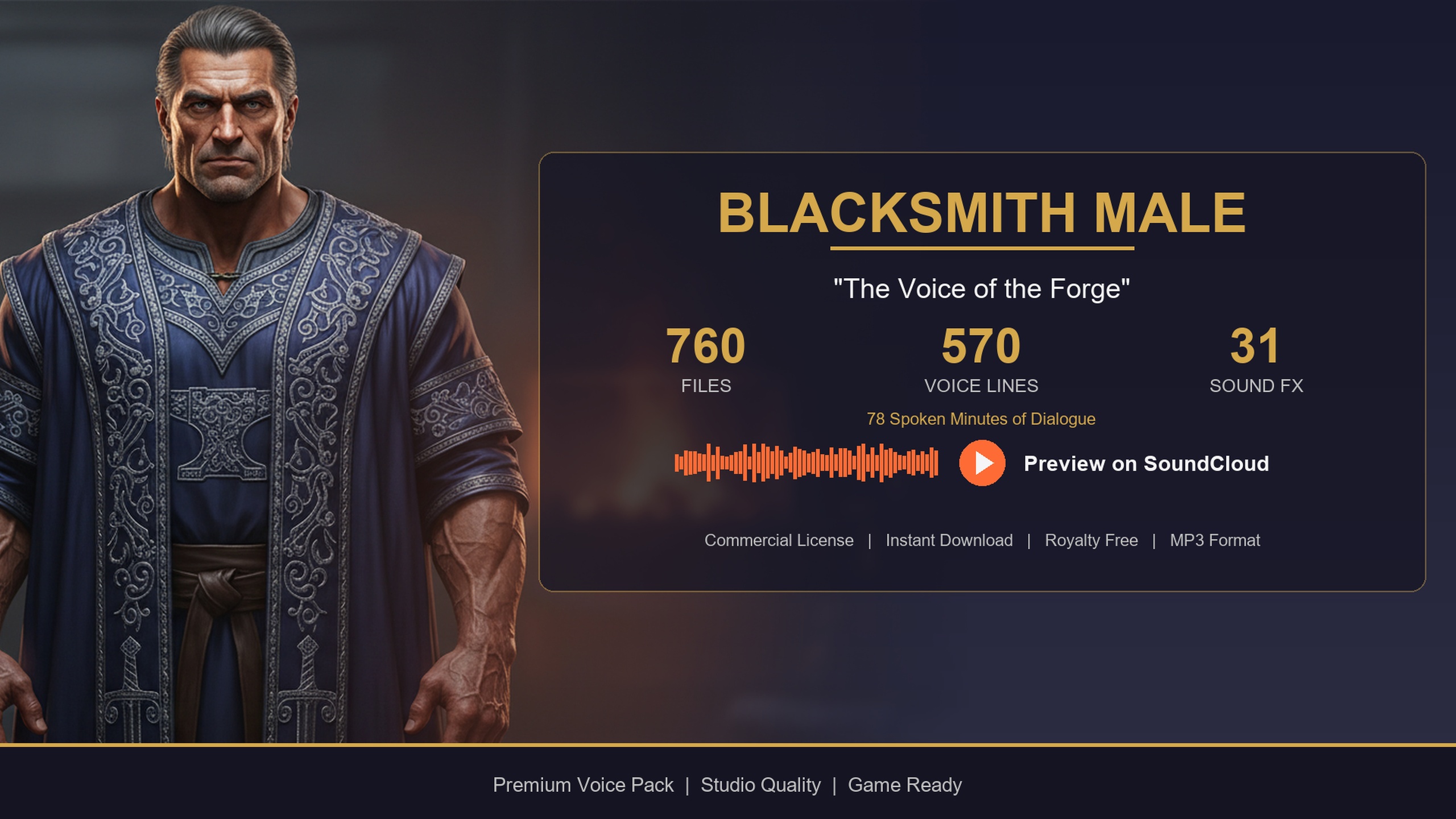
From here the same six-step pattern scales to any speaker in the collection. The Bard Dialogue Pack, Blacksmith Dialogue Pack and the 21-character Fantasy NPC Voices megabundle all use the identical DT_Dialogue schema and the same category/subcategory/size ContextTags, so the bark logic you just built becomes a single reusable function you point at a different character's DataTable. Tie greetings to a shop-open overlap on the blacksmith, lean on the story category and LG and XL tiers for the bard's quest-giving, and reuse one query helper across your entire cast.
DT_Dialogue columns you use to drive a bark
| Column | Type | Role in the bark system |
|---|---|---|
| ContextTags | FString (category/subcategory/size) | Substring filter, e.g. Contains('combat') or Contains('social/greeting') |
| VoiceAudio | TSoftObjectPtr<USoundWave> | Call Load Synchronous to resolve, then Play Sound 2D / at Location |
| ResponseText | FString | Display as the on-screen subtitle for the line you play |
| EmotionalTone | FString | Optional: drive a UI mood tint or a facial animation |
| Name | FName (row key) | The handle you store as LastPlayedRow to avoid immediate repeats |
The two columns that matter most for a random bark are ContextTags (the filter) and VoiceAudio (the clip). ResponseText gives you the subtitle for free.
FAQ
How do I play a random voice line from a DataTable in UE5 Blueprint?
Get all row names from DT_Dialogue, loop them with Get Data Table Row, keep the rows whose ContextTags Contains your situation (e.g. 'combat'), pick a random name from the matches, call Load Synchronous on that row's VoiceAudio soft reference, and feed the result into Play Sound 2D or Play Sound at Location. Read ResponseText from the same row to show the subtitle.
Why does the bark play silence even though the row exists?
The VoiceAudio column is a TSoftObjectPtr<USoundWave>, which is a path rather than a loaded asset. Having the DataTable loaded does not load the clip. You must call Load Synchronous (or an async load) on the soft reference to resolve the USoundWave before passing it to a play node. Skipping that step is the most common cause of a silent bark.
How do I filter lines by situation?
Every row's ContextTags follows the form category/subcategory/size, so use a String Contains check as your filter. 'combat' matches all combat lines, 'combat/battle_cry' narrows to battle cries, and adding '/sm' or '/md' restricts to a length tier. Collect every matching row name into an array, then pick one at random.
How do I stop the same bark repeating back to back?
Store the last played row's FName in a variable, and after choosing a random match compare it to that variable. If they are equal and more than one row matched, re-roll before playing. For a stronger effect keep a short list of recently played rows and reject any draw already in it, which gives a shuffle-bag feel where every line plays before any repeats.
Can I reuse this Blueprint for other NPC packs?
Yes. The Bard Dialogue Pack, Blacksmith Dialogue Pack and the Fantasy NPC Voices megabundle all share the same DT_Dialogue schema and the same category/subcategory/size ContextTags. Turn the six steps into one reusable function and point it at a different character's DataTable to voice your whole cast from a single code path.
Assassin Dialogue Lore Pack
A free lore pack of dark, stealthy assassin and rogue dialogue — 72 minutes of professionally delivered lines covering combat, lore and ambient barks. Drop-in audio cues for any UE5 RPG.
Related on Fab

Related reading