tutorial · 2024-12-19
Quick Environment Prototyping with Stamp Tools and PCG
Go from flat plane to believable playable environment in hours instead of days using stamps and procedural rules.
The goal of prototyping
In early production you need to answer 'does this space feel good to move through?' and 'does the gameplay loop work here?' before spending weeks on final art.
Stamp tools + PCG let you build convincing greybox+ environments extremely fast while still feeling like a real place.
The output should be playable and fun, not pretty.
Fast iteration loop
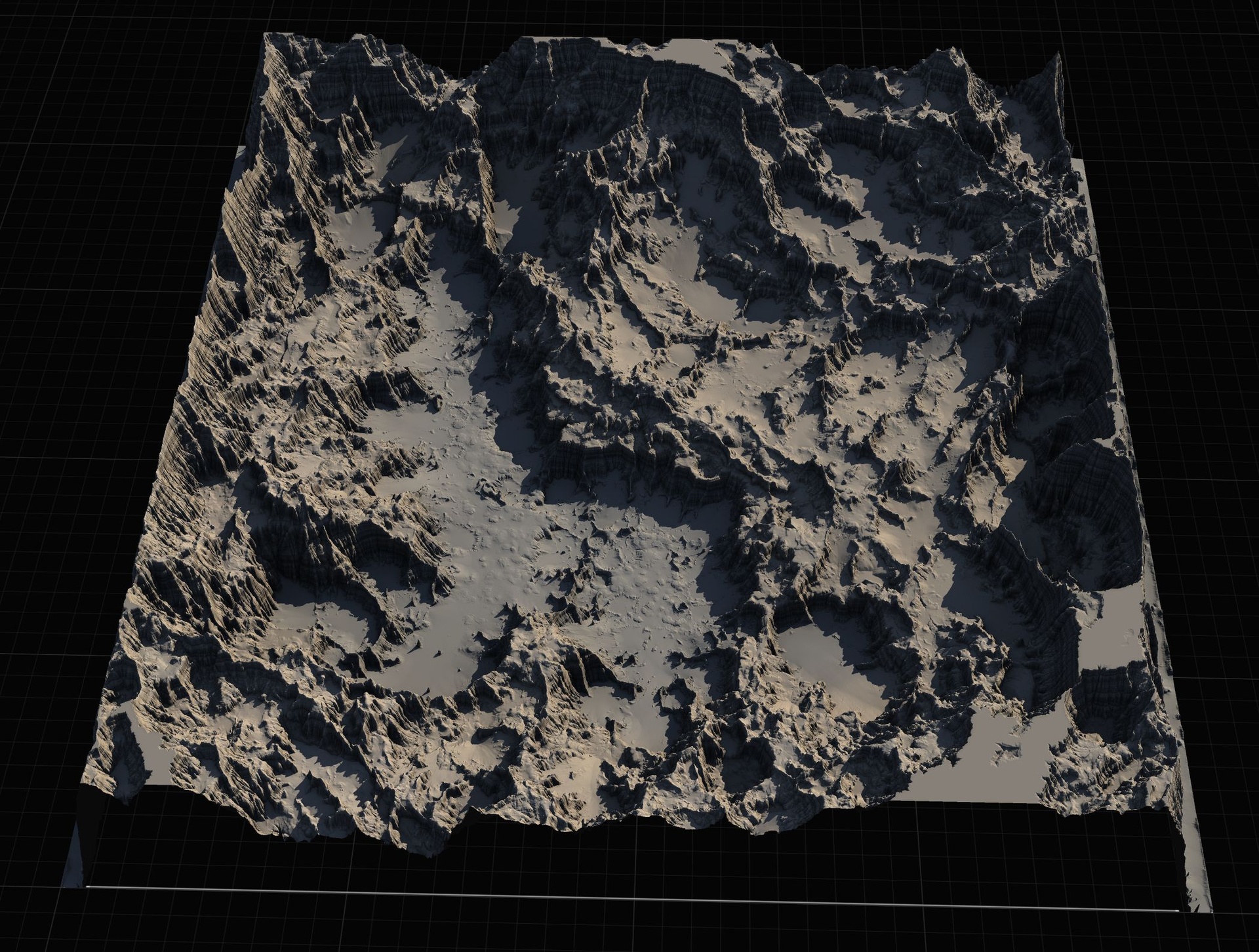
Stamp major landforms (hills, canyons, clearings) with a few passes.
Run a simple PCG graph for ground cover and mid-size props using the same height/slope masks.
Drop a few hero props and a basic lighting setup (directional + skylight or simple Lumen).
Play the space. If it doesn't feel right, stamp or delete and try again. Total time per major iteration: 30-90 minutes.
Knowing when to move on
Once the layout, pacing, and key moments feel solid, lock the terrain and move to final texturing and hero art passes.
Keep the prototyping PCG graph around as a 'blockout' layer that can be disabled when final foliage goes in.
Document what worked and what didn't so the next prototype starts even faster.
FAQ
Should the prototype use final assets or greybox?
A mix. Use some final or near-final props and VFX so you can judge readability and mood. Use greybox or low-fidelity for everything that is still in flux.
Landscape Stamp Tool
Sculpt terrain by dragging blueprint tools into a World Partition level — seven geological stamp types (mountains, canyons, rivers, volcanoes and more) that blend together to morph the landscape in place. 8 tool blueprints, no code.
Related on Fab
Related reading