
tutorial · 2026-05-20
Adding Readable Scriptures and Prophecies to Your UE5 World
Build an in-world readable lore book and prophecy system in Unreal Engine 5, driven by a DataTable of written divine content.
Why scriptures and prophecies need a real data layer
Few things sell a divine, mythic world faster than letting the player pick up a weathered scripture, a commandment carved for an absent god, or a prophecy that gestures at the ending they haven't reached yet. The problem is rarely the idea and almost always the plumbing. Hard-code each book as its own widget and you end up with dozens of one-off Blueprints, no shared layout, and no way to query content by type. Building an Unreal Engine readable lore book and prophecy system properly means separating the writing from the presentation: store every document as a row of structured data, and render any of them through one widget.
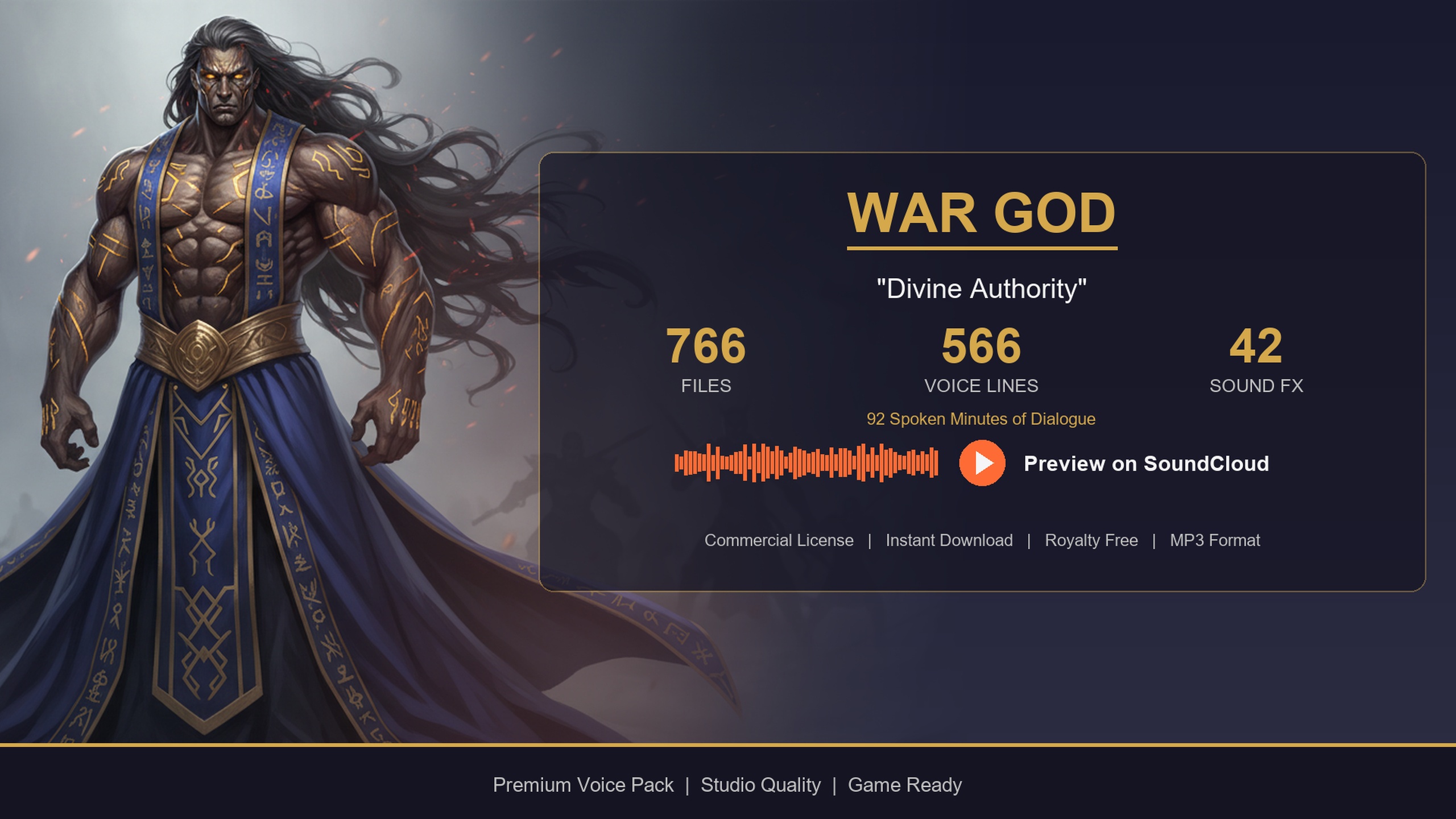
That is exactly the shape the Deity Dialogue Pack ships in. Alongside the deity/war-god voice performance, the pack includes 85 written-content lore items — commandments, scriptures and prophecies styled as books, journals and letters — sitting in a DataTable called DT_WrittenContent. Because the writing is already authored, schema'd and divine in tone, you can wire up a working readable-document system in an afternoon and spend your time on presentation rather than copywriting.
The DT_WrittenContent DataTable
DT_WrittenContent is one of the five DataTables in the pack (the others being DT_Dialogue, DT_CharacterProfile, DT_Equipment and DT_Quests). Each row represents a single readable document. The fields you care about for a reading UI are Title (the heading shown at the top of the page), ContentType (a tag describing what kind of writing it is), Body (the document text itself) and WordCount (an integer you can use to pace or paginate).
Open the DataTable in the Content Browser to see the rows laid out. The ContentType column is what makes the system flexible: values are grouped by form, so you'll see types such as 'book_philosophy' and 'book_history' for prose works, and 'poetry_' prefixed types for verse. For a scripture or prophecy display you don't need to read every row — you filter to the content types that fit the moment, which is the next step.
Because this is a standard UE DataTable, nothing about your code is specific to the deity character. The same row structure is shared across the wider collection, so anything you build here transfers directly to the other Lore Packs.
Filtering to the writing you want
You rarely want a random document; you want a scripture at a shrine, a prophecy at an oracle, a philosophy tract in a library. Filter DT_WrittenContent by ContentType so each location surfaces the right form of writing.
1. In your reading actor or HUD Blueprint, add a variable of type 'Data Table' and assign DT_WrittenContent to it.
2. Call the 'Get Data Table Row Names' node on that table to retrieve every row key.
3. Loop the names with a 'For Each Loop', and inside it call 'Get Data Table Row' to read each row's struct, breaking it to expose ContentType, Title and Body.
4. Keep only the rows whose ContentType matches what this location should show — for example the 'book_philosophy' and 'book_history' types for a temple library, or the poetry types for a sung prophecy. Add the matches to an array.
5. From that filtered array, pick the entry you want (a specific row for a story-critical scripture, or a random one for incidental world flavour) and pass its Title and Body on to the widget.
Because you are filtering on a plain string field, you can be as broad or as narrow as you like — match an exact ContentType for tightly themed shelves, or test whether the value merely contains 'book' or 'poetry' for looser groupings. Cache the filtered arrays once at level load rather than rebuilding them on every interaction.
A readable-document widget and tying it to divine lore
The presentation layer is a single UMG widget you reuse for every document. Create a User Widget with a styled background (a page, scroll or stone tablet to suit your world), a 'Text Block' bound to the Title, and a second 'Text Block' inside a 'Scroll Box' bound to the Body so long passages scroll cleanly. Expose Title and Body as widget variables and add a 'Set Text' on each in the widget's construction so a single 'Open Document' call can repopulate the same widget with any row. The WordCount field is handy here: use it to decide whether a passage needs the scroll box at all, or to split very long bodies across pages.
Tie it to the world by triggering the read from an interactable — an altar, a lectern, a fallen idol. On 'Interact', run the filter from the previous step to choose the row, create the widget, push the chosen Title and Body in, and add it to the viewport. To make the moment feel genuinely divine rather than like reading a menu, pair the reveal with the pack's voice: filter DT_Dialogue by a story or proclamation context, LoadSynchronous the VoiceAudio soft reference, and 'Play Sound 2D' so the war-god voice narrates non-diegetically as the scripture appears — no attenuation, so it reads as the voice of a god rather than a sound in the room.
Once the loop works for one location, scaling it is just authoring data and placing interactables — every new shrine is another DataTable row and another lectern, not another Blueprint. The Deity Dialogue Pack gives you the 85 documents and the matching divine voice to start with; if you later want assassin journals, bard tales or the full 21-character library, the same widget and the same query work unchanged across the collection.
FAQ
How do I add a readable lore book and prophecy system to Unreal Engine?
Store each document as a row in a DataTable (the Deity Dialogue Pack uses DT_WrittenContent with Title, ContentType, Body and WordCount fields), filter the rows by ContentType to choose the right scripture or prophecy for a location, then render the chosen Title and Body through one reusable UMG widget triggered by an interactable like an altar or lectern.
What ContentTypes are available for the documents?
The written content is grouped by form. Prose works use types such as 'book_philosophy' and 'book_history', and verse uses 'poetry_' prefixed types. You filter on these strings to surface the right kind of writing — for example matching the book types for a library, or the poetry types for a sung prophecy.
Do I need to write any C++?
No. The whole system can be built in Blueprint using the 'Get Data Table Row Names', 'For Each Loop' and 'Get Data Table Row' nodes to filter, plus a UMG widget with Text Blocks bound to the Title and Body. DT_WrittenContent is a standard UE DataTable, so C++ is optional if you prefer it.
Will the same system work with the other Lore Packs?
Yes. The row structure for written content is shared across the collection, so the widget and the query logic you build for the Deity Dialogue Pack transfer unchanged to the Assassin, Bard and the full Fantasy NPC Voices megabundle without rewriting your reading code.
Deity Dialogue Pack
Booming pronouncements and divine narration — 92 minutes of deity dialogue for gods, oracles and otherworldly beings. Cinematic voice cues to give your RPG's higher powers a real presence.
Related on Fab



Related reading