tutorial · 2026-03-27
Recolour a Whole Set of Niagara Effects at Once with a Parameter Collection
Use a Niagara Parameter Collection to change the colour, size and spawn rate of an entire alphabet of glyph effects from a single asset edit in UE5.

The problem: recolouring every system one at a time doesn't scale
You have placed a wall of glowing glyphs in your level and the art director wants the amber burn changed to a curse-blue. If each effect is its own Niagara System with its colour baked into the emitter, you are now opening dozens of assets, hunting for the right module, and editing the same value over and over. Miss one and the wall reads inconsistently. Change your mind and you do it all again.
This is exactly the case a Niagara Parameter Collection is built for. If you want to know how to use a Niagara Parameter Collection to change colour across all systems in UE5, the short answer is that you stop editing the systems and start editing one shared asset that every system reads from. Change it once and the whole writing system retunes together.
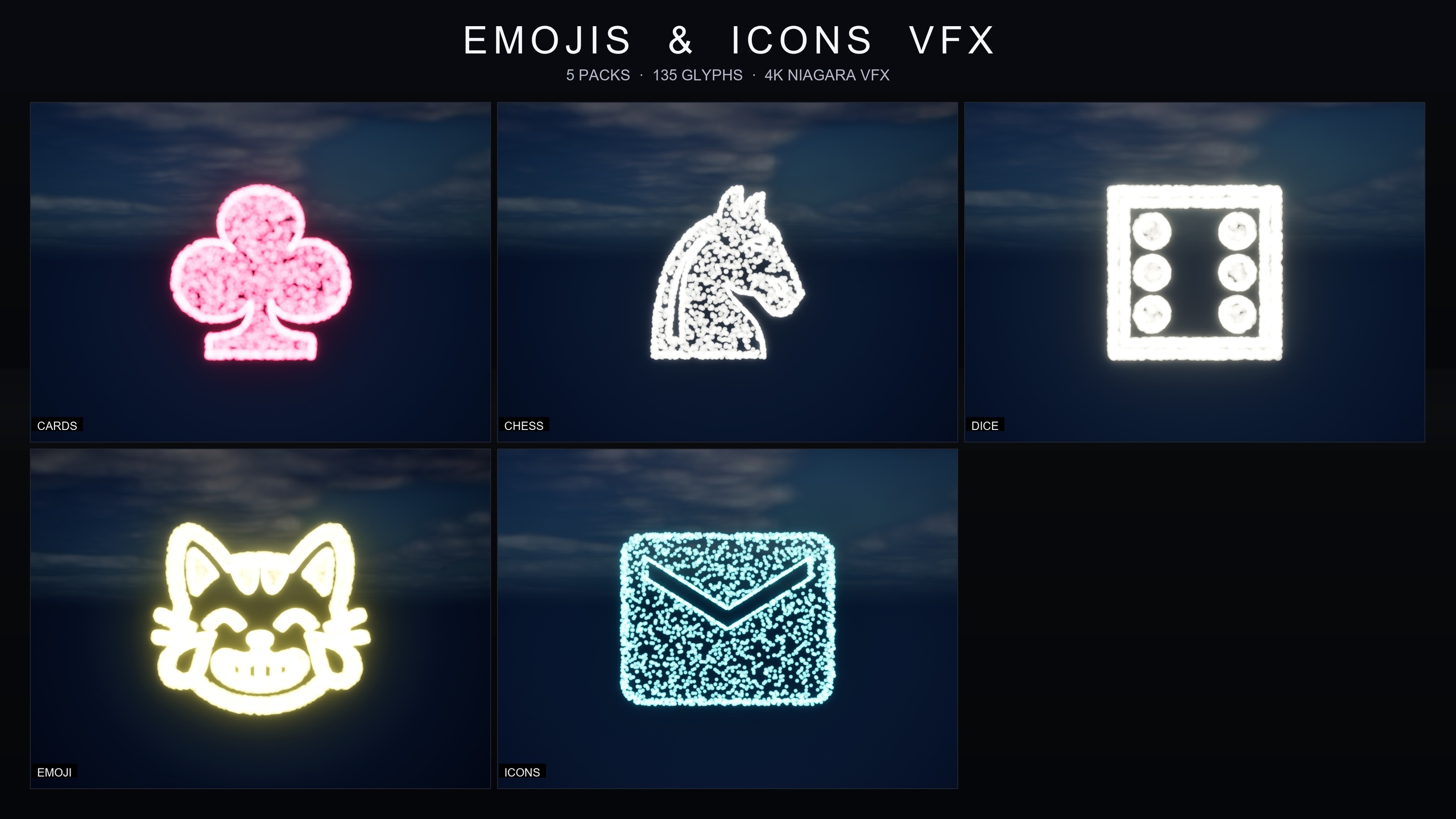
The Niagara Alphabet & Symbols Bundle is built around this pattern. It ships 687 individual Niagara Systems grouped into 25 themed writing and symbol sets, and the themes that carry a Parameter Collection are wired so that a single edit recolours and re-times the entire set. This tutorial walks through how that wiring works, how to drive it, and how to break out of it for the one glyph that needs to be different.
What a Niagara Parameter Collection is and why it scales
A Niagara Parameter Collection, or NPC, is a small standalone asset that holds a named bag of parameters: colours, scalars, vectors. It lives in your Content folder independently of any emitter. Multiple Niagara Systems can reference the same collection, so the collection becomes a single source of truth that fans out to every system that reads it.
The bundle ships per-theme collections rather than one giant global one. Four Niagara Parameter Collections come with the full bundle, including 'NPC_HieroglyphicsStyle', 'NPC_AlphabetChineseStyle', 'NPC_AlphabetCyberpunkStyle' and 'NPC_AlphabetEnglishStyle'. Each one exposes the style knobs for its writing system, typically colour, sprite size and spawn rate, so that recolouring an alphabet is a one-asset job rather than a per-glyph chore.
The reason this scales is that the cost of a change becomes constant rather than proportional. Whether a theme contains eighteen glyphs or thirty-six, editing the collection touches them all at once. You spend your time deciding what the colour should be, not propagating that decision by hand across a folder of assets.
How the emitter inputs are linked to NPC parameters
The link runs from the emitter back to the collection. Inside each glyph system, the relevant emitter inputs, the colours and sizes and spawn rates, are not set to literal constants. They are linked to a named parameter on the theme's collection, for example 'NPC.HieroglyphicsStyle.EmberCoreColor'. When Niagara evaluates the emitter, it reads the current value from the collection.
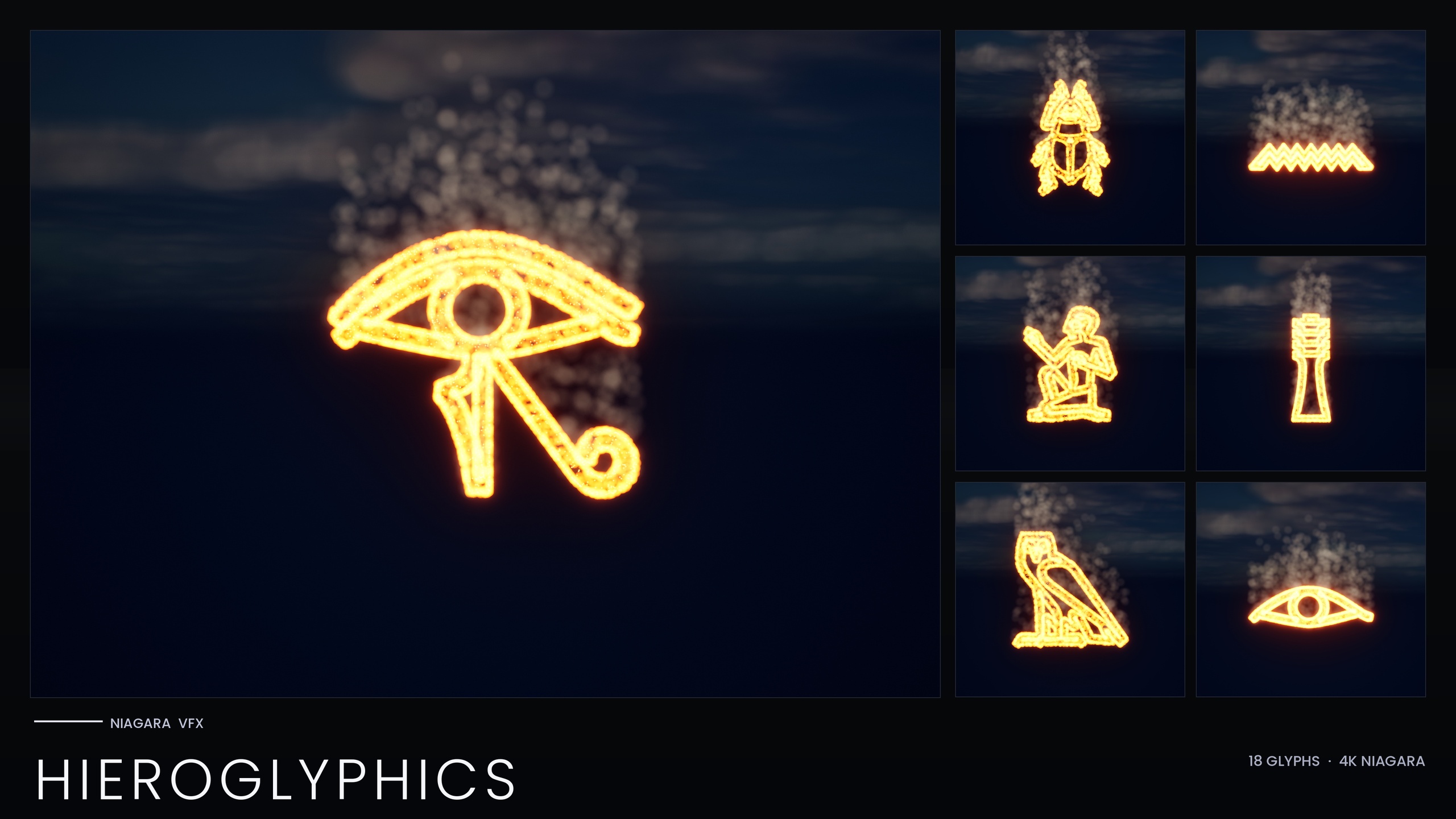
Because every glyph in a theme points at the same collection parameters, editing one collection retunes every glyph in the set. In the hieroglyphics set, for instance, the three emitters that give each glyph its identity, a hot ember core, a red-orange glow halo and a slow smoke column, all read their colours and sizes from 'NPC_HieroglyphicsStyle'. That single collection carries eight parameters covering the ember, glow and smoke colours, their sizes, and the spawn rates.
To see the linkage yourself, open any glyph Niagara System (the 'NS_' assets) and look at the module inputs that drive colour or size. A value bound to a collection shows the collection parameter as its source rather than an inline number. If you ever need to confirm which collection a theme uses, this is where the binding is declared.
One practical requirement falls out of this design: the collection asset must exist in the project when the systems are imported, so the linked parameters can resolve. The bundle ships the collections alongside the systems for exactly this reason, so a clean import already has everything wired.
Editing one NPC to retune an entire alphabet
With the link understood, the recolour itself is fast. The following steps recolour and re-time a whole writing system from its Parameter Collection.
1. In the Content Browser, find the theme's collection, for example 'NPC_HieroglyphicsStyle', and double-click to open it. You will see its named parameters: the ember, glow and smoke colours, the matching sizes, and the spawn rates.
2. Click the colour parameter you want to change, such as 'EmberCoreColor', and pick your new colour. These are HDR colours, so push values above 1.0 on the channel you want to bloom; the glow in this bundle comes from HDR sprite colour driving the engine's bloom, not from a custom material.
3. Adjust the size and spawn-rate parameters in the same panel if you want the set denser, sparser, larger or smaller. Because the systems read these values live, you do not need to touch any 'NS_' asset.
4. Save the collection. Every glyph system in that theme now reflects the new style at once. Drop a few of them in a level, or open one of the bundle's demo maps ('L_Demo_AllPacks' or 'L_Demo_PackRows'), to confirm the whole set reads consistently.
5. Keep bloom enabled in your post-process volume while you judge the result. Since the glow depends on HDR colour driving bloom, a scene with bloom switched off will make a correctly-coloured set look flat and under-lit.
Because these systems are CPU-simulated and stack per instance, follow the bundle's own guidance and keep the number of systems placed in any one scene manageable. Recolouring is free, but spawning hundreds of CPU systems together is not.
Per-glyph overrides when one symbol needs a different tint
Shared style is the default, not a cage. There will be moments when a single glyph needs to stand apart, a key rune in a ritual, the one cartouche the player is meant to read, an active symbol in an otherwise dormant inscription. Per-glyph colour overrides are supported on individual systems for exactly this.
To pin one glyph, open that specific 'NS_' system and override the colour input directly on its emitter instead of leaving it bound to the collection parameter. That one system now ignores the shared value and uses your local colour, while every other glyph in the theme continues to follow the collection. You get the best of both: bulk control for the set, manual control for the exception.
A clean way to work is to set the overall mood on the collection first, get the whole alphabet sitting right, and only then break out the handful of glyphs that need to differ. That keeps your overrides deliberate and few, so a later global change to the collection still sweeps through almost everything as intended.
Scaling the pattern across the wider library
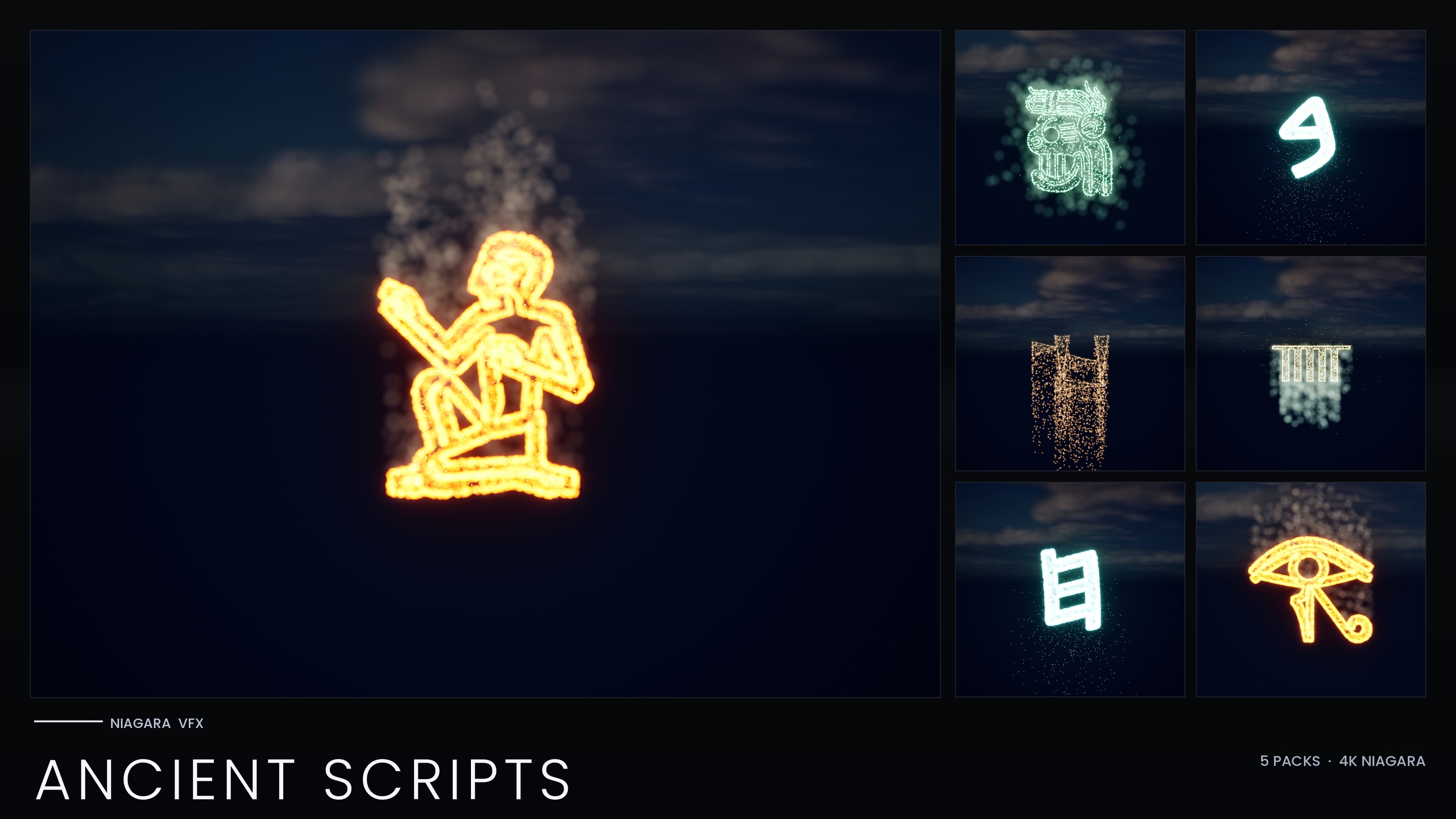
The same workflow carries across the rest of the glyph line. The smaller themed packs are built on the identical backbone, so the technique you learn on one set transfers directly. The standalone Hieroglyphics Pack ships its 18 glyphs driven by the single 'NPC_HieroglyphicsStyle' collection. The Ancient Scripts Pack covers five real writing systems, Egyptian Hieroglyphics, Cuneiform, Mayan, Ogham and Phoenician, across 114 systems, again recoloured per script from its Parameter Collection.
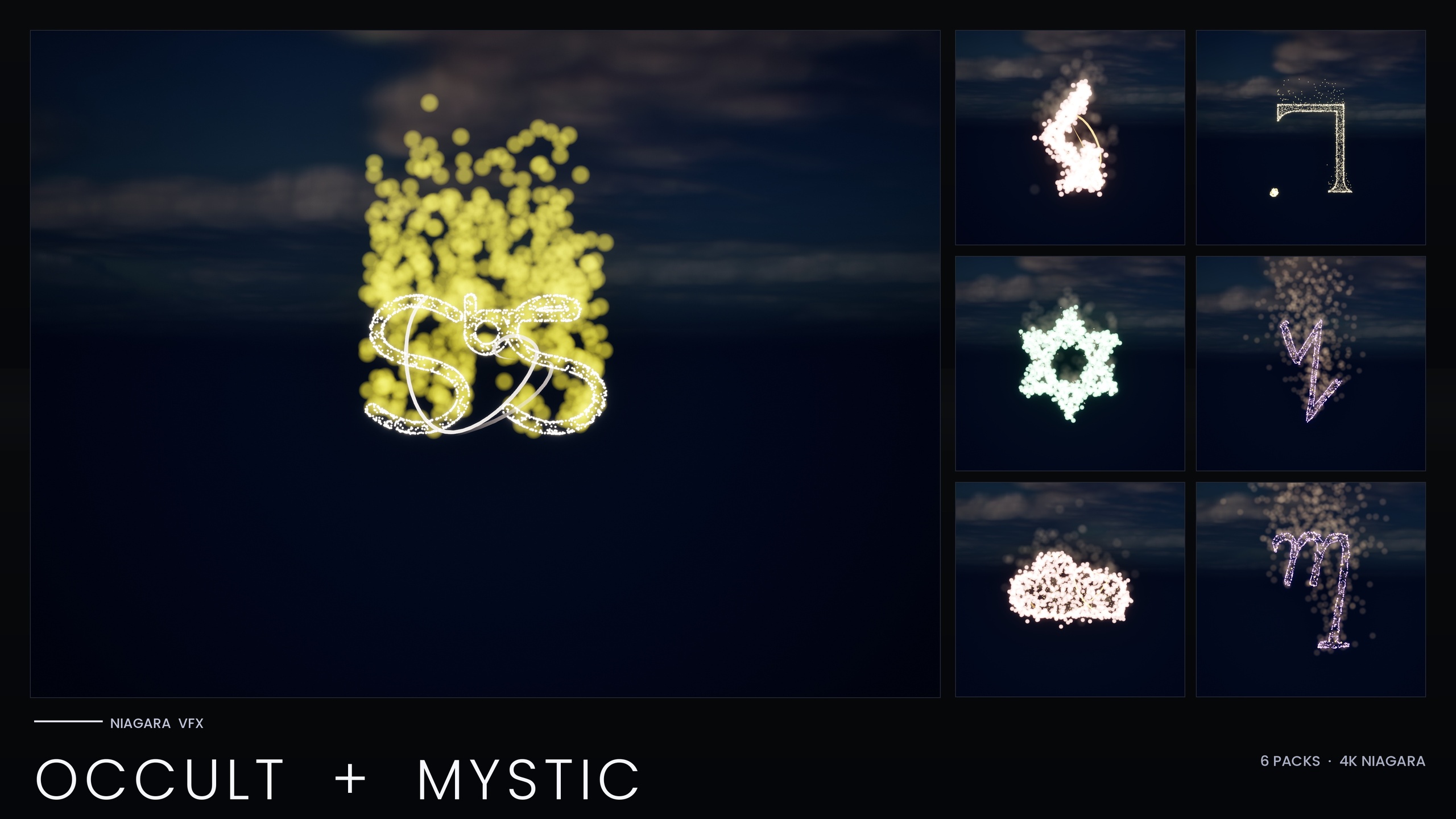
The Occult & Mystic Bundle applies the same shared-backbone idea to 115 systems across six esoteric traditions, Alchemy, Arcana Tarot, Enochian, Seals of Solomon, Sigils of the Zodiac and Theban, so you can swap a summoning circle from gold to spectral green from one asset. Note that this bundle shipped a performance-optimised V2 with per-system scalability overrides for Low, Medium and High platforms, so test on the Low preset before shipping.
If you own the full Alphabet & Symbols Bundle, you already hold all of these as themed subsets, with four Parameter Collections covering the themes that include one. Whichever pack you start from, the muscle memory is the same: find the collection, edit colour, size and spawn rate, save, and let the whole set follow.
Parameter Collection coverage across the glyph line
| Pack | Niagara Systems | Parameter Collections | Scope |
|---|---|---|---|
| Hieroglyphics Pack | 18 | 1 (NPC_HieroglyphicsStyle) | One Egyptian set |
| Ancient Scripts Pack | 114 | 1 | Five ancient scripts |
| Occult & Mystic Bundle | 115 | Per-tradition backbone | Six esoteric traditions |
| Alphabet & Symbols Bundle | 687 | 4 | 25 themed sets (superset) |
Niagara System counts and Parameter Collections per pack, from each product's listing facts.
FAQ
How do I use a Niagara Parameter Collection to change colour across all systems in UE5?
Open the theme's Niagara Parameter Collection asset (for example NPC_HieroglyphicsStyle), edit the colour parameter, and save. Every Niagara System whose emitter inputs are linked to that collection parameter reads the new value, so the whole writing system recolours from a single edit rather than from touching each NS_ asset.
Why isn't the new colour glowing after I change it?
The glow comes from HDR sprite colour driving the engine's bloom post-process, not from a custom material. Push the colour channel above 1.0 for HDR and make sure bloom is enabled in your post-process volume. With bloom off, a correctly-coloured set will look flat.
Can I make one glyph a different colour from the rest of the set?
Yes. Per-glyph colour overrides are supported on individual systems. Open that specific NS_ system and override the colour input on its emitter instead of leaving it bound to the collection parameter. That glyph then uses your local colour while every other glyph keeps following the shared collection.
Does the Parameter Collection asset need to be present for the link to work?
Yes. The collection must exist in the project when the systems are imported so the linked parameters can resolve. The bundle ships the collections alongside the systems, so a clean import already has the bindings wired up.
Besides colour, what else can I retune from the collection?
The collections expose style parameters such as sprite size and spawn rate alongside colour. The hieroglyphics collection, for example, carries eight parameters covering the ember, glow and smoke colours, their sizes, and the spawn rates, so you can make a set denser, sparser, larger or smaller from the same asset.
Niagara Alphabet & Symbols Bundle
The complete glyph VFX bundle — 687 Niagara systems built from 26 alphabets and symbol sets (Alchemy, Cyberpunk, Matrix, Hieroglyphics, Runes, Zodiac, Tarot and more), with per-theme Parameter Collections and two demo maps. All CPU-simulated for broad device support.
Related on Fab
Related reading