
comparison · 2026-04-07
Best Sci-Fi Font Effect for Game UI in Unreal: Five Niagara Scripts Compared
Alien, Cyberpunk, Matrix, Starforged and Circuit - what each script is for, and how to pick the right one for your scene.
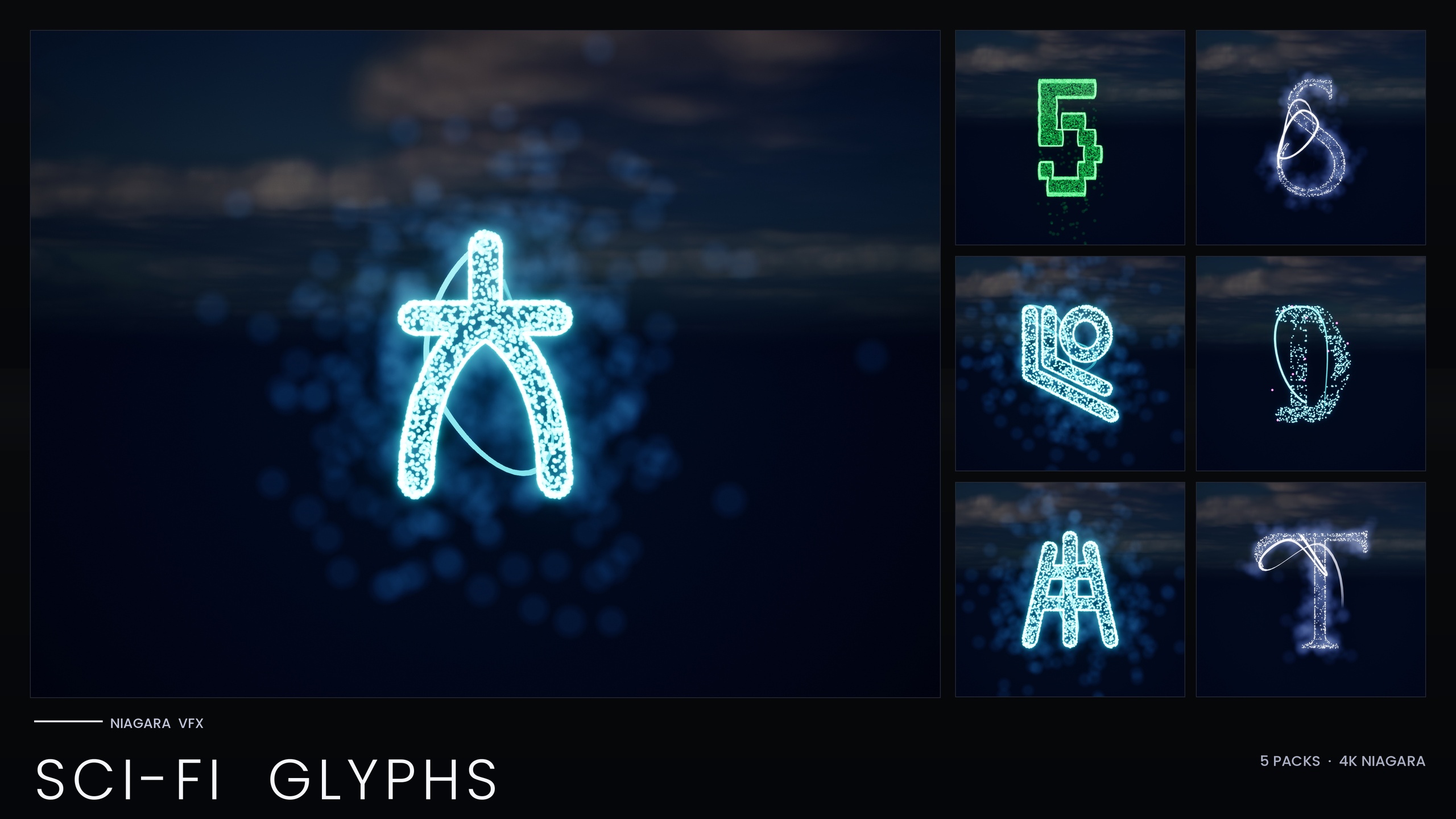
Five scripts, one Niagara backbone
If you are hunting for the best sci-fi font effect for game UI in Unreal, the hard part is rarely making one glyph glow. It is choosing a writing system that suits the scene - a terminal, a street sign, a first-contact transmission - and that you can recolour and reuse without rebuilding the look five times. A single shader-driven decal cannot spell with reactive, spawnable characters; a proper glyph pack can.
The SciFi Glyphs Bundle answers that with 147 Niagara Systems and 147 matching static meshes across five distinct scripts: Alien, Cyberpunk, Matrix, Starforged and Circuit. Every glyph is an independently spawnable CPU Niagara System, so you can compose actual words, react to gameplay events and tint them per scene. Everything is CPU-simulated and uses Unreal's default materials - zero custom materials, zero textures - so the footprint stays small and the glow comes purely from HDR sprite colour driving bloom. Here is what each script is and where it fits.
The identity of each script
Alien is a first-contact xenoglyph - an unfamiliar, non-human alphabet built for transmissions, decode scenes and xenoarchaeology reveals. It carries no Earth association, which is exactly what you want when the audience should feel they cannot read it.
Cyberpunk is a neon signage alphabet styled after Audiowide, the squared geometric look you expect on ramen-shop type, megacity holograms and street signs. It is the most overtly UI-friendly of the five because it descends from a real display font.
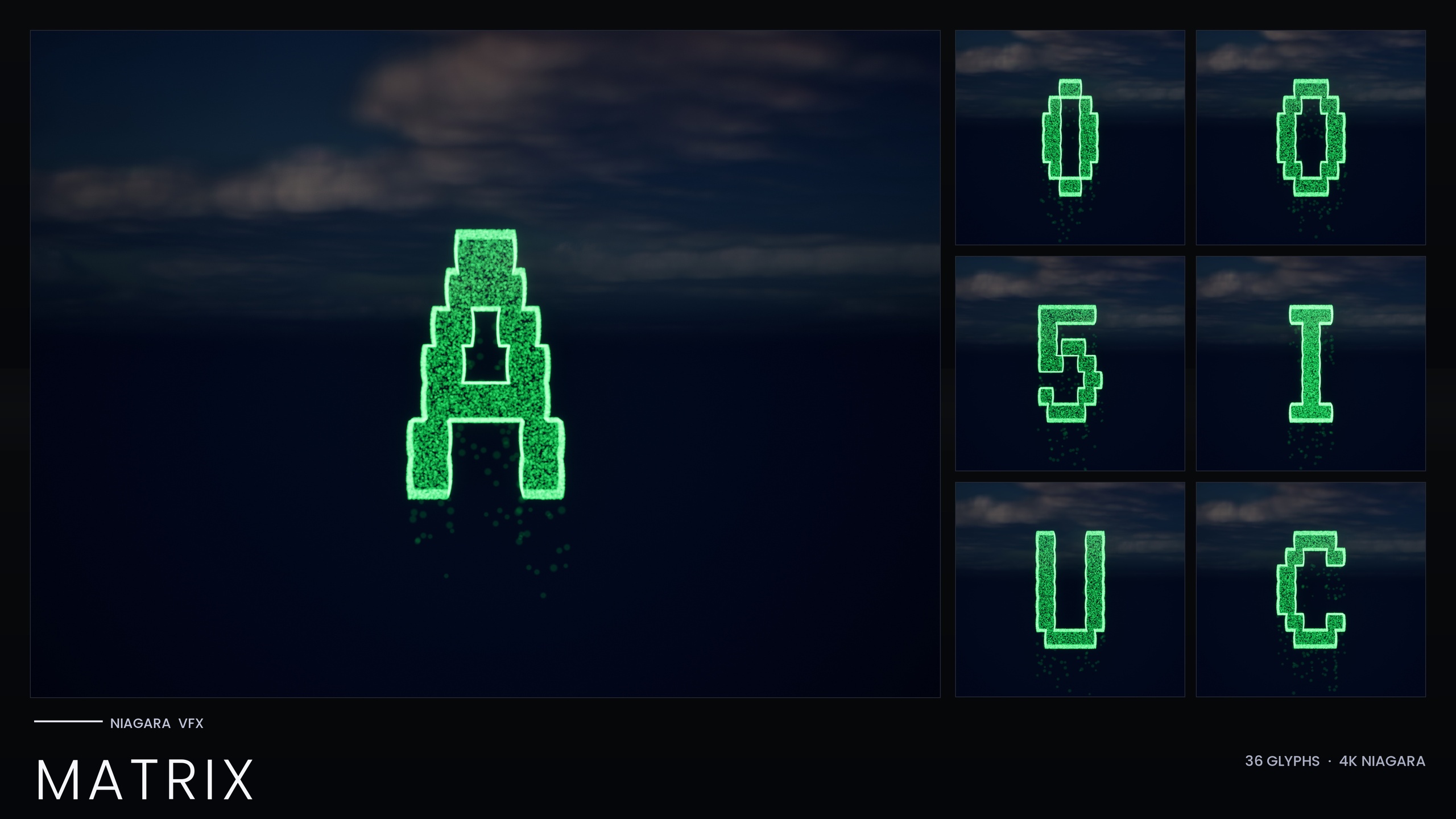
Matrix is the iconic falling-code script: glyphs built from descending digital grain rather than solid silhouettes. It is the only one of the five that bakes its style inline, and it ships separately as the standalone Matrix pack as well.
Starforged is a far-future spacefaring script - clean enough for ship registries, navigation charts and the kind of UI a starliner would actually run. It reads as advanced without reading as hostile.
Circuit is the outlier: PCB-trace patterns with a holographic neon cyan and magenta identity and a deliberately stuttering flicker driven by very short, sub-0.2-second particle lifetimes. It suits AI manifestations, glitch art and tech-fantasy magic more than steady readable text.
Best-fit scene per script
Match the script to the diegetic source of the text. For a hacker terminal, system bootup or reality-glitch cinematic, Matrix is the natural pick because the cascade is the effect. For a megacity exterior or any HUD that should feel like consumer tech, Cyberpunk's signage alphabet slots straight in. When the language is meant to be non-human - an alien transmission, an artefact that decodes on screen - reach for Alien.
For the player-facing side of a sci-fi game, where the text is your own faction's advanced-but-legible UI, Starforged carries ship names, registries and nav data without feeling threatening. Circuit is your AI, magic-as-technology and corruption layer: use it for an AI waking up, a system being hacked, or glitch-horror beats, where its short-lifetime flicker is a feature, not a bug.
Recolour and reuse strategy
Four of the five scripts share a unified Niagara backbone and read their style from the pack's Niagara Parameter Collection, so editing that one NPC recolours and re-times an entire writing system at once - swap a cool Starforged blue for an emergency red across every glyph in a single edit. Per-glyph overrides on individual systems are still available when you need them.
Matrix is the exception: it bakes its style as inline constants and ships no Parameter Collection, so the one-NPC workflow does not apply. To retint the rain you edit the Spark and Rain sprite colours on the emitter, or duplicate the system with a new tint, keeping HDR values modest so bloom tints rather than blows out to white. Two tuning notes for the rest: keep bloom enabled project-wide, because the glow depends on it, and lengthen Circuit's particle lifetime and spawn rate if you want a stable hologram instead of its default stutter.
Standalone Matrix pack or the full bundle?
If the only effect you need is green digital rain - a hacker terminal background, a simulation-bootup loop, a glitch transition - the standalone Niagara Matrix Pack is the focused buy. It is 36 Niagara Systems covering A-Z and 0-9, each built from two emitters: a bright short-life Spark that sells the character flicker, and a dim Rain of grain that falls straight down to sell the cascade. It works immediately on import with no NPC to author.
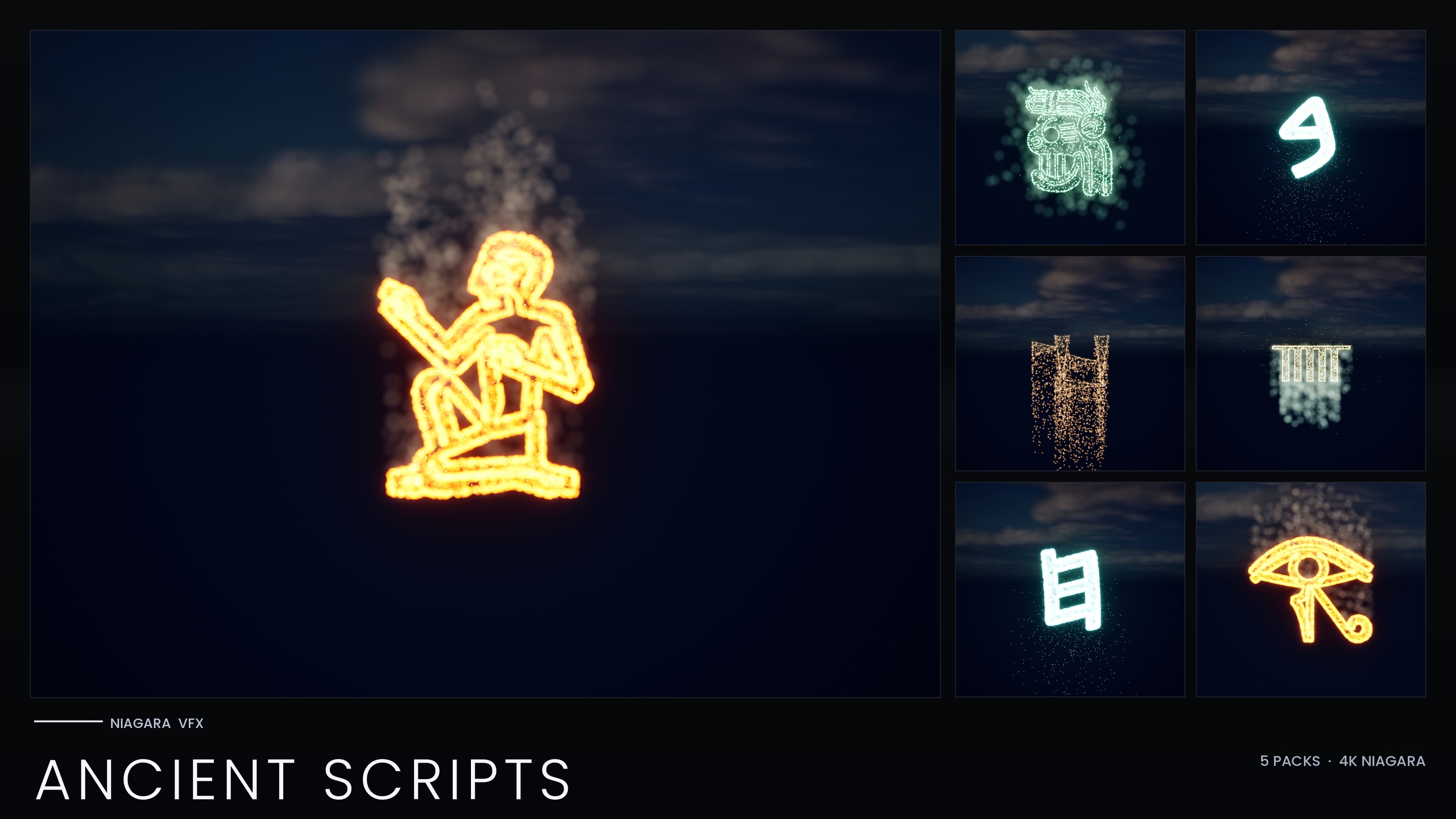
If your project spans more than one sci-fi register - alien transmissions and cyberpunk signage and a circuit-driven AI in the same game - the SciFi Glyphs Bundle is the better value because it gives you all five scripts (including that same Matrix pack) under one install. If you also need ancient or occult writing, the full Alphabet and Symbols Bundle is the superset: 687 Niagara Systems across 25 themed sets, of which SciFi Glyphs is one slice. The Ancient Scripts Pack is the parallel choice when your needs are purely historical rather than futuristic.
Next step: install whichever pack matches your scope, open the relevant per-theme demo map to preview the script, then drag an NS_ system into the level or spawn it from Blueprint with the Spawn System At Location node. Build your first word from individual glyphs, set the colour on the Parameter Collection (or, for Matrix, on the emitter), and confirm bloom is on so the glow lands.
The five sci-fi scripts at a glance
| Script | Visual identity | Best-fit scene | Approx. glyphs | Single-NPC recolour |
|---|---|---|---|---|
| Matrix | Falling digital-code grain (Spark + Rain emitters) | Hacker terminals, glitch and bootup cinematics | 36 | No (inline constants) |
| Cyberpunk | Neon signage, Audiowide-styled | Street signs, megacity holograms, consumer HUDs | 37 | Yes |
| Alien | Non-human first-contact xenoglyph | Alien transmissions, decode and xenoarchaeology scenes | 26 | Yes |
| Starforged | Clean far-future spacefaring script | Ship registries, nav charts, faction UI | 25-26 | Yes |
| Circuit | Holographic cyan/magenta PCB traces, stuttering flicker | AI manifestations, glitch art, tech-fantasy magic | 24 | Yes |
Per-theme glyph counts are approximate; source and catalogue snapshots vary slightly and the bundle total is 147 systems.
FAQ
What is the best sci-fi font effect for game UI in Unreal?
It depends on the scene. For consumer-facing HUDs and signage, Cyberpunk's Audiowide-styled neon alphabet is the most legible UI fit; for hacker terminals, Matrix's falling-code rain is the natural choice; for non-human text use Alien, for your own faction's advanced UI use Starforged, and for AI or glitch effects use Circuit. The SciFi Glyphs Bundle ships all five so you can mix them in one project.
Can I spell actual words, or is each script just one looping effect?
You can spell with them. Every glyph across all five scripts is an independently spawnable Niagara System, so you arrange individual characters to build words, signage or transmissions, and they can react to events. There are also matching static meshes if you want to carve or emboss the same glyphs into props.
How do I recolour a whole script at once?
Four of the five scripts read their style from the pack's Niagara Parameter Collection, so editing that one NPC recolours and re-times the entire writing system. Matrix is the exception: it bakes its style as inline constants and has no NPC, so you recolour it by editing the Spark and Rain sprite colours on the emitter or duplicating the system with a new tint.
Should I buy the standalone Matrix pack or the SciFi Glyphs Bundle?
If you only need green digital rain, the standalone Niagara Matrix Pack (36 systems, A-Z and 0-9) is the focused buy and works immediately on import. If your project uses more than one sci-fi register, the bundle gives you all five scripts - including the same Matrix pack - under one install.
Why do my glyphs look flat with no glow?
The glow comes from HDR sprite colour driving Unreal's bloom post-process, so it depends on having bloom enabled in your project. Turn bloom on, and keep HDR values modest on Matrix so bloom tints the rain rather than blowing it out to white. For Circuit, raise the particle lifetime and spawn rate if you want a steadier hologram instead of its default stutter.
Niagara SciFi Glyphs Bundle
147 Niagara glyph systems across five sci-fi themes — Alien, Cyberpunk, Matrix, Starforged and Circuit — for futuristic UI, terminals and FX. CPU-simulated with a Parameter Collection and demo map.
Related on Fab

Related reading