tutorial · 2026-06-11
Soft Volumetric Glow Auras Around Objects in UE5 with Niagara
Wrap a flower, prop or hero object in a calming halo of warm-white light puffs using drop-in CPU Niagara, no module tuning required.

What a soft light-puff aura actually is
When you want a UE5 soft glow aura around an object in Niagara, the kind that makes a plant, relic or hero prop feel quietly charged with energy, you are after a very particular read. Not a hard bloom flare, not a harsh emissive rim, but soft volumetric light puffs that orbit the object in a slow, calming dance. They hug the silhouette, fill the space around it with a warm halo, and drift just enough to feel alive without ever pulling focus.
Authoring that look by hand is more finicky than it sounds. You are juggling a low spawn rate, a slow orbital velocity, a gentle alpha fade, soft sprite materials that read against both light and dark backgrounds, and emitter bounds tight enough that the halo stays wrapped around the object rather than smearing across the scene. Get the velocity too high and it looks like a swarm; get the fade wrong and the puffs flicker. This guide skips that grind by using a ready-made family that already balances all of it.
The family is LumenLight, and it ships in Cosmic Bloom VFX. It is soft warm-white volumetric light puffs that orbit each flower in a slow calming dance, and it is plug-and-play CPU Niagara with no tuning required. The whole job becomes dragging a NiagaraSystem into your level and positioning it on the object you want to glow.
Reading as bioluminescence, divine glow or astral resonance
The same LumenLight halo carries three different meanings depending on what it is wrapped around, and that flexibility is the point. The dossier describes the effect as reading as bio-luminescence, divine glow, or astral resonance, so the asset does the work while context tells the player what they are looking at.
Put a LumenLight system on a plant, mushroom or organic prop and the soft warm puffs read as bioluminescence: a glowing fungus in a cave, a fae-touched flower in a night garden, a deep-sea-adjacent organism. Put the same halo around a statue, altar or relic and it reads as divine glow: a blessed object, a shrine that has just answered a prayer, a sacred focal point. Float it around a floating crystal, an orrery or an observatory prop and it becomes astral resonance: cosmic wonder, star-magic, something humming with celestial energy.
Because the warm-white tone is deliberately neutral, you are not locked into one genre. The decision you make is placement and scene dressing, not particle authoring. Lean on your lighting, your prop and your environment to sell whichever of the three reads you need, and the halo follows.
One honesty note worth flagging: the family is called LumenLight and the marketing talks about a soft volumetric light look, but that name refers to the effect family, not a requirement for any particular Unreal Lumen global-illumination configuration. Treat it as a sprite-based halo effect, not as something that depends on or proves a specific Lumen GI setup.
Dropping a LumenLight aura onto an object
Cosmic Bloom VFX is a content-only pack: there is no C++, no Blueprints, no plugin dependencies and nothing to compile. You add it to your project and the assets simply appear in the Content Browser. The pack ships 100 ready-to-use NiagaraSystems built from two families, Constellation and LumenLight, applied across 51 stylised flower meshes, and the soft halo you want lives entirely in the LumenLight half.
1. With the pack in your project, open the Content Browser and navigate to the CosmicBloomVFX 'Niagara' folder. It is split into 'Constellation' and 'LumenLight' subfolders, so go into 'LumenLight'.
2. Pick whichever system reads best for your scene. Each is paired with one of the 51 flower meshes, but you are free to grab any of them just to test the halo look first before deciding which pairing you want.
3. Drag the chosen NiagaraSystem from the Content Browser straight into your viewport. It spawns as a Niagara actor and starts playing automatically. Because the sim runs on CPU emitters, there is nothing to switch on for the GPU.
4. Position it on or around the object you want to glow. Centre the actor on the object so the orbiting puffs wrap the silhouette evenly; a halo whose centre is off to one side reads as lopsided.
5. That is the whole setup. No parameter tuning is required: the orbit, the spawn behaviour and the fade are already dialled in by the family, and the twinkle randomisation is baked per particle so the motion looks organic. To see the intended layout first, open the LumenLight demo map included in the pack, where flowers are laid out under dynamic sky lighting.
Layering the halo with a silhouette effect
LumenLight does not have to work alone. Its sibling family in the same pack, Constellation, traces each flower's silhouette with bright star-point particles connected by subtle line segments, with a slow twinkle and gentle parallax. The two families are designed to complement each other: Constellation gives you the silhouette read, LumenLight gives you the soft halo fill. Layered on the same object, you get an outline that sparkles plus an interior glow that breathes.
To combine them, drop a Constellation system and a LumenLight system on the same flower or actor, both centred on the object. The pack is built for exactly this pairing, so there is no clash to resolve; you are simply placing two drop-in systems in the same spot. Use Constellation alone when you want a crisp, hand-drawn-constellation outline, LumenLight alone when you want a calm ambient glow, and both together when you want a hero object to feel genuinely enchanted.
Keep the lighting dynamic. The pack uses dynamic lightmaps with no baking required, and its demos lay flowers out under a dynamic sky, which is the setup that lets the warm puffs catch the light and feel volumetric rather than flat. As with any soft translucent sprite work, place the system and then check the read against your specific background before you commit, since a warm-white halo behaves differently over a bright sky than over a dark interior.
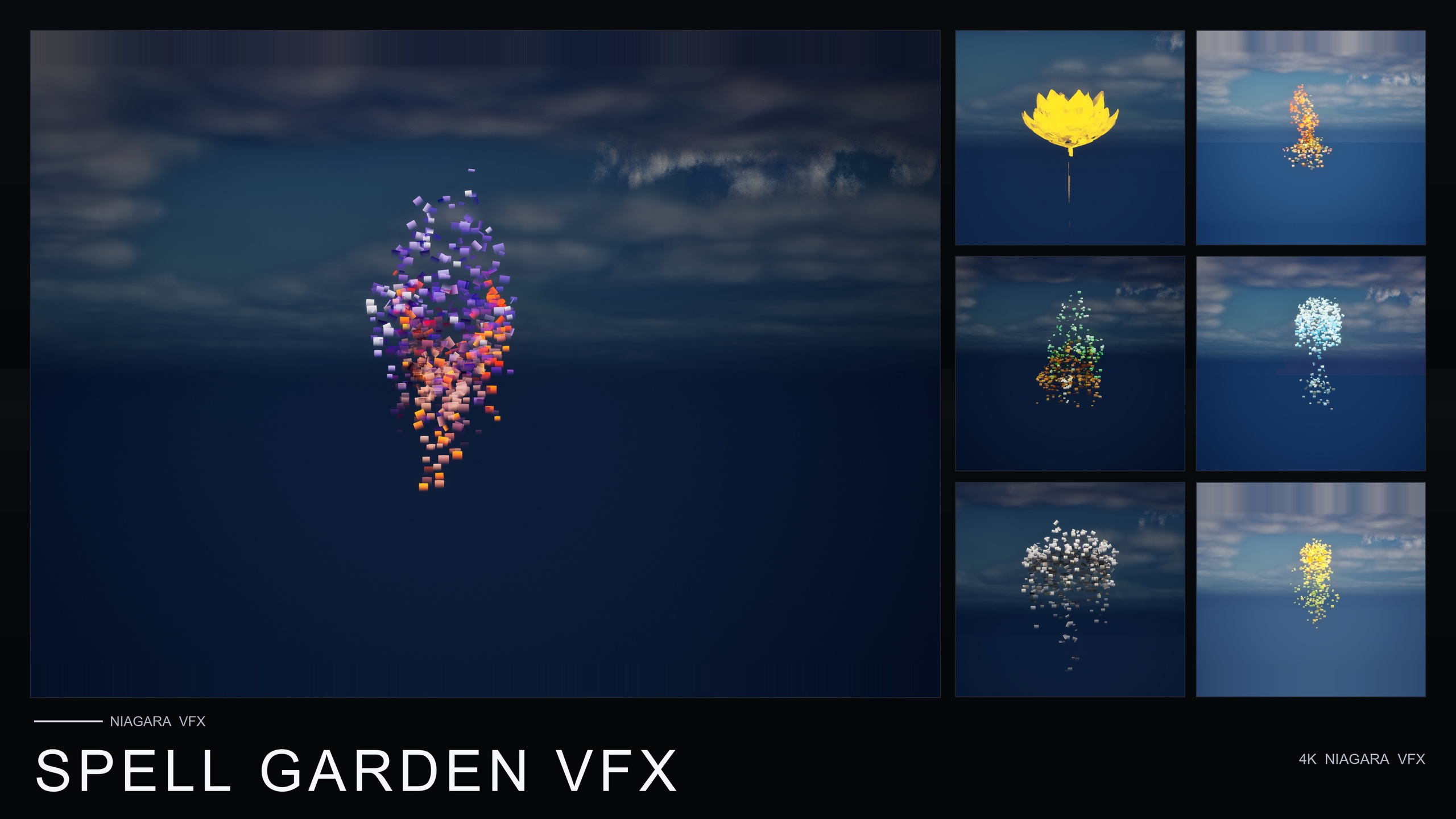
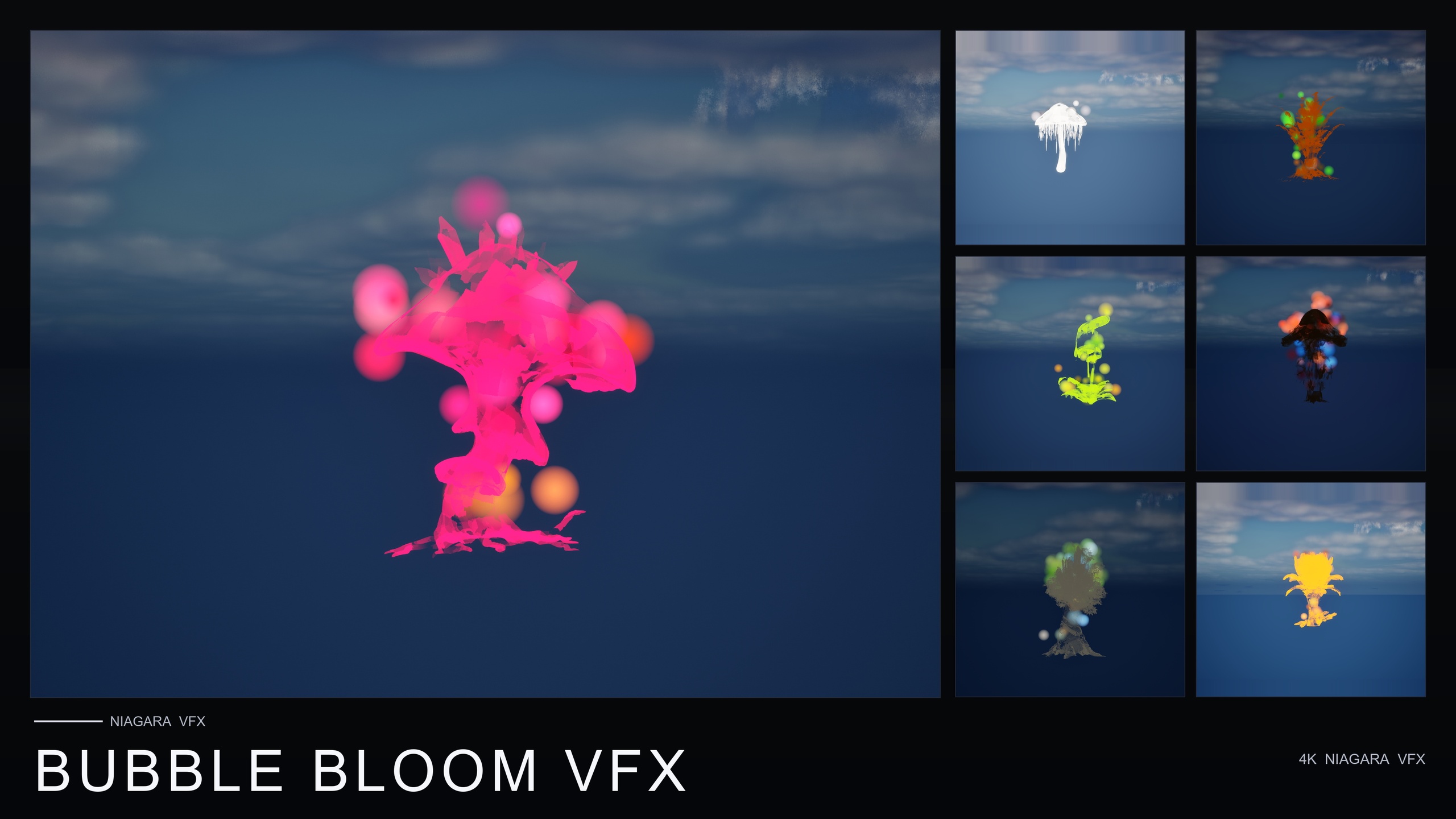
If the celestial read is not what your scene needs, the wider Fantasy Flower VFX line gives you sibling looks that drop in the same way: Ambient Garden VFX for naturalistic pollen, firefly and mist atmospherics, Spell Garden VFX for active spell-cast bursts, rotating arcane glyphs and creeping vines, and Bubble Bloom VFX for whimsical rising soap-film bubbles. All are content-only and share the same 51-mesh roster, so they mix cleanly with a Cosmic Bloom aura.
Constellation vs LumenLight: which family for which read
| Family | What it does | Best for |
|---|---|---|
| LumenLight | Soft warm-white volumetric light puffs orbit the object in a slow calming dance | A soft halo fill that reads as bioluminescence, divine glow or astral resonance |
| Constellation | Bright star-point particles trace the silhouette, connected by subtle line segments, with slow twinkle and gentle parallax | A crisp silhouette read, like a hand-drawn constellation around the object |
| Both layered | Silhouette trace plus interior glow on the same object | A hero object that should feel genuinely enchanted |
Both families ship in Cosmic Bloom VFX and are designed to be layered on the same object.
FAQ
How do I make a soft glow aura around an object in UE5 with Niagara?
You can author one by hand, balancing a low spawn rate, a slow orbital velocity, a gentle alpha fade and soft sprite materials inside a CPU emitter, but the fastest route is a ready-made system. In Cosmic Bloom VFX the LumenLight family already does this: open the LumenLight subfolder, drag a system into your level, centre it on your object, and it plays automatically with no tuning.
Can the same aura read as bioluminescent, divine and astral?
Yes. The LumenLight halo is described as reading as bio-luminescence, divine glow or astral resonance depending on context. The warm-white tone is deliberately neutral, so the object it wraps and your scene dressing decide which of the three meanings the player perceives.
Does LumenLight run on CPU or GPU?
The Cosmic Bloom VFX systems use CPU emitters, so there is nothing GPU-specific to configure. You just drag the NiagaraSystem into the level and it begins simulating.
Can I layer the glow with a silhouette effect?
Yes. The pack's Constellation family traces the object's silhouette with star-point particles, and it is designed to complement LumenLight: Constellation gives the silhouette read, LumenLight the soft halo. Drop both systems on the same object, centred together, for an enchanted hero read.
Does this require Unreal's Lumen global illumination?
No. The family is named LumenLight after the effect, not after Unreal's Lumen GI system. It is a CPU sprite-based halo effect with dynamic lightmaps, so there is no documented requirement to enable any particular Lumen GI configuration.
Cosmic Bloom VFX
100 ready-to-use Niagara systems — constellations, drifting starlight and Lumen-lit blooms — across 51 stylised flower meshes and 131 material instances. CPU-simulated for Windows, Mac and Linux, with two demo levels included. Content-only: no C++, no Blueprints, no plugin dependencies.
Related on Fab

Related reading