
tutorial · 2026-04-12
How to Spawn a Niagara Effect on Ability Cast in UE5 (One-Shot)
Wire a one-shot spell-cast burst from your ability code, time it to the animation, and let it clean itself up.
One-shot bursts versus looping systems
The single most common Niagara mistake in ability work is reaching for a looping system when you actually want a one-shot. If you want to spawn a Niagara effect on ability cast in UE5, you almost never want something that keeps emitting until you tell it to stop. You want a burst: it fires once at the moment of the cast, plays its lifetime out, and disappears. Get that distinction right and the rest of the wiring becomes trivial.
A looping system is the correct choice for continuous reads — a campfire, a drifting fog, an aura that hums around a charged staff. It runs indefinitely, so you spawn it, hold a reference, and explicitly deactivate or destroy it later. A one-shot system is the opposite contract: it has a finite emitter lifetime by design, so you fire it and forget it. The engine can reclaim it on its own once the last particle dies.
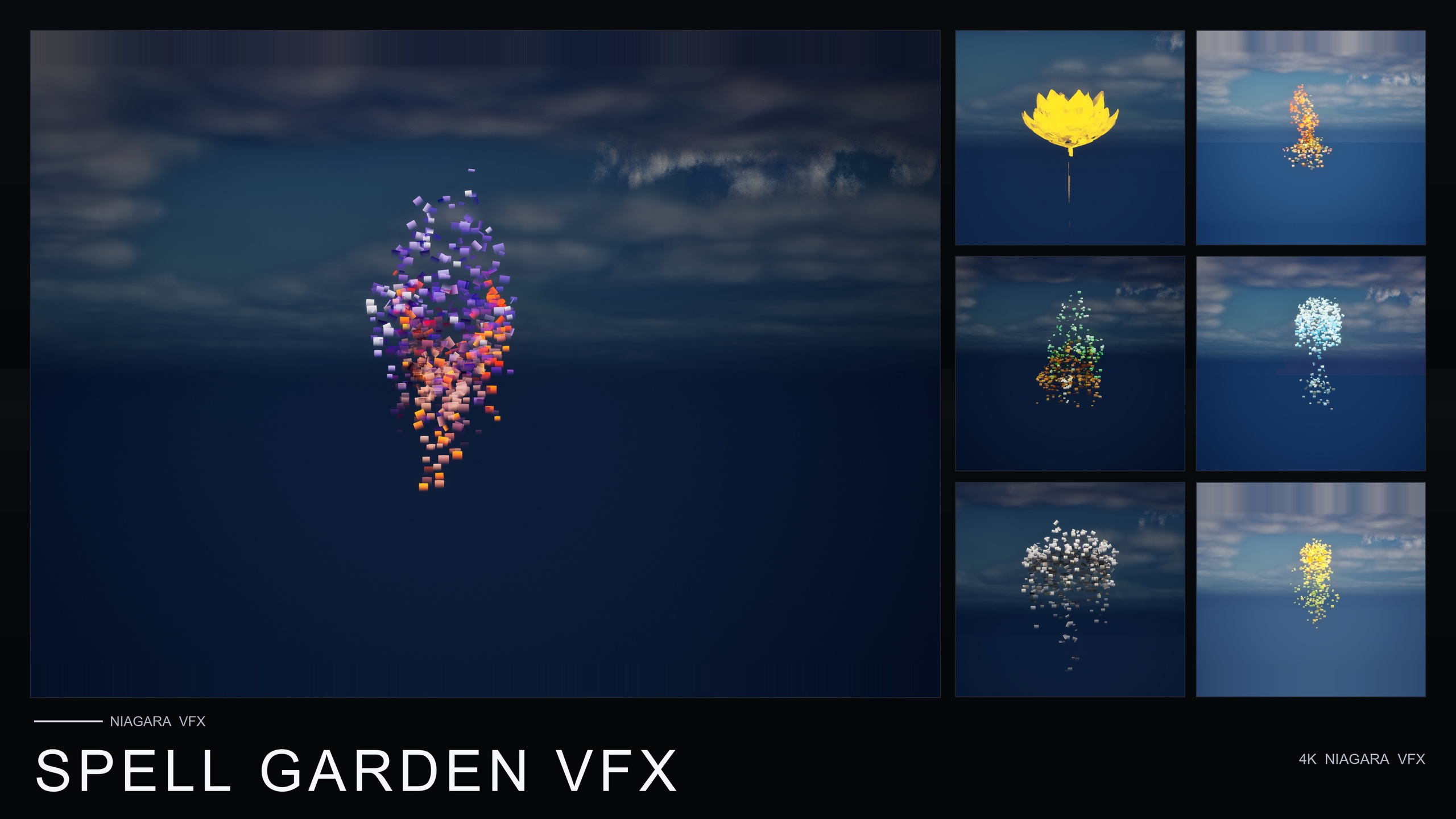
This tutorial uses Spell Garden VFX, a content-only Niagara pack of 150 ready-to-use systems built specifically for spell-casting, ritual and arcane moments. Its UnfoldingBloom family is a one-shot burst of petals and motes radiating outward, and the pack notes it is tuned for one-shot triggers from gameplay code — exactly the 'spell cast' moment we are building. Because the pack ships no Blueprints or C++, you wire the spawn call yourself, which is what the rest of this guide walks through.
Firing the burst from gameplay
There are two nodes you will reach for, and choosing between them is the whole game. 'Spawn System at Location' drops the effect at a fixed world position and leaves it there. 'Spawn System Attached' parents the effect to a component — a socket on the casting character's hand, say — so it follows the caster if they move mid-cast. For a spell that erupts from the palm, attached is usually what you want; for an effect that lands on the ground at a target reticle, at-location is the better fit.
1. In your ability Blueprint — whether that is a Gameplay Ability, a custom ability component, or a plain Actor with an input-triggered event — find the point in the graph where the cast actually commits. This is your trigger.
2. From that execution pin, add a 'Spawn System Attached' node. Set its 'System Template' to an UnfoldingBloom NiagaraSystem from the Spell Garden VFX pack. Browse the SpellGardenVFX/Niagara folder, which splits into UnfoldingBloom, ProjectedGlyph and VineGrow, and pick the bloom variant that suits the flower or motif you want.
3. Wire the 'Attach to Component' pin to the mesh component you are casting from, and set 'Attach Point Name' to the relevant socket, for example a 'hand_r' or a dedicated 'spell_origin' socket you have added to the skeleton.
4. Set 'Location Type' to 'Snap to Target' so the burst sits exactly on the socket, and leave 'Auto Destroy' enabled. That single checkbox is what makes the system a true fire-and-forget one-shot.
If you instead want the burst at a world point — a ground-targeted rune or an impact location — swap in 'Spawn System at Location' and feed it a transform from your trace or target data. The system template stays the same; only the placement node changes.
Using UnfoldingBloom as a cast burst
UnfoldingBloom is the family in Spell Garden VFX that maps most directly onto a spell cast. It is a one-shot burst of petals and motes radiating outward, and the pack documents it as tuned for one-shot triggers from gameplay code — the 'spell cast' and 'flower opens' moments. Because it is content-only and built on CPU emitters, you drag it in and it plays with no parameter tuning required; there is no module graph you must understand before it works.
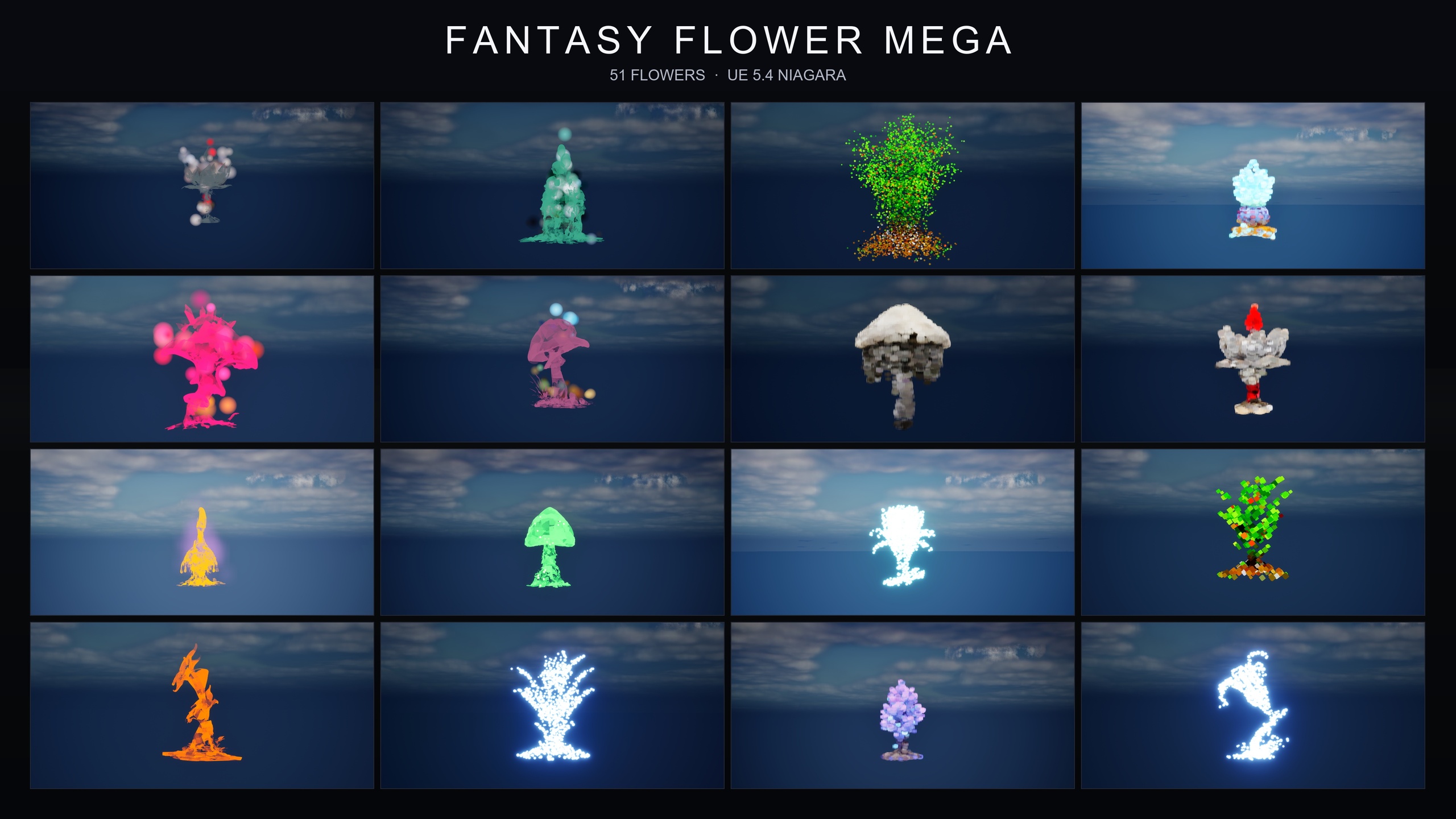
The pack applies UnfoldingBloom to every one of its 51 stylised flower meshes, so you have a wide palette of bloom reads to choose from without authoring anything yourself. If you want a heavier, more ceremonial cast, Spell Garden VFX also ships ProjectedGlyph (rotating, fading arcane runic glyphs that read in screen space against any background) and VineGrow (animated vine and leaf trails that sprout and creep outward). The pack notes all three can be combined on a single flower for a powerful active-enchantment read — useful when a one-shot bloom alone feels too light for a hero spell.
For the standard case, though, resist the urge to layer. A single UnfoldingBloom system fired on the cast frame is clean, cheap and unambiguous to the player. Reach for the glyph and vine families only when the moment genuinely warrants the extra weight.
Timing the burst to the animation
Firing the burst the instant the input is pressed almost always looks wrong, because the character has not yet reached the visual apex of the cast. The fix is to drive the spawn from the animation rather than from the input event, so the petals erupt on the exact frame the hands open.
1. Open the cast montage or animation sequence and find the moment the gesture peaks — the frame where a real spell would leave the hands.
2. Add an Animation Notify on that frame. Either use the built-in 'Play Niagara Effect' notify and point it at your UnfoldingBloom system, or add a custom notify and respond to it in the Animation Blueprint's event graph with the same 'Spawn System Attached' call from earlier.
3. If you drive it from a custom notify, route that notify event to the spawn node and resolve the owning mesh and socket from the animation instance, so the burst still anchors to the correct hand.
Driving the effect from a notify also keeps visuals and animation in lockstep automatically: if you later retime the montage, the burst moves with it instead of needing a separate magic-number delay in your ability code. That single decision removes a whole category of 'the effect fires too early' bugs.
Cleanup after the effect completes
Because UnfoldingBloom is a one-shot with a finite lifetime, cleanup is mostly a matter of not getting in its way. With 'Auto Destroy' enabled on the spawn node, the component tears itself down once the last particle has died — you do not need to hold a reference, run a timer, or call deactivate. Fire and forget genuinely means fire and forget here.
The one case that needs thought is interruption. If the cast can be cancelled after the burst has spawned — a stun, a stagger, a counterspell — decide whether the already-playing bloom should finish naturally or vanish immediately. To let it finish, do nothing; auto-destroy still handles it. To cut it short, capture the return value of the spawn node into a variable, then on the interrupt call 'Deactivate' on that component (which stops new particles but lets existing ones fade) or 'Destroy Component' for a hard cut.
Avoid the trap of disabling 'Auto Destroy' so you can 'reuse' the system. A new cast should spawn a fresh one-shot; keeping a single deactivated component around to reactivate is more fragile than letting the engine manage lifetimes for you. Spell Garden VFX is content-only and built on CPU emitters with no plugin dependencies, so each spawned burst is a self-contained, drop-in asset — the cheapest path is to trust the one-shot contract and let it clean up after itself.
From here, the natural next step is breadth: once your cast burst works, the same Spawn System pattern drives every other ability VFX in your game. Spell Garden VFX gives you 150 systems across three spell families to pull from, all wired the identical way.
Choosing the spawn node for an ability cast
| Node | Placement | Follows the caster | Best for |
|---|---|---|---|
| Spawn System Attached | Parented to a component/socket | Yes | Bursts from the caster's hand or staff |
| Spawn System at Location | Fixed world transform | No | Ground-targeted runes and impact points |
Both nodes spawn the same UnfoldingBloom system; the difference is placement and follow behaviour.
FAQ
How do I spawn a Niagara effect on ability cast as a one-shot in UE5?
Add a 'Spawn System Attached' (or 'Spawn System at Location') node at the point your ability commits, set its System Template to a one-shot UnfoldingBloom system from Spell Garden VFX, attach it to your caster's hand socket, and leave 'Auto Destroy' enabled. The burst fires once and removes itself when its particles die.
Do I need Blueprints or C++ that ship with the pack?
No. Spell Garden VFX is content-only and ships no Blueprints or C++. You wire the spawn call yourself in your own ability graph — the pack provides the ready-to-use NiagaraSystems, and the UnfoldingBloom family is tuned for one-shot triggers from gameplay code.
How do I make the burst fire on the right animation frame?
Drive the spawn from an Animation Notify on the cast montage rather than from the input event. Use the built-in 'Play Niagara Effect' notify pointed at your UnfoldingBloom system, or a custom notify that calls your spawn node, so the burst is locked to the animation even if you retime it later.
Do I have to clean up the effect manually?
For a normal cast, no. UnfoldingBloom is a one-shot with a finite lifetime, so with 'Auto Destroy' enabled the component is reclaimed automatically. Only handle cleanup explicitly when a cast is interrupted and you want the in-flight burst cut short, in which case keep the spawn node's return value and call 'Deactivate' or 'Destroy Component'.
Which UE versions does Spell Garden VFX support?
The product listing states it is compile-clean on UE 5.4, with the listing giving a 5.4+ range. It uses CPU Niagara emitters and has no plugin dependencies, so it drops into a project without extra setup.
Spell Garden VFX
150 ready-to-use Niagara systems — spell blooms, arcane glyphs and growing vines — across 51 stylised flower meshes and 131 material instances. CPU-simulated for Windows, Mac and Linux, with three demo levels included. Content-only: no C++, no Blueprints, no plugin dependencies.
Related on Fab

Related reading