comparison · 2026-03-27
Matrix Rain Shader vs Particle System in UE5: Why Per-Glyph Beats a Looping Decal
A looping code-rain decal is the fast win, but only an addressable per-glyph Niagara system lets the rain actually spell, react and decay.
Matrix rain shader vs particle: which is better in UE5?
If you are weighing a matrix rain shader vs a particle system in UE5 and wondering which is better, the honest answer is that it depends on what the rain has to do. A shader-driven decal that scrolls falling code is the fastest possible way to get the iconic look on screen: one material, one quad, and you are done. For a wallpaper behind a menu it is hard to beat. But the moment you need the rain to mean something, that single decal hits a ceiling it cannot climb out of.
The decal renders the whole cascade as one looping texture. There are no individual letters in it, only the appearance of letters scrolling past. That is fine until a designer asks for the rain to spell a hacker's name, freeze on a keyword, brighten when the player triggers an alarm, or reorganise itself into a message. None of those are texture operations. They are per-character operations, and a baked loop has no characters to address.
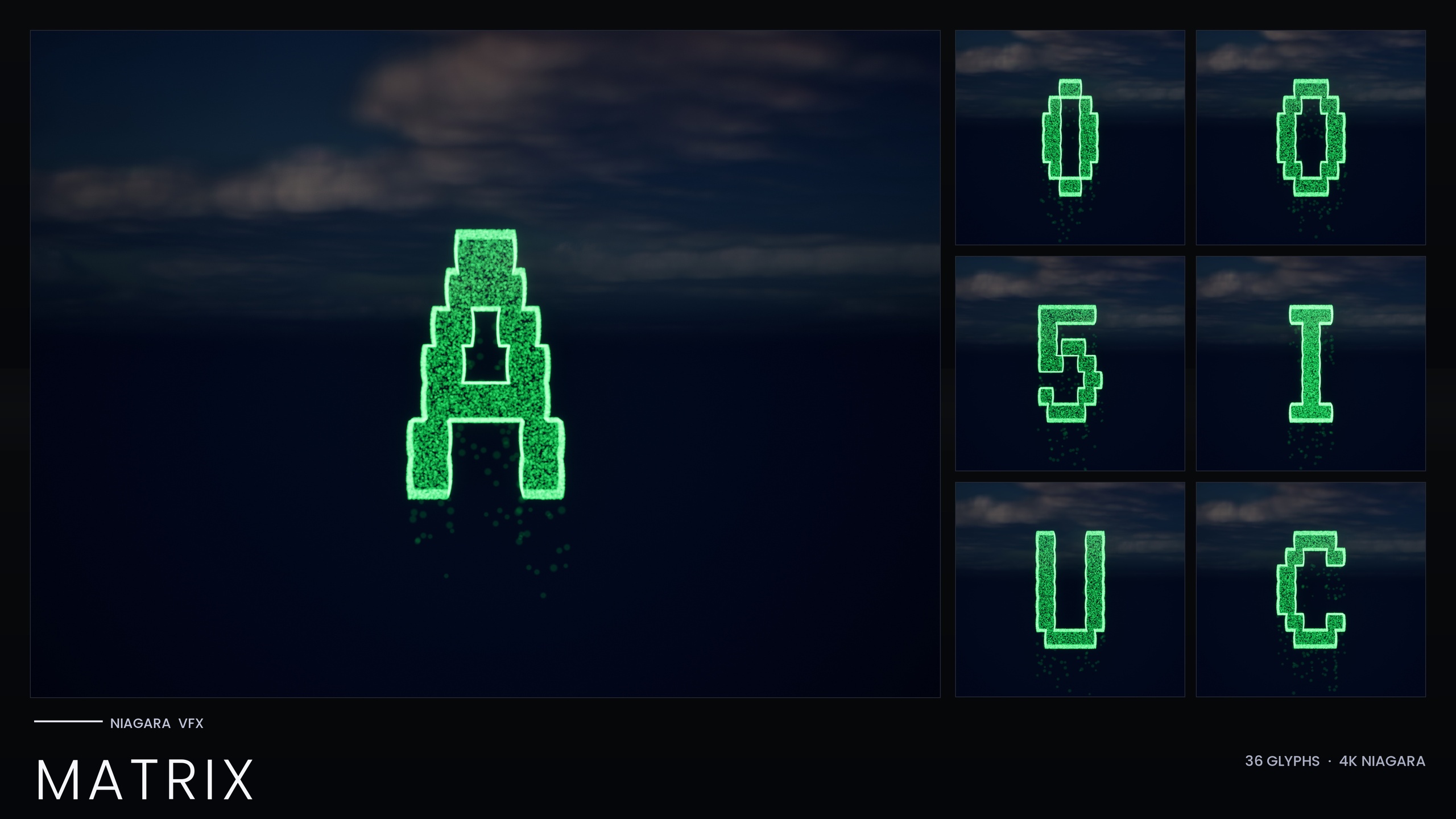
This is the line that separates the two approaches. A shader decal is a picture of code rain; a per-glyph particle system is the code rain, built from individually spawnable letters you can command. The Niagara Matrix Pack takes the second route deliberately: every character A-Z and 0-9 is its own spawnable Niagara System, not a single looping decal, precisely so you can spell with the rain, react to events and recolour it. This article compares the two head to head and shows where each one wins.
The limits of a single shader-driven decal
A shader-driven decal earns its place because it is cheap and instant. You author one scrolling material, project it onto a surface, and the falling-code effect is there with essentially no setup. If your scene only ever needs an atmospheric backdrop that the camera never interrogates, this is the pragmatic choice and there is no shame in it.
The problem is that everything the decal can do, it does all at once and forever. It cannot stop on a chosen character because it has no concept of a character. It cannot brighten one column without brightening the whole material. It cannot decay letter by letter, because there are no letters in the asset, only a moving image of them. Any time a director or designer wants the rain to behave like text rather than wallpaper, the decal forces you to either fake it with more shader trickery or abandon it entirely.
There is also a readability trap. A scrolling decal sells the silhouette of code rain, but up close it tends to read as a flat repeating texture with a glow on top. The Niagara Matrix Pack attacks this differently: each glyph is built from two emitters that sample an extruded glyph mesh, a Spark emitter of tiny bright flicker pixels and a Rain emitter of dim grain falling straight down. The glyph reads as a shape made of falling digital grain rather than a solid silhouette with a halo, which is the detail a flat decal cannot reproduce.
Composing arbitrary text from glyph systems
The decisive advantage of the particle approach is composition. Because the Matrix pack ships 36 separate Niagara Systems, one for each character A-Z and 0-9, you treat each glyph as a letter and arrange letters into words. The pack is built around exactly this: a documented use case is a hacker-terminal reveal where the rain spells a name. A decal can never do that, because spelling requires addressing individual characters and a decal has none.
The workflow is straightforward. The steps below assume you have added the content pack to your project.
1. Open the demo map. The pack ships one demo map that previews all 36 glyphs, so you can see every character before you place anything.
2. Pick the characters your word needs and drag each glyph's NS_ Niagara System into the level. The systems are named NS_alphabet_matrix_glyph_<UA..UZ, D0..D9>, so the letter you want maps directly to an asset you can find by name.
3. Position the systems left to right to spell the word, spacing them as your surface or terminal layout requires. Each one is an independent system, so the spacing and ordering are entirely yours.
4. For text that appears in response to gameplay, spawn the glyphs from Blueprint with the 'Spawn System at Location' or 'Spawn System Attached' node instead of placing them by hand, so the name materialises on cue.
5. Unlike the other sets in this product line, the Matrix pack bakes its style as inline Constants, so there is no Niagara Parameter Collection to author first. It works immediately on import with zero one-time setup, which makes assembling a word fast.
Reacting to gameplay events: stop, brighten, reorganise
Reactivity is where a per-glyph system pulls decisively ahead, because each glyph is an object you can address at runtime. Spawn glyphs one at a time and a word can assemble character by character. Stop spawning and the cascade decays per glyph rather than cutting the whole picture. Recolour or re-time individual systems and one column can react while the rest keep falling. These are the AI-awakening and reality-glitch beats the pack lists, where code reorganises into a message or a system breaks down, and they only exist because the rain is made of addressable parts.
Recolouring is per system here, and that is worth stating plainly. The Matrix pack keeps its HDR green deliberately low, around 1.0 to 2.5, so bloom tints the rain rather than blowing it out to white, and it is recolourable to amber, blood-red or any tint you choose. Because the standalone Matrix pack has no Niagara Parameter Collection, you recolour by editing the Spark and Rain sprite colour on the emitters, or by duplicating a system with a new tint. There is no single master asset that recolours every glyph at once in this pack; the trade for that is the zero-setup, works-on-import simplicity.
A shader decal can be tinted globally and can scroll faster or slower, but that is the full extent of its reactivity. It cannot freeze on a keyword, cannot brighten a single character, and cannot decay one column while another keeps running, because it has no per-character handles to grab. If your scene needs the rain to perform rather than merely play, the particle route is the only one that can.
Performance considerations of many small systems
The honest cost of the particle approach is that you are now running many small systems instead of one material. Every emitter in the Matrix pack is CPU-simulated, and CPU particle work stacks per instance, so a word made of a dozen glyphs is a dozen systems doing real simulation. A single shader decal, by contrast, is close to free no matter how busy the cascade looks. If raw cost is your only metric, the decal wins outright.
The mitigations are practical rather than exotic. The pack uses Unreal's engine-default sprite material with zero custom materials, zero material instances and zero textures, which keeps the asset footprint tiny and the device support broad. Spawn the glyphs a scene actually needs rather than carpeting the screen, lean on the static mesh that ships alongside each glyph for code you want carved into a prop or wall without live simulation, and budget the live systems for the moments that matter, such as the name reveal, rather than running them as a permanent backdrop.
Because the look is built from sub-pixel-to-pixel grain, render at a resolution and quality where the small particles actually read, and keep bloom enabled so the low HDR green tints correctly. The decision, then, is not which technique is universally better but which fits the shot: a decal for cheap, non-interactive wallpaper, and the per-glyph Niagara systems wherever the rain has to spell, react or decay.
Where the Matrix pack fits the wider glyph line
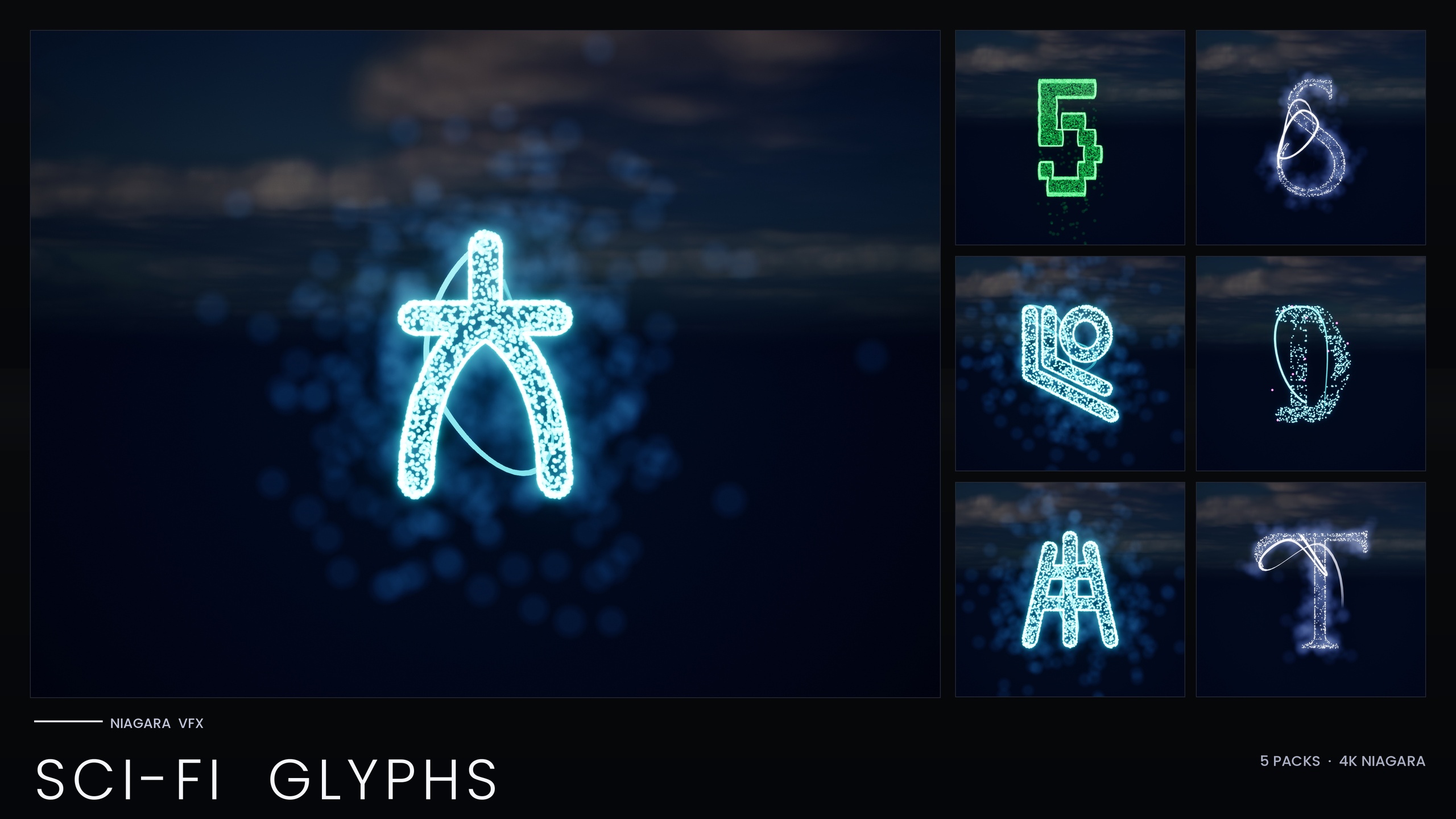
If your project needs more than the falling-code look, the Matrix pack is the entry point to a larger family. It is part of the Niagara SciFi Glyphs Bundle, a 147-system set that adds Alien, Cyberpunk, Starforged and Circuit scripts alongside Matrix, all built on the same independently-spawnable per-glyph principle. That bundle is the right pick if you want neon signage and alien transmissions in the same world as your code rain.
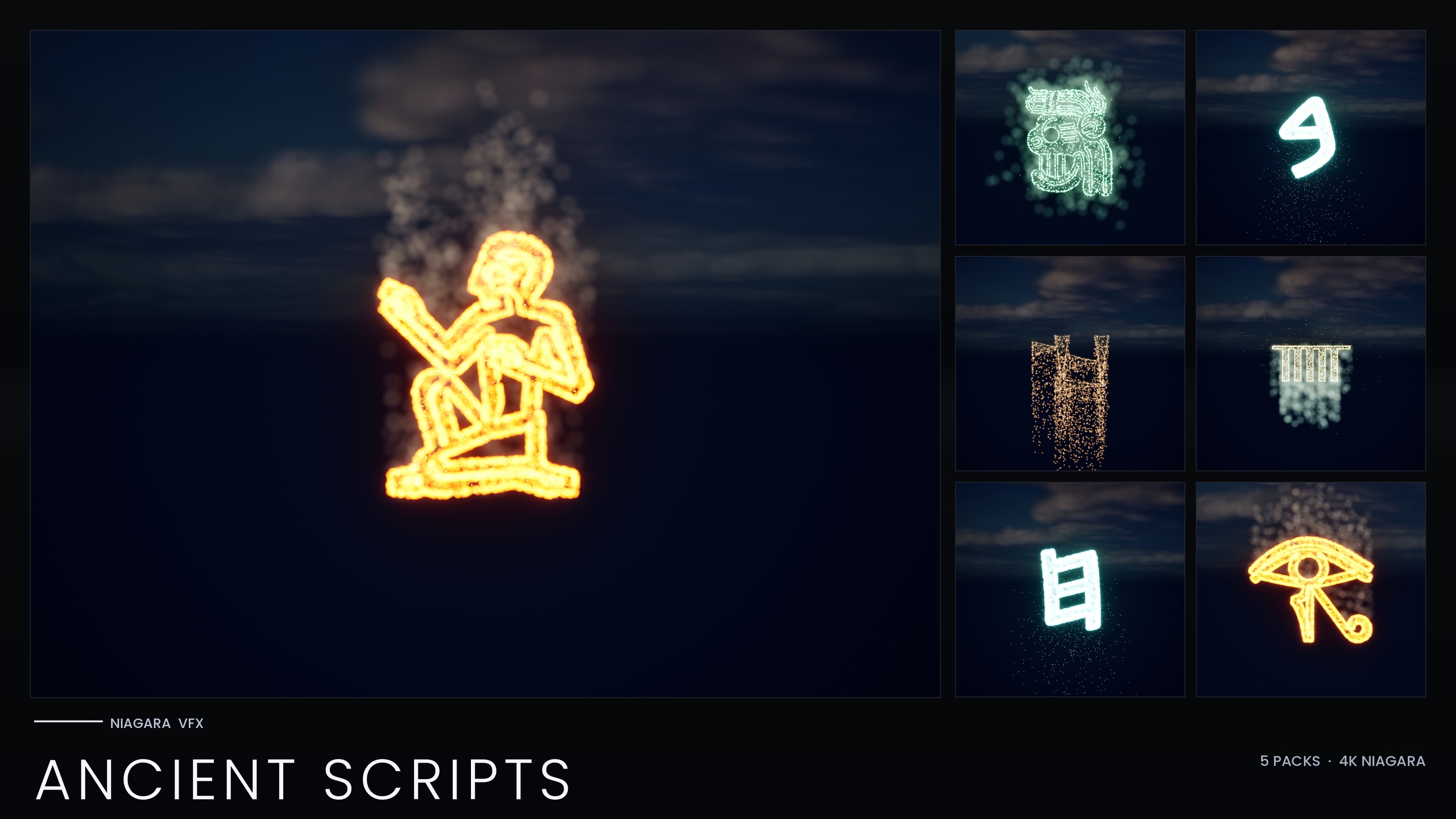
One step wider is the Niagara Alphabet & Symbols Bundle, the complete library of 687 Niagara Systems and 688 matching static meshes across 25 themed sets, of which the Matrix pack is one. If you also need ancient or occult writing, the Niagara Ancient Scripts Pack carries 114 systems across Egyptian Hieroglyphics, Cuneiform, Mayan, Ogham and Phoenician. One caveat worth knowing if you move up the line: those other sets recolour a whole script from a single Niagara Parameter Collection, whereas the standalone Matrix pack bakes its style inline and recolours per system.
A useful next step: add the Matrix pack, open its demo map to see all 36 glyphs, and spell a short test word by dragging the matching NS_ systems into the level. Once you have one word reading correctly in the rain, the same per-glyph pattern scales to any message your scene needs to reveal.
Looping code-rain decal vs per-glyph Niagara systems
| Capability | Single shader-driven decal | Niagara Matrix Pack (per-glyph) |
|---|---|---|
| Spell an arbitrary word or name | No — one looping texture, no characters to address | Yes — 36 spawnable systems, one per A-Z and 0-9 |
| Assemble or reveal text character by character | No — the whole image plays at once | Yes — spawn glyphs individually from Blueprint |
| Brighten or decay a single column / letter | No — global only | Yes — each glyph is an addressable system |
| Recolour the rain | Global tint only | Per system: edit Spark/Rain sprite colour or duplicate with a new tint |
| Setup cost | Author one scrolling material | Zero one-time setup — style baked as inline Constants, works on import |
| Runtime cost | Near-free, one material | CPU-simulated; stacks per instance, so budget live glyphs per shot |
| Carve code into a prop or wall | Effect only | Matching static mesh per glyph |
What each approach can and cannot do when the rain has to behave like text rather than wallpaper.
FAQ
Matrix rain shader vs particle: which is better in UE5?
It depends on the job. A shader-driven decal is cheapest and instant, ideal for non-interactive wallpaper behind a menu. A per-glyph particle system like the Niagara Matrix Pack is better whenever the rain must spell words, reveal text on cue, brighten or decay per character, or react to gameplay, because each of its 36 glyphs (A-Z, 0-9) is an independently spawnable Niagara System you can address at runtime.
Can a looping code-rain decal spell a specific word?
No. A decal renders the cascade as one scrolling texture with no individual characters, so there is nothing to address or arrange. To spell a name or message you need per-glyph systems; the Matrix pack ships one spawnable system per character precisely for this, including the documented hacker-terminal reveal where the rain spells a name.
How do I recolour the Matrix pack rain to amber or red?
Edit the Spark and Rain sprite colour on the emitters, or duplicate the system with a new tint. The pack keeps its HDR green deliberately low (around 1.0 to 2.5) so bloom tints the rain rather than whiting it out. Note the standalone Matrix pack bakes its style as inline Constants and has no Niagara Parameter Collection, so recolouring is per system rather than one master edit.
Is a particle-based matrix system expensive at runtime?
It costs more than a single decal because every emitter is CPU-simulated and stacks per instance, so a word is several systems running at once. It uses engine-default materials with zero custom materials and zero textures to keep the footprint small. Budget live glyphs for the moments that matter and use the matching static meshes for code you only need carved into props rather than animating.
How many characters does the Niagara Matrix Pack include?
Thirty-six: every character A-Z and 0-9, each as an independently spawnable CPU Niagara System plus a matching static mesh. Each glyph uses two emitters, a Spark emitter for bright flicker pixels and a Rain emitter for the dim grain that falls straight down.
Niagara Matrix Pack
Thirty-six Niagara systems of cascading matrix-style glyphs for hacker, cyberpunk and sci-fi scenes — CPU-simulated and demo-mapped, ready to drop into any UI or environment.
Related on Fab

Related reading