article · 2026-06-18
Stylized Environment Art Pipeline in Unreal Engine 5 (2026)
How creators like Stylized Station and similar channels approach stylized environments in UE5: from blockout to final polish with Nanite, foliage and lighting.
Stylized is not 'low effort' — it is deliberate choices
Many developers assume stylized means 'just lower the poly count'. Top YouTube creators in the stylized space (Stylized Station and peers) show the opposite: every decision is intentional. Edge flow, colour palette, silhouette, and how light interacts with the surface are all tuned for readability and mood.
In UE5 the technical stack (Nanite, Lumen, Virtual Texturing) actually makes stylized work easier once you understand the constraints. You can use higher density meshes for hero pieces because Nanite handles it, and you can paint thousands of foliage instances without killing frame rate.
This article distills the practical pipeline that appears repeatedly in high-performing stylized tutorials: blockout → hero props → foliage language → lighting language → final polish pass.
Blockout and silhouette first
Start with greybox or simple modular kits. The goal is to lock the readable shapes before any colour or detail. Popular stylized creators spend disproportionate time here because a strong silhouette reads at any distance and any art style layered on top still works.
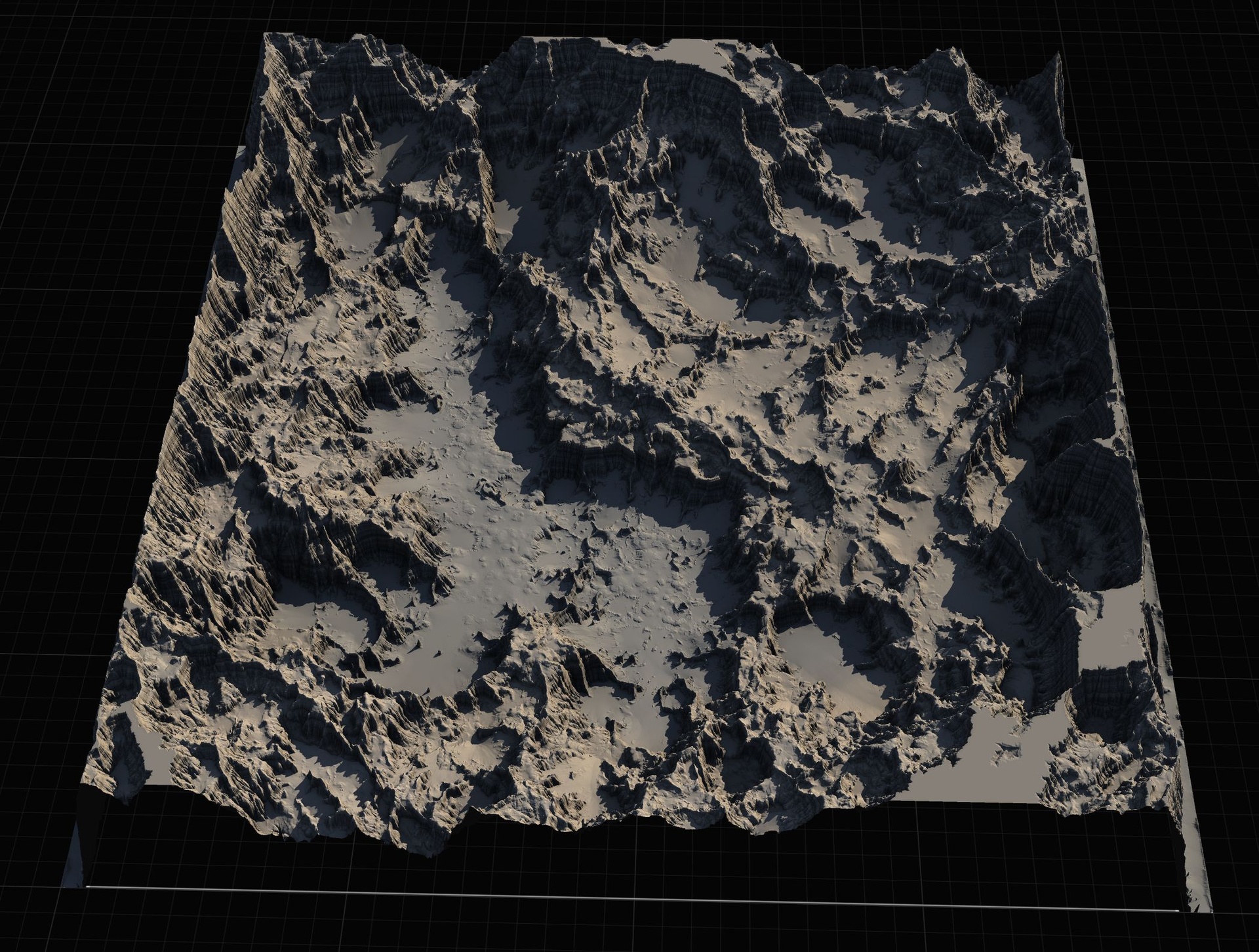
Use the Landscape Stamp Tool or Landstamp Pro early to rough in large terrain forms quickly. Then overlay simple box and cylinder blockers for structures. Only when the player path and key vistas feel right do you move to final meshes.
Nanite on stylized geometry
Nanite is not just for photogrammetry. Many stylized meshes with clean topology and moderate triangle counts benefit enormously. Enable Nanite on your hero rocks, trees and architecture. The streaming means you can keep higher vertex density near the camera for crisp silhouettes without manual LODs.
One common mistake: enabling Nanite on everything including tiny props and thin foliage. Profile with the Nanite overview. If the mesh is under a few hundred triangles and always close, traditional LODs or even static meshes can be lighter.
Foliage as the 'paint' layer
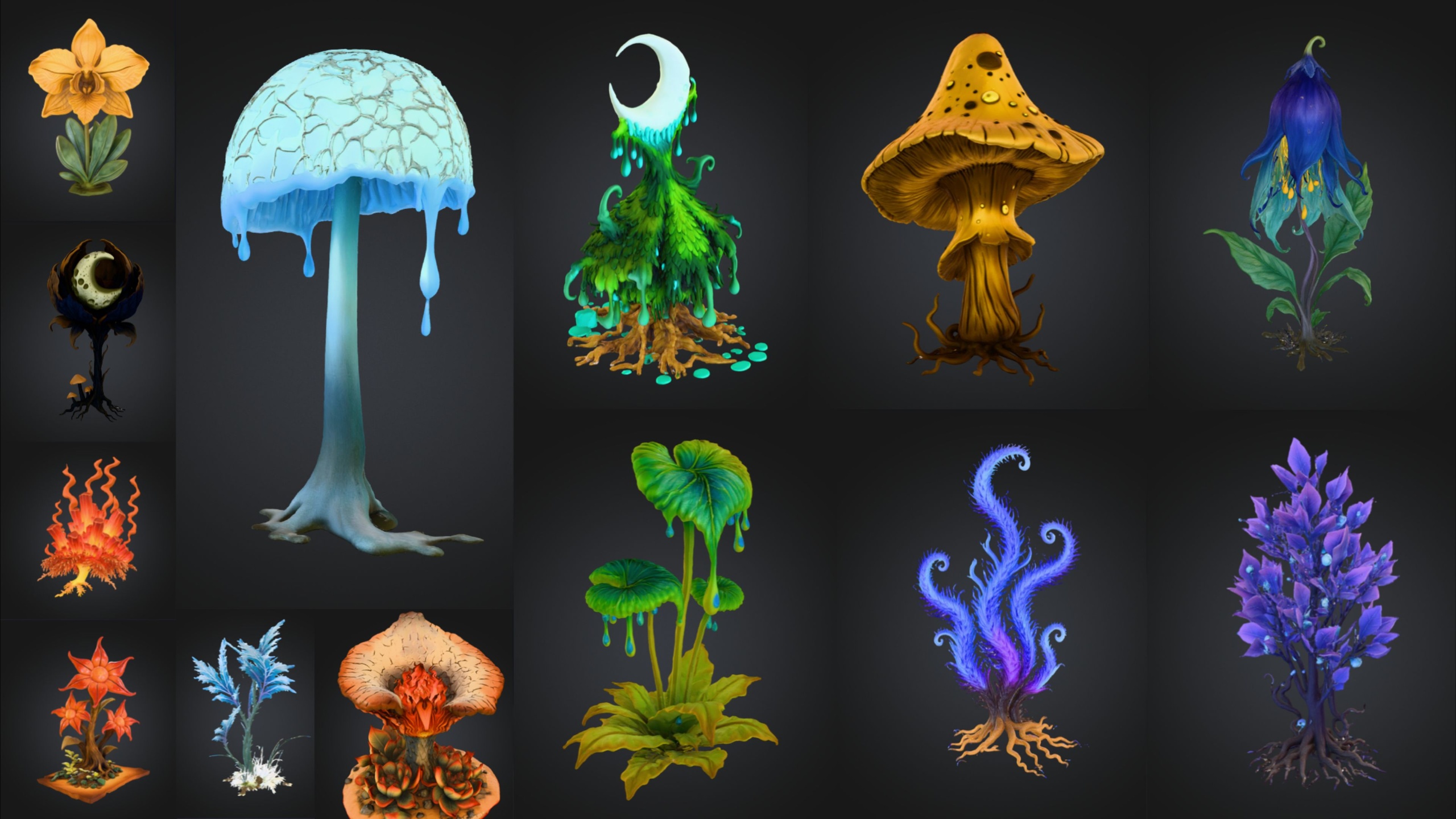
Stylized environments live or die on foliage density and variety. Use the Foliage tool with carefully tuned density, scale and rotation ranges. The Fantasy Flower Pack and similar content packs exist precisely because painting 40-50 unique flower meshes with variation sells the 'hand-crafted' feel.
Layer two or three foliage passes: base ground cover, mid-height shrubs, and occasional hero clusters. Use the Shift-erase technique to carve negative space so it does not feel like a uniform carpet.
Lighting that supports the style
Stylized lighting is often higher contrast and more saturated than realistic. Use a strong Directional Light with a slightly cool tint for sun, and a warm Sky Light or subtle HDRI for bounce. Lumen handles the indirect well, but you may still want to place a few stationary Stationary lights for key areas.
Many stylized creators deliberately push emissive on flowers, crystals or runes to create focal points. Packs like Cosmic Bloom VFX or Spell Garden give you ready particle and light cards that read as 'magical' without needing custom shaders on day one.
FAQ
Should I use Nanite on all my stylized props?
No. Use it on anything that benefits from high geometric detail at distance or close-up. Small props and thin elements are often better as regular static meshes with manual LODs.
How do I keep a stylized scene from looking flat?
Strong silhouettes, layered foliage with scale/rotation variation, and deliberate emissive or light card accents. The 'paint' is in the negative space and focal contrast, not just texture density.
Fantasy Landscape Pack
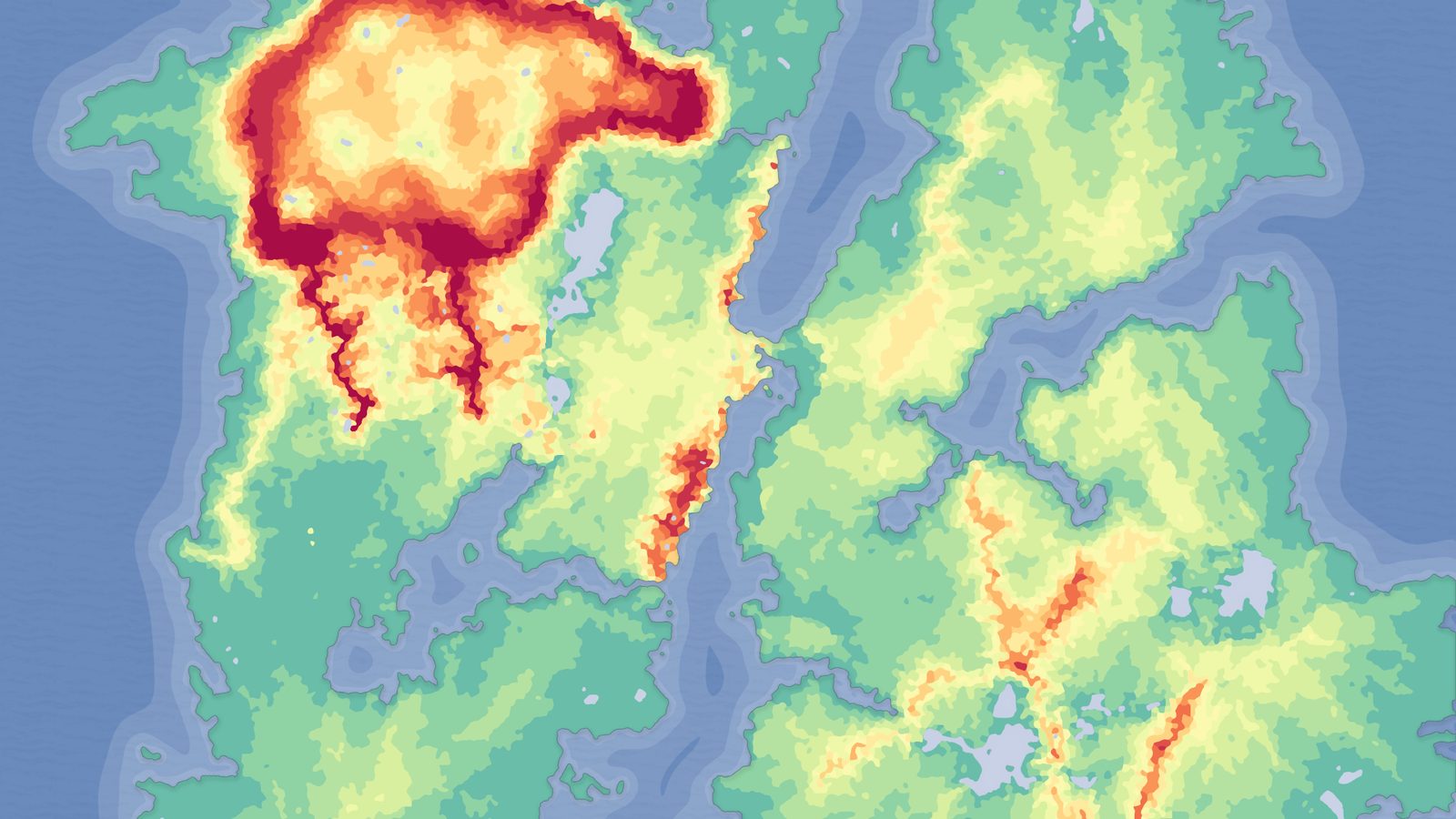
A collection of diverse fantasy heightmap landscapes across multiple biomes — drop-in terrains for RPGs and open worlds, ready to dress and play.
Related on Fab


Related reading