
tutorial · 2026-04-08
Adding Tavern Ambience and Idle NPC Banter in UE5
Build a self-driving idle-bark system that fills a tavern or town hub with believable NPC chatter, grounded on the Bard Dialogue Pack's DataTable layer.

The silent-tavern problem
A tavern with no chatter feels dead. The lighting can be perfect, the props can be hand-placed, and the music can swell on cue, yet the moment the player walks in and every NPC stands mute the illusion collapses. What sells a town hub is the sense that life continues whether the player is listening or not: someone muttering over their drink, someone remarking on the weather, two regulars trading a greeting across the room.
This tutorial shows you how to add ambient NPC chatter to a tavern or town in UE5: a lightweight idle-bark system that wakes each NPC on its own timer, picks an appropriate line by category, plays it as a 3D one-shot, and falls quiet again. We will build it against the Bard Dialogue Pack, whose DataTable-driven dialogue layer makes the line selection trivial, but the same pattern works for any pack in the collection.
The Bard pack is a natural fit for tavern flavour. The bard archetype is theatrical and story-leaning by design, and the pack ships 570 voice lines (about 112 minutes of audio) plus 40 songs, so a travelling minstrel can carry a corner of the room while the rest of the cast trades quieter barks. Every line is a one-shot USoundWave referenced from a DataTable, which is exactly what a bark system wants.
How the dialogue data is structured
Before writing any logic, understand the data you are querying. The Bard Dialogue Pack ships five DataTables: DT_Dialogue, DT_CharacterProfile, DT_Equipment, DT_Quests and DT_WrittenContent. For ambient barks you only care about DT_Dialogue.
Each row in DT_Dialogue carries the fields Name, DialogueName, ResponseText, CharacterName, EmotionalTone, ContextTags, NPCType and VoiceAudio. The VoiceAudio column is a TSoftObjectPtr<USoundWave>, which means the audio clip is not loaded into memory until you explicitly load it, an important property when a tavern might reference hundreds of lines but only ever play a handful.
The field that drives selection is ContextTags. Lines are tagged in a hierarchical category/subcategory/size form, so a single string tells you the situation, the flavour and the length tier. For ambient banter the categories that matter are self, commentary and social. The self category is idle muttering and personal observations, the kind of thing an NPC says to no one in particular. Commentary is location-based observation, lines that react to where the character is. Social covers greetings, farewells and the small exchanges NPCs trade with each other.
Lines also come in four length tiers encoded in the size segment of the tag: SM (roughly one to five words), MD (a sentence or two), LG (two to four sentences) and XL (a paragraph or more). For background chatter you almost always want SM and MD; the long tiers are for quest-giving and story beats, not for someone grumbling into their ale.
Designing the idle-bark timer
The heart of an ambient system is a timer that fires on each NPC independently, with enough jitter that the room never sounds synchronised. Put this on an Actor Component so any NPC can carry it, then attach the component to your tavern patrons.
1. On the component, add an editable variable named 'Bark Interval Min' (try 8 seconds) and 'Bark Interval Max' (try 20 seconds). These define the quiet gap between one NPC's barks.
2. On 'Begin Play', call the 'Set Timer by Function Name' node, but instead of a fixed interval, schedule a single shot at a random duration. Use a 'Random Float in Range' node fed by your min and max variables, and leave 'Looping' unticked so each bark reschedules the next one itself. Staggering the very first bark this way stops every NPC firing at level load.
3. In the timer's callback function, run your line selection and playback (covered below), then immediately re-arm the timer with a fresh 'Random Float in Range' value. This self-rescheduling loop is what keeps the cadence natural rather than metronomic.
4. Guard the callback with a simple check: if the NPC is in combat, mid-conversation, or already playing a line, skip this bark and just re-arm the timer. An ambient line that talks over a quest dialogue is worse than silence.
Picking a line from self, commentary and social
With the timer firing, the callback needs to choose a believable line. The DataTable makes this a filter-then-pick problem rather than a hand-authored decision tree.
1. Cache a reference to DT_Dialogue once, at component initialisation, rather than resolving it on every bark. The DataTable loads synchronously and is cheap to hold.
2. Decide the category for this bark. A reasonable default for a lone patron is to weight heavily towards self (idle muttering) and commentary (observations about the room), and reserve social lines for moments when two NPCs are near each other. Pick the category string accordingly, for example 'self' or 'commentary'.
3. Get all row names from DT_Dialogue, then for each row use 'Get Data Table Row' and keep only the rows whose ContextTags contains your chosen category substring. Because the tags are hierarchical you can be as broad or narrow as you like: 'self' matches everything idle, while 'social/greeting' matches only greetings.
4. Optionally narrow further by length: keep rows whose ContextTags also contains '/sm' or '/md' so background chatter stays short. Then feed the filtered array to a random-pick and you have your row.
5. To keep the same line from repeating back to back, store the last few row names you played on the component and reject a pick that matches one of them, drawing again if it does. A short ring buffer of three or four entries is plenty.
Playing lines with distance-based 3D attenuation
Ambient barks must be spatial. A line played as 2D audio will sound like it is inside the player's head no matter where the speaker is standing, which destroys the sense of a room full of separate voices. The pack's lines are one-shot SoundWaves, so they slot straight into Unreal's 3D audio path.
1. From your selected row, take the VoiceAudio TSoftObjectPtr and call 'Load Synchronous' to resolve the USoundWave. Because the reference is a soft pointer, nothing was in memory until this moment.
2. Play it positionally with 'Spawn Sound at Location' (or 'Spawn Sound Attached' to follow a moving NPC), passing the speaker's world location so the audio pans and fades by distance. Avoid 'Play Sound 2D' for ambient chatter; reserve that for lines aimed directly at the player.
3. Drive falloff with a Sound Attenuation asset. Create one in the Content Browser, enable 'Spatialization' and 'Attenuation (Volume)', and set an inner radius where the line plays at full volume and a falloff distance beyond which it fades to nothing. For tavern chatter, keep the falloff tight so a mutter at the bar does not carry across the whole map.
4. Assign that attenuation asset on the spawn node's attenuation input. The pack's documentation calls out using attenuation settings for 3D sound for exactly this reason, and a single shared attenuation asset across all your patrons keeps the mix consistent.
5. If you assigned the pack's DV_ DialogueVoice asset as the speaker through Unreal's native dialogue system, you can route the same lines through that path instead; for a pure bark system, the direct spawn-with-attenuation route is the simplest.
Layering many NPCs without audio clutter
The danger of giving every patron a bark component is a wall of overlapping voices. The fix is throttling at the room level, not just per NPC.
Add a lightweight room-level limiter: a counter of currently-playing ambient lines, incremented when a bark spawns and decremented on the audio's finished delegate. Before any NPC plays, check the counter against a cap (two or three concurrent barks reads as a busy room without becoming noise). If the cap is hit, the NPC silently re-arms its timer and tries again later.
Bias the timing by distance to the player so the nearest NPCs bark more often than ones across the room. Cheaply, you can lengthen the random interval range for distant NPCs and shorten it for near ones, so the player always hears the conversation closest to them while the far side of the tavern stays a low murmur.
Use the length tiers to manage density too. If you are already over a couple of concurrent lines, restrict new picks to SM tags so any extra voice is a brief one or two words rather than a full sentence competing for attention.
For a town hub with several distinct NPC types, mix archetypes for variety: pair the bard's theatrical lines with a grounded common-folk voice so the room does not sound like one person talking to themselves. That is where the wider collection comes in.
Scaling from one bard to a full cast
Because every pack in the collection shares the same DT_Dialogue schema and the same category/subcategory/size tagging, the component you just built is character-agnostic. Swap the DataTable reference and the exact same filter-pick-attenuate logic voices a different NPC, with no code changes.
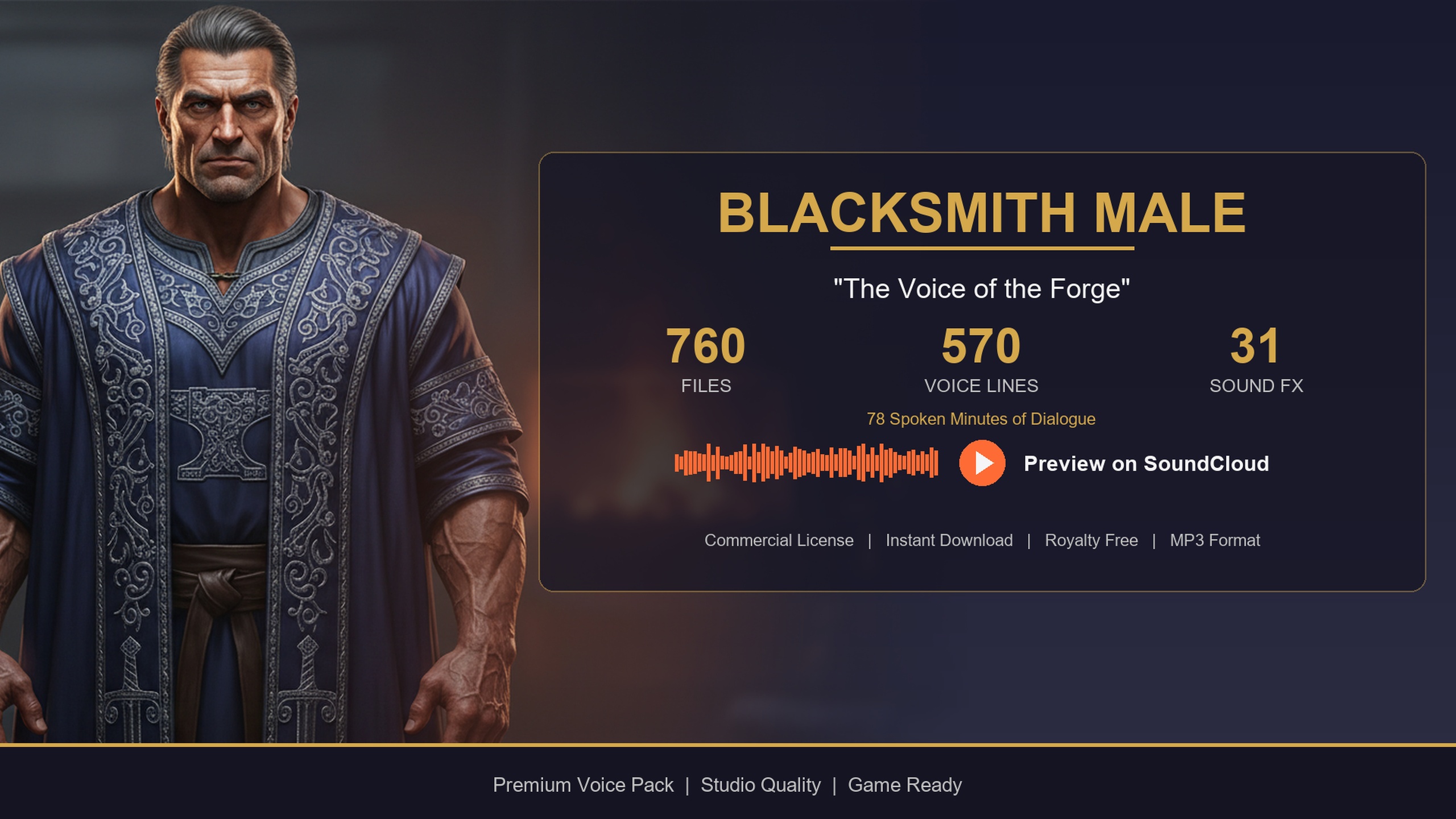
To contrast the bard with a shopkeeper, drop in the Blacksmith Dialogue Pack: a gravelly forge-warm baritone with its own 570 lines (about 78 minutes) and the same five DataTables, ideal for the smith in the corner. For a free way to prototype the whole system before you spend anything, the Assassin Dialogue Lore Pack ships at no cost with an identical schema, including self, commentary and social categories, so you can wire up your bark component and prove the loop works first.
When you are ready to populate an entire town rather than a single room, the Fantasy NPC Voices complete bundle consolidates 21 archetypes under one content root with byte-identical row structs across every character, so the one query helper you wrote here drives the whole cast. Start with the bard for tavern flavour, layer in the blacksmith for the shop, and expand from there.
Which ContextTags category to use for ambient banter
| Category | What it covers | Best length tiers for ambience |
|---|---|---|
| self | Idle muttering and personal observations to no one in particular | SM, MD |
| commentary | Location-based observations reacting to the surroundings | SM, MD |
| social | Greetings, farewells and exchanges between nearby NPCs | SM, MD |
Categories present in the pack's DT_Dialogue, with the size tiers that suit background chatter.
FAQ
How do I add ambient NPC chatter to a tavern or town in UE5?
Put an Actor Component on each NPC that runs a self-rescheduling timer with a randomised interval. When the timer fires, filter DT_Dialogue by a category like self or commentary, pick a random short line, Load Synchronous the VoiceAudio SoundWave, and play it with Spawn Sound at Location using a Sound Attenuation asset so it fades by distance.
Which dialogue categories should ambient barks pull from?
Use the self category for idle muttering and personal observations, commentary for location-based observations about the surroundings, and social for greetings and exchanges between nearby NPCs. Weight a lone patron towards self and commentary, and trigger social lines when two NPCs are close together.
Why are my NPC lines playing as if they are inside the player's head?
You are most likely using Play Sound 2D. Ambient barks need to be spatial: play them with Spawn Sound at Location or Spawn Sound Attached and assign a Sound Attenuation asset with spatialization and volume falloff enabled, so each voice pans and fades based on the speaker's distance from the listener.
How do I stop a roomful of NPCs talking over each other?
Throttle at the room level. Keep a counter of currently-playing ambient lines and cap it at two or three; an NPC that would exceed the cap simply re-arms its timer instead. Bias bark frequency by distance so nearby NPCs speak more often, and restrict extra lines to the SM length tier when the room is already busy.
Does the same system work for other NPC types?
Yes. Every pack in the collection uses the same DT_Dialogue schema and category/subcategory/size tagging, so swapping the DataTable reference voices a different character with no logic changes. You can prototype free with the Assassin Dialogue Lore Pack, add the Blacksmith for a shopkeeper, or scale to 21 archetypes with the Fantasy NPC Voices bundle.
Bard Dialogue Pack
Quest-givers, tavern tales and travelling-minstrel banter — 112 minutes of professionally delivered bard dialogue for medieval and fantasy worlds. Plug the cues straight into your dialogue system.
Related on Fab


Related reading