
tutorial · 2026-05-23
Triggering NPC Shop Greetings on Player Overlap in UE5
Wire a trigger box to play a random blacksmith greeting the moment the player walks into the shop, with a cooldown so it never spams.
The problem: a greeting that fires once, sounds local, and never repeats itself
You want your town blacksmith to say something the moment the player steps up to the counter. The naive version is easy to get wrong: it fires on every physics sub-step, it plays the same line every single time, and the voice comes out flat and disembodied because it was triggered as a 2D sound. This tutorial shows you how to play an NPC greeting on an overlap trigger box in UE5 cleanly, pulling a fresh line each time, anchoring the voice to the smith in 3D, and gating it behind a cooldown so a player loitering at the door does not trigger a barrage.
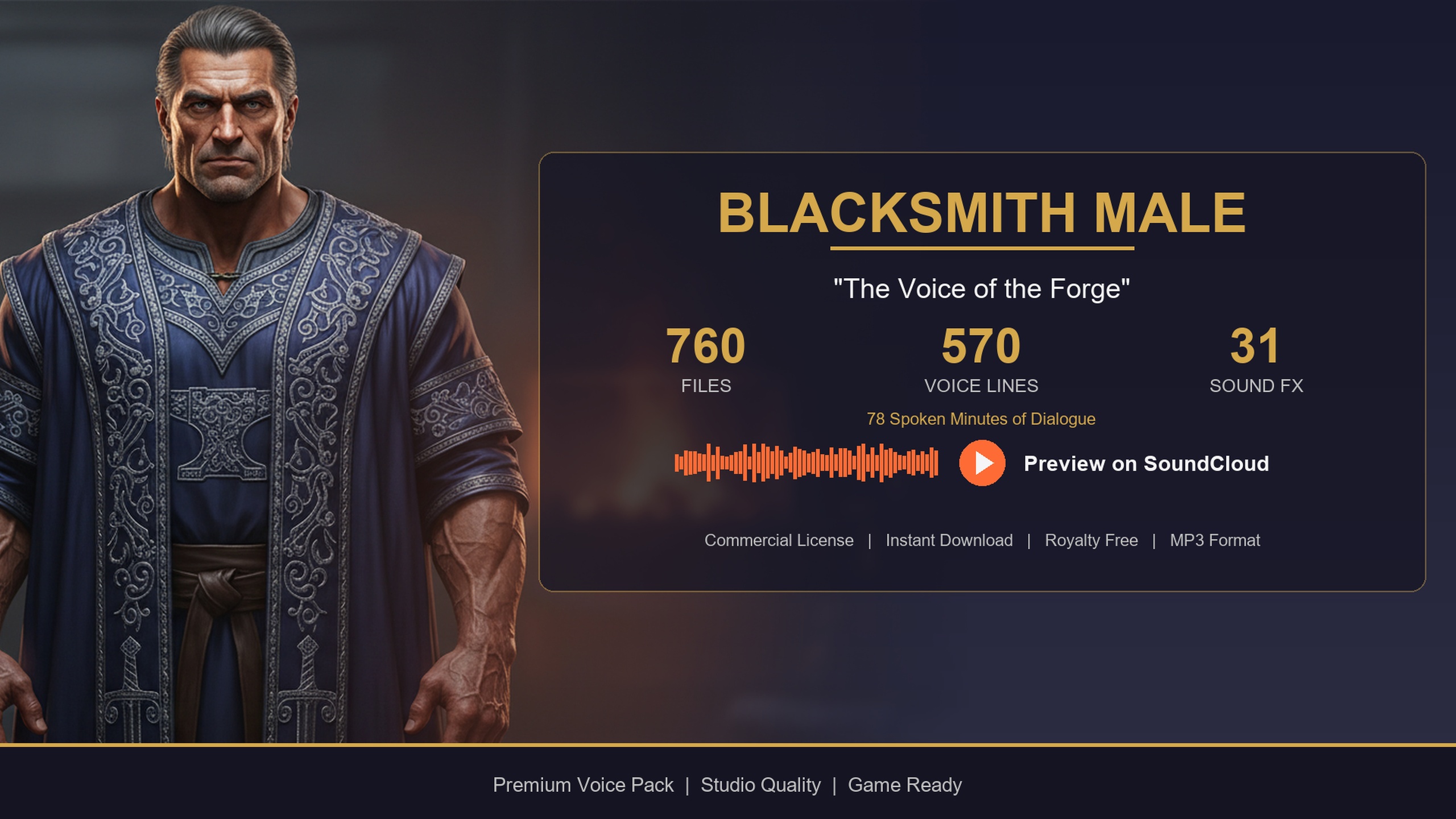
The example throughout uses the Blacksmith Dialogue Pack, a paid NPC voiceover and lore pack for a male blacksmith/merchant archetype. Its lines ship as one-shot USoundWave assets driven by a DataTable called DT_Dialogue, which is exactly the shape this pattern needs. The same wiring works for any pack in the collection because they all share the same row schema, but a forge-warm shopkeeper baritone is a natural fit for a shop greeting, so we will build around that.
Set up the overlap event on the NPC trigger volume
First, give the blacksmith a detection zone. The cleanest approach is a trigger volume parented to the NPC rather than collision on the character mesh, because you want a generous greeting radius that is independent of where the player can physically stand.
1. Open your blacksmith NPC Blueprint (or the level actor that represents the shop) and add a 'Box Collision' component. Size it to cover the area in front of the counter where you want the greeting to fire.
2. Set its 'Collision Presets' to 'OverlapAllDynamic' (or a custom profile that overlaps the Pawn channel) so the player capsule registers, and make sure 'Generate Overlap Events' is ticked.
3. Select the box, scroll to the 'Events' section of the 'Details' panel, and add an 'On Component Begin Overlap' event to the Event Graph.
4. In the event, cast 'Other Actor' to your player character (or check it implements your player interface) so a wandering AI cannot set off the shopkeeper. Branch on the cast result and only continue if it succeeds.
Begin-overlap can fire more than once in edge cases, and a player who steps in, out, and back in will retrigger it. That is fine for now, because the cooldown added later is what actually guarantees the line does not spam.
Pull a random greeting from DT_Dialogue
The pack's lines live in DT_Dialogue, where each row carries a Name, DialogueName, ResponseText, CharacterName, EmotionalTone, ContextTags, NPCType and a VoiceAudio reference. The ContextTags column is the one that matters here: lines are tagged in a category/subcategory/size form, so a shop greeting is found by filtering for the social greeting context. This follows the pack's own User Guide example of playing a random greeting on player overlap by filtering for the social/greeting context.
1. Add a variable that references your DT_Dialogue DataTable asset (set its default to the blacksmith's DT_Dialogue in the Content Browser) and cache it rather than looking it up each time.
2. From the table, add a 'Get Data Table Row Names' node, then a 'ForEachLoop' over those names, calling 'Get Data Table Row' for each name to read the row struct.
3. For each row, check whether its ContextTags string contains 'social/greeting' (use a 'Contains' string node). Add every matching row to a local array of rows.
4. After the loop, feed that array into a 'Random Integer in Range' (0 to length minus one) or a 'Random Array Item' node to pick one greeting row. Guard against an empty array so an unfiltered branch never crashes.
For anything called more than occasionally, do the filtering once. Build the array of greeting rows on 'Begin Play' or at level load and store it, so the overlap handler only has to pick a random entry rather than scan the whole table every time the player approaches.
Load the voice on demand and play it in 3D
The chosen row's VoiceAudio field is a TSoftObjectPtr<USoundWave>, which means the actual audio is not in memory until you ask for it. That is deliberate: a pack of voice lines should not pin every clip in RAM, so you load only the line you are about to play.
1. From the picked row, get the VoiceAudio soft pointer and call 'Load Synchronous' (the Blueprint node 'Load Asset Blocking' / resolving the soft object reference) to obtain a hard USoundWave reference. For a counter greeting the clips are short one-shots, so a synchronous load is acceptable; if you prefer to avoid any hitch, drive it through 'Async Load Asset' instead and play on completion.
2. To anchor the voice to the smith, use 'Spawn Sound at Location' (or 'Spawn Sound Attached' to the NPC's mesh) rather than 'Play Sound 2D'. Pass the loaded SoundWave and the blacksmith's world location. Attaching it means the greeting attenuates and pans correctly as the player moves around the forge, instead of sitting flat in the player's head.
3. Set an attenuation setting on the spawned sound so it falls off with distance. A modest radius around the counter keeps the greeting intimate and stops it bleeding across the whole town square.
4. Optionally pull the row's ResponseText and push it to a subtitle or floating-text widget so the line is captioned for accessibility.
Add a cooldown so the greeting does not spam
Overlap events are noisy. Without a gate, a player who paces at the shop door gets greeted on every entry, and the smith starts to sound broken. A simple time-based lock fixes it.
1. Add a boolean variable, for example 'bGreetingOnCooldown', defaulting to false.
2. At the very top of the overlap handler (right after the player cast succeeds), branch on 'bGreetingOnCooldown'. If it is true, do nothing and return.
3. When you do play a greeting, immediately set 'bGreetingOnCooldown' to true, then start a timer ('Set Timer by Event' or a 'Delay') for your chosen interval, such as eight to fifteen seconds.
4. In the timer callback, set 'bGreetingOnCooldown' back to false so the next genuine approach can trigger a fresh line.
Because the greeting row is picked randomly each time the gate opens, repeat visits give you variety rather than the same clip on a loop. If you want a farewell on the way out, mirror this whole pattern on an 'On Component End Overlap' event and filter DT_Dialogue for the social/farewell context instead.
Reusing the pattern across your cast
The reason this is worth building properly once is that every voice pack in the collection uses the same DT_Dialogue schema and the same TSoftObjectPtr audio references. Write the filter-pick-load-play logic as a reusable function or component that takes a DataTable and a context string, and you can point it at any character. Drop in the Bard Dialogue Pack for a quest-giving minstrel in the tavern next door, or wire the free Assassin Dialogue Lore Pack onto a rogue NPC to prototype the same bark system at no cost.
If you are voicing a whole town rather than a single shop, the Fantasy NPC Voices complete bundle consolidates 21 archetypes under one content root with byte-identical row structs, so the exact overlap-greeting function you just built drives every one of them through a single code path. Start with one blacksmith at the counter, get the cooldown and 3D positioning feeling right, then reuse it everywhere.
FAQ
How do I play an NPC greeting on an overlap trigger box in UE5?
Add a Box Collision to the NPC, enable Generate Overlap Events, and handle On Component Begin Overlap. Confirm the overlapping actor is the player, filter DT_Dialogue for rows whose ContextTags contain social/greeting, pick a random matching row, Load Synchronous its VoiceAudio soft pointer, and play the SoundWave at the NPC's location with attenuation. Gate the whole thing behind a cooldown boolean so it does not retrigger.
Why is the VoiceAudio not loaded by default?
In DT_Dialogue the VoiceAudio column is a TSoftObjectPtr<USoundWave>, so the clip stays off-heap until you resolve it. You call Load Synchronous (or async-load) at the moment of playback, which keeps the rest of the pack's lines out of memory until they are actually needed.
How do I make the greeting positional instead of flat?
Use Spawn Sound at Location with the blacksmith's world position, or Spawn Sound Attached to the NPC mesh, rather than Play Sound 2D. Add an attenuation setting so the greeting falls off with distance and pans correctly as the player moves around the forge.
How do I stop the greeting from firing repeatedly?
Add a boolean cooldown such as bGreetingOnCooldown. Return early if it is true, set it true when you play a line, start a timer for your chosen interval, and reset it to false in the timer callback. Random row selection then gives you a different greeting on each genuine approach.
Can I reuse this for farewells or other NPCs?
Yes. Mirror the same logic on On Component End Overlap and filter for social/farewell to get a goodbye. Because every pack in the collection shares the same DT_Dialogue schema, the same filter-pick-load-play function drives the Bard, Assassin or any of the 21 archetypes in the complete bundle just by changing the DataTable and context string.
Blacksmith Dialogue Pack
Forge banter, shop greetings and crafting flavour — 78 minutes of characterful blacksmith dialogue for fantasy and medieval games. Ready-to-use cues for any UE5 project.
Related on Fab



Related reading