
article · 2026-05-19
The Best Unreal Engine Blueprint Plugins for Developers: HTTP, Charts, Markdown, PDF and Recording
Five focused UE5 code plugins that strip the boilerplate out of web requests, data visualisation, documentation, in-world PDFs and gameplay capture.
Plugins that remove boilerplate, not control
Some of the most useful Unreal Engine plugins are not the flashy ones. They are the small, single-purpose tools that take a chore you would otherwise hand-roll in every project and turn it into a handful of nodes. If you are looking for the best Unreal Engine Blueprint plugins for developers, the question is rarely whether something is possible in raw UE5, it is how much repetitive C++ or wiring you want to write before you get to the actual game.
This roundup covers five MythicLemon code plugins that each attack one of those chores: talking to web APIs, drawing charts in UMG, writing documentation in the editor, showing real PDFs in-world, and recording gameplay to video. They are deliberately narrow. None of them tries to be a framework, and none of them locks you out of dropping to C++ when you need to.
All five are Windows 64-bit plugins (Win64 PlatformAllowList) and, with one exception noted below, ship full C++ source. We will compare them honestly on what they actually do, then walk through a single workflow that chains four of them together: call an API, chart the result, document the system, and record a clip of it running.
Talking to web APIs: EasyHTTP
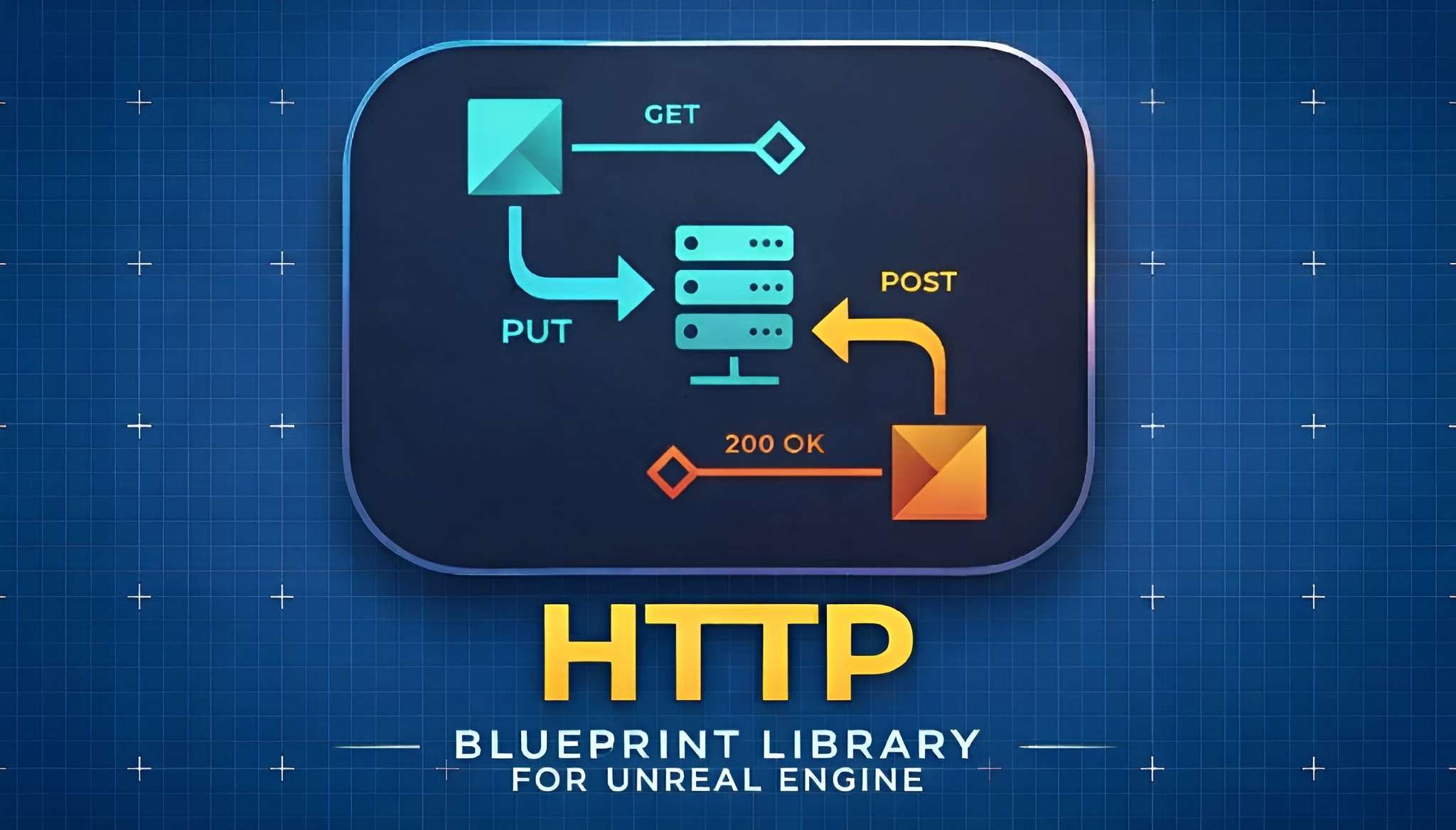
EasyHTTP wraps the engine's HTTP module so you can call REST and web APIs straight from Blueprint nodes without the usual delegate plumbing. It supports the full set of HTTP methods through the 'EEasyHTTPMethod' enum: GET, POST, PUT, PATCH and DELETE.
There are three call styles to match how much ceremony a request needs. 'Easy HTTP Request' uses a callback delegate, 'Easy HTTP Request (No Callback)' is fire-and-forget for telemetry, and 'Easy HTTP Request With Progress' exposes BytesSent and BytesReceived for upload and download bars. For the common cases there are async latent nodes with separate execution pins, 'Async Quick GET' and 'Async Quick POST JSON', which default to JSON content and a 30 second timeout so you can wire On Success and On Failure and be done.
Authentication is handled by four helper builders rather than manual headers: Basic ('MakeOptionsWithBasicAuth'), Bearer/JWT/OAuth ('MakeOptionsWithBearerToken'), API Key ('MakeOptionsWithApiKey') and a custom header path. The 'FEasyHTTPRequestOptions' struct carries content type, timeout, additional headers, user agent, accept header and the retry settings. Crucially, retry fires only on connection failures, never on a 4xx or 5xx HTTP response, so a 401 will not be silently hammered. Responses come back as an 'FEasyHTTPResponse' you can break for bSuccess, StatusCode, Content, RawContent, Headers and ElapsedTimeSeconds.
The standout development feature is the built-in local test server ('UEasyHTTPServerLibrary'). You can 'Start Local Test Server' on port 8080, point requests at localhost, set canned responses and read back the last request, then 'Stop All Test Servers' on End Play, all without standing up a real backend. Be aware of the limits: there is no streaming (the full response is buffered), no WebSockets and no certificate pinning, and the test server is HTTP-only and not for production. EasyHTTP targets Unreal Engine 5.5, 5.6 and 5.7.
Data visualisation in UMG: Fast Chart Widgets
Fast Chart Widgets adds a Blueprintable UMG widget ('UFastChartWidget') that draws charts entirely in Slate, with no per-project drawing code and no image assets for the charts themselves. It covers eight chart types through 'EFastChartChartType': Line, Area, Scatter, Bar, Pie, Donut, Polar Area and Radar.
There are two ways in. The template path uses an editor 'Chart Template Marketplace' button that the plugin adds to the Widget Blueprint toolbar; click it, pick from 34 pre-configured templates organised into six categories, and a styled chart drops onto your canvas. Several templates can auto-collect engine metrics such as FPS, FrameTime, Memory, GameThreadTime, RenderThreadTime and GPUTime, so a debug overlay is a couple of clicks plus 'StartDataCollection'. The code path uses a fluent builder ('UFastChartChartBuilder') with methods like 'CreateLineChart' and 'CreateBarChart', a series API ('UFastChartChartSeries') with 'AddDataPoint', 'AddDataPointLabeled' and bulk variants, and multi-dataset management on the widget itself.
Styling is deep without being mandatory: per-axis titles, colours, outlines and shadows, multiple grid layers, custom ticks with unit prefixes and suffixes, eight legend positions, themed series palettes, and animation for points and axis ranges. Range control matters in live data, and the plugin gives you fit-to-data or manual min/max per axis plus a 'MinAutoRangeSpan' floor that stops violent auto-zoom when values are flat. Builder and series objects are retained on the widget, so Blueprint callers do not have to promote them to keep them alive past garbage collection. Fast Chart Widgets targets Unreal Engine 5.5, 5.6 and 5.7.
Documentation in the editor: Markdown 4 Blueprints
Markdown 4 Blueprints is the odd one out in the best-of-breed sense: it is an editor-only tool, not a runtime feature. It adds a WYSIWYG Markdown documentation tab where you write rich notes attached to a specific Blueprint or asset, with the documentation auto-detected from the active asset. It is not a way to render Markdown into in-game UMG; everything it does happens in the editor and on disk.
You write with live preview, no raw Markdown syntax required, using headings, bold, italics, code blocks, tables, images and links. A visual table editor handles tables through toolbar controls, and images go in through a native file picker with inline resize. Notes auto-save 500 milliseconds after you stop typing, and as you switch between Blueprints the panel can switch to the matching documentation.
The files are plain .md written into the project under 'Documentation/Blueprints/', mirroring your content hierarchy, with standalone notes in a 'Standalone' subfolder. Because they are real files in the project, they go into source control alongside the assets they describe. A one-click Export Notes dumps everything to an external folder preserving the structure, which is handy for handoff or archival. The storage path is configurable through Project Settings. It renders its WYSIWYG surface via the engine's built-in WebBrowserWidget plugin, is fully offline with no external libraries, and is presented as Windows with Unreal Engine 5.5 to 5.7.
Real PDFs in-world: Simple PDF Viewer
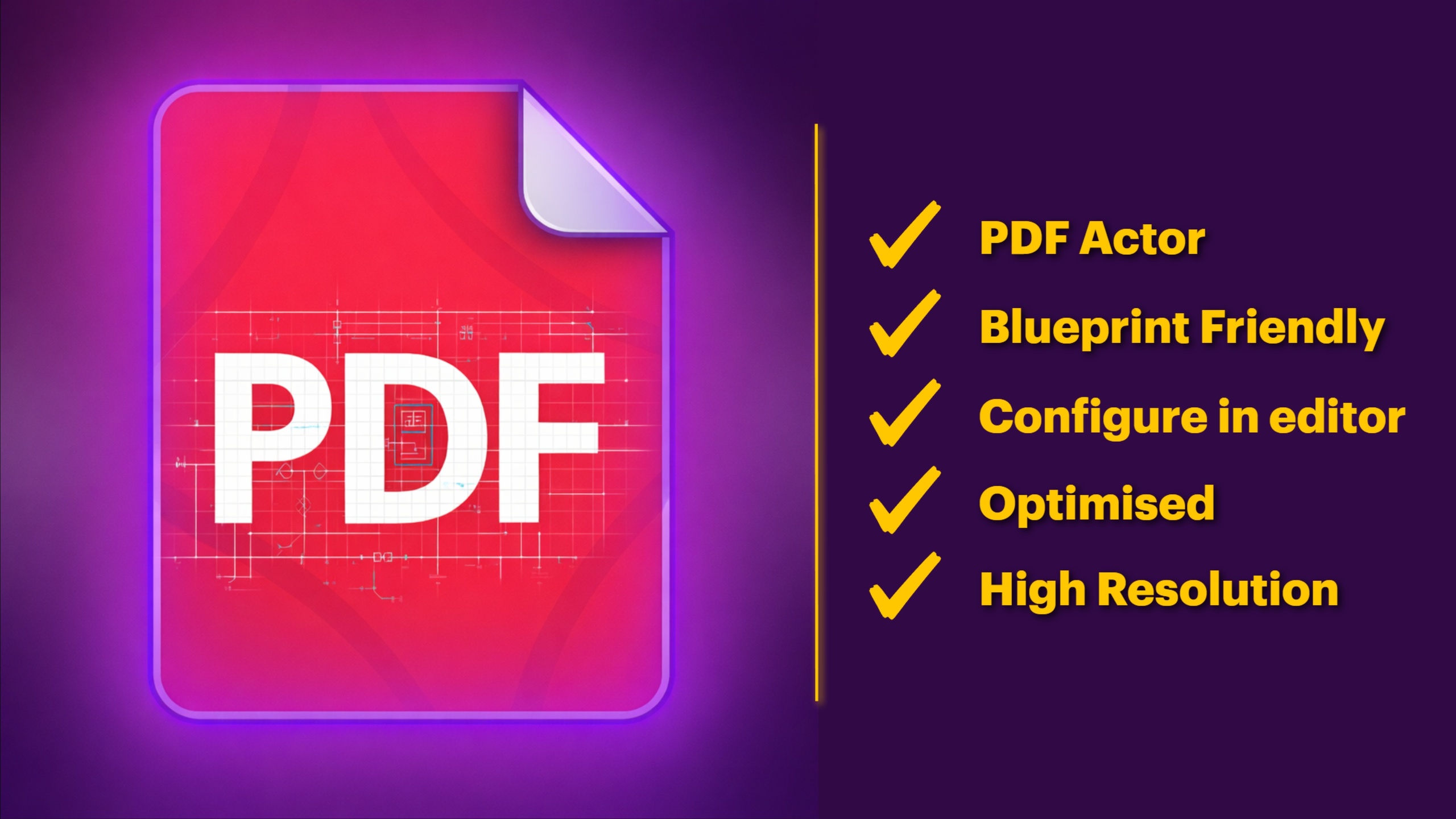
Simple PDF Viewer renders actual PDF documents inside Unreal Engine by rasterising pages to 'UTexture2D' and displaying them on meshes in the 3D world. Page rasterisation is powered by the bundled PDFium library, which ships with the plugin, so there is nothing external to install.
The fast path is the drop-in 'APDFViewerActor': set a PDF file path, drag it into the level, and it auto-builds a display mesh and dynamic material and auto-loads on play, orienting the mesh from the page aspect ratio. For custom actors there is a reusable 'UPDFRenderComponent' you can attach to anything. Either way you get full page navigation, 'GoToPage', 'NextPage', 'PreviousPage', 'GoToFirstPage', 'GoToLastPage', plus 'GetCurrentPage' and 'GetPageCount', and Blueprint events for 'OnPDFLoaded', 'OnPageChanged' and 'OnPDFLoadFailed'. Encrypted PDFs are supported through an optional password parameter on load.
Display is controllable through DisplayWidth and DisplayHeight in world units, RenderQuality, an emissive strength setting and a double-sided toggle, with 'ScrollToProgress' and 'GetScrollProgress' for slideshow-style use. Render resolution is configurable but capped: RenderWidth clamps from 256 to 4096, and RenderHeight of 0 means auto from aspect ratio. The dynamic material expects a texture parameter named 'PageTexture', and the editor can auto-create a display material for you. Be clear on what it is: it rasterises pages to images, so it is not a text-selectable viewer, and there is no form filling, text extraction or hyperlink navigation in the public API. It is Windows-only and targets Unreal Engine 5.5 to 5.7, with no telemetry.
Capturing footage: Simple Screen Recorder
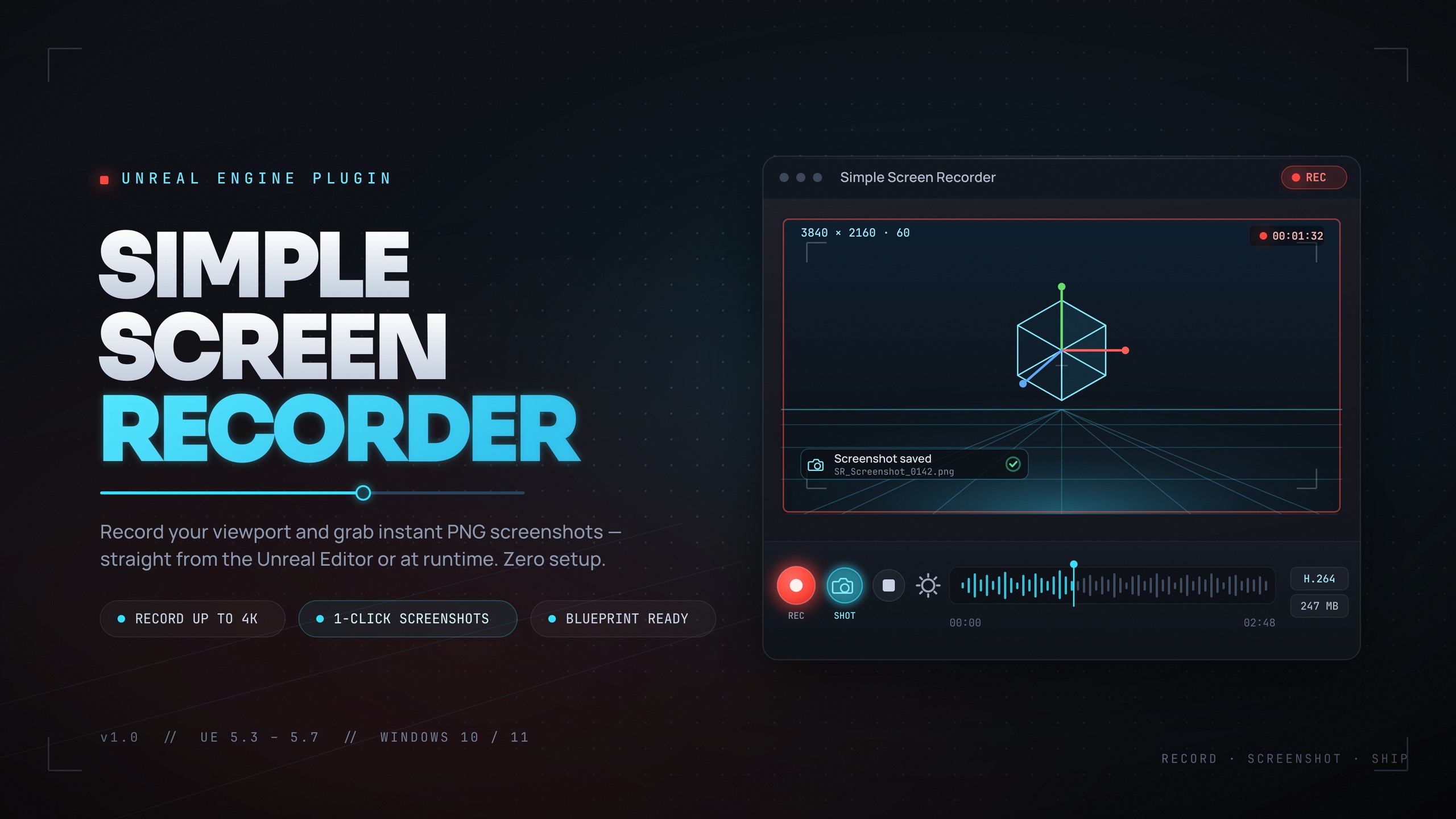
Simple Screen Recorder captures the editor viewport, PIE sessions and runtime gameplay to H.264 MP4 with AAC audio, using Windows Media Foundation for encoding and WASAPI loopback for system audio. There are no external dependencies because both are built into Windows.
In the editor you record with one click from a toolbar button or the Ctrl+Shift+R toggle hotkey. At runtime there is a full Blueprint API: a single 'SimpleScreenRecorder' node that takes an action of Start, Stop, Pause or Resume along with resolution and frame rate and returns the output path, plus a Screen Recorder actor component with the same controls, auto-start-on-BeginPlay and auto-stop-on-EndPlay, a 'MaxRecordingDuration' cap, and 'OnRecordingStarted', 'OnRecordingStopped' and 'OnRecordingError' events. A 'SimpleScreenshot' call handles stills.
Resolution presets run from Match Viewport through 720p, 1080p, 1440p and 4K, with a Custom option clamped from 320x240 up to 7680x4320. Frame rate runs 15 to 120 FPS, defaulting to 30. Quality presets map to four bitrates: Small Files at 10 Mbps, Default at 20 Mbps, High Quality at 50 Mbps and Professional at 100 Mbps. Recording source can be the game window, the editor or the entire screen, and there are toggles for the mouse cursor and an icons-only toolbar. Two honest caveats: audio is system loopback only, so you cannot isolate game audio from other applications, and output is H.264/AAC in MP4 only. It is Windows-only and ships packaged builds for Unreal Engine 5.3, 5.4, 5.5, 5.6 and 5.7.
How they compare, and which to reach for
These tools do not overlap, so the choice is about which chore is hurting. Reach for EasyHTTP when your game has to talk to a backend at all: leaderboards, cloud saves, live config, telemetry or any authenticated REST endpoint. The built-in test server alone makes it worth having during development.
Reach for Fast Chart Widgets when you need numbers drawn on screen, whether that is a developer-facing performance overlay built from the engine-metric templates or player-facing economy, progression and stats screens. Reach for Markdown 4 Blueprints when documentation keeps drifting out of sync with the project, because keeping per-Blueprint notes in source control next to the asset is a different discipline to alt-tabbing to an external wiki. Reach for Simple PDF Viewer when you need a genuine document, a manual, lore book, brochure or spec sheet, shown in the world rather than re-authored as UMG. And reach for Simple Screen Recorder when you want trailers, tutorial walkthroughs or QA repro clips straight out of the editor without wiring up OBS.
One shared consideration runs through all five: they are Windows 64-bit plugins. If you ship to macOS, Linux, mobile or console, none of these is the answer for those targets. Within Windows UE5 development, though, each removes a specific, recurring tax.
A combined workflow: API to chart to docs to clip
Here is a concrete pipeline that uses four of the five together. Imagine a live-ops dashboard widget that pulls daily player counts from your backend, plots them, gets documented as a system, and gets a short capture for your patch notes.
1. Pull the data with EasyHTTP. During development, call 'Start Local Test Server' at Begin Play, use 'Set Server Response' to return a canned JSON array of day/value pairs, then add an 'Async Quick GET' pointed at the localhost endpoint. On the On Success pin, break the 'FEasyHTTPResponse' and feed Content into the engine's 'Json String to Struct' to get your typed array. When the real backend is ready, swap the URL and add a Bearer token via 'MakeOptionsWithBearerToken'; nothing else changes.
2. Chart it with Fast Chart Widgets. Add a 'UFastChartWidget' to your dashboard UMG, call 'CreateChartBuilder' then 'CreateLineChart', create a series and push your parsed points with 'AddDataPointLabeled' so each day gets a label. Call 'SetFitToDataY' so the axis tracks the data, relying on the 'MinAutoRangeSpan' floor to keep a flat week from auto-zooming into noise.
3. Document it with Markdown 4 Blueprints. With the dashboard Blueprint open, click New Note from the Blueprint Editor toolbar, write down the endpoint, the expected JSON shape and the series mapping using the visual table editor, and let it auto-save into 'Documentation/Blueprints/'. It commits alongside the widget, so the next developer reads the contract next to the code.
4. Capture it with Simple Screen Recorder. Hit Ctrl+Shift+R to start recording, run the dashboard in PIE so the live chart animates, hit Ctrl+Shift+R again to stop, and grab the timestamped MP4 from the output folder via 'OpenOutputFolder'. That clip goes straight into your patch notes or a Fab listing. Four narrow plugins, one end-to-end feature, and almost no boilerplate written by hand.
Toolkit at a glance
| Plugin | Job | Scope | Engine versions |
|---|---|---|---|
| EasyHTTP | Call REST/web APIs from Blueprint | Runtime | UE 5.5-5.7 |
| Fast Chart Widgets | Draw 8 chart types in UMG | Runtime + editor toolbar | UE 5.5-5.7 |
| Markdown 4 Blueprints | Per-asset docs as .md in-editor | Editor only | UE 5.5-5.7 |
| Simple PDF Viewer | Render real PDFs in-world | Runtime + editor | UE 5.5-5.7 |
| Simple Screen Recorder | Record gameplay/editor to MP4 | Runtime + editor | UE 5.3-5.7 |
All five are Windows 64-bit plugins. Engine versions reflect each plugin's source and packaged builds.
FAQ
What are the best Unreal Engine Blueprint plugins for developers in this toolkit?
This roundup covers five focused UE5 code plugins: EasyHTTP for calling web APIs from Blueprint, Fast Chart Widgets for drawing eight chart types in UMG, Markdown 4 Blueprints for in-editor per-asset documentation, Simple PDF Viewer for rendering real PDFs in-world, and Simple Screen Recorder for capturing gameplay to MP4. Each one removes a specific, recurring chore rather than trying to be a framework.
Do these plugins work on macOS, Linux or mobile?
No. All five are Windows 64-bit plugins (Win64 PlatformAllowList). Simple Screen Recorder relies on Windows Media Foundation and WASAPI, and Simple PDF Viewer uses a bundled PDFium build, both Windows-specific. If you target macOS, Linux, mobile or console, these are not the tools for those platforms.
Can EasyHTTP be used without a live backend during development?
Yes. EasyHTTP ships a built-in local test server. You call 'Start Local Test Server' on port 8080, set canned responses, point your requests at localhost, and inspect the last request with 'Get Last Server Request', then 'Stop All Test Servers' when you are done. The test server is HTTP-only and intended for development, not production.
Does Markdown 4 Blueprints render Markdown into in-game UI?
No. It is an editor-only documentation tool. It lets you write WYSIWYG notes attached to a Blueprint or asset and saves them as .md files under Documentation/Blueprints in your project. It does not render Markdown into runtime UMG widgets.
Is Simple PDF Viewer a full interactive PDF reader?
It renders PDF pages to textures and shows them on in-world meshes, with full page navigation and encrypted-PDF support via a password. Because it rasterises pages to images, it is not a text-selectable viewer: there is no text extraction, form filling or hyperlink navigation in the public Blueprint API, and render resolution is capped at 4096 pixels.
EasyHTTP
GET, POST, PUT and DELETE with headers, JSON parsing and async callbacks — REST APIs in a few Blueprint nodes. Talk to web services, backends and game APIs without touching C++.
Related on Fab

Related reading