
tutorial · 2026-04-15
Unreal Engine: URL Encode Query Parameters in Blueprint with EasyHTTP
Build clean, correctly encoded query strings for your REST calls without hand-rolling string concatenation.
When you actually need a query string
The moment you call a real web API from a game, you stop dealing in clean URLs. A leaderboard endpoint wants a region and a page number, a search endpoint wants a free-text term, a config service wants a build tag. All of that rides in the query string, the part after the question mark, as key and value pairs joined by ampersands. If you build that string by gluing pieces together with Append, you will eventually feed it a value that contains a space, an ampersand, a plus sign or a slash, and the request will either break outright or quietly hit the wrong resource.
This is exactly the problem URL encoding solves, and it is where most Blueprint-only developers get stuck. There is no markdown-friendly way to escape an arbitrary string by hand, and doing it character by character in a Blueprint graph is miserable. This tutorial shows how to URL encode query parameters in Unreal Engine Blueprint cleanly using the helper nodes EasyHTTP exposes, so a search term like fire sword (40% off) ends up correctly encoded instead of corrupting your URL.
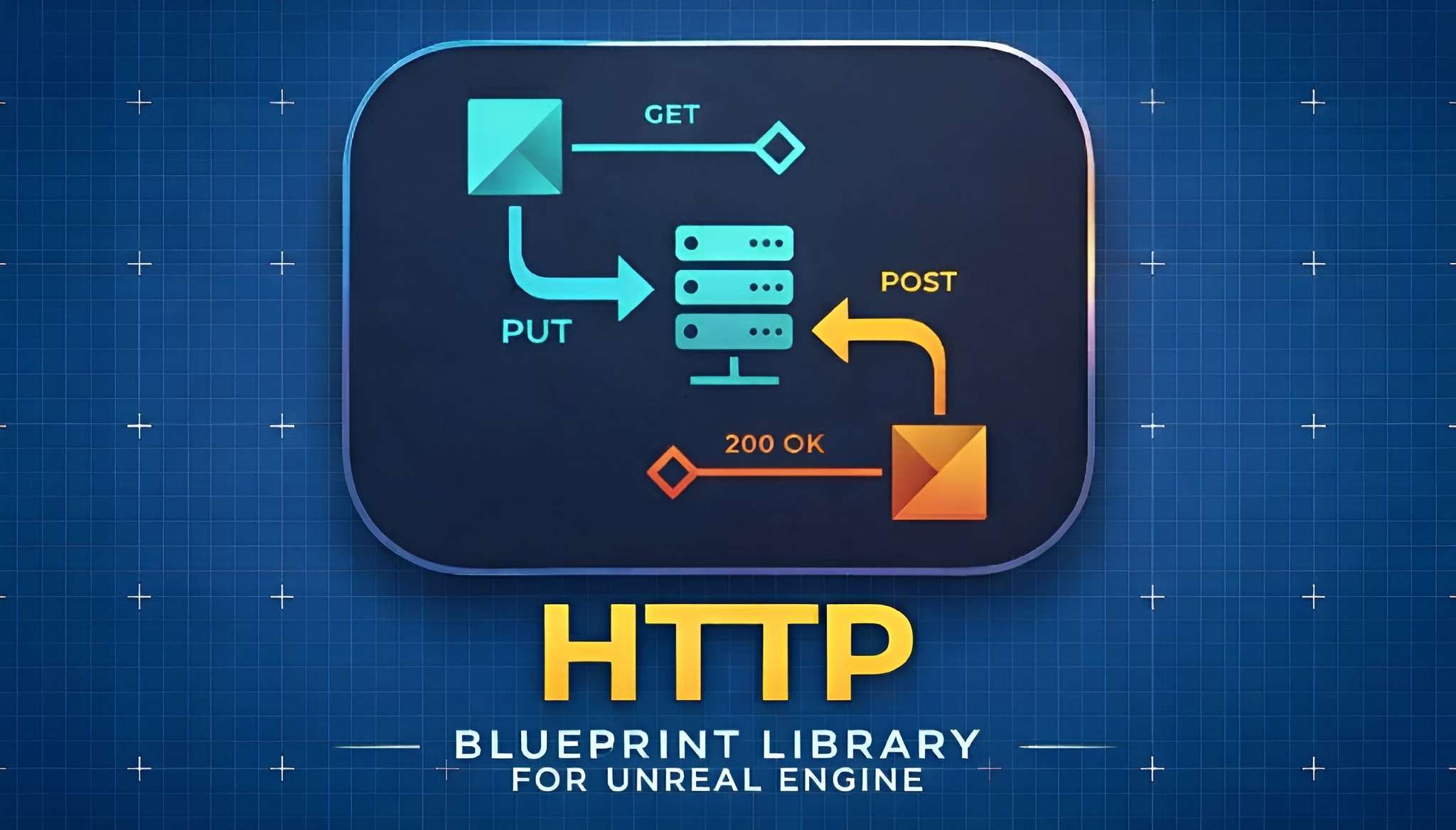
EasyHTTP is a Blueprint-friendly HTTP request plugin that wraps the engine's HTTP module, and alongside its request nodes it ships a small set of utility helpers built precisely for this job.
Build URL With Params from a string map
The fastest path is the 'Build URL With Params' helper. It takes a base URL plus a map of string keys to string values and returns a finished URL with every parameter automatically URL encoded and joined for you. You never touch a question mark or an ampersand yourself.
1. In any Blueprint graph, drag off an execution wire or right-click and add the 'Build URL With Params' node.
2. Set the base URL pin to your endpoint, for example https://api.example.com/search.
3. Create a variable of type Map with String keys and String values, and add your pairs to it, such as q -> fire sword and page -> 2.
4. Wire that map into the params pin. The node returns a single string with the parameters appended as a properly encoded query string.
5. Feed the returned string straight into a request node such as 'Async Quick GET', then wire On Success and On Failure as usual and Break the FEasyHTTPResponse to read Content and StatusCode.
Because the encoding happens inside the node, a value containing a space or an ampersand is escaped before it reaches the wire. You add semantic pairs; the helper produces a valid URL.
URL Encode and URL Decode for one-off values
Sometimes you do not want a whole map, you just have a single value to escape, perhaps a token you are dropping into a path segment or a label you are echoing back. For that, EasyHTTP exposes 'URL Encode' and 'URL Decode' as standalone BlueprintPure helpers, so they have no execution pin and can sit inline anywhere a string is expected.
Pass any string into 'URL Encode' and it returns the percent-encoded form: spaces, ampersands and other reserved characters become their escaped equivalents, which is exactly what the plugin's documented example demonstrates when it encodes spaces and ampersands. Run that output back through 'URL Decode' and you recover the original string, which is handy when you are reading a value that arrived already encoded.
A practical pattern: keep your stable base path as a plain string, encode only the user-supplied fragment with 'URL Encode', and concatenate the two. You get full control over structure while still guaranteeing the dynamic part is safe. For anything with more than one parameter, prefer 'Build URL With Params' so you are not managing separators by hand.
Avoiding malformed URLs
The single biggest cause of malformed URLs in Blueprint is double encoding: encoding a value that was already encoded, which turns a percent sign into its own escape sequence and leaves you with garbled parameters on the server. Encode each raw value exactly once. If you hand raw pairs to 'Build URL With Params', do not also run them through 'URL Encode' first, because the node already encodes them.
Equally, do not pre-bake a question mark or ampersands into your base URL when you are also passing a params map; let the helper own the separators so you never end up with two question marks or a stray ampersand. Keep the base URL to scheme, host and path only.
When a request misbehaves, the response itself is your best diagnostic. Break the returned FEasyHTTPResponse and read RequestedURL to see the exact URL that went out, then check StatusCode and ErrorMessage. During development you can also lean on EasyHTTP's built-in local test server: call 'Start Local Test Server', point your request at the local address, and use 'Get Last Server Request' to inspect precisely what the server received before pointing the same code at production.
Once your data is coming back clean, the obvious next step is to do something with it. If those API responses feed numbers you want to visualise in-game, Fast Chart Widgets can plot them directly in UMG. EasyHTTP itself ships an example BP_Examples actor and an L_Demo level under its Examples content if you want a working request to dissect first.
FAQ
How do I URL encode query parameters in Unreal Engine Blueprint?
Use EasyHTTP's 'Build URL With Params' node: give it a base URL and a Map of string keys to string values, and it returns a finished URL with every parameter automatically URL encoded. For a single value, use the BlueprintPure 'URL Encode' helper inline instead.
What is the difference between Build URL With Params and URL Encode?
'Build URL With Params' takes a whole map of parameters and produces a complete encoded query string, handling the question mark and ampersands for you. 'URL Encode' escapes a single string value only. Use the first for multiple parameters and the second for one-off values you are concatenating yourself.
Why is my URL breaking on spaces or ampersands?
Those are reserved characters that must be percent-encoded inside a query string. If you build the URL by concatenating raw values they corrupt the request. Run each raw value through 'URL Encode', or hand your pairs to 'Build URL With Params', which encodes them automatically.
Can I decode a value that came back already encoded?
Yes. EasyHTTP exposes 'URL Decode' as a BlueprintPure helper that reverses 'URL Encode', recovering the original string. Decode each value once; avoid double encoding or double decoding, which is the most common source of malformed parameters.
How can I check the exact URL my request sent?
Break the returned FEasyHTTPResponse and read its RequestedURL field to see the final URL that went out, alongside StatusCode and ErrorMessage. During development you can also start EasyHTTP's local test server and call 'Get Last Server Request' to inspect what the server actually received.
EasyHTTP
GET, POST, PUT and DELETE with headers, JSON parsing and async callbacks — REST APIs in a few Blueprint nodes. Talk to web services, backends and game APIs without touching C++.
Related on Fab

Related reading