
tutorial · 2026-03-20
Test Unreal Engine HTTP Requests Locally With a Built-In Mock Server
Stop waiting on a backend: stand up a local mock server inside the editor, point your requests at it, and inspect every byte that leaves your game.
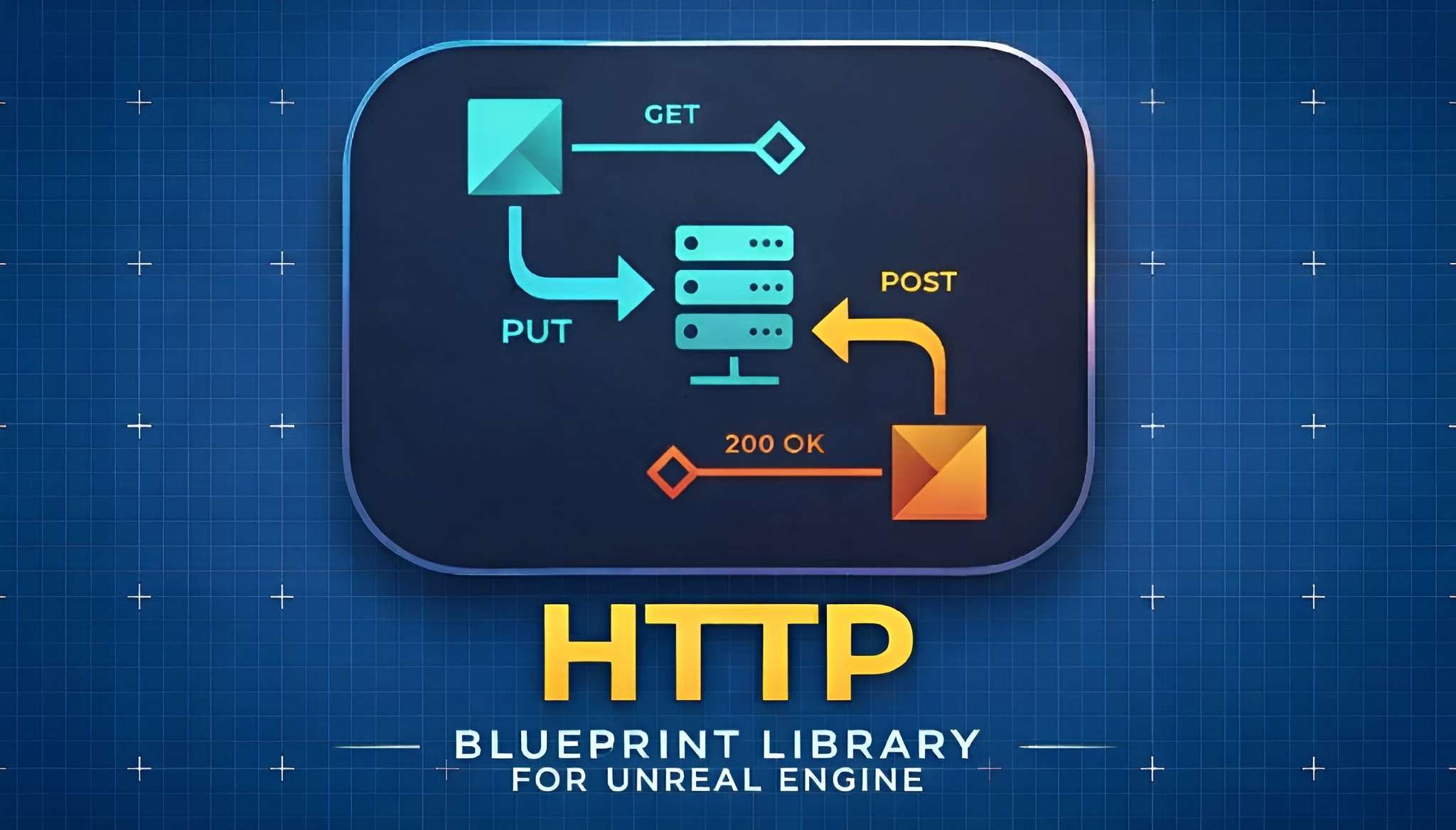
Why a local test server speeds up Unreal HTTP development
When you are building networked features in Unreal Engine, the backend is rarely ready when you are. You want to wire up an 'Async Quick GET', break the response, and check that your JSON parsing works long before the real REST endpoint exists. If you have ever wanted to test Unreal Engine HTTP requests locally with a mock server instead of blocking on a teammate or a half-built API, this is exactly the gap the EasyHTTP local test server fills.
EasyHTTP ships a built-in local test server alongside its request library, so you can run an HTTP endpoint inside the editor session itself. You decide what it returns, you point your real request nodes at it, and you can read back exactly what your game sent. There is no Docker container, no Node script, and no second machine to manage. It is the same workflow you would use against a production API, only the URL is a localhost address you control.
One honest caveat up front: the test server is HTTP-only and is meant for development, not production traffic. Treat it as a stand-in you spin up to exercise your client code, then tear down when you are done.
Start the local test server with a port and logging
The entry point lives in the EasyHTTP server library. Add the 'Start Local Test Server' node, typically on Begin Play in a test actor or a development-only utility Blueprint.
1. Right-click in your Blueprint graph and add the 'Start Local Test Server' node from the EasyHTTP server functions.
2. Leave the port at its default of 8080 unless that port is already in use on your machine, in which case pick another free port.
3. Keep logging to the console and screen enabled so you can see the server come up and watch requests arrive while you iterate.
4. Once it is running, point your requests at http://localhost:8080/ (or whichever port you chose). Any of the EasyHTTP call styles work against it: 'Async Quick GET', 'Async Quick POST JSON', or the full 'Easy HTTP Request' node with a method dropdown.
If you need more than one endpoint behaviour at once you can start additional servers on different ports, and 'Is Test Server Running' lets you guard against starting one twice. Because the server lives in the editor process, the moment it is up your existing request graph behaves exactly as it would against a remote host.
Customise the canned response
A server that always returns nothing is not much of a test. Use the 'Set Server Response' node to control what comes back, so you can rehearse both the happy path and the failures your game has to survive.
'Set Server Response' lets you set the response body, the content type, and the status code. Set the body to a JSON string that mirrors your real API contract, set the content type to JSON, and return a 200 status to drive your success path. Then flip the status code to 404 or 500 and confirm your 'On Failure' pin and error handling actually fire the way you expect.
This is the fastest way to harden client code before the backend exists. You can verify that your 'Json String to Struct' parsing populates the right USTRUCT, that a malformed body is handled gracefully, and that a server error does not soft-lock your UI. Remember that EasyHTTP only retries on connection failures, never on 4xx or 5xx HTTP responses, so a canned 500 from the test server is a clean way to confirm your application-level error handling rather than the retry path.
Inspect what your game actually sent
The other half of local testing is confirming your client sent the right thing. After a request hits the server, call 'Get Last Server Request' to read back the captured traffic.
'Get Last Server Request' exposes the Method, Path, HTTPVersion, Headers, Body, and Timestamp of the most recent request the server received. Break that result and you can assert, in the editor, that your POST went to the expected path, that your Content-Type and any custom or auth headers were attached, and that the JSON body you built was serialised correctly.
This closes the loop that is normally invisible during early development. Instead of guessing why a remote API rejects your call, you can see precisely what your Blueprint emitted. It pairs naturally with the EasyHTTP options builders: build an FEasyHTTPRequestOptions with a Bearer token or an API key, fire the request at the local server, then confirm via 'Get Last Server Request' that the Authorization header actually arrived as intended before you ever touch the real endpoint.
Clean up on End Play
Because the test server runs inside your editor session, you should shut it down deliberately rather than leave a socket bound. The simplest discipline is to start it on Begin Play and stop it on End Play.
1. On the End Play event of the same actor, add 'Stop All Test Servers' to bring down every server you started in one call.
2. If you started a single server on a known port and want finer control, use 'Stop Test Server' for that specific instance instead, and 'Is Test Server Running' to check state before acting.
3. Confirm in the log that the server reports it has stopped, so the port is free the next time you press Play.
With that pattern in place, you have a repeatable local HTTP harness: start a server, set a canned response, fire your real request nodes, inspect exactly what was sent, and tear everything down cleanly. When the production backend is finally ready, you change a single thing, the URL, and the rest of your Blueprint graph is already proven. EasyHTTP is Windows 64-bit only and targets Unreal Engine 5.5, 5.6 and 5.7, so confirm your project matches before you wire this in.
FAQ
Can I test Unreal Engine HTTP requests locally with a mock server without a real backend?
Yes. EasyHTTP includes a built-in local test server you start from Blueprint with 'Start Local Test Server'. Point your existing request nodes at http://localhost:8080/, set a canned reply with 'Set Server Response', and you can exercise your client code with no external backend.
What does the EasyHTTP test server let me control about the response?
The 'Set Server Response' node controls the response body, the content type, and the HTTP status code. That lets you return a realistic JSON 200 for your success path and switch to a 404 or 500 to test how your game handles errors.
How do I confirm my game sent the correct request?
Call 'Get Last Server Request' after a request arrives. It exposes the Method, Path, HTTPVersion, Headers, Body, and Timestamp, so you can verify the path, headers (including auth), and serialised body your Blueprint actually emitted.
Is the local test server safe to ship in production?
No. The test server is HTTP-only and intended for development, not production. Use it to validate your client during development, then stop it with 'Stop All Test Servers' and point your requests at your real HTTPS endpoint for release.
Which platforms and engine versions does EasyHTTP support?
EasyHTTP is Windows 64-bit only and targets Unreal Engine 5.5, 5.6 and 5.7. macOS, Linux, mobile and console are not supported.
EasyHTTP
GET, POST, PUT and DELETE with headers, JSON parsing and async callbacks — REST APIs in a few Blueprint nodes. Talk to web services, backends and game APIs without touching C++.
Related on Fab


Related reading