
tutorial · 2025-08-29
Virtual Texturing and Texture Streaming in Large UE5 Worlds
How to stop texture pop-in and high memory usage when working with massive landscapes and prop sets.
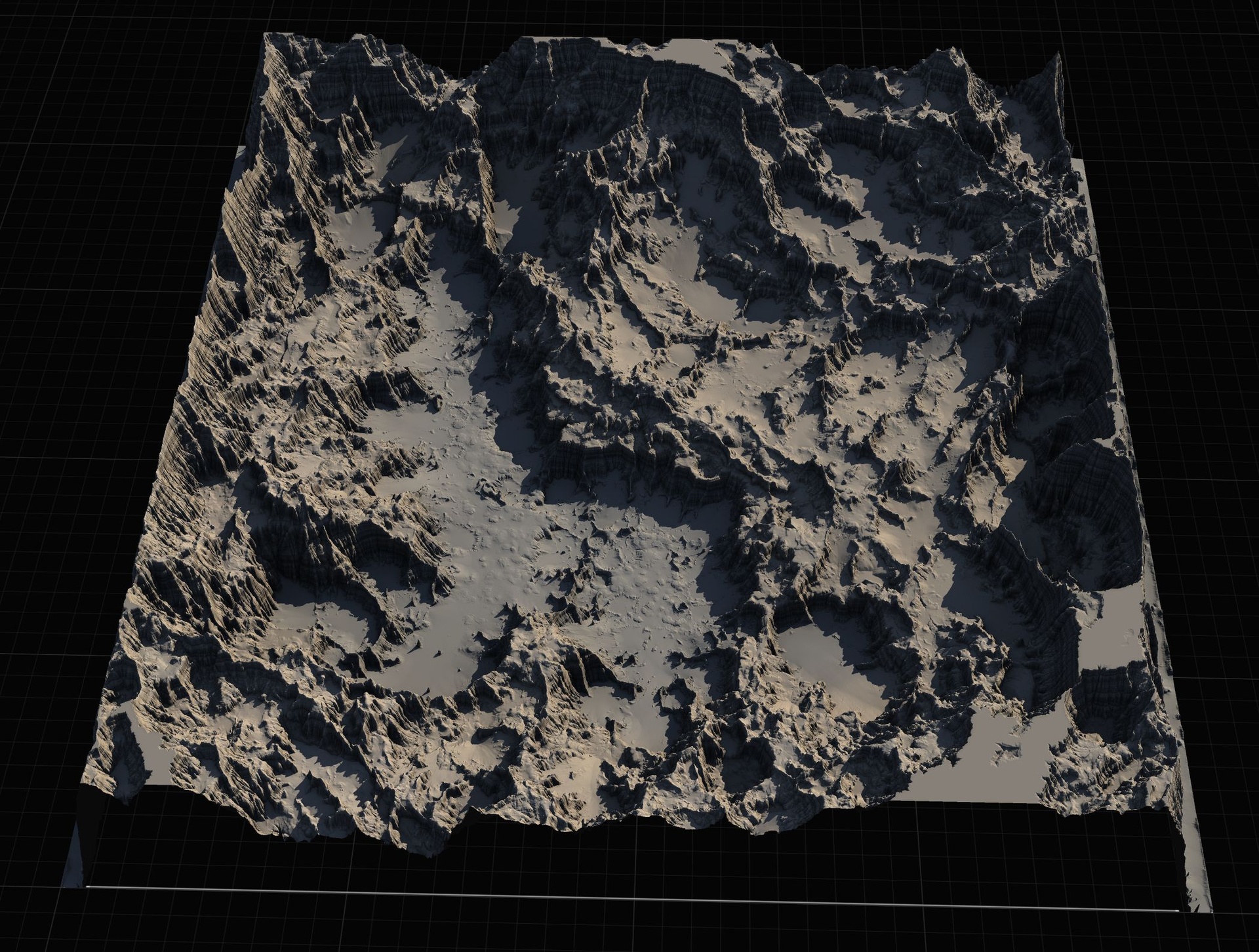
Texture memory is the silent killer of large worlds
A 4K landscape with 8-12 layers plus thousands of props with 2K+ textures can easily push texture memory into the 4-8 GB range even before Nanite geometry. On consoles and mid PCs this causes constant streaming thrashing and visible pop.
UE5's Virtual Texturing (VT) and improved streaming system help enormously, but only if you set them up correctly and author content with streaming in mind.
This is one of the most common 'why does my open world look blurry then sharp' complaints in 2025 projects.
Enabling and tuning Virtual Texturing
Enable 'Virtual Texturing' in Project Settings and on your landscape. For props, mark important textures as 'Virtual Texture' in the asset (or use the VT material domain).
Tune the 'Streaming Pool Size' and 'VT Tile Size'. Larger tiles reduce overhead but increase latency on pop. Most open worlds settle on 256 or 512 pixel tiles.
Use 'VT Feedback' visualizers to see what is actually being requested. You will often discover that a few hero assets are eating the entire budget.
Landscape layer and prop authoring rules
Keep landscape layer textures to 1K or 2K maximum. Use the landscape's 'Virtual Texture Stacks' feature so multiple layers share a single VT page.
For props, create texture budgets per biome or distance band. Distant rocks and trees can use 512 textures. Only near-camera hero meshes need 2K or 4K.
Use texture arrays or atlases for repeated small props (flowers, small rocks) instead of unique 2K maps for every variant.
Diagnosing and fixing pop-in
Enable 'r.Streaming.LowResMipBias' and 'r.VT.Enable' console variables while testing. Walk the world at different speeds and camera angles.
Common fixes: increase streaming pool temporarily during heavy camera moves, pre-stream important areas with 'Prestream Textures' calls, reduce mipmap bias on key materials, and make sure Nanite meshes have proper texture coordinate scaling.
Profile with the Texture Streaming stats in the editor. The 'Wanted' vs 'Resident' columns tell you exactly which textures are fighting for budget.
FAQ
Do I need Virtual Texturing for every texture?
No. Small UI textures, particle flipbooks, and very frequently used small props are often better as regular streaming textures. VT shines on large unique landscape and environment textures.
Massive Open World Landscape Pack
Fourteen ready-to-play open-world landscapes with an auto-material setup — 56 heightmaps from 1K to 8K, including volcanic islands and oceans. Drop in, paint your own textures and build your world.
Related on Fab
Related reading