article · 2026-06-07
How to Voice an Entire RPG Cast in UE5 With No Recording Budget
A practical workflow for getting every NPC in your fantasy RPG talking on day one, using one shared dialogue query and a library of ready archetypes.

Why NPC voiceover is the line item that sinks indie RPGs
Everyone who has tried to ship a dialogue-heavy RPG hits the same wall. The systems work, the quests branch, the writing is there on the page, and then you press play and the world is silent. A fantasy cast of any real size means dozens of speaking characters, each wanting a greeting, a few combat barks, some shop or story lines, and a reaction or two. Recorded properly, that is a casting call, studio time, direction, and editing, multiplied across every role, before a single line of in-game logic exists.
So the real question most solo and small-team developers are actually asking is how to voice all NPCs in an Unreal Engine RPG cheaply, without that work collapsing the rest of the schedule. The honest answer is that you do not get a budget-free professional cast by recording it yourself. You get it by starting from a library that already covers the archetypes your game needs, and then spending your effort on the part that is genuinely yours: wiring those voices into your gameplay cleanly.
This guide walks through that approach using the Fantasy NPC Voices complete pack, a single UE5 project that consolidates 21 fully-voiced NPC archetypes under one content root. The point is not just that the audio exists. It is that all 21 archetypes share one data layout, which means you can write the dialogue-playing code once and reuse it for every character in your game.
What a 21-archetype library actually covers
The pack is the entire Lore Pack collection in one drop: 21 distinct archetypes spanning heroic and noble roles, arcane and mystical casters, divine beings, dark and villainous characters, and ordinary common folk. In practice that is paladins, vampires, witches, wizards, bards, goblins, necromancers, deities and more, which is broad enough to cover most of a conventional fantasy cast without you having to commission anything new.
Underneath the archetypes sits a large body of recorded audio. The bundle ships 13,668 USoundWave assets, which break down as 12,111 dialogue lines, 793 voice-FX lines and 764 music and theme tracks, each with a matching audio cue. That is roughly 33 hours of voiced content when you count dialogue and voice FX together, recorded as 44.1 kHz mono one-shot PCM SoundWaves. It is CD-quality mono, not stereo, which is exactly what you want for positional NPC speech anyway.
Every line is context-aware. Dialogue is tagged by category and subcategory covering situations like combat, social, story, discovery, emotion, self, response and atmospheric environment, with a size tier on each line. That tagging is what lets you ask for the right kind of line at the right moment instead of playing audio at random. Alongside the audio there are 105 DataTables (five per character), 21 DialogueVoice assets for Unreal's built-in dialogue system, 413 image textures including character portraits, and 1,796 written-lore items you can surface as in-world readable documents.
Mapping archetypes to your game's roles
Before you touch any code, do a casting pass on paper. List every speaking role your game needs, then assign each one to the closest archetype in the library. A quest-giving minstrel in your tavern maps cleanly onto the bard. A shrine that addresses the player from on high maps onto the deity. A town weaponsmith maps onto the blacksmith. Most fantasy casts decompose into these recurring shapes far more than designers expect.
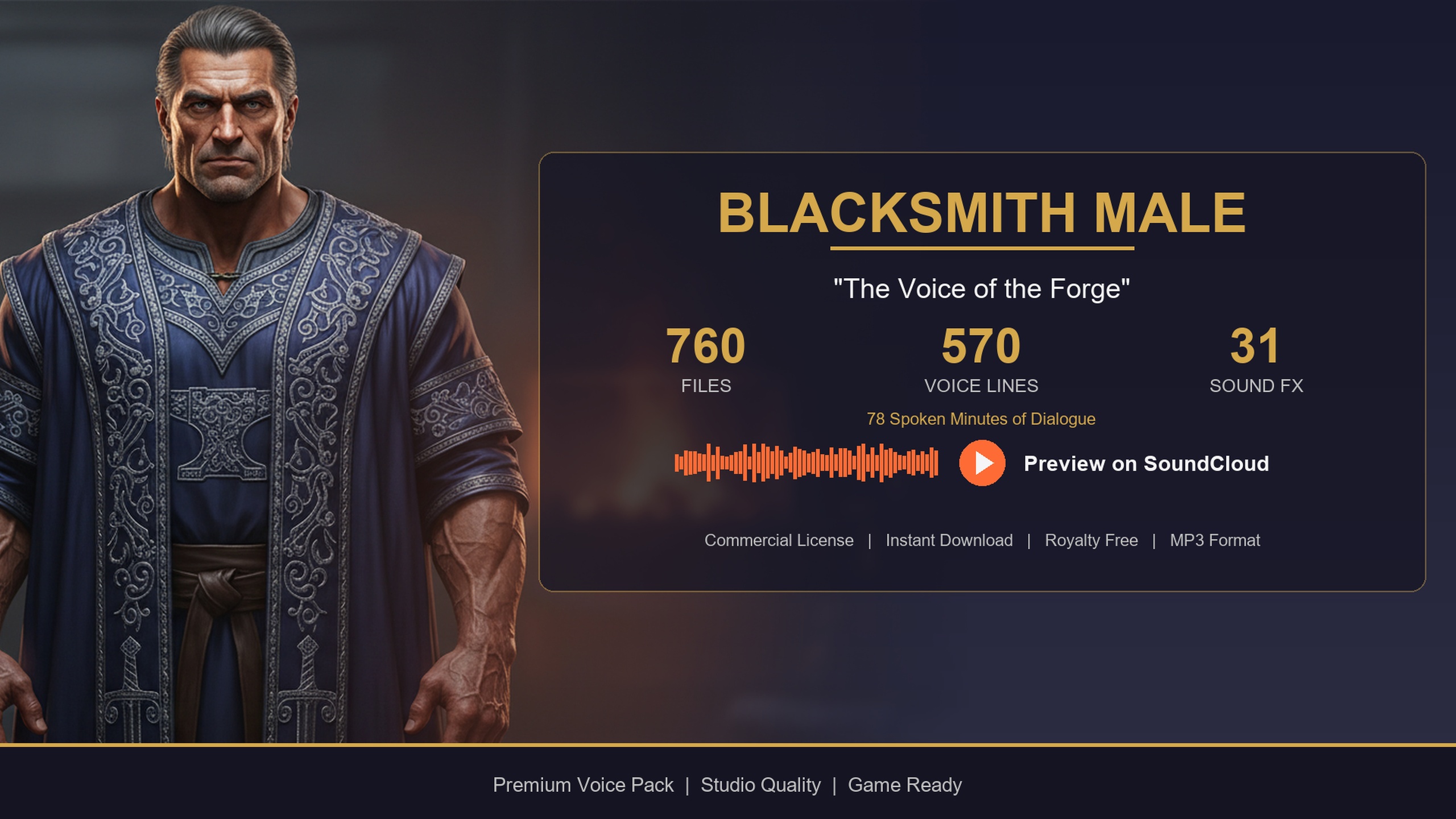
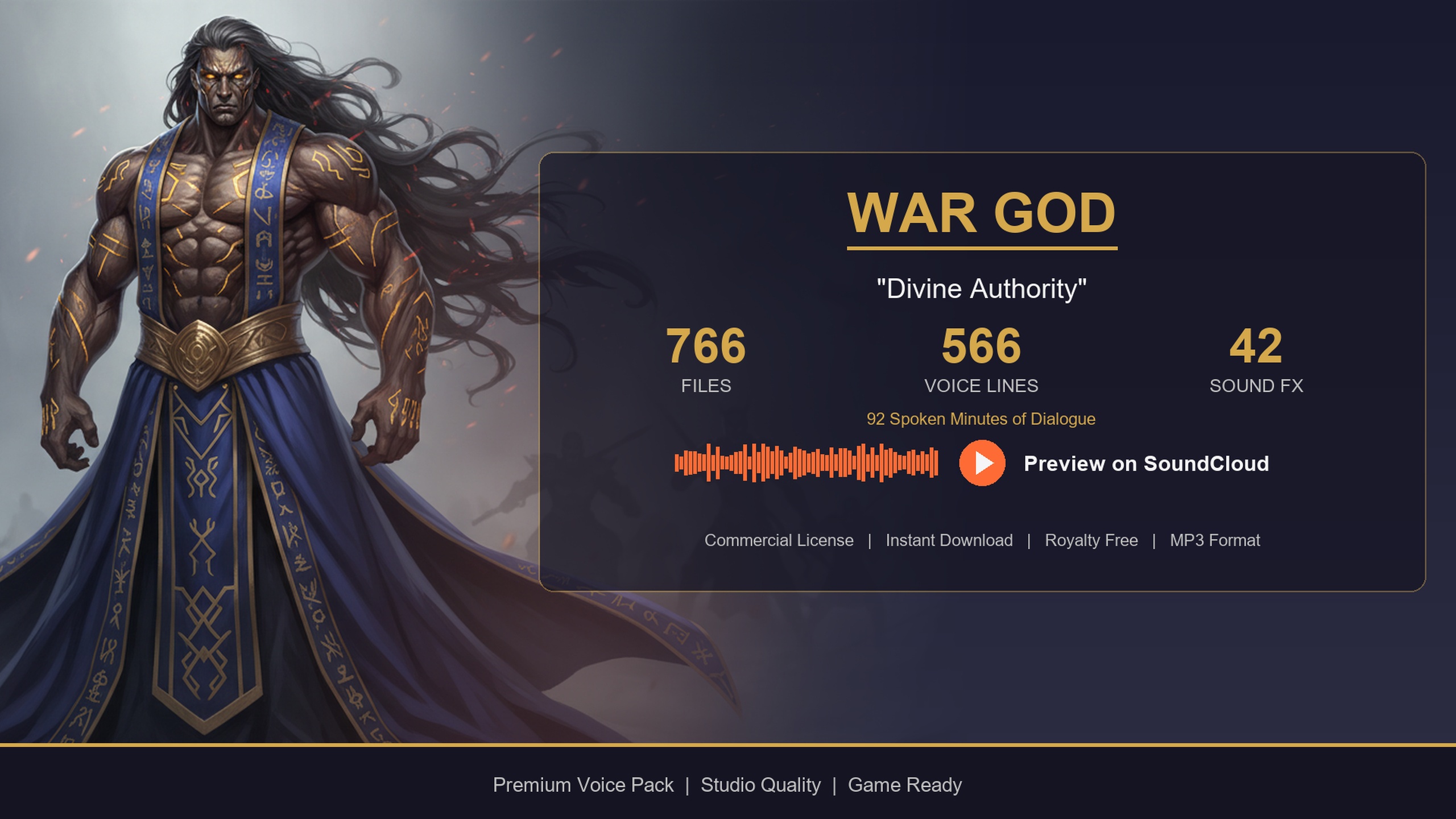
Lean on the category each archetype skews toward when you assign roles. Bards are story-heavy, so they suit quest-givers, narrators and campaign intros where you want longer, theatrical lines. The deity is a thunderous war-god voice built for proclamations, oracles and boss reveals, and works best non-diegetically as a voice from above. The blacksmith is a gravelly, forge-warm baritone tuned for shop greetings, farewells and crafting flavour. Matching the performance to the role up front saves you fighting the audio later.
You do not have to use all 21. A modest RPG might need six or eight archetypes, and the largest single character in the pack, the Old Wizard (Male), already carries 777 dialogue lines on its own, so even one archetype goes a long way. The mapping exercise tells you exactly which character folders you will migrate, which keeps your project lean and your download targeted.
One reusable dialogue query for every NPC
This is the part that makes the no-budget approach scale. All 21 archetypes are built on five shared UScriptStruct row schemas: ST_DialogueRow, ST_CharacterProfileRow, ST_EquipmentRow, ST_QuestRow and ST_WrittenContentRow. These schemas are byte-identical across every pack, so a query that works for the bard works unchanged for the deity, the blacksmith, or any other character. You write the dialogue-playing logic once.
Each character's DT_Dialogue table uses the same row fields: Name, DialogueName, ResponseText, CharacterName, EmotionalTone, ContextTags, NPCType and a VoiceAudio reference held as a TSoftObjectPtr to a USoundWave. Because the audio is a soft pointer, nothing loads into memory until you actually play a line, so referencing thousands of clips across your cast costs you very little until they are needed.
Here is the Blueprint flow for a single reusable function. 1. Take the character's DT_Dialogue table and a context string (for example 'combat' or 'social/greeting') as inputs.
2. Call 'Get Data Table Row Names' on that table, then 'For Each Loop' over the names and 'Get Data Table Row' to read each row.
3. Keep only the rows whose ContextTags contains your context substring, collecting them into an array.
4. Pass that filtered array to a random selection, then take the chosen row's VoiceAudio and call 'Load Synchronous' on the soft object reference to resolve the actual SoundWave.
5. Feed the loaded SoundWave into 'Play Sound 2D' for non-diegetic lines, or 'Play Sound at Location' / 'Spawn Sound Attached' for an in-world NPC, and optionally display ResponseText as subtitles.
In C++ the same idea is even terser: call GetAllRows on the DT_Dialogue table as FDialogueRow, filter on Row->ContextTags.Contains(Context), pick a random survivor, and play VoiceAudio.LoadSynchronous(). Swap which DataTable you pass in and the identical function voices a completely different character. To route audio through Unreal's native dialogue system instead, assign that character's DV_ DialogueVoice asset as the speaker.
Migrating only what you need
The pack arrives as one UE5.3 project, and the download is large at roughly 30.7 GB zipped, so you do not want to drag the whole thing into your game wholesale. Instead, each character folder lives under Content/FantasyNPCVoices_CompletePack/ and is fully self-contained, which means you can cherry-pick.
Open the pack project (or add it as content), right-click the folder for an archetype you mapped earlier, and choose Migrate to copy just that character, with its audio, cues, DataTables, structs and textures, into your own project's Content directory. Repeat for each role on your casting list, or migrate several at once. Inside each folder the layout is asset-type-first, with separate Audio, AudioCues, DataTables, DialogueVoices, Structs and Textures directories, and consistent prefixes (A_ for SoundWaves, T_ for textures, DT_ for DataTables, ST_ for structs, DV_ for DialogueVoices) so everything stays easy to find.
Because the five row structs are shared, migrating two characters does not give you two slightly different schemas to reconcile. Unreal recognises the structs as the same assets, so your single query function keeps working across every character you bring in. This is the practical payoff of the shared layout: adding a voice to your cast is a copy operation plus a DataTable reference, not a new integration each time.
Performance, scaling and swapping voices later
The defaults are friendly to runtime performance. SoundWave references are soft pointers, so memory stays flat until a line plays and you are never holding 33 hours of audio resident at once. DataTables, by contrast, load synchronously, and at typical row counts that is a sub-100ms cost. If you query dialogue inside a hot loop, cache the row pointers at initialisation rather than re-reading the table every frame, and pre-filter rows by category once at startup so playback is just a random pick. Cooked builds compress the audio per target platform, which keeps shipped size sensible.
The pack also gives you a clean upgrade path. A common pattern is to prototype your whole cast from this library, then swap individual archetypes for bespoke recordings as you reach production and your budget allows. Because every character is queried through the same function and the same struct, replacing one voice means pointing a DataTable at new audio, not rewriting your dialogue system. You can also fill DT_WrittenContent rows into readable in-game books, letters and scriptures, reusing the lore that ships alongside the voices.
If you only need a single character rather than the full cast, the individual archetype packs exist as standalone listings and use the exact same DT_Dialogue schema, so anything you build against one works against all of them. The next step is concrete: do the casting-to-archetype map for your game, migrate just those folders, write the one query function above, and you have a fully voiced cast wired into your gameplay without a single hour of studio time.
Example archetype-to-role mapping
| Game role | Archetype | Voice character | Voice lines | Audio (mins) |
|---|---|---|---|---|
| Quest-giving minstrel / narrator | Bard | Theatrical male bard | 570 | ~112 |
| Shrine / divine boss / oracle | Deity | Thunderous war-god | 566 | ~92 |
| Town smith / weapon merchant | Blacksmith | Gravelly forge baritone | 570 | ~78 |
Figures are from each pack's User Guide. Line and minute counts are per individual character.
FAQ
Can I really voice all the NPCs in my Unreal Engine RPG cheaply with one pack?
Yes, within the limits of a library rather than a custom recording. The Fantasy NPC Voices complete pack gives you 21 fully-voiced archetypes covering most common fantasy roles for $99.99 with royalty-free commercial use under Fab's standard EULA. You map your cast onto those archetypes and play their lines, which removes the per-line recording cost. It will not give you a character no archetype resembles, but for a conventional fantasy cast it covers the bulk of your speaking roles in one drop.
Do I have to import all 21 archetypes and 30 GB of audio?
No. Each character folder under Content/FantasyNPCVoices_CompletePack/ is self-contained, so you right-click and Migrate only the archetypes you actually cast. You can bring in six characters and leave the rest. SoundWave references are soft pointers, so even the audio you do migrate stays out of memory until a line plays.
How does one query work for every character?
All 21 archetypes share five byte-identical row structs, including ST_DialogueRow behind every DT_Dialogue table. The fields (including ContextTags and a soft VoiceAudio pointer) are the same for every character, so a single Blueprint or C++ function that filters rows by context and plays the audio works unchanged no matter which character's DataTable you pass in.
Is the audio good enough for a shipping game?
The clips are professionally recorded 44.1 kHz mono one-shot PCM SoundWaves, which is CD-quality and well suited to positional NPC speech. It is mono rather than stereo, which is correct for in-world voices that should attenuate with distance. Cooked builds compress the audio per target platform automatically.
What if I want to replace a voice with my own recordings later?
That is the intended upgrade path. Because every character is driven through the same query and the same struct, swapping a voice means pointing a DataTable's VoiceAudio rows at new SoundWaves rather than rewriting your dialogue system. You can prototype your whole cast from the pack and replace individual archetypes as your budget grows.
Fantasy NPC Voices
The complete fantasy voice megabundle: roughly 33 hours of dialogue across 13,668 voiced WAVs at 44.1 kHz — paladins, vampires, witches, wizards, bards, goblins, necromancers and more. One library to voice an entire RPG cast.
Related on Fab

Related reading